Produktbeschreibung
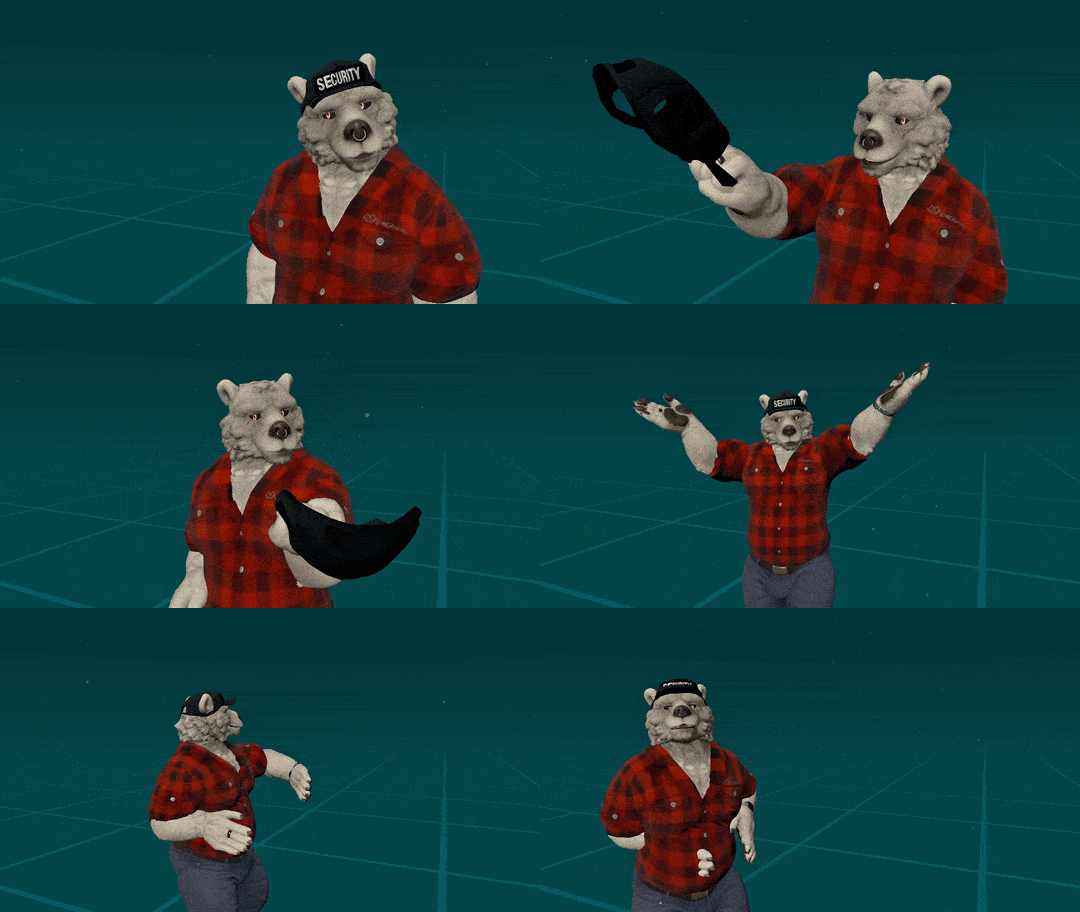
 Grab Your Hat!
Make your hat grabbable! It can be grabbed wither either hand, left in place, or be put back on your head.
*This system does not come with any hat, it's made to work with any hat (as long as it's its own, separate object)
Let Others Grab it Too!*
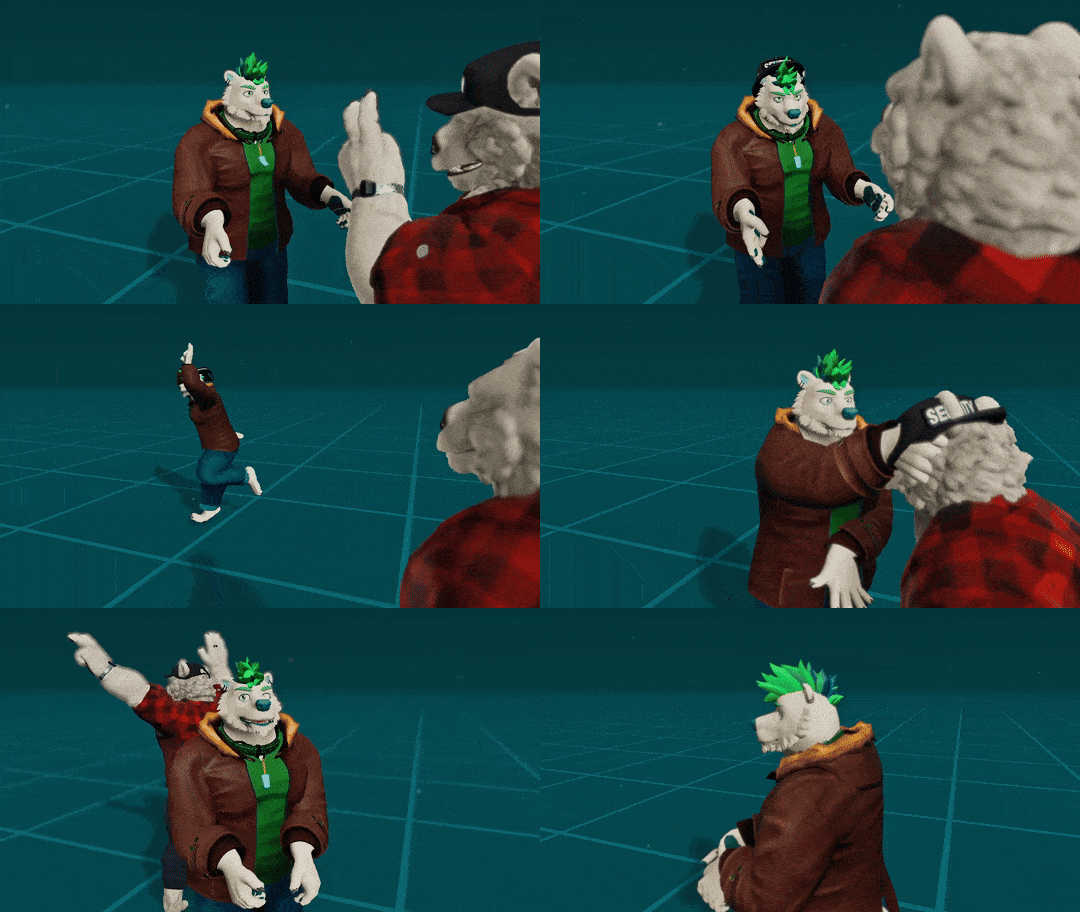
Let people garb the hat off your avatar (Can be toggled off)
*Shareable Version Only. Also comes with caveats, so please check the 'read before you buy' section
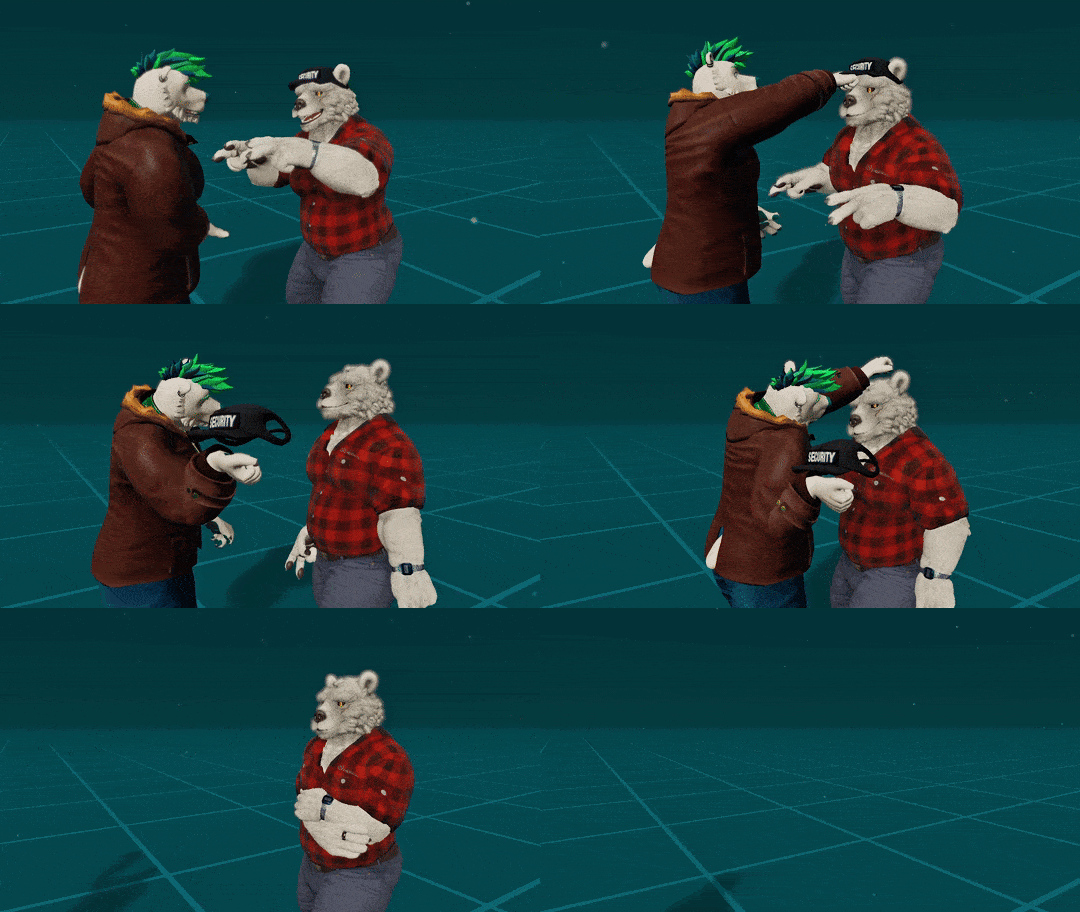
Place It On Their Head!*
The hat can be placed on other people's avatars.
*Shareable Version Only. Also comes with caveats, so please check the 'read before you buy' section
Bonus Feature: Quick Toggle Gesture
Is your hat gone? Or do you just want to take it off for a bit? Use 'Rock and Roll' gesture with your left hand, and then grab onto where the would be to toggle it on or off!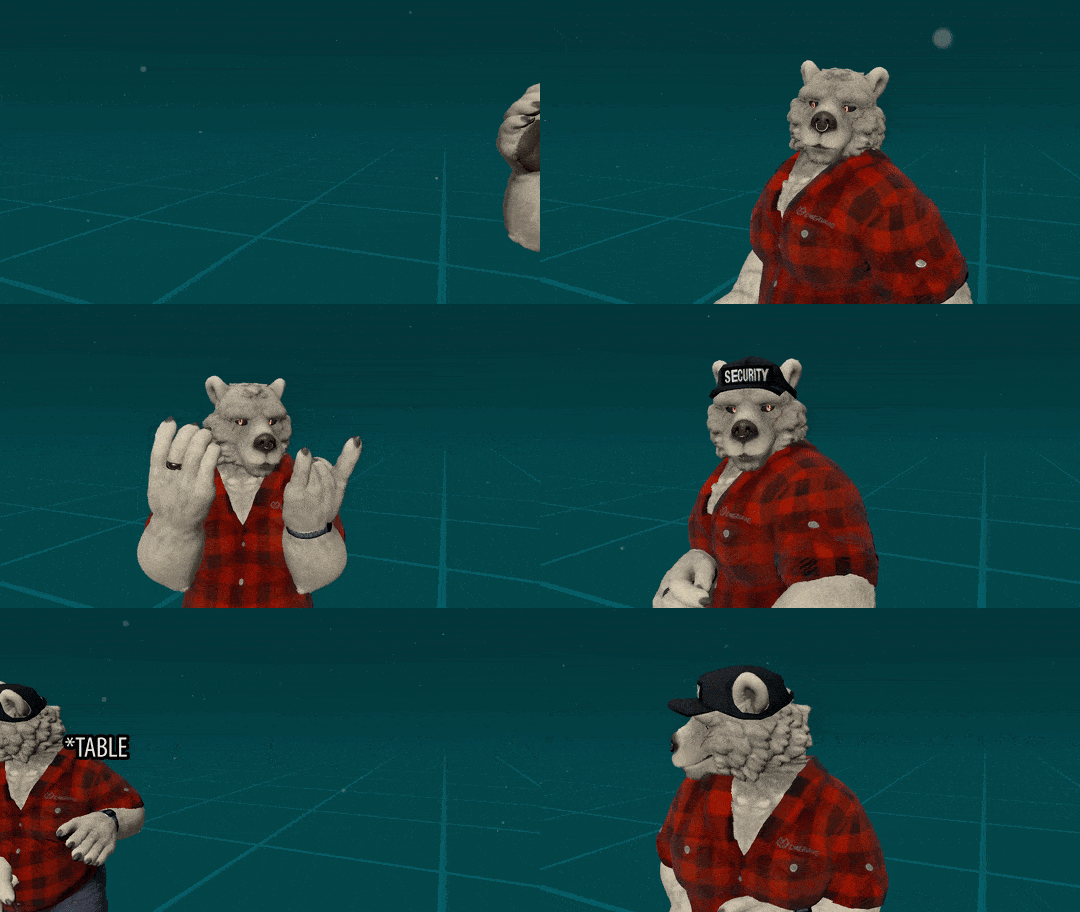
Easy Install with VRCFury
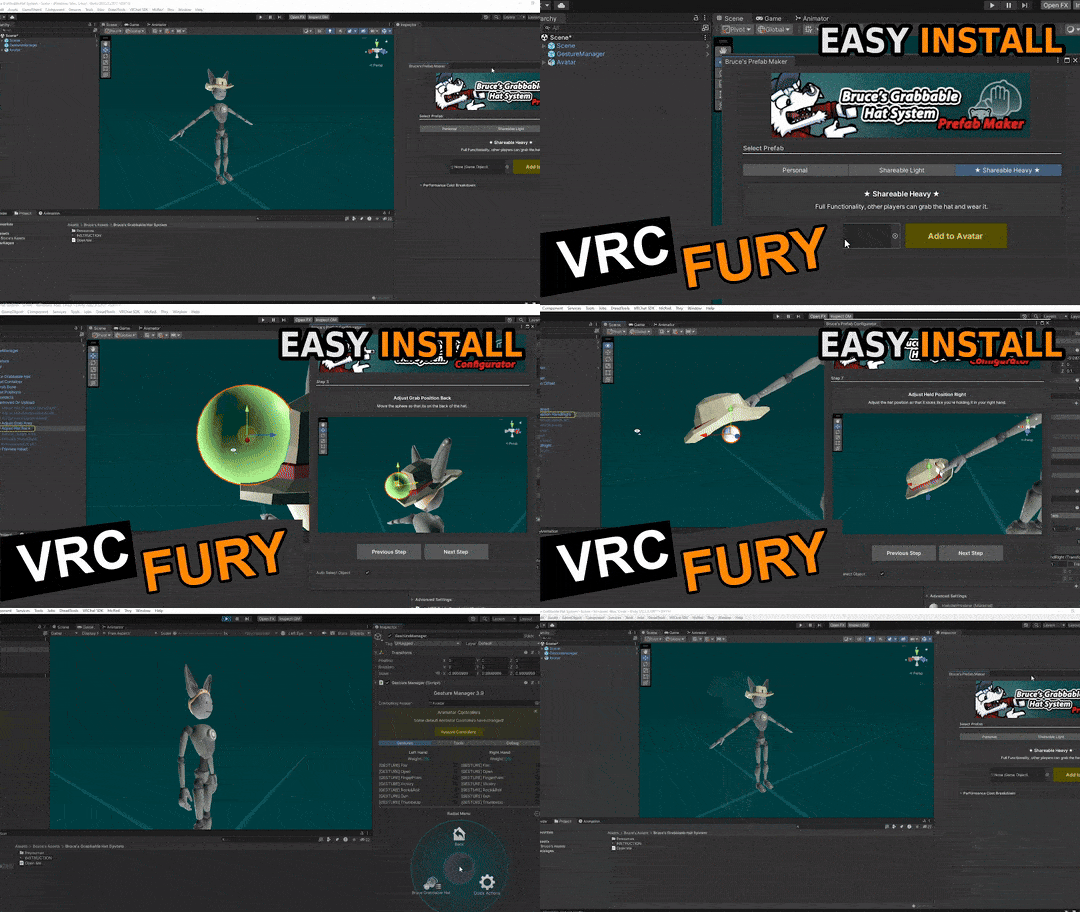
It only takes a couple of minutes to make your hat grabbable! Just drag my asset onto your avatar and press a few buttons! The step-by-step installer will help you fit it to your avatar.
 Instructions included:
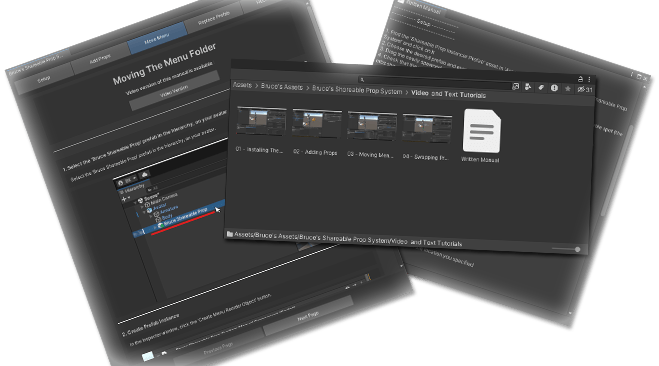
Step-By-Step click-through Instructions with pictures, as well as video instructions are available
 Requirements:
- VRChat Creator Companion
- Existing avatar project on Unity 2022+
- Separate hat object that can be moved in editor as well as moved in the hierarchy
- Latest version of VRChat SDK 3
- Latest version of VRCFury
Download VRChat Creator Companion
 Read before you buy Shareable Version!
- When put on other people's head, the hat will not rotate with the other persons head! It will only move.
- When held in other people's hand, the hat will not rotate, only move!
- Putting the hat on other person requires them to have interactions ON, as well as properly configured avatar colliders
- Shareable Prefab is more complex, so it impacts your performance rating more than the non-shareable prefab
- Shareable Prefabs Quest syncing requires additional steps to get working! Please check the instruction!
- Shareable, 'Heavy' Prefab require an avatar with WD (Write Defaults) On. You can still use this on your WD off avatar, as long as you don't force WD off on this prefab.
- Shareable Prefab grab and hold is based on a PhysBone. If people fail to grab the hat, tell them to use the "Pointing", or "Finger Gun" gesture.
 Performance:
This asset comes in different configurations (Cost not including your hat):
Personal - Ultra Light, Simple (Not Shareable, Quest Compatible):
- Constraint Components: 2
- Network Memory: 3 Bits
- Animator Layers: 1
Shareable Light Prefab (Shareable Version Only) - Grab Only (No Placing On People's Head, Quest Compatible):
- Non-Local Contacts: 0
- Material Slot + Static Mesh Count: 1
- Constraint Components: 6
- PhysBone Components: 1
- Network Memory: 5 Bits
- Animator Layers: 1
Shareable Heavy Prefab (Shareable Version Only) - Full Functionality (Quest Compatible):
- Non-Local Contacts: 6
- Material Slot + Static Mesh Count: 1
- Constraint Components: 8
- PhysBone Components: 1
- Network Memory: 13 Bits
- Animator Layers: 2
Credits:
-Credit to VRLabs. I based my hat system on their contact tracker prefab. Check out their stuff at: vrlabs.dev
-Some of the original icons are taken from flaticon.com
-Thanks to Polar Pop for helping me with testing, recording some of the Gumroad gifs
-Thanks to Raq for helping me get the web instruction set-up!
 License:
My assets are provided "as is," with no warranty of any kind.
They work with the version of Unity, the VRChat SDK, or any other dependent software used during development. Future updates to these dependencies may break the asset.
(If that happens, feel free to let me know—there might be a fix!)
You Can:
- Modify this asset and upload it for personal use
- Commission any work on this assets as long as both parties own the asset (commissioner AND commissionee)
- Use this asset on public avatars on VRChat as long as the asset is unmodified, and all the original icons and names are kept.
You Can't:
- Claim this asset as your own
- Remove any credit, icon, or modify this asset for use on Public avatars on VRChat
- Share this asset on any 3rd party website, or with other people. You buy this asset for yourself and yourself only - the license is non-transferable
- Share or sell modified or customized versions of this asset
- Use this asset to either promote or be associated with any kind of bigotry, hate speech, or dehumanizing content of any kind.
- Use this asset to in connection to AI content or tools. Do not train any AI models on my assets. Do not feature my assets in any AI works.