Produktbeschreibung
 Go AFK. It's game over.
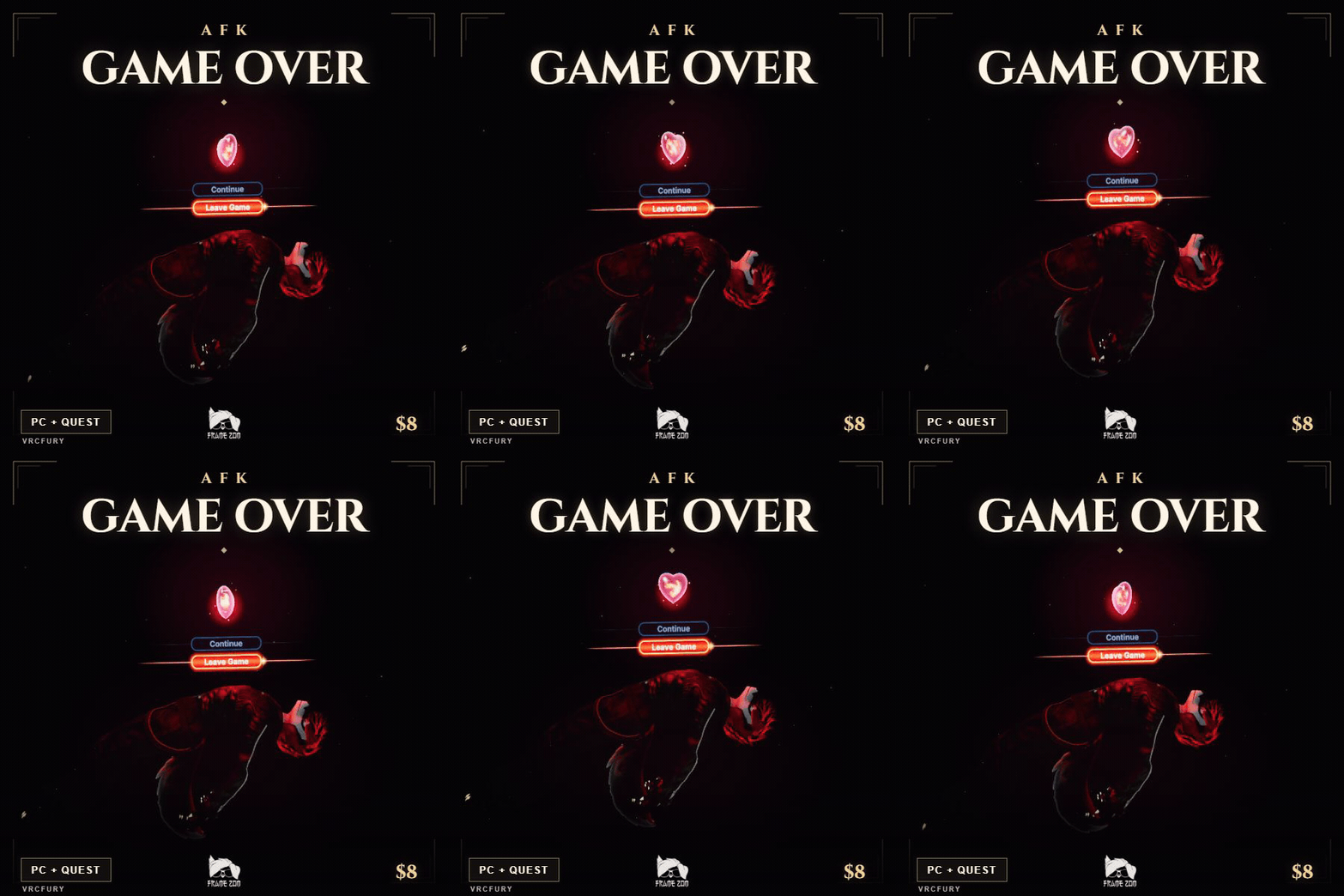
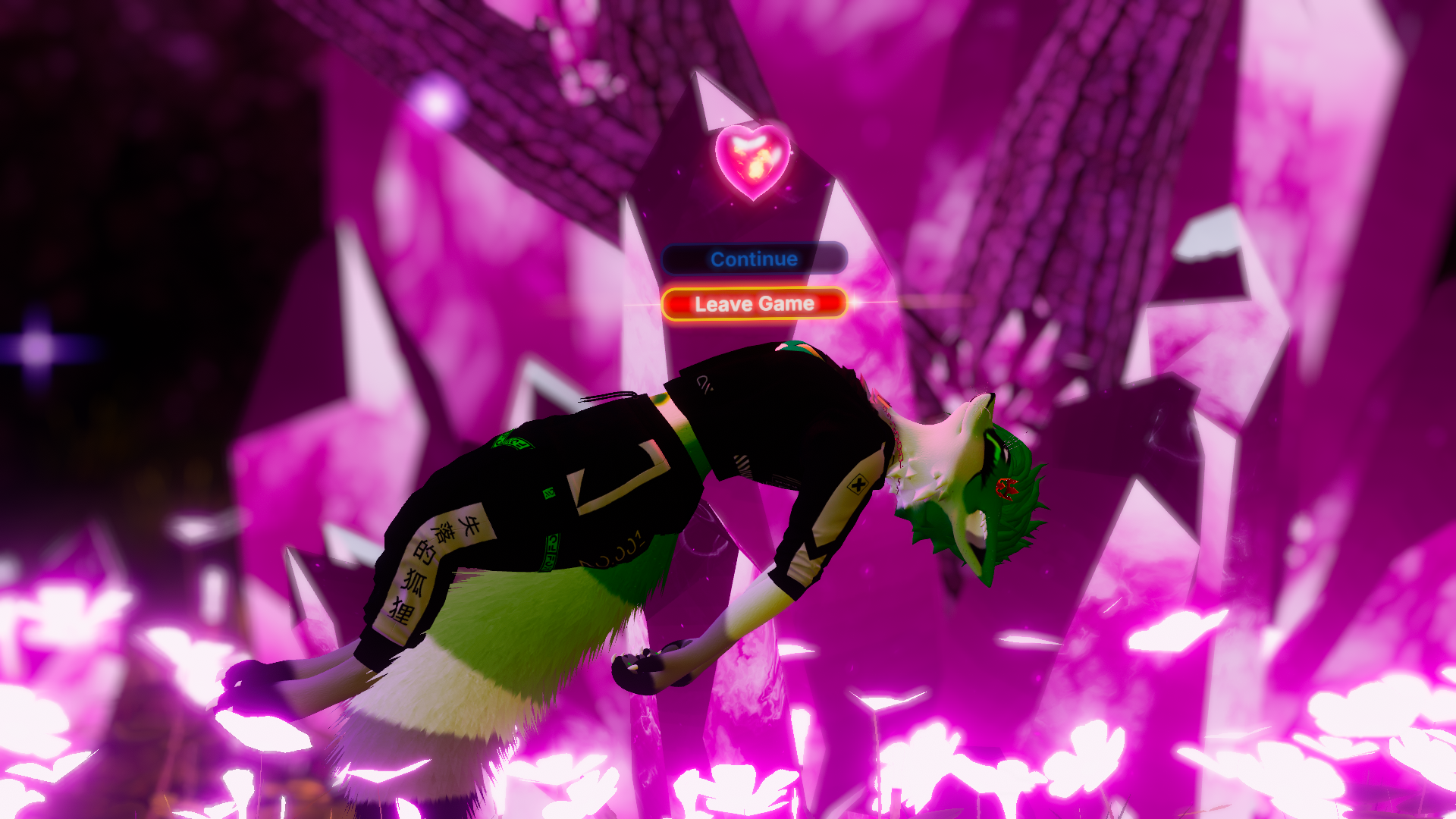
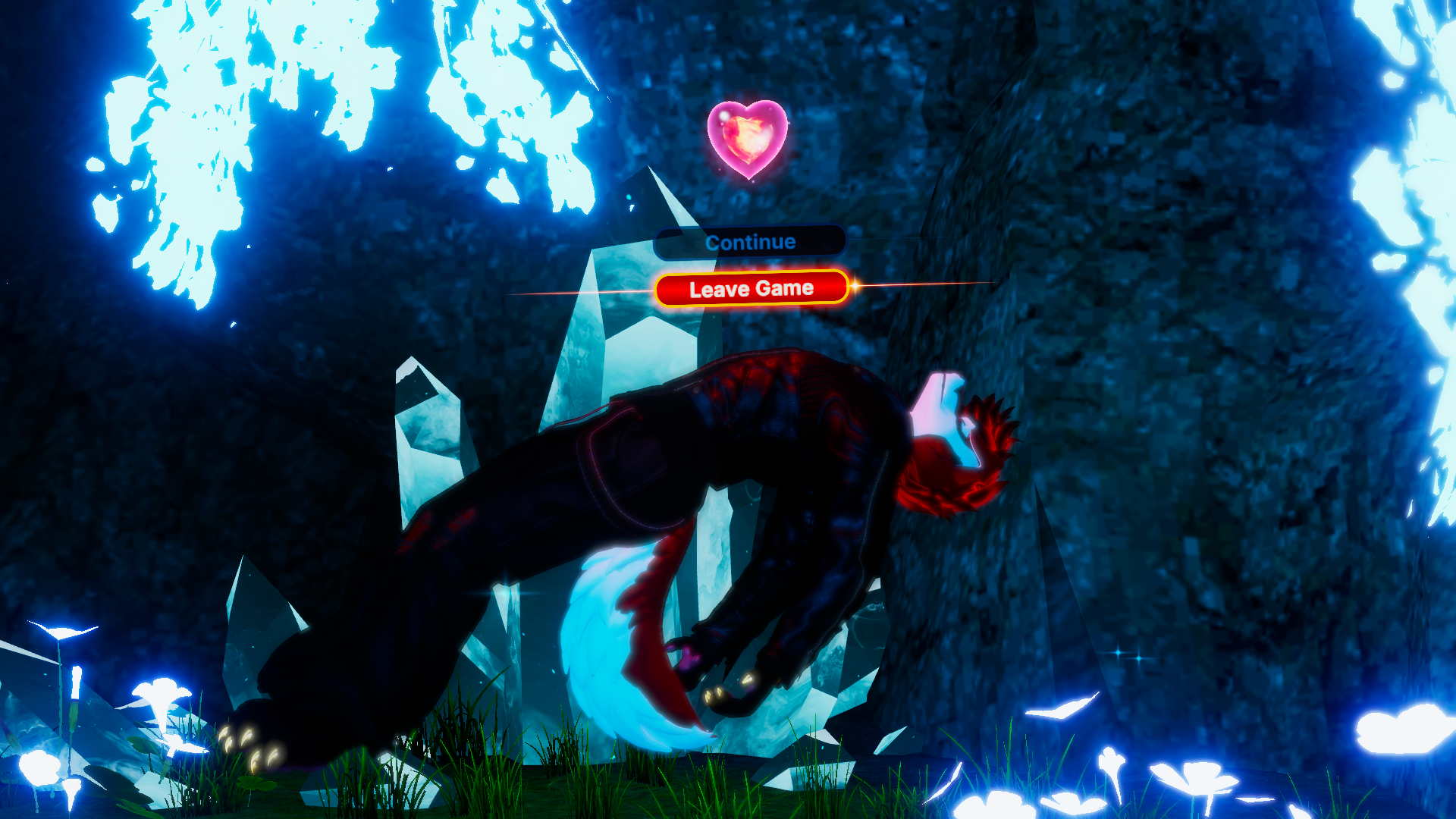
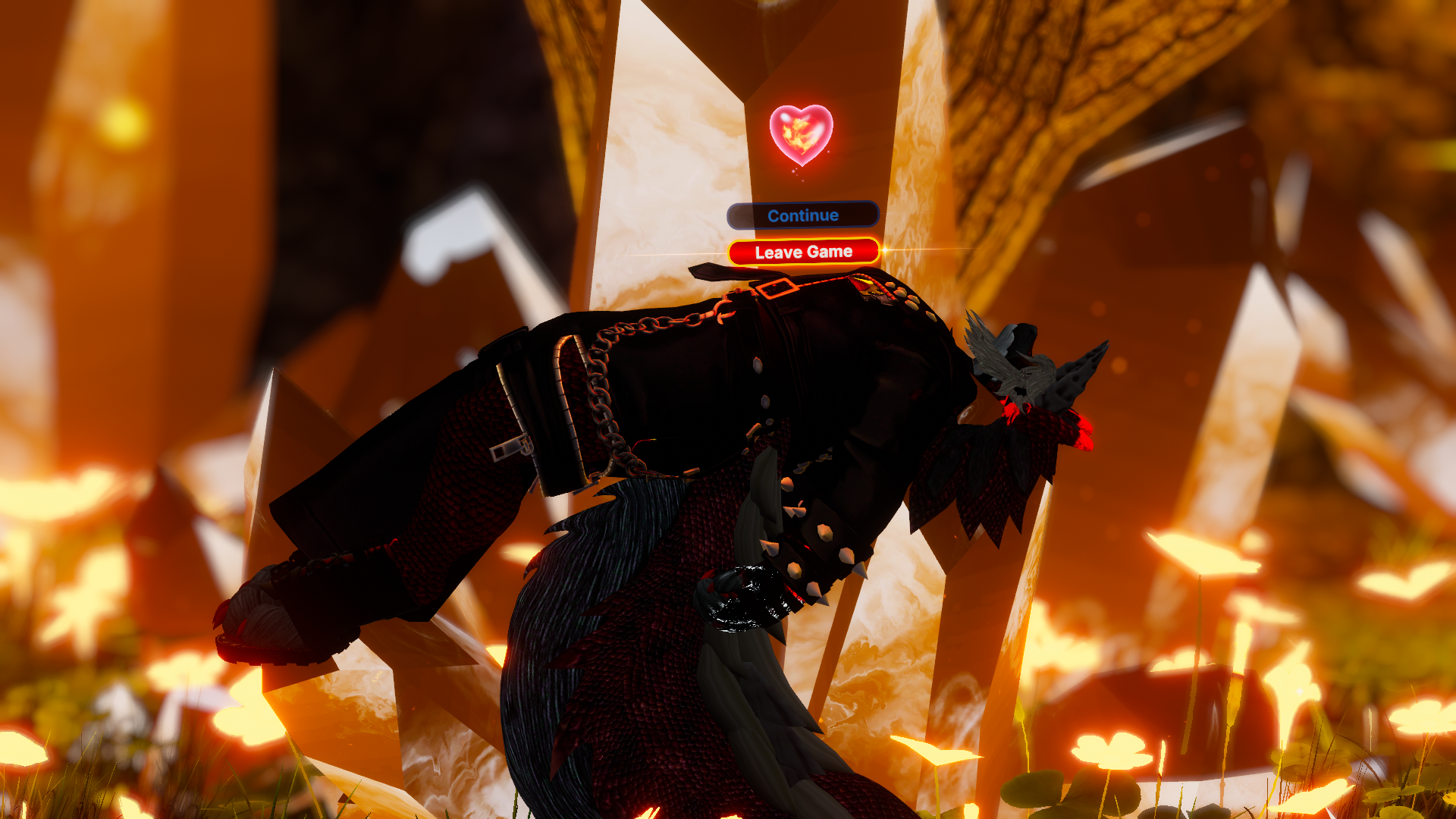
Your avatar floats face up under a spinning heart and the Continue / Leave Game menu. Your friends can try, but hitting you won't wake it up.
When you come back, the cursor moves to Continue, confirms on its own, and your avatar gets up. You don't need to press anything.
 WHAT YOU GET
• Separate PC and Quest prefabs.
• Enter, floating loop and return animations.
• Spinning heart and floating menu with an automatic confirmation.
• AFK on toggle to try it without removing your headset.
• Support for GoGo Loco's AFK toggle.
• Closed eyes on avatars with a compatible blendshape.
• Original ambient loop and cursor/confirmation sounds on PC.
• English and Spanish instructions.
 PC + QUEST
PC: crystal heart, sparkles, sound and a red light that illuminates your avatar and nearby avatars.
Quest: same pose, eyes, menu and visual confirmation, with a simpler heart and no light, sparkles or sound. The menu card can rotate with the camera in portrait photos.
 SETUP
1. Install the VRChat Avatars SDK and VRCFury in your avatar project.
2. Import the package and drag your platform's prefab onto your avatar root, outside the Armature.
3. Upload your avatar. It starts when VRChat marks you AFK.
Use only one platform prefab per avatar version. Requires a Humanoid avatar. The avatars shown aren't included.
 A FEW THINGS TO KNOW
• The manual toggle uses 1 bit of synced parameter memory.
• Controller movement stays locked until your avatar finishes getting up.
• The PC light limits the performance rank to Poor at best, even when disabled.
• Quest adds 1 particle system and 2 materials and also limits the rank to Poor. Your final rank depends on the whole avatar.
Quest testing: the Quest version has passed Unity and Android build checks. Testing on a standalone Quest headset is still pending.
 NEED A HAND?
Message me with a screenshot and let me know whether you're using PC or Quest.
Footage and appearances: Karu, Xie and Xero. Thank you for helping me show it in VRChat.
Made by Frame Zom.