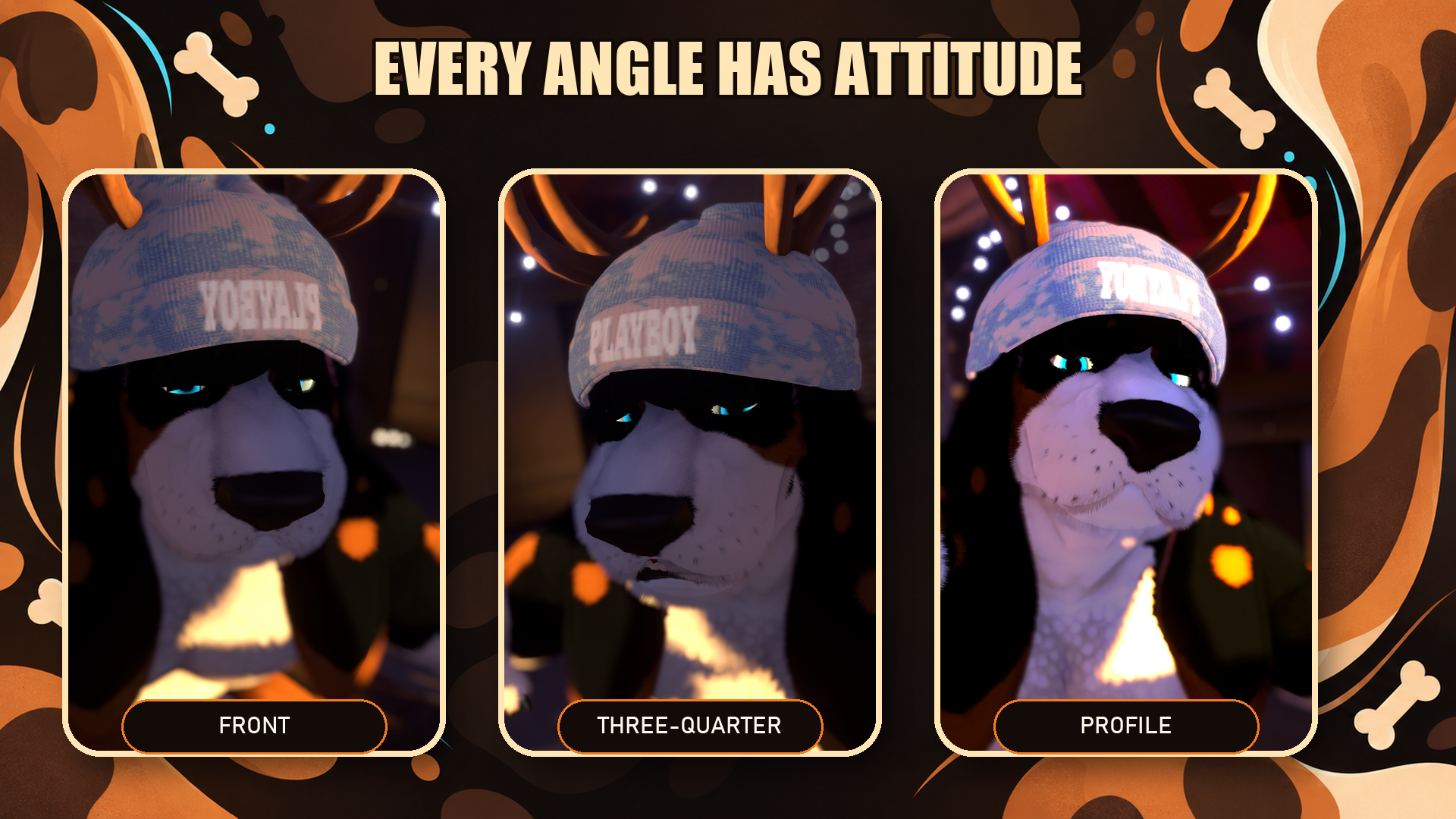
Bloodhound Ears | VRCFury + PhysBones (PC)
Produktbeschreibung
Dieses Produkt enthält KI-generierte Inhalte.
BLOODHOUND EARS
Long, floppy.
By Frame Zom
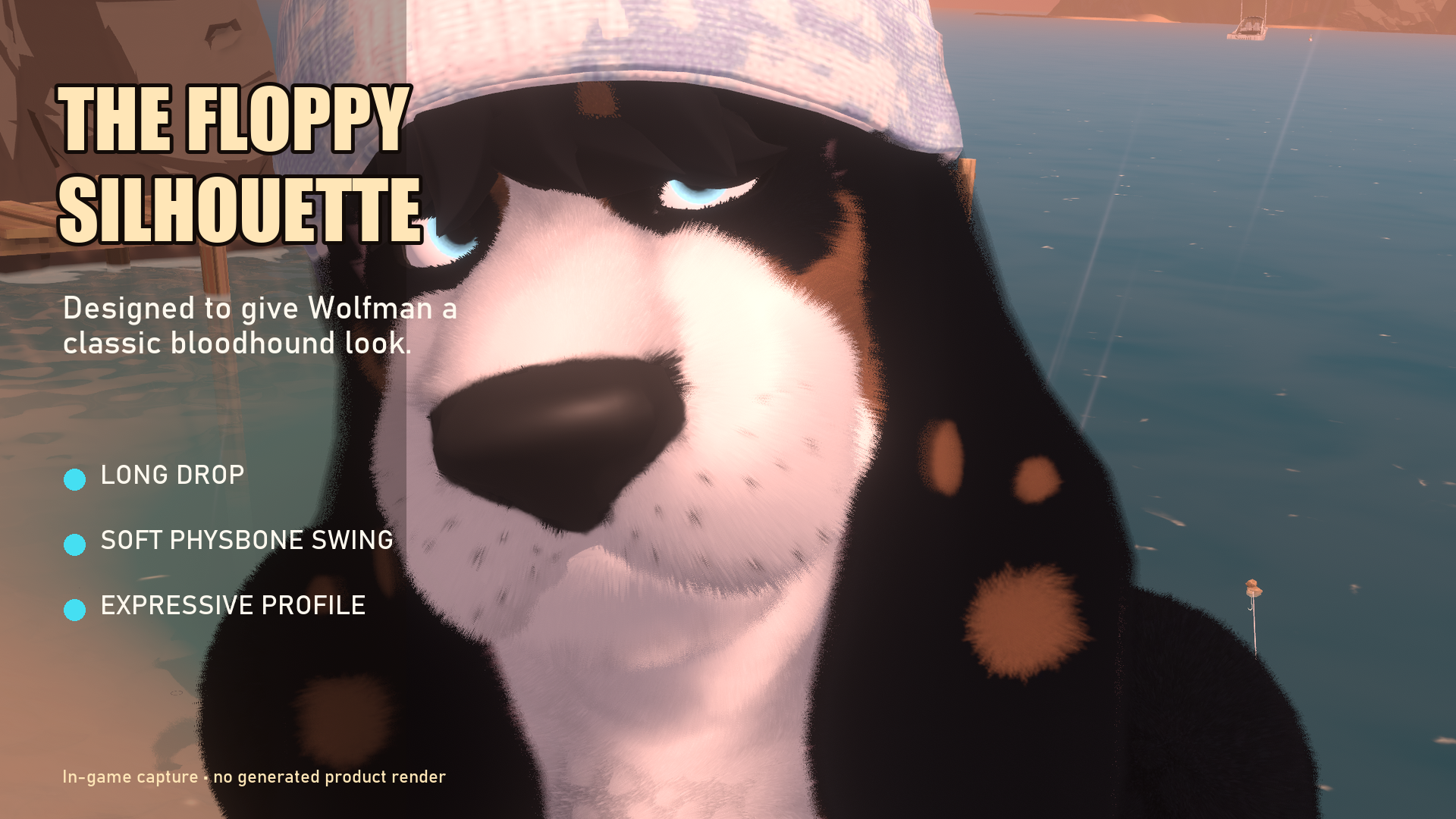
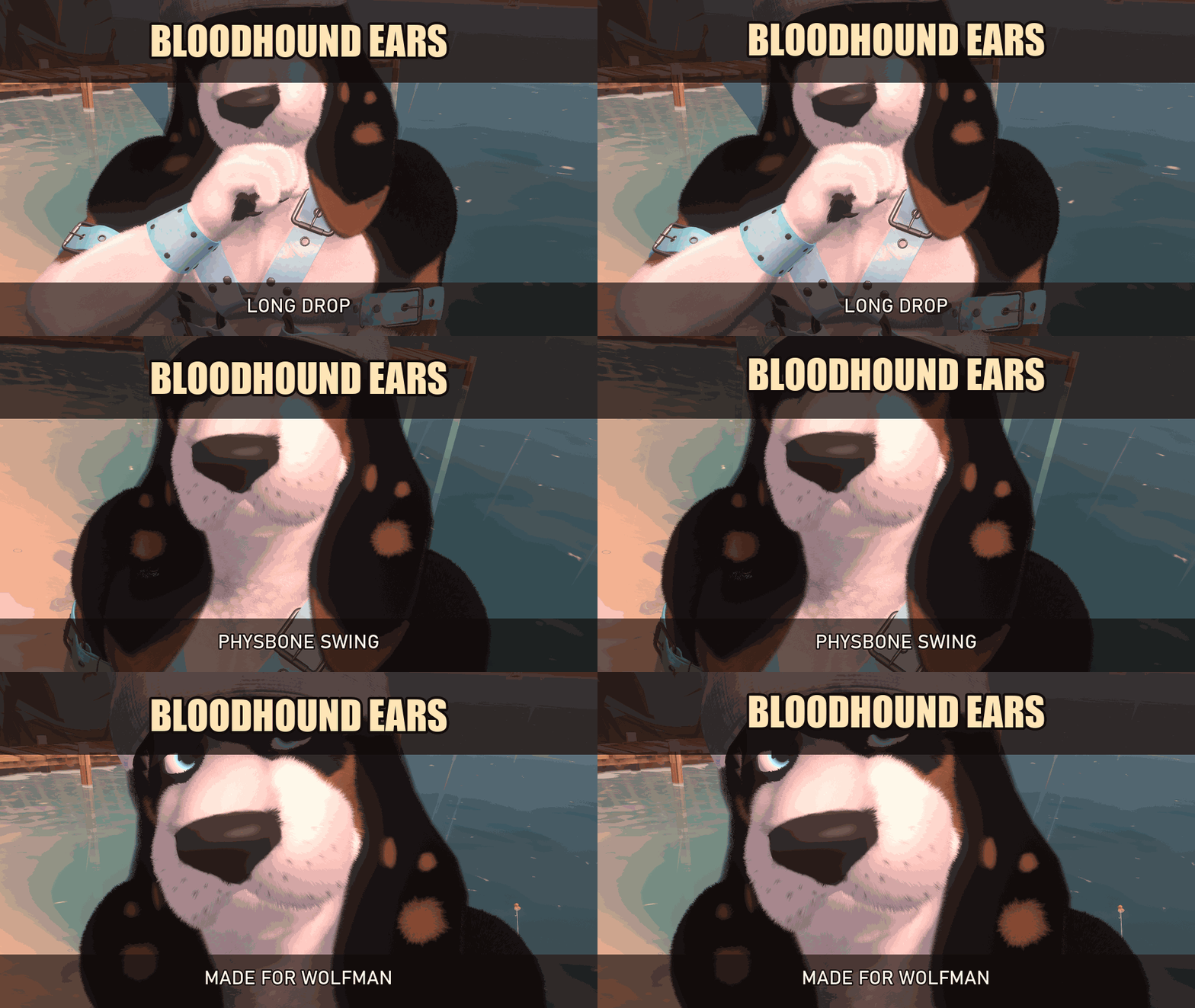
I made these ears to give the Wolfman a softer, classic bloodhound profile without losing the avatar's strong silhouette. They are fitted to the Wolfman, move with PhysBones, and use VRCFury to handle the armature setup.
WHAT YOU GET
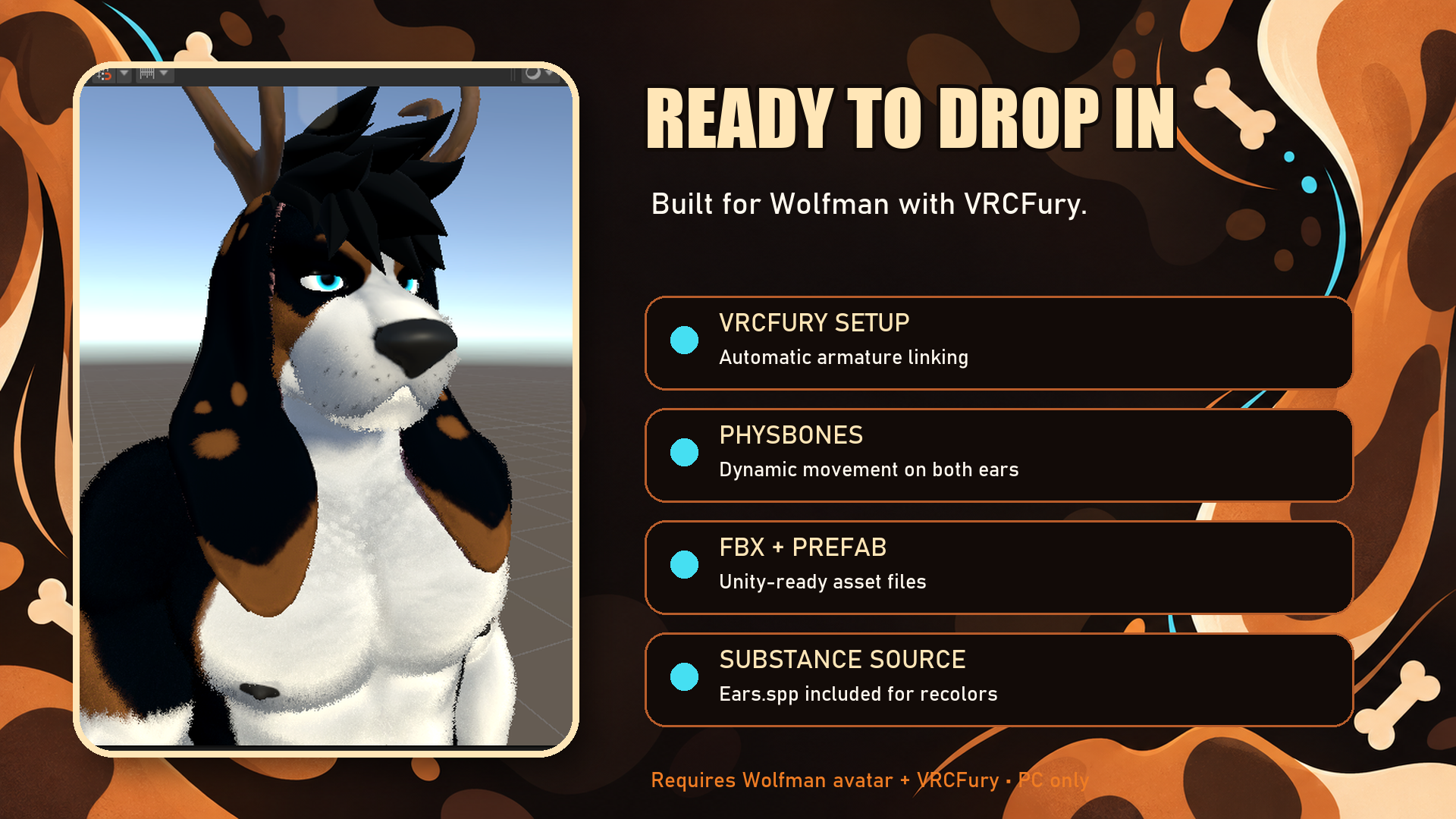
• Long bloodhound ear mesh fitted for the Wolfman avatar.
• VRCFury prefab with automatic armature linking.
• PhysBones already configured on both ears.
• Chest collider included for natural movement.
• FBX and Unity prefab.
• Ears.spp Substance Painter source for custom recolors.
BEFORE YOU IMPORT
Use a VRChat avatar project with the VRChat SDK installed. Import the avatar and VRCFury before this asset, then drag Ear_Sabueso.prefab under your avatar root. VRCFury handles the armature linking during upload.
Tested in Unity 2022.3.22f1 with VRChat SDK Avatars 3.10.4 and VRCFury 1.1417.0.
— Frame Zom