
Frosty Breath - White Breath When You Talk, 0 Particles | VRChat
Produktbeschreibung
Dieses Produkt enthält KI-generierte Inhalte.
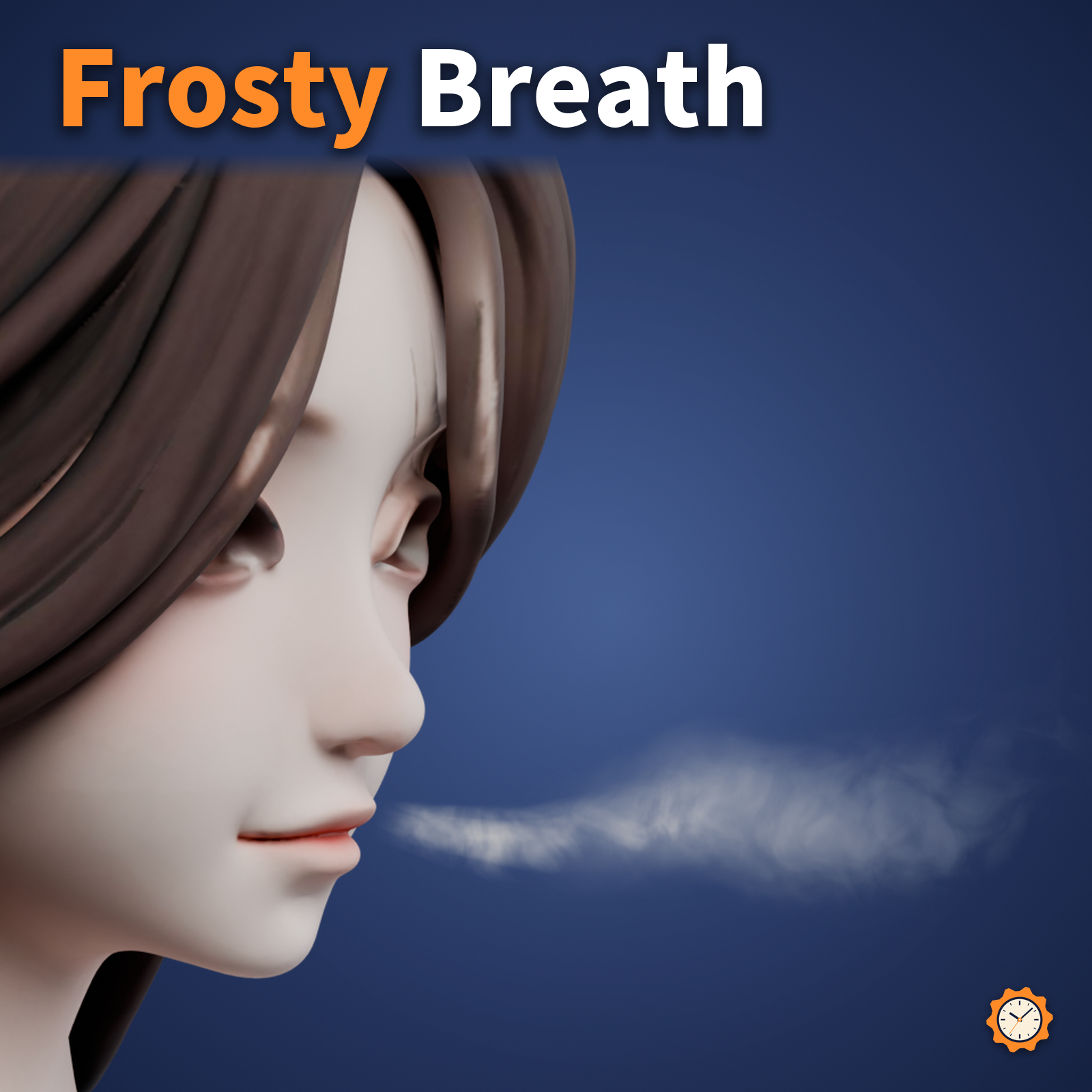
When you talk, a soft white breath drifts out of your mouth. Good for winter night photos or for a cold-weather mood in a world.
The breath is not made with particles. It is drawn with a small membrane-shaped mesh and a custom shader, so there are 0 Particle Systems and the particle items of your performance rank do not go up.
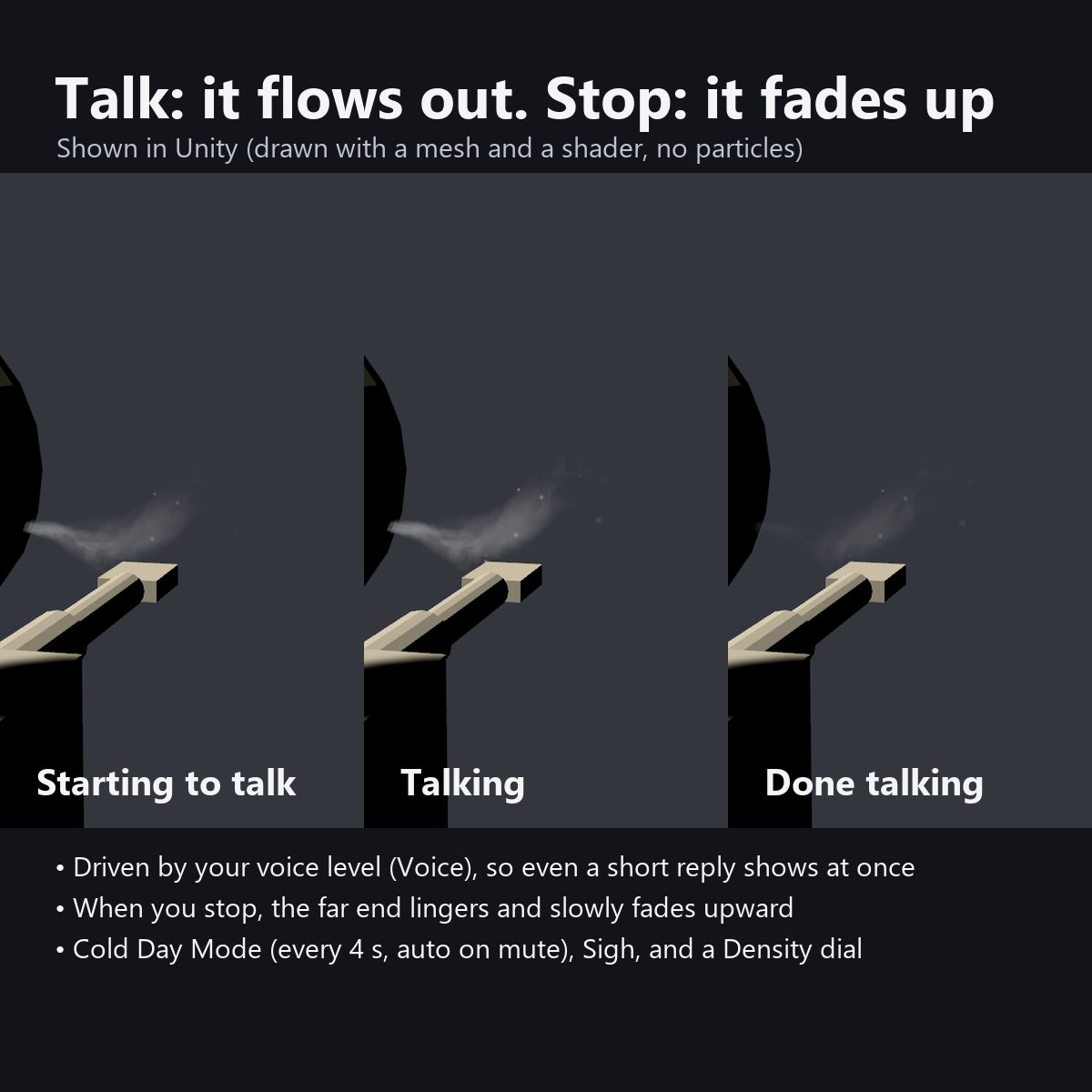
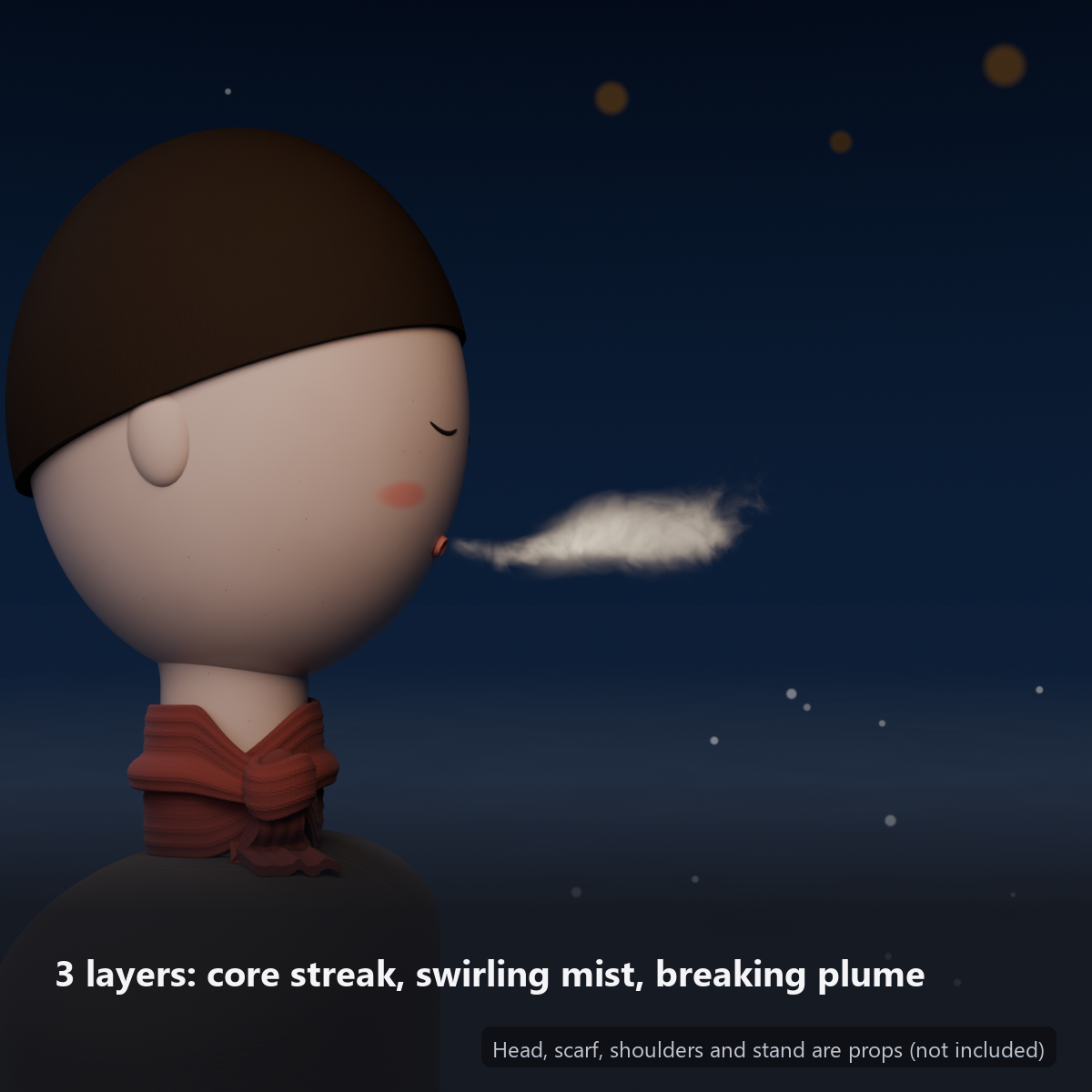
It has 3 layers: a thin core stream, surrounding mist, and an outer layer that spreads and fades at the end, so it does not look like a flat plane even from the side. When you start talking it stretches out from your mouth; when you stop, the far end lingers and slowly fades upward.
Note: the head (the stand with a face), scarf, shoulders and wooden base in the product images, and the avatar on the cover, are for the photos only and are not included. This item is the breath (with its menu and shader) only.
Features
- 0 particles, lightweight: it adds only 2 meshes, 2 material slots and 564 triangles (0 Particle Systems, Constraints, PhysBones, Lights and AudioSources)
- Follows your voice without delay: it uses how loud you are talking (VRChat's Voice value), not lip sync, so even a short reply makes a breath
- It stretches out from your mouth when you start talking, and the far end lingers and fades upward when you stop (two smoothing speeds, fast and slow)
- 3-layer breath: a core streak, swirling mist, and an outer plume that thins from the outside and bottom and breaks up at the end (it rises a little at the end, like warm breath, and the flow gently wavers). The edges fade out unevenly, so it does not look like a plane or a bag from the side
- Cold Day Mode: a faint breath every 4 seconds even when you are quiet (the interval varies a little). Turns ON automatically after you stay muted for 1 second (handy if you do not use a mic)
- Sigh: press once for one big breath (1.35x)
- Density dial: 0 to 100% (50% at first)
- Visible in bright and dark worlds: it reads the world's lighting, so it does not blow out to pure white in bright worlds and glows a little by itself in dark worlds
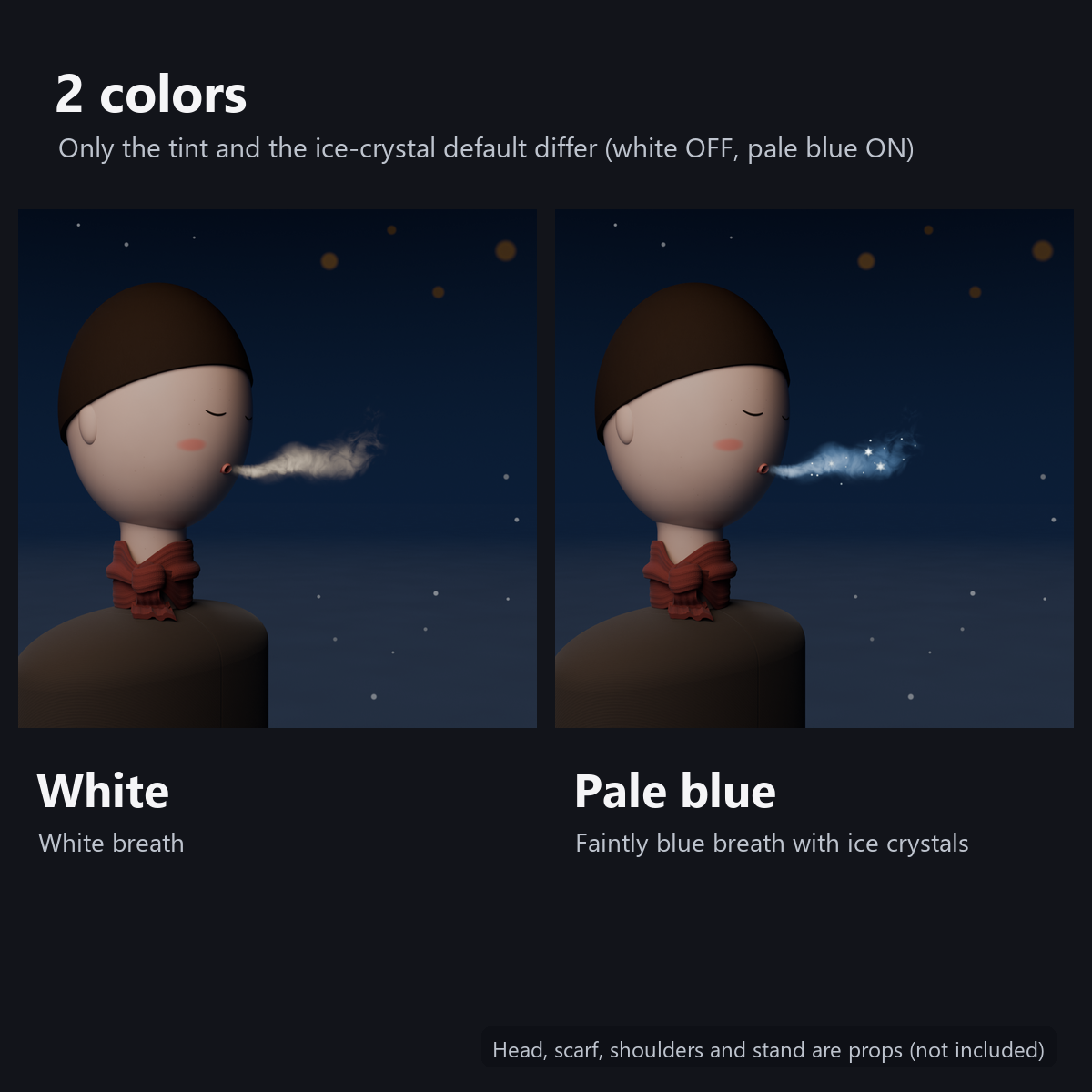
- Ice crystals: tiny sparkling ice inside the breath (round dots and hexagonal crystals; ON at first on the pale blue version, OFF on the white version; switch in the menu)
- Stops automatically while you are AFK
- 2 colors: white / pale blue (slightly blue breath and ice crystals)
- No external shaders needed (custom shader included; no lilToon needed)
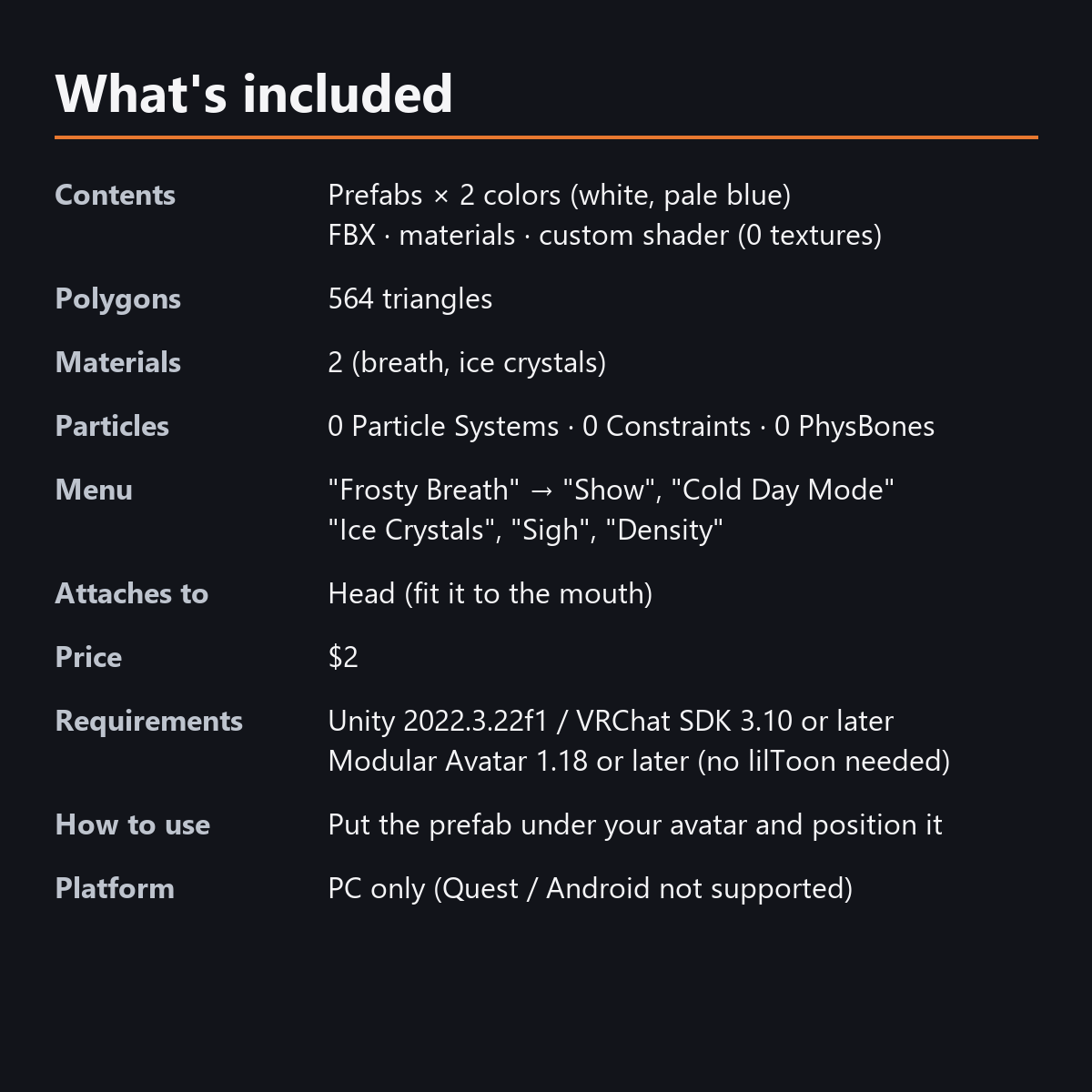
- Modular Avatar ready: put it under your avatar and fit it to the mouth
What it adds to your avatar
- 0 Particle Systems and 0 Total Max Particles (the particle items do not go up)
- 0 Constraints, PhysBones, Lights and AudioSources
- It adds only 2 meshes, 2 material slots and 564 triangles (0 textures)
- Because transparent surfaces overlap, it is kept from filling the screen in front of your face (up to about 20 cm forward, about 27 cm only during a sigh)
Menu (English menu prefab)
- Frosty Breath > Show: breath on/off
- Frosty Breath > Cold Day Mode: a faint breath every 4 seconds while you are quiet (turns ON automatically after 1 second of mute)
- Frosty Breath > Ice Crystals: sparkles inside the breath on/off (ON at first on the pale blue version)
- Frosty Breath > Sigh: one big breath per press (about 2.4 seconds)
- Frosty Breath > Density: dial for the density of the breath (50% at first)
What's included
- Prefabs x 2 colors (white, pale blue)
- FBX, materials, 1 custom shader, animations (no textures used)
- English-menu prefabs (_EN) next to the Japanese-menu prefabs. Use one or the other on an avatar, not both.
- Instruction manual and Terms of Use in English and Japanese
Specs
- Added to your avatar (counted in Unity): 564 triangles, 2 meshes, 2 material slots (breath, ice crystals), 0 PhysBones
- Synced parameters: 14 bits (Show, Ice Crystals, Sigh, Density, Cold Day Mode 2, AFK)
- All counts follow VRChat's rules (hidden parts are counted too) and show how much one prefab adds to your avatar.
- The VRChat performance rank depends on the total with your avatar, so this item alone does not decide it.
- Particle Systems: 0 / Constraints: 0 / PhysBones: 0 / Lights: 0 / AudioSources: 0
- No extra skinned mesh
Requirements
- Unity 2022.3.22f1 (an avatar project made with VRChat Creator Companion)
- VRChat SDK (Avatars) 3.10 or later
- Modular Avatar 1.18 or later
- lilToon is not needed (custom shader included)
Please note
- PC only. Not supported on Quest / Android.
- The head, scarf, shoulders, wooden base and the avatar in the images are not included (breath only).
- In your own view, VRChat hides things attached to your head, so your view does not turn white (check with a mirror or camera; others can see it).
- The breath follows how loud the wearer is talking (VRChat's Voice value). Voice is calculated on each viewer's device, so no synced bits are used for it.
- If a viewer's Safety settings turn off shaders, the breath is not shown (it never turns into a white plane).
- In the Unity editor the breath is not visible because you are not talking. To see it while placing it, set "Talk (fast)" on the material to 1 for a moment.
- The breath that appears when you talk, the sigh and the cold-day mode: they move only inside VRChat (including Build & Test) or with Gesture Manager. If they look still in the Unity Editor, nothing is broken.
Terms of use
- You may upload it to VRChat and similar services on your own avatars, edit it, and use it in streams, videos and photos (commercial or not).
- You may not redistribute, resell or share the data (edited or not), or use it to train AI.
- Full text: TermsOfUse_EN.txt in the download (Japanese original: TermsOfUse_JA.txt).
Update history
- v1.2 (2026-10-13): Uploads without pressing Auto Fix in VRChat SDK 3.10 (fixed mesh Read/Write, Legacy Blendshape Normals). The shaders support Single Pass Instanced rendering in VR (the look outside VR is unchanged). Manual and description updated (counts are now what the item adds to your avatar, measured in Unity; how it looks in the Editor). The included documents now have English-only file names. The GUIDs are the same as before, so importing it over the old version replaces it.
- v1.1: English-menu prefabs (_EN) and English documents
- v1.0: First release
Also on BOOTH
This item is also sold on BOOTH, the Japanese marketplace: https://karakuri-komono.booth.pm/items/8954073
How this was made (AI-Assisted)
The 3D shapes, materials, shaders and texts of this item were made with scripts written with AI assistance. A person checked how it looks and moves in Unity before release.