

Produktbeschreibung
Dieses Produkt enthält KI-generierte Inhalte.
Paid version features: Automatic AFK closing, elapsed-time display, ebony / white colors, and sound
Paid version: https://jinxxy.com/KarakuriKomono/QDVGX
Coffin Trial v1.0
Features and menu
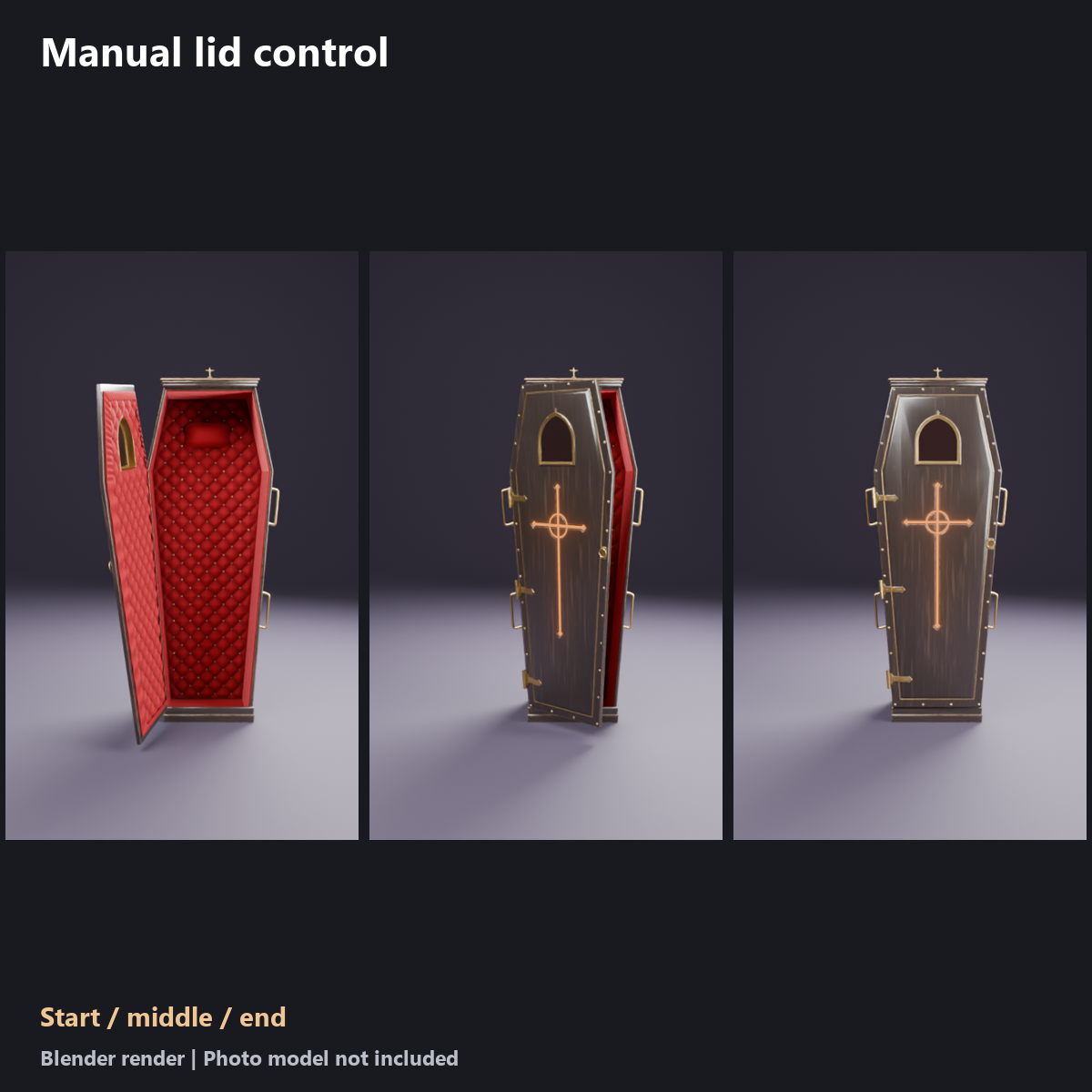
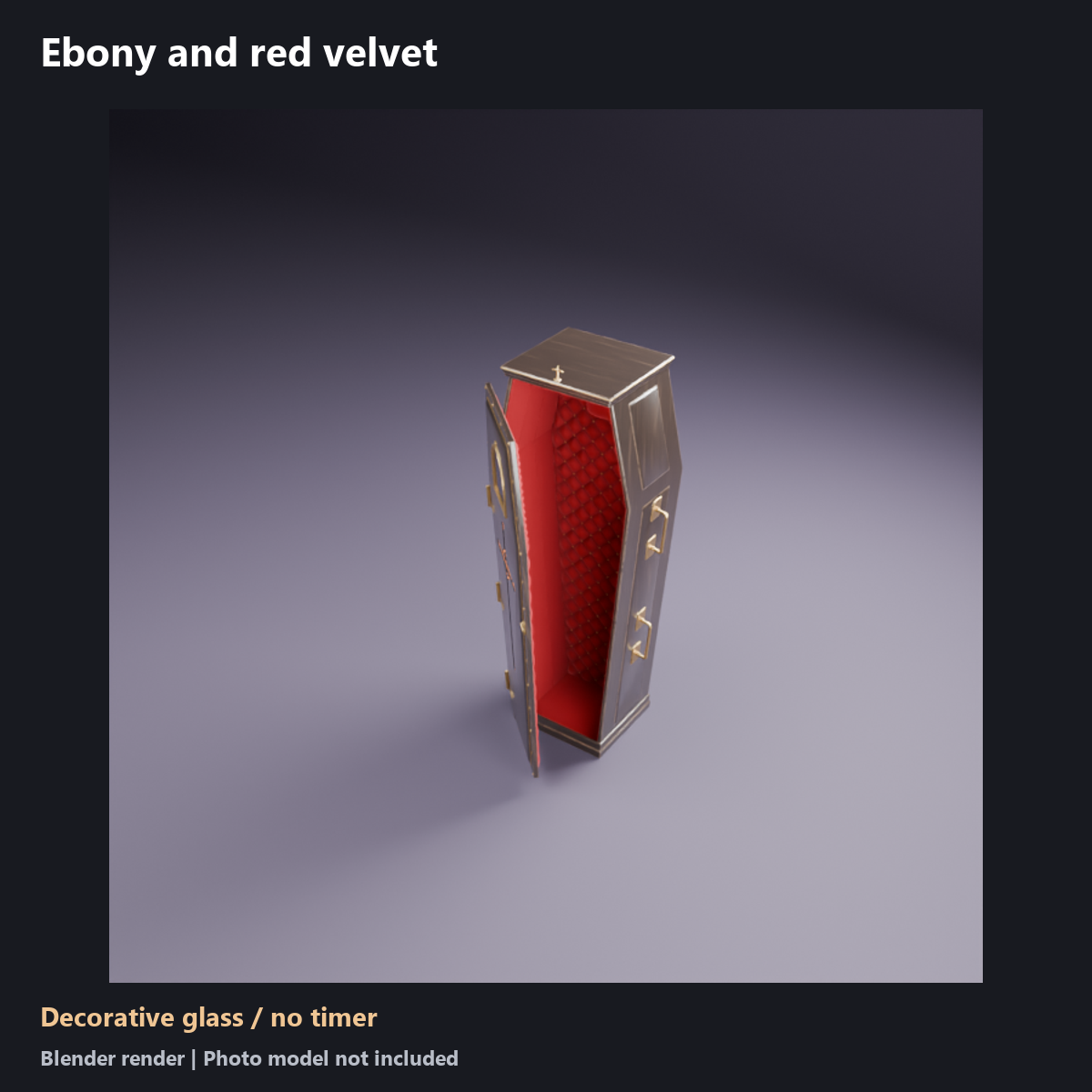
An ebony standing coffin with a manually controlled lid. It uses the paid product wood grain, red lining, metal fittings and lid movement.
- Open Coffin trial > Close / open. Turn it on to close the lid; turn it off to open.
- Closing takes about 1.5 seconds, with a small bounce at the end. Opening takes about 1.8 seconds.
- Starts open. The closed state is not saved between sessions.
- The window is decorative glass with no text or timer.
- Sits at the avatar feet without attaching to a bone. It follows the avatar when you move. Automatic AFK closing, sounds, visibility controls and the menu height dial are not included.
Included
Japanese and English menu prefabs, model, materials, shaders, textures, animation assets, manuals and terms. One color is included.
Added performance cost and size
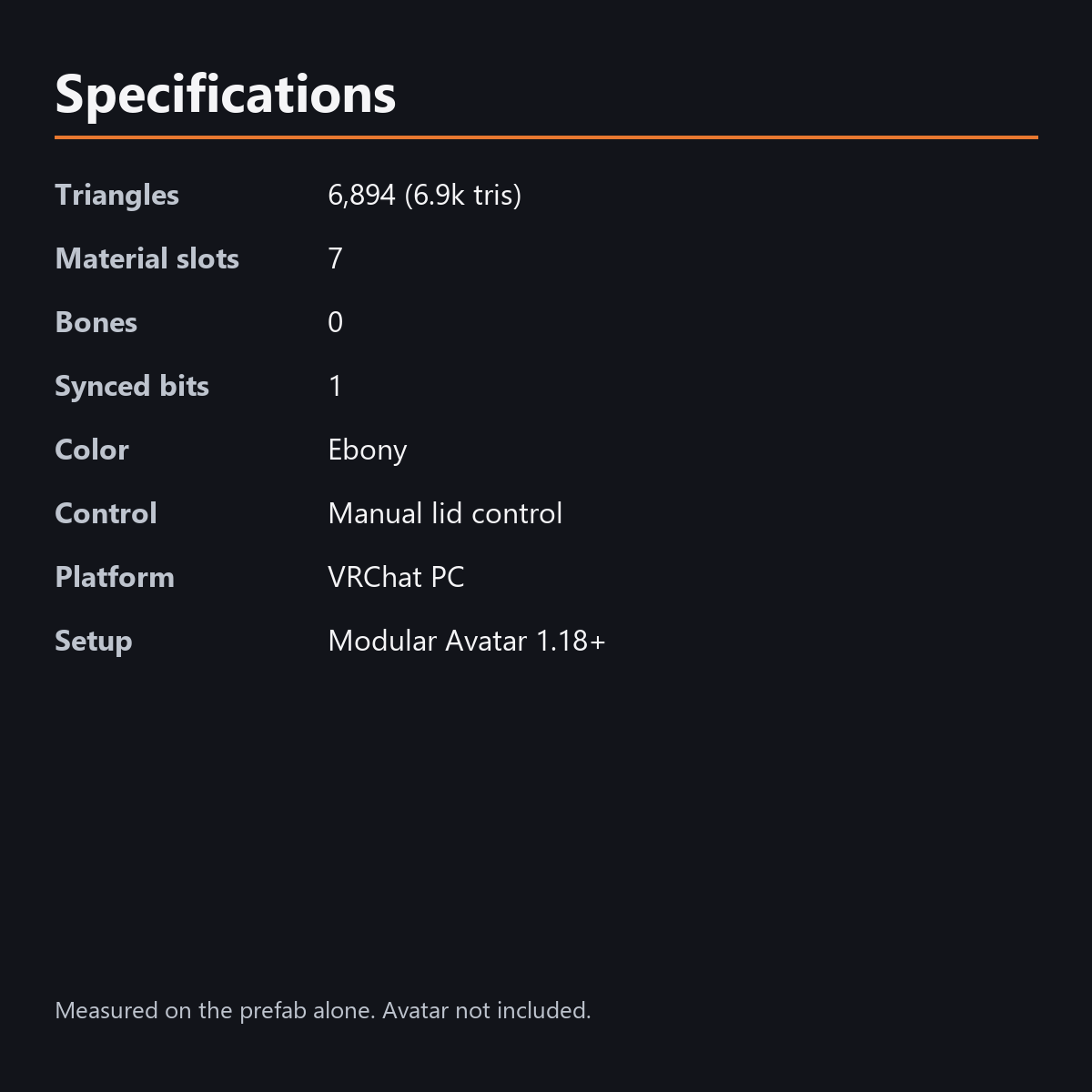
Triangles: 6,894 (6.9k tris)
Material slots: 7
Bones: 0
Synced parameters: 1 bit
Color: Ebony
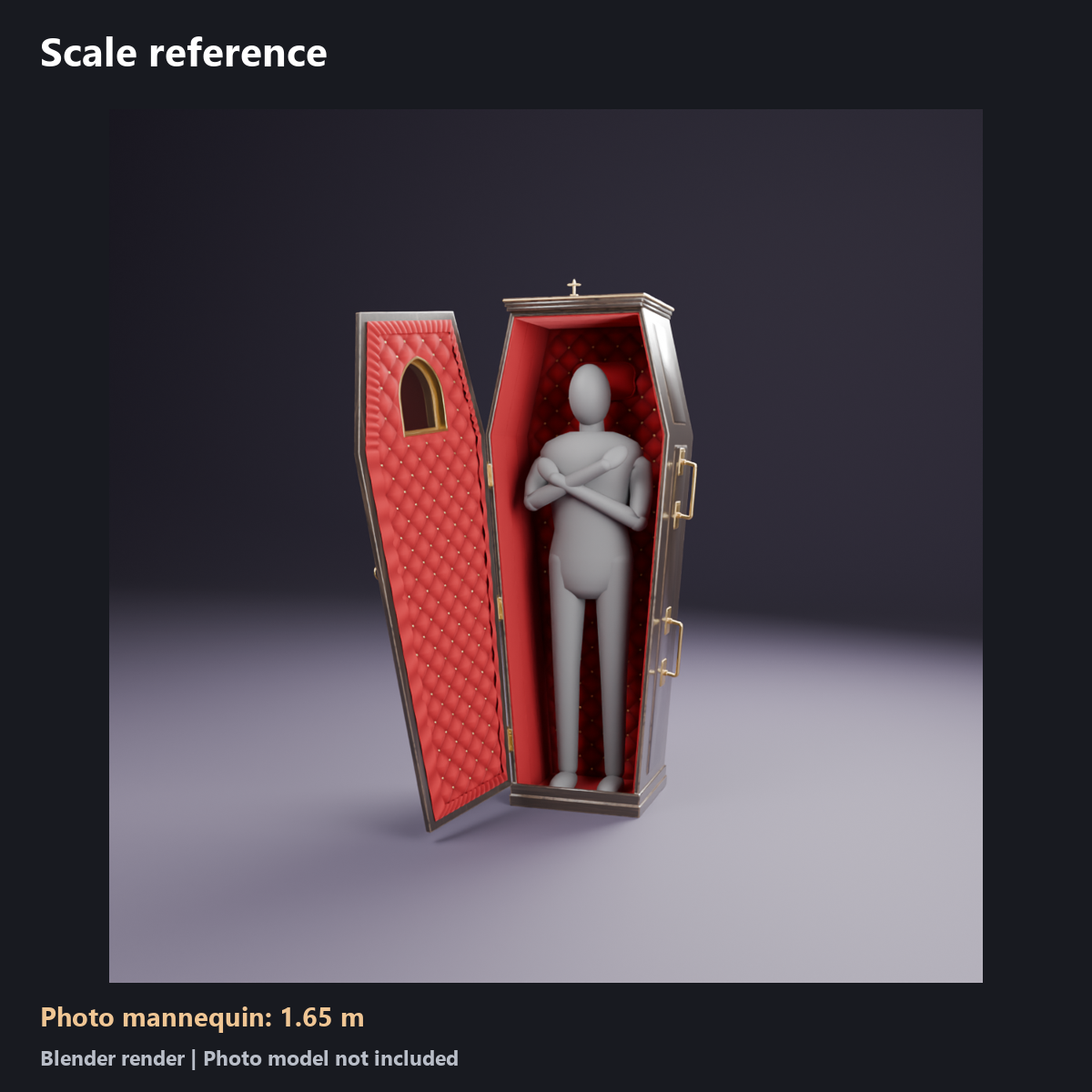
Size: about 1.95 m high, 0.82 m wide, 0.52 m deep at scale 1
These are the additions measured on the prefab alone. Your VRChat performance rank depends on the combined avatar and attachments.
Requirements
Requires Unity 2022.3.22f1, VRChat SDK Avatars 3.10 or later, and Modular Avatar 1.18 or later. Assembled with SDK 3.10.5 and MA 1.18.7. Also requires lilToon 2.3 or later, installed separately. The cross and velvet shaders are included.
Installation
- Import CoffinTrial_v1.0.unitypackage into your avatar project with the prerequisites installed.
- Put CoffinTrial_ebony_EN from Assets/KarakuriKomono/CoffinTrial/Prefabs/ directly under your avatar. The prefab without _EN has Japanese menus.
- Align it with the floor at the avatar feet. Adjust position and scale so the head and clothing fit inside.
- Use only one language prefab on each avatar. Do not install both together.
- Check the menu in VRChat Build & Test before use.
Notes
- PC only; not compatible with Quest / Android.
- The regular Unity editing view does not animate the prop. Pressing Play alone does not reproduce VRChat menus or synced parameters. Check operation in VRChat or a compatible emulator.
- Avatar data and dedicated body or finger poses are not included. Fit the prop to your avatar and check sleeves, fingers, hair and clothing.
- If another viewer disables custom shaders in their safety settings, artwork or lighting effects may look different.
- An avatar AFK pose that sits or lies down may extend outside the coffin. This prop does not change body poses or automatically hide the body or clothing.
- Reversing the control mid-motion may cause a jump. Wait for the lid to stop before switching again.
Production and photography
Uses the original product geometry, materials and motion, with only the trial features included. AI assisted with scripts and text. Images and videos were rendered in Blender. The scale reference uses the original product photo mannequin. Photo models, poses, lights and backgrounds are not included. Lighting and hand poses in VRChat may differ from the pictures.
Terms
Read TermsOfUse_EN.txt and TermsOfUse_JA.txt. You may use and edit the data on your own avatar and show it in photos or videos. Redistributing, reselling or sharing the data itself is not allowed. The same terms apply to this free trial; the Japanese terms take precedence.
Version history
v1.0 (2026-10-26): initial release.
Changelog: 2026-10-27, replaced the first product image (no change to the item).