
Free Item Included💕 Yamikawa High Twin - VRChat Hair / CP57
Tags
Produktbeschreibung
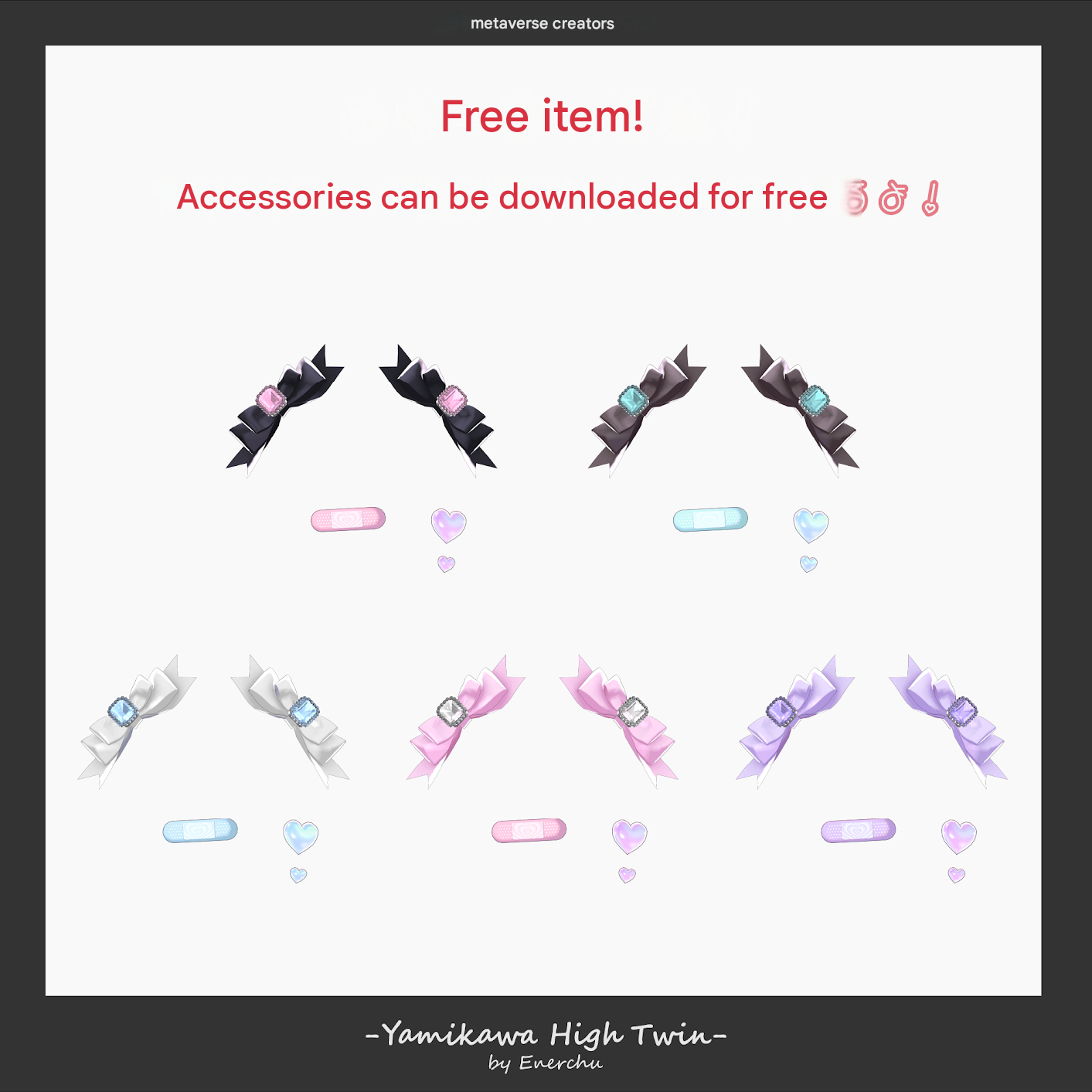
💗 FREE ITEM AVAILABLE! 💗
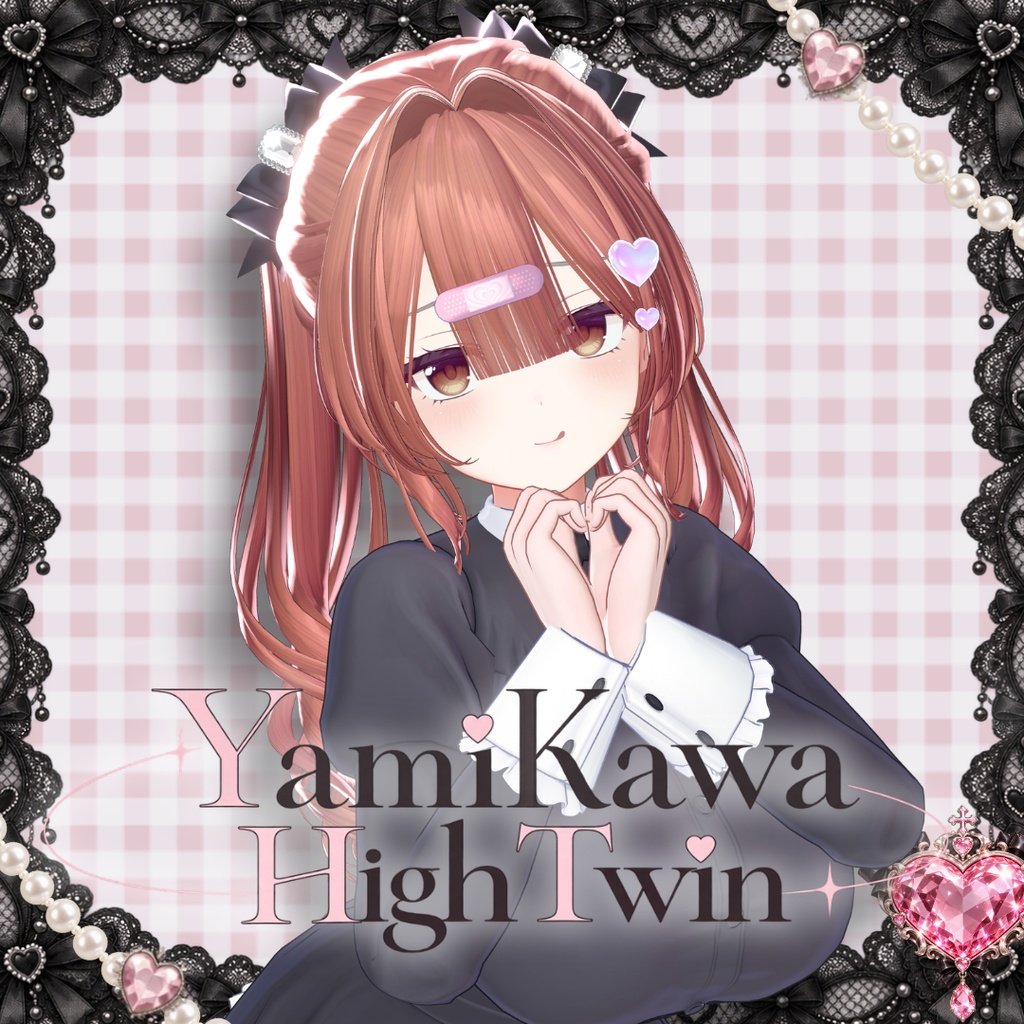
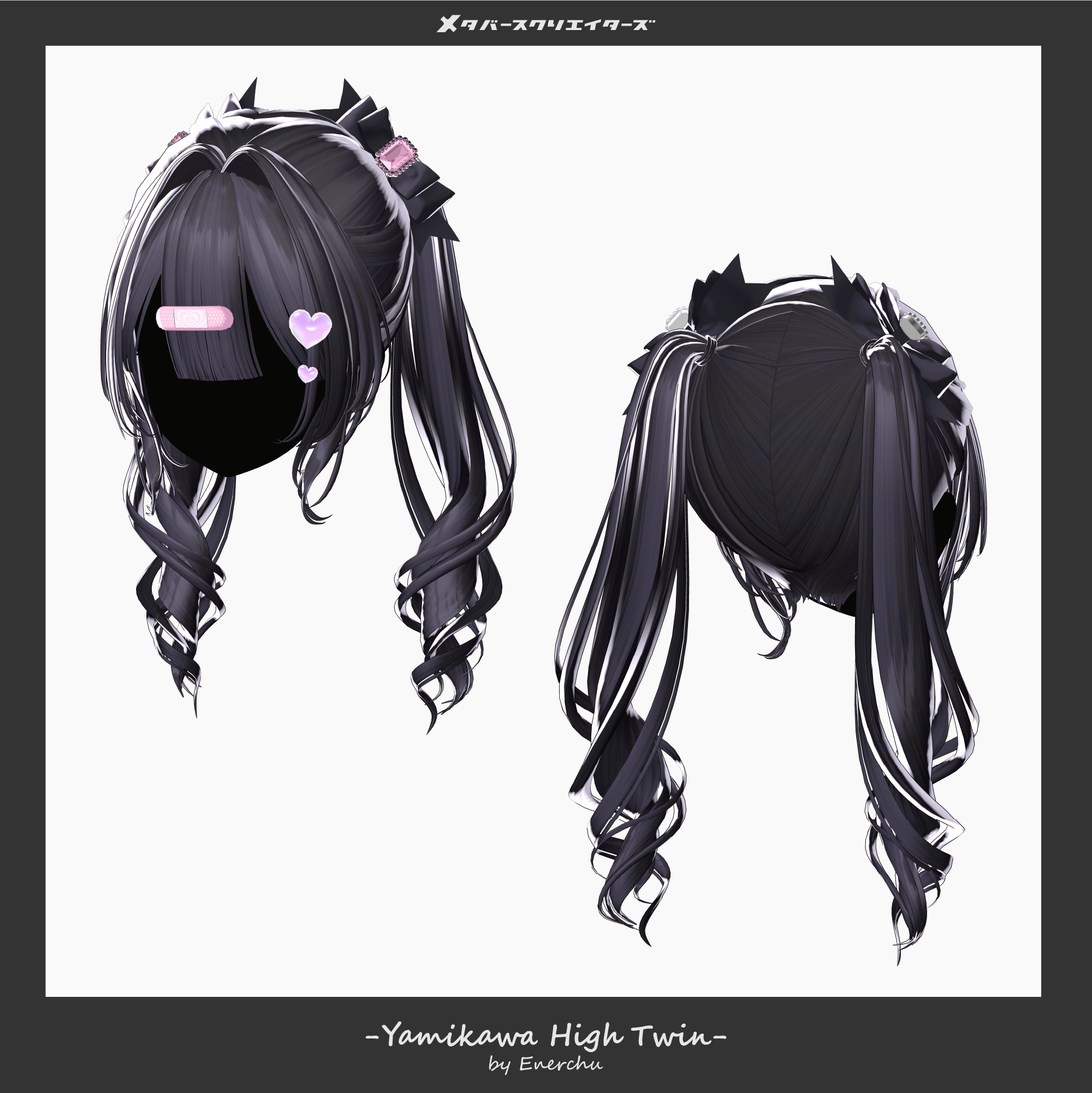
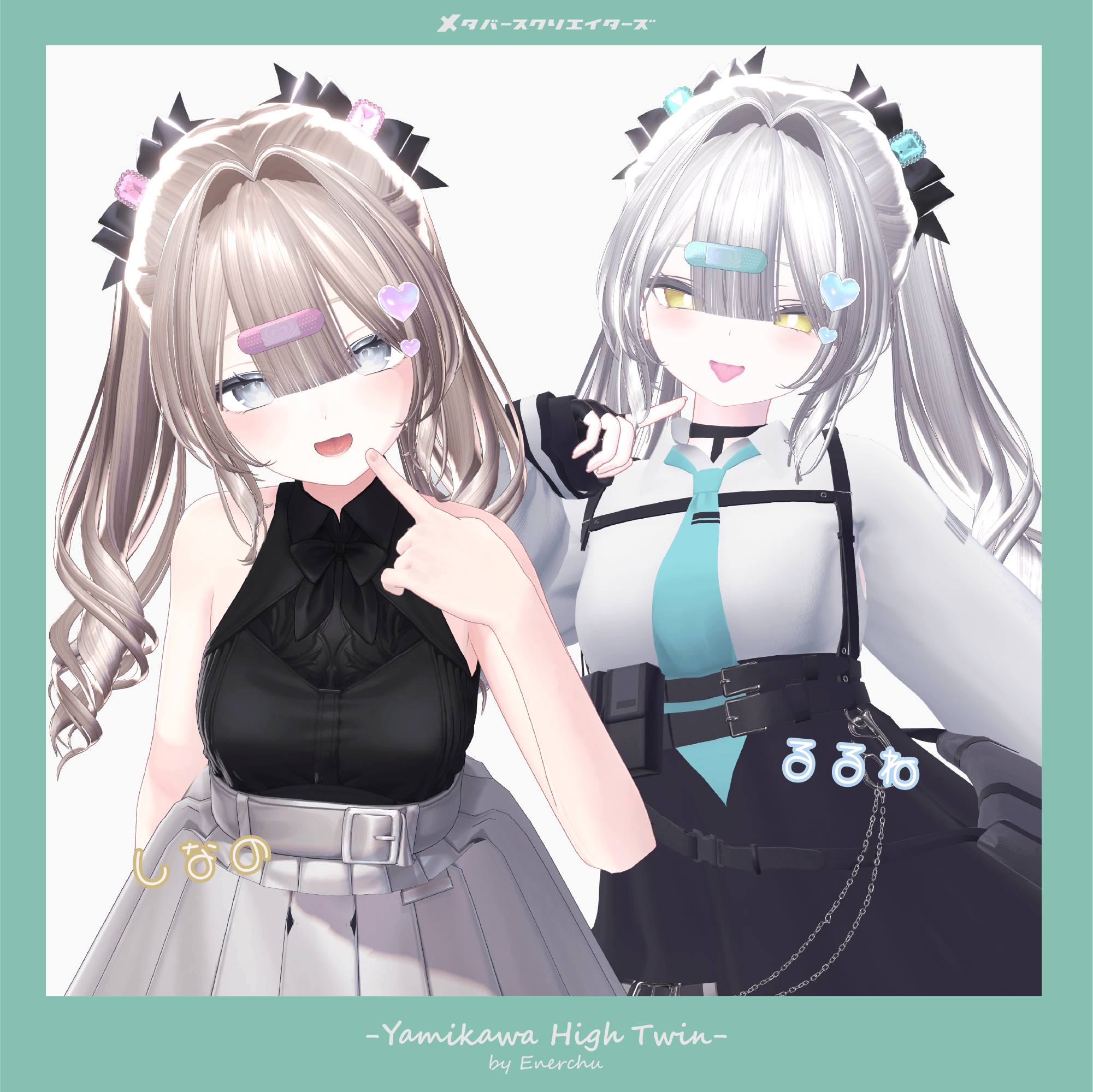
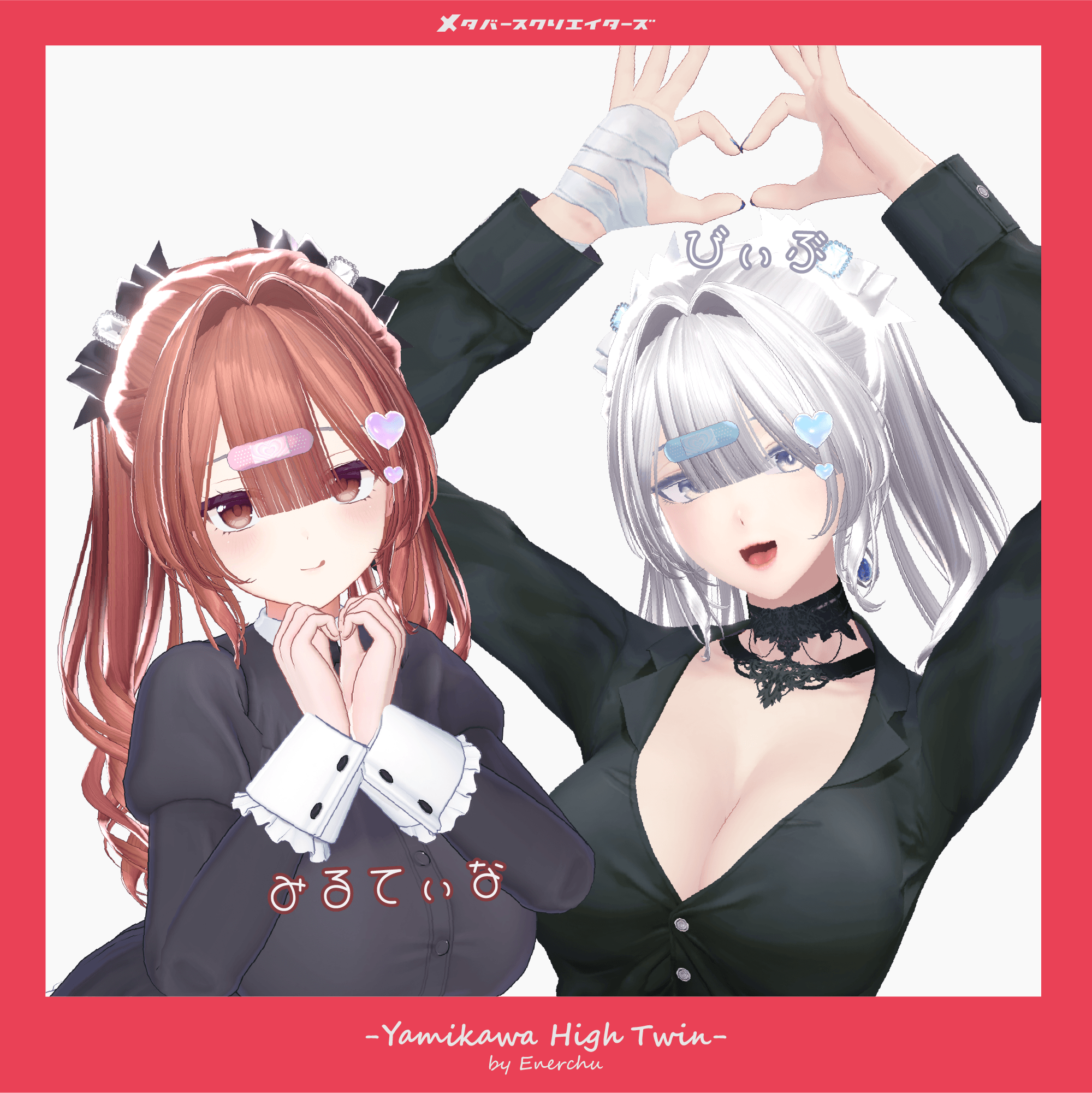
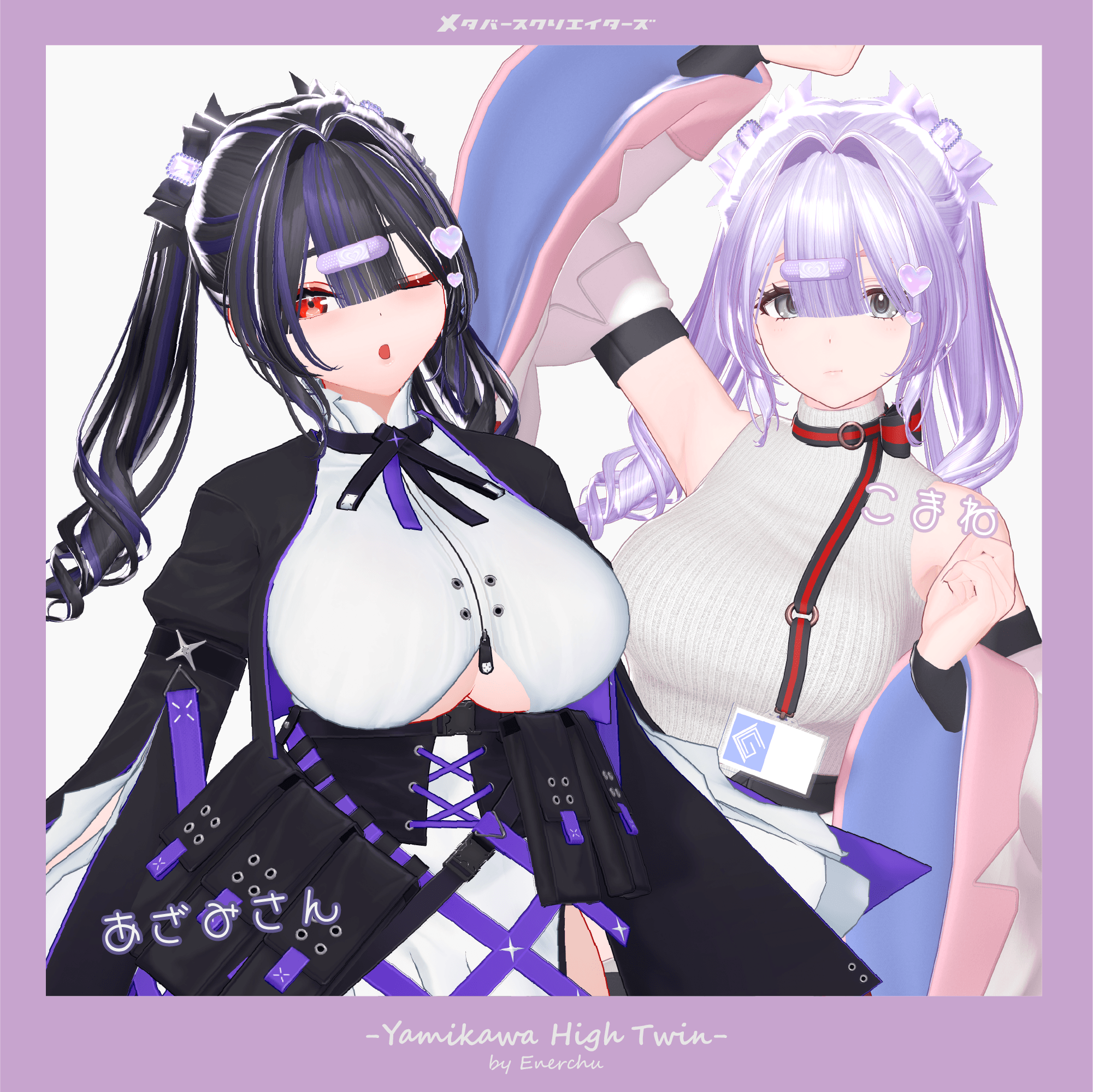
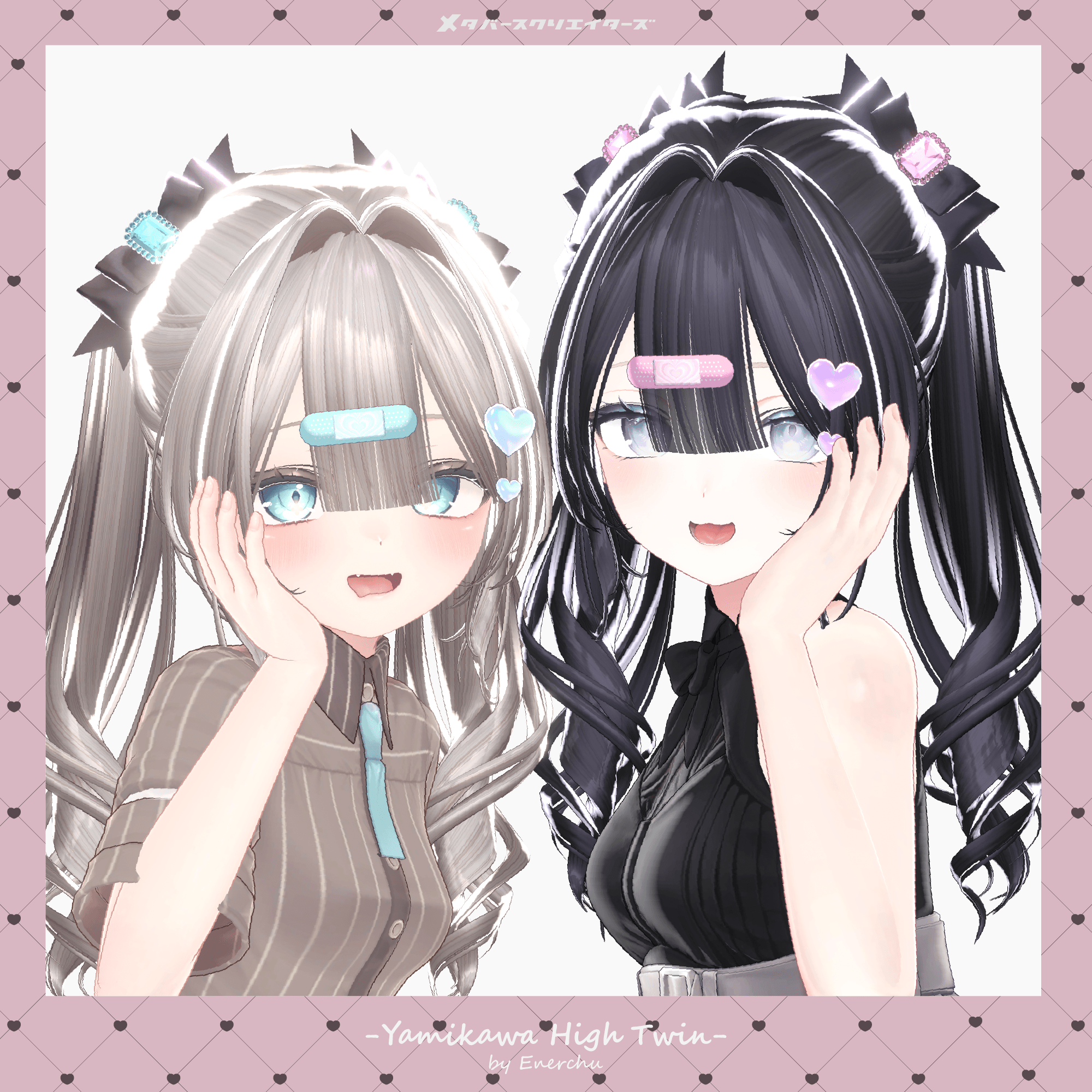
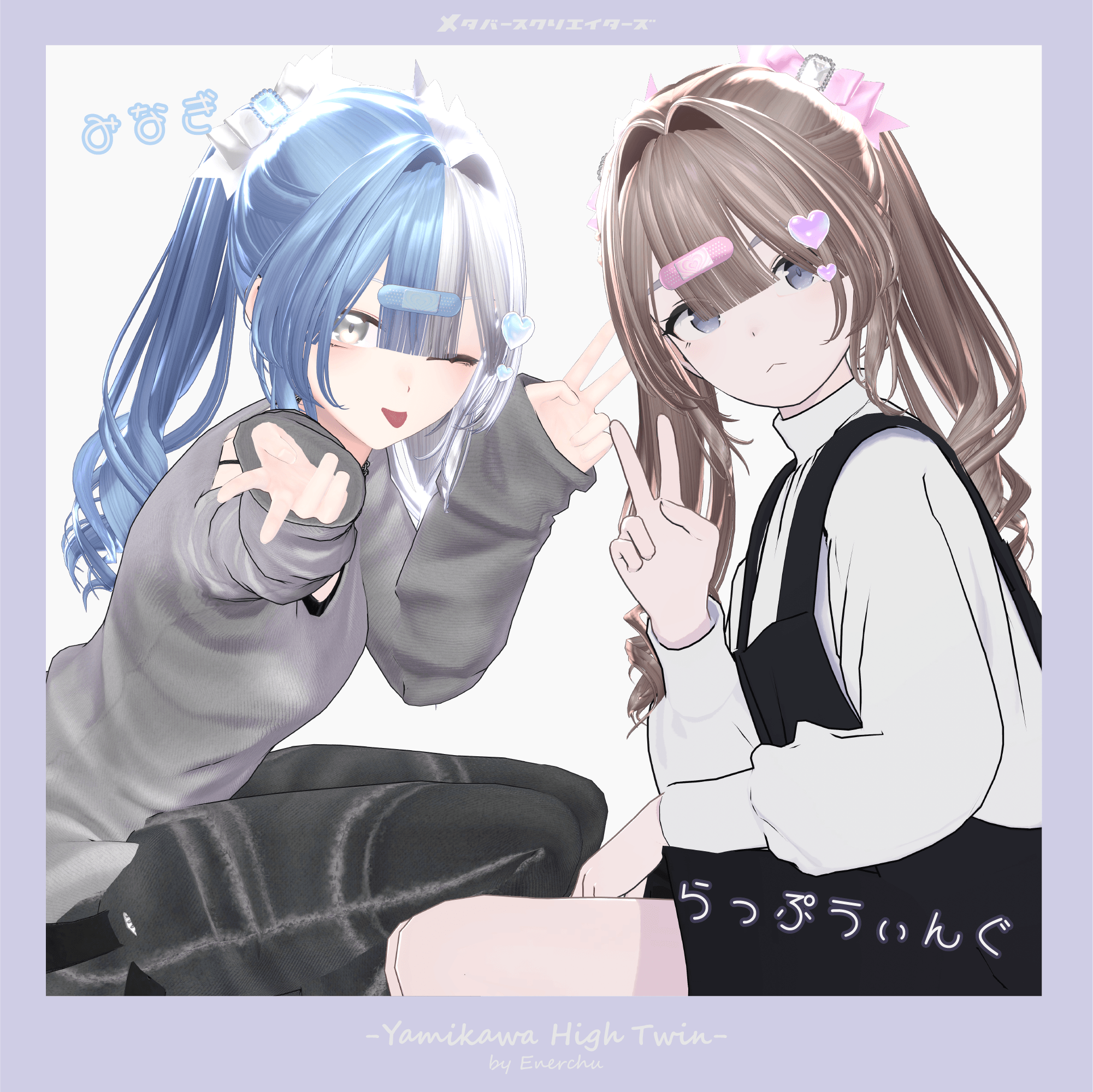
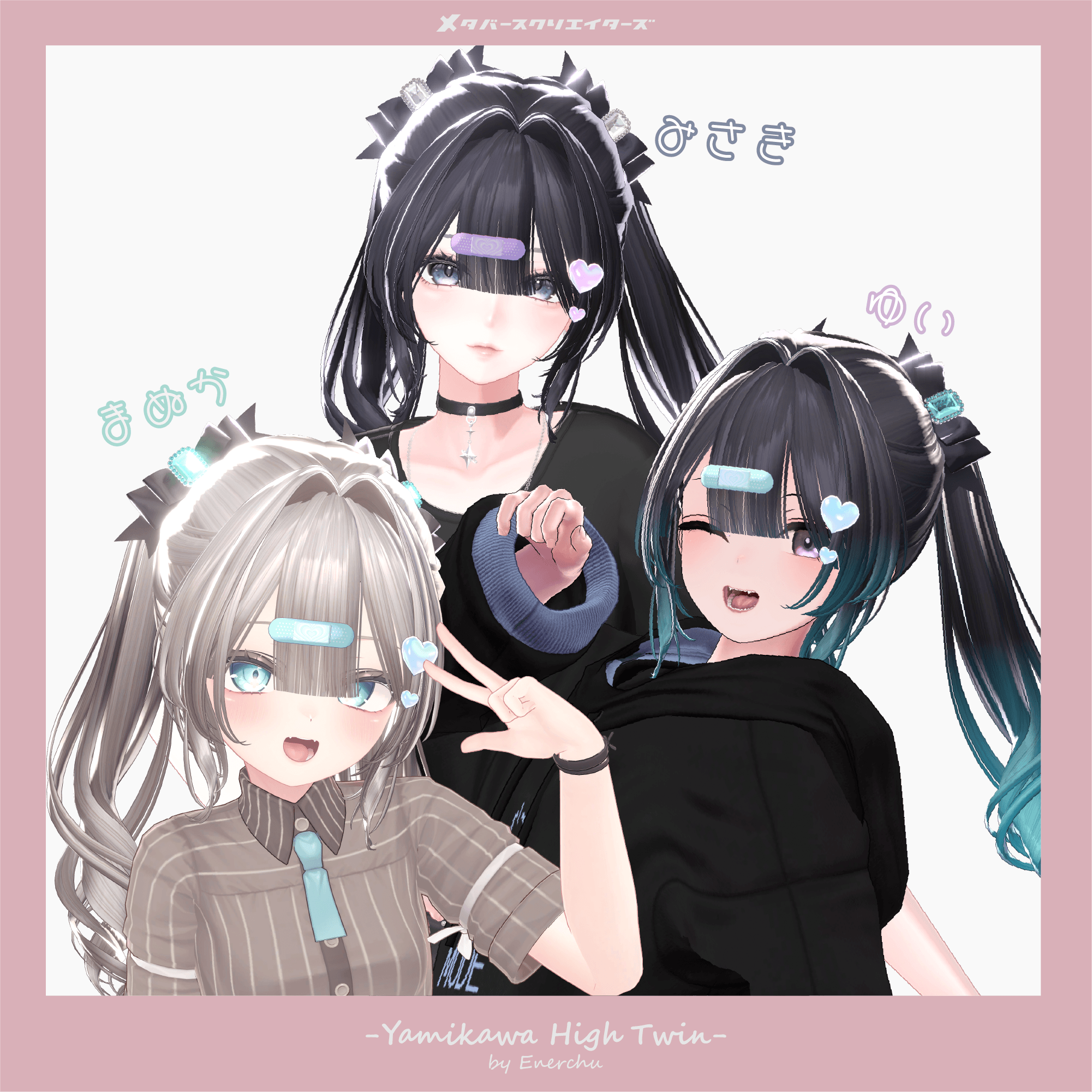
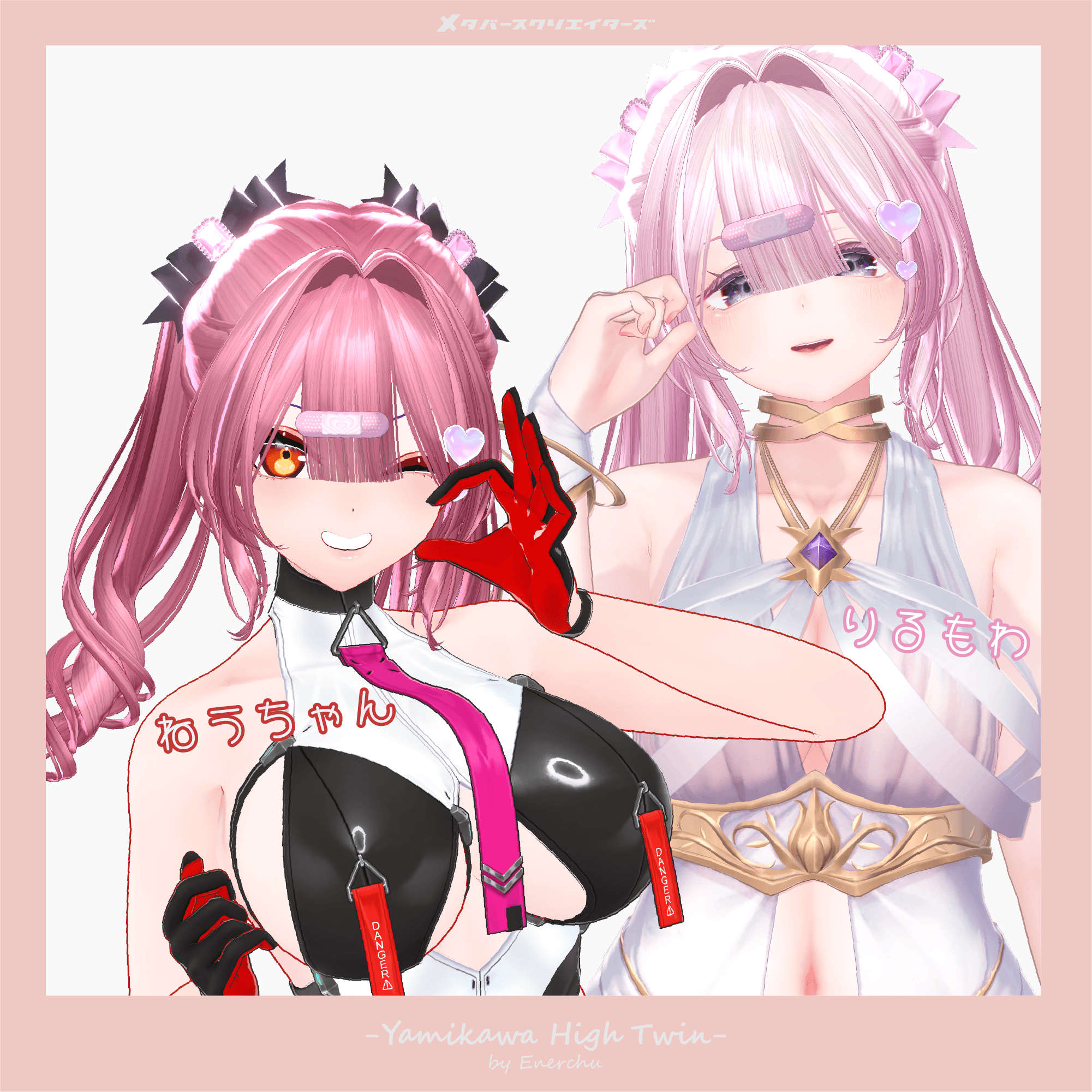
A cute, edgy high twin-tail hairstyle featuring oversized ribbons! Perfect for a Jirai-kei look. 🎀
※ This product is a hairstyle model for VRChat avatars. The avatar itself is not included.
※ Due to the digital nature of this product, refunds and returns are not accepted. Please read and agree to the product description and Terms of Use before purchasing.
◆ Product Information
Included Files
Full Version
Yamikawa High Twin_Fullv1.unitypackage
ReadMe.txt
Free Version
Yamikawa High Twin_Accv1.unitypackage
ReadMe.txt
Shader
lilToon: https://lilxyzw.booth.pm/items/3087170
Required Asset
Modular Avatar: https://modular-avatar.nadena.dev/docs/intro
◆ Model Specifications
Full Version
Total Polygons: 35,728
Bang: 4,026
Side: 7,274
SideLower: 4,484
Twintail: 7,384
Base: 4,888
Ribbon: 1,644
Gem: 2,996
HairGom: 1,536
Bandage: 408
Heart_Big: 544
Heart_Small: 544
Meshes: 11
Materials: 4
PhysBone Components: 6
Free Version
Total Polygons: 6,136
Ribbon_L: 822
Gem_L: 1,498
Ribbon_R: 822
Gem_R: 1,498
Bandage: 408
Heart_Big: 544
Heart_Small: 544
Meshes: 7
Materials: 3
PhysBone Components: 3
Import Folder
Assets > MetaverseCreators_CP > Enerchu > Yamikawa High Twin
◆ Supported Avatars
Full Support
Shinano
https://ponderogen.booth.pm/items/6106863
Semi-Supported Avatars (Full Version Only)
These avatars have been adjusted in Unity based on the original model.
YUI: https://metacre-girls.booth.pm/items/8198897
Minagi: https://metacre-girls.booth.pm/items/8185892
Milltina: https://dolosart.booth.pm/items/6538026
Komane: https://goho-cheat-vrc.booth.pm/items/8503652
Manuka (Ver. 1.02): https://jingo1016.booth.pm/items/5058077
Lapwing: https://kujishift.booth.pm/items/4993931
Liloumois (Ver. 2.25): https://monuments.booth.pm/items/4296377
AZAMISAN: https://nekokaerya.booth.pm/items/6012840
NEW-Chan (PunkSuit): https://nekokaerya.booth.pm/items/8494174
Rurune: https://paryi.booth.pm/items/5957830
VIVH: https://rimestudio.booth.pm/items/7667523
Misaki: https://visiontokyo.booth.pm/items/8325804
Shape Key Adjustments
Numerous shape keys are included to adjust the hairstyle's overall size and positioning.
You can also try fitting it to avatars not listed above!
※ If different objects have shape keys with matching names, setting them to the same values will help achieve consistent adjustments.
Available Shape Keys (Full Version)
Shape keys marked with (Sync) are configured with Modular Avatar Blendshape Sync to synchronize matching shape keys across different objects.
01_Bang
ALL_Front_Depth+/-: Adjust front depth (Sync)
Length+/-: Adjust length
02_Side
ALL_Front_Depth+/-: Adjust front depth (Sync)
MoveIn/MoveOut: Move inward or outward
Length+/-: Adjust length
03_SideLower
ALL_Front_Depth+/-: Adjust front depth (Sync)
SideLower_Length-
Length+: Increase length
04_Twintail
ALL_Back_Depth+/-: Adjust back depth (Sync)
05_Base
ALL_Front_Depth+/-: Adjust front depth (Sync)
ALL_Back_Depth+/-: Adjust back depth (Sync)
Neck_MoveFront/Neck_MoveBack: Adjust nape position
06_Ribbon & 07_Gem
ALL_Back_Depth+/-: Adjust back depth (Sync)
08_HairGom
ALL_Back_Depth+/-: Adjust back depth
09_Bandage
ALL_Front_Depth+/-: Adjust front depth (Sync)
Bang_Length+/-: Match bandage length to bangs (Sync)
10_Heart_Big & 11_Heart_Small
ALL_Front_Depth+/-: Adjust front depth (Sync)
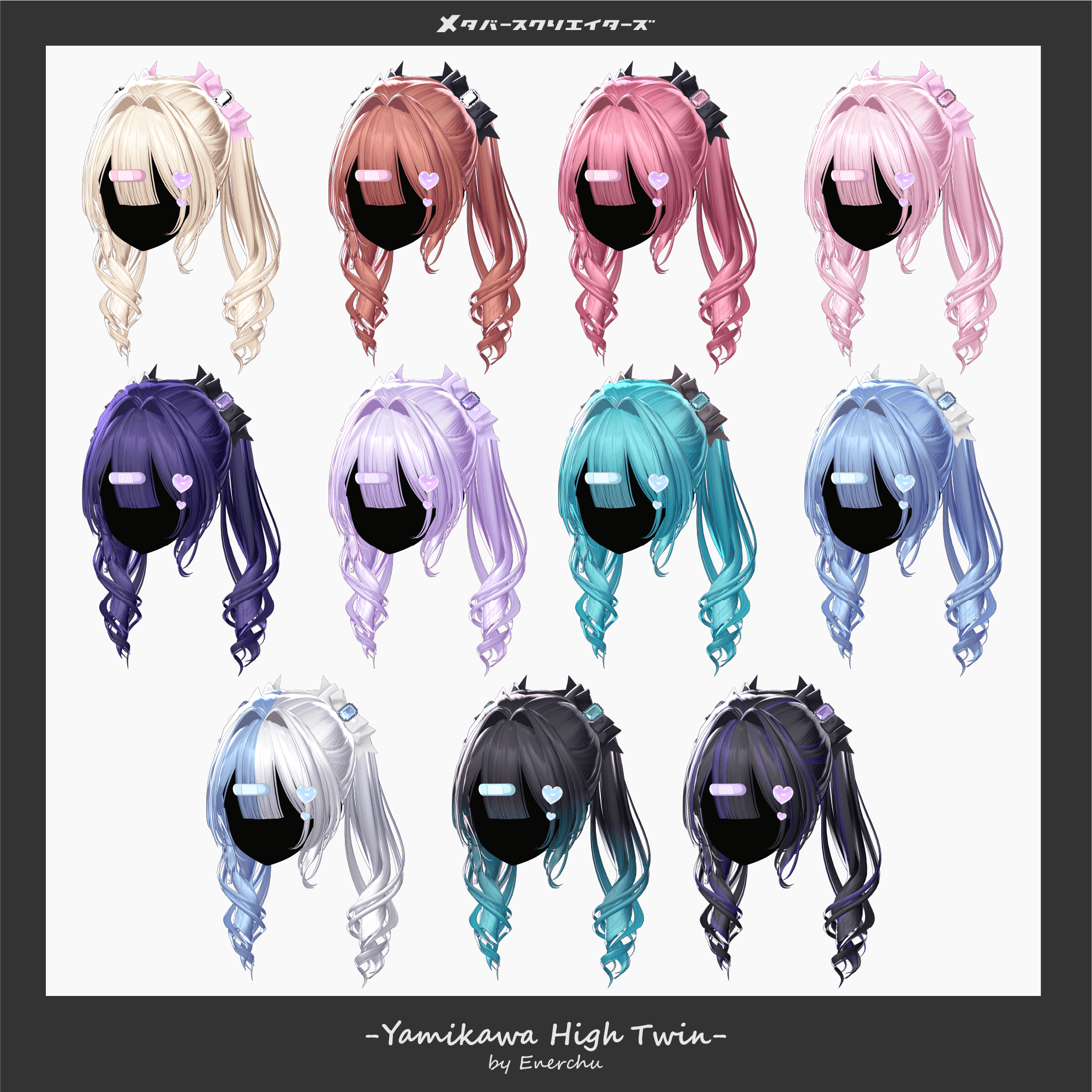
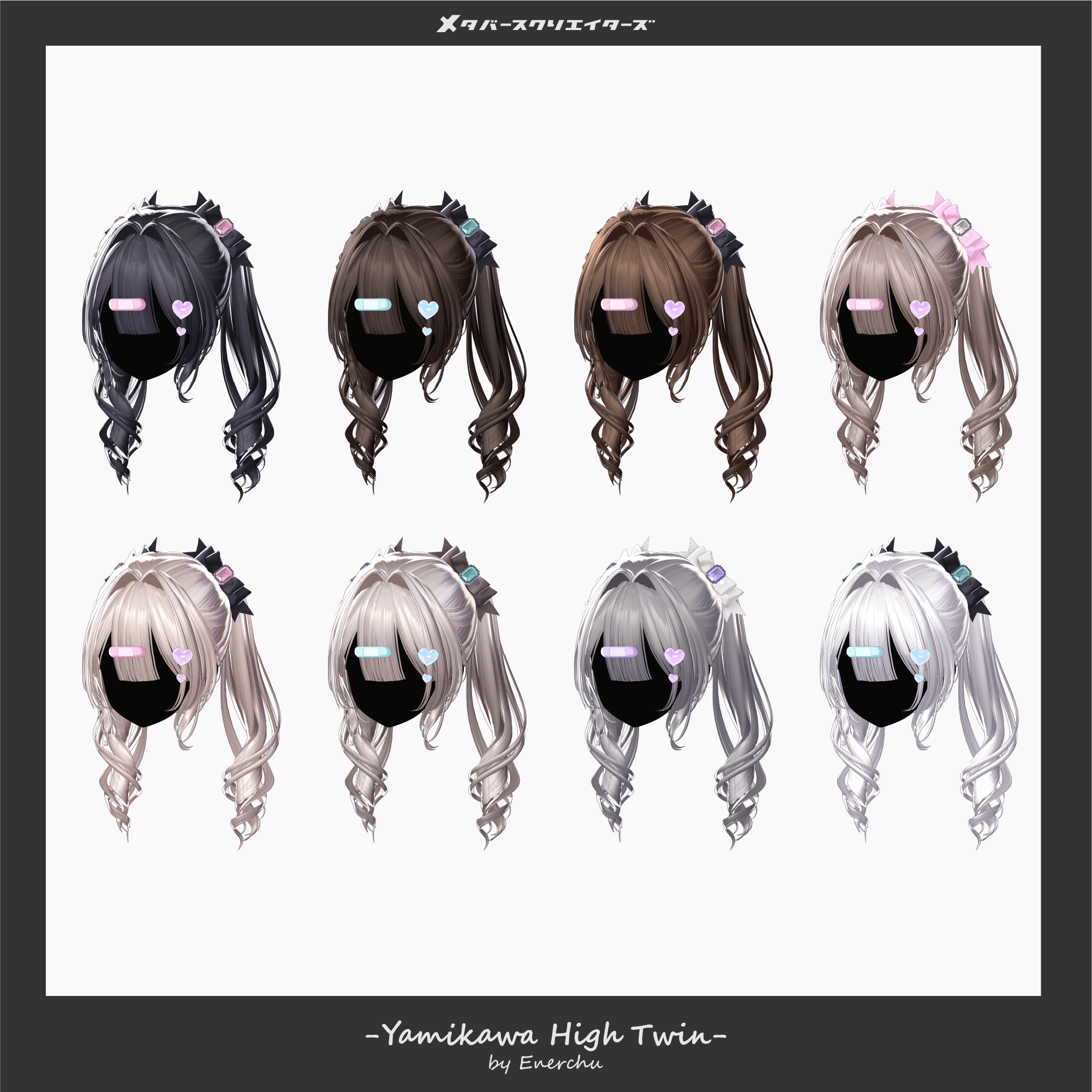
Please refer to the product images for additional details.
◆ Installation Guide
Set up the latest VRChat SDK through VCC.
Install lilToon and Modular Avatar through VCC.
Import the latest packages for your avatar.
Import this product's Unity package.
Drag your avatar (or its customization prefab, if available) into the Scene Hierarchy.
Hide unwanted avatar parts, such as existing hairstyles or attached ears, or set them to Editor Only.
Drag AvatarName_Yamikawa High Twin.Prefab directly under the avatar.
Adjust the scale, position, and shape key values as needed. This step is unnecessary if a pre-adjusted prefab is included.
Upload your avatar through the VRChat SDK.
◆ Customizing Colors
Replace the color variation materials in the Common > Material folder with your preferred materials.
◆ Terms of Use
https://drive.google.com/drive/folders/1qRMXoIxM1ZgacBPfwOigQRtXP1vCbNMn?usp=sharing
※ Please follow the original avatar's Terms of Use.
◆ Development Environment
Modeling: Blender Ver. 5.2.0
Texturing: Adobe Substance 3D Painter 2026 / CLIP STUDIO PAINT PRO Ver. 5.0
Unity: Ver. 2022.3.22f1
VRChat SDK - Avatars: Ver. 3.10.4 (ALCOM)
lilToon: Ver. 2.3.4
Modular Avatar: Ver. 1.18.1
◆ Credits
Creator: Enachu
https://x.com/enerchu
Personal BOOTH Store: https://ennuiproof.booth.pm/
Thumbnail Creator: Sora
https://x.com/Sora_casHi
Inquiries & Support:
Please contact the creator via BOOTH messages.