
PandaMovo: adjustable hip motion for VRChat (PC, VRCFury or Modular Avatar)
Produktbeschreibung
Dieses Produkt enthält KI-generierte Inhalte.
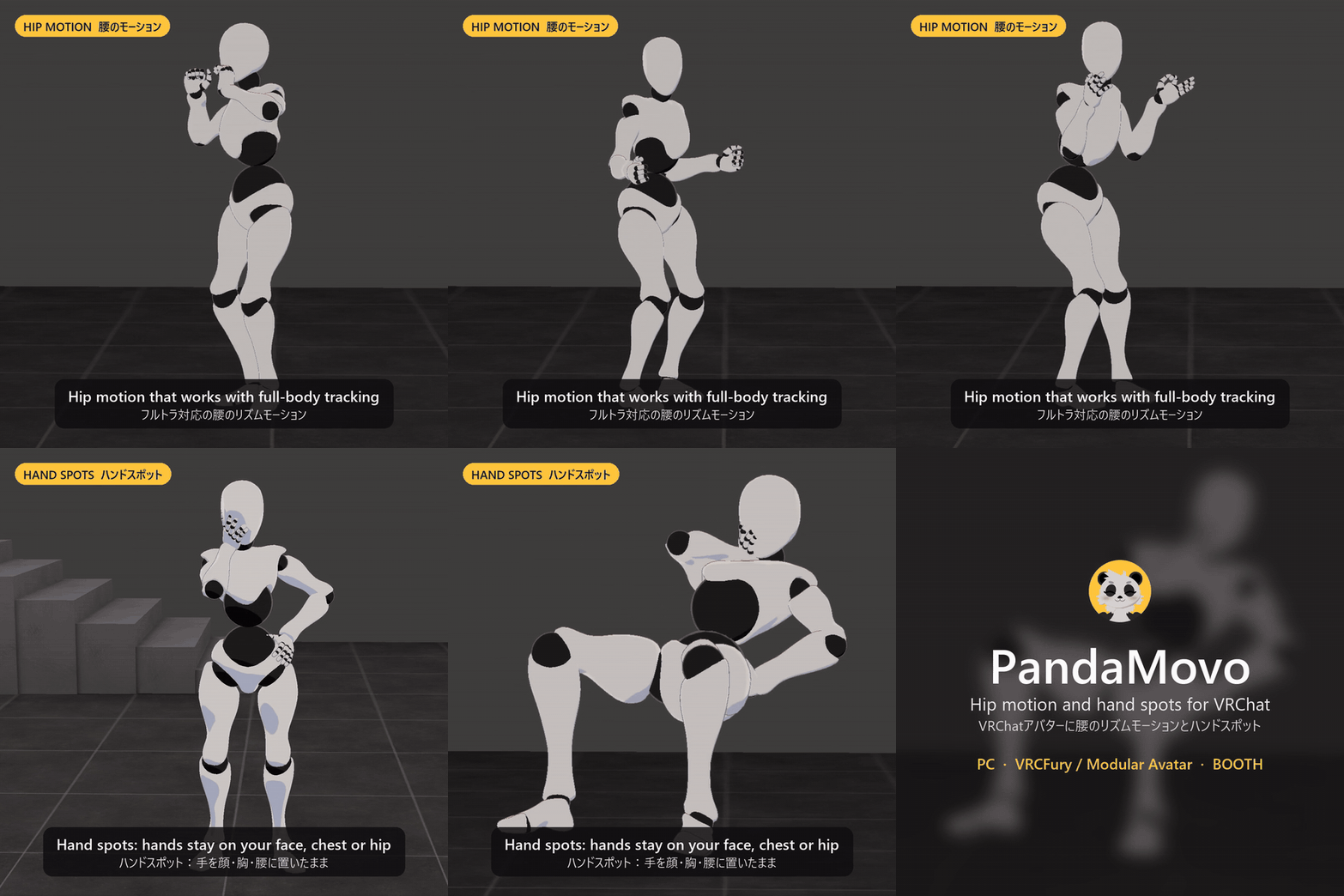
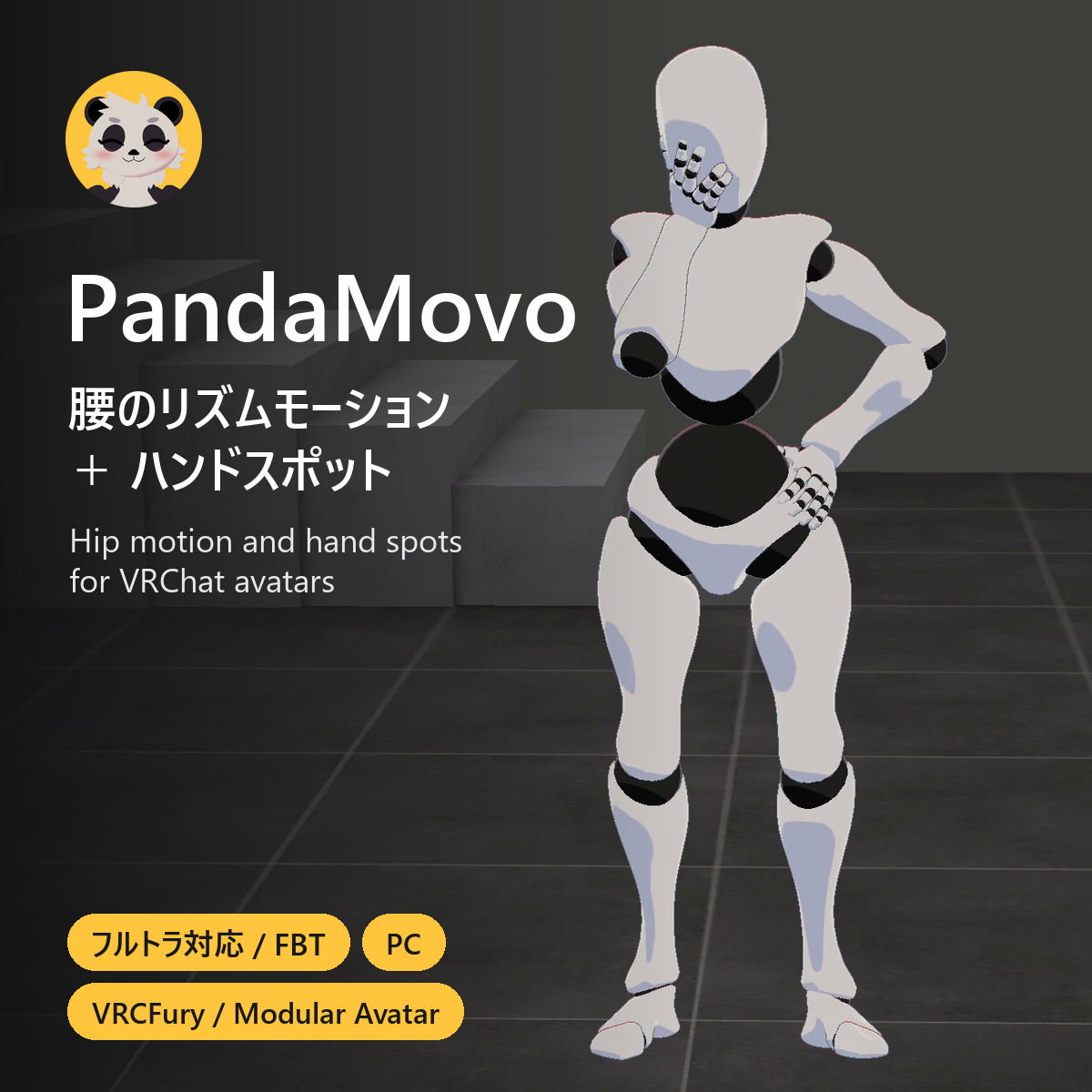
PandaMovo adds an adjustable, looping hip motion to your VRChat avatar. You turn it on and tune it from your expression menu.
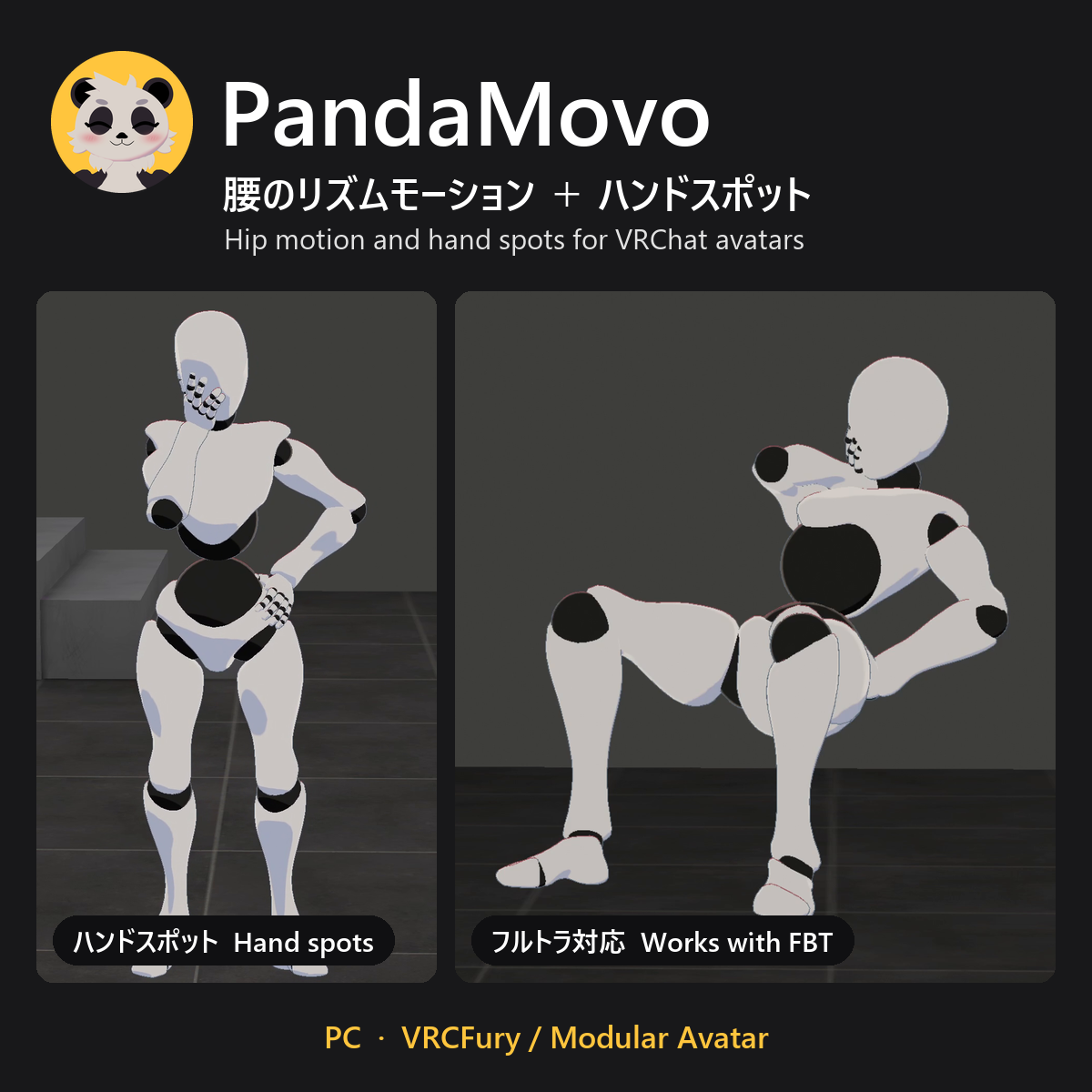
It works with full-body tracking. Your head, hands and feet stay where you put them while your hips move. Other players see the motion too.
Please watch the video before buying so you know how the movement looks.
https://x.com/PandaMovo/status/2111599260881863019
In the menu
- Motion Enabled: turns the motion on and off.
- Four presets: Relaxed, Grounded, Strong and Rapid.
- Three sliders: Speed, Hip Range and Force. VRChat remembers them between worlds.
- Changes blend in without restarting the motion.
Hand spots (optional)
- Set up to 14 places per hand in Unity where an avatar hand can rest, like your hip, cheek or chest.
- Turn one on under PandaMovo > Hands and the hand glides there and stays. Turn it off and it glides back.
- Pick a hand shape (Relaxed, Cupped, Grip or Flat) and fine-tune single fingers. Finger tracking doesn't move a resting hand.
- Unity shows the arm and fingers live while you place a spot.
Setup
Import the package and drag PandaMovo (VRCFury) or PandaMovo (Modular Avatar), for the tool you use, onto your avatar's root object. The Inspector checks your avatar and tells you if anything needs fixing. The tool adds the menu when you upload.
Before you buy
- PC VRChat avatars only. It doesn't work on Quest/Android.
- You need Unity 2022.3.22f1, the VRChat Avatars SDK, a humanoid avatar, and VRCFury or Modular Avatar (both free).
- Uses 17 bits of your synced parameter budget (25 if you add hand spots).
- On the four avatars I tested, the VRChat performance rank stayed the same. It adds 71 to 134 constraints on most of them and makes the bounding box a little larger. Hand spots add no constraints.
- I've tested it on my own avatars with full-body tracking, with another player watching, and with late joins. Avatars and tool combinations vary a lot, so I can't promise it works on every avatar.
- AI-Assisted: the code and documentation were written with help from AI coding assistants. The pictures and videos show real Unity and VRChat footage.
- Unity doesn't preview the hip motion. Test it in VRChat.
- Very high settings can stretch the torso. Start low and adjust.
- Please respect instance rules and the people around you when you use it in public worlds.
Included: the PandaMovo unitypackage with both prefabs, the menu, icons, README, changelog and license. VRCFury, Modular Avatar, the VRChat SDK and the avatars in the video aren't included.
Updates: updates for version 1 are free. Download them again from your Jinxxy inventory.
License (summary): you can use PandaMovo on your own avatars and change it. You can include it in an avatar you're allowed to distribute; people who get it that way can use it on their own avatars but can't pass it on. You can't share or resell PandaMovo on its own. The full license is in the download (the LICENSE file).
Help: email me at the support address on your Jinxxy receipt or download page. Include the PandaMovo version, your avatar's name, your SDK version, your VRCFury or Modular Avatar version, and any red Console errors.