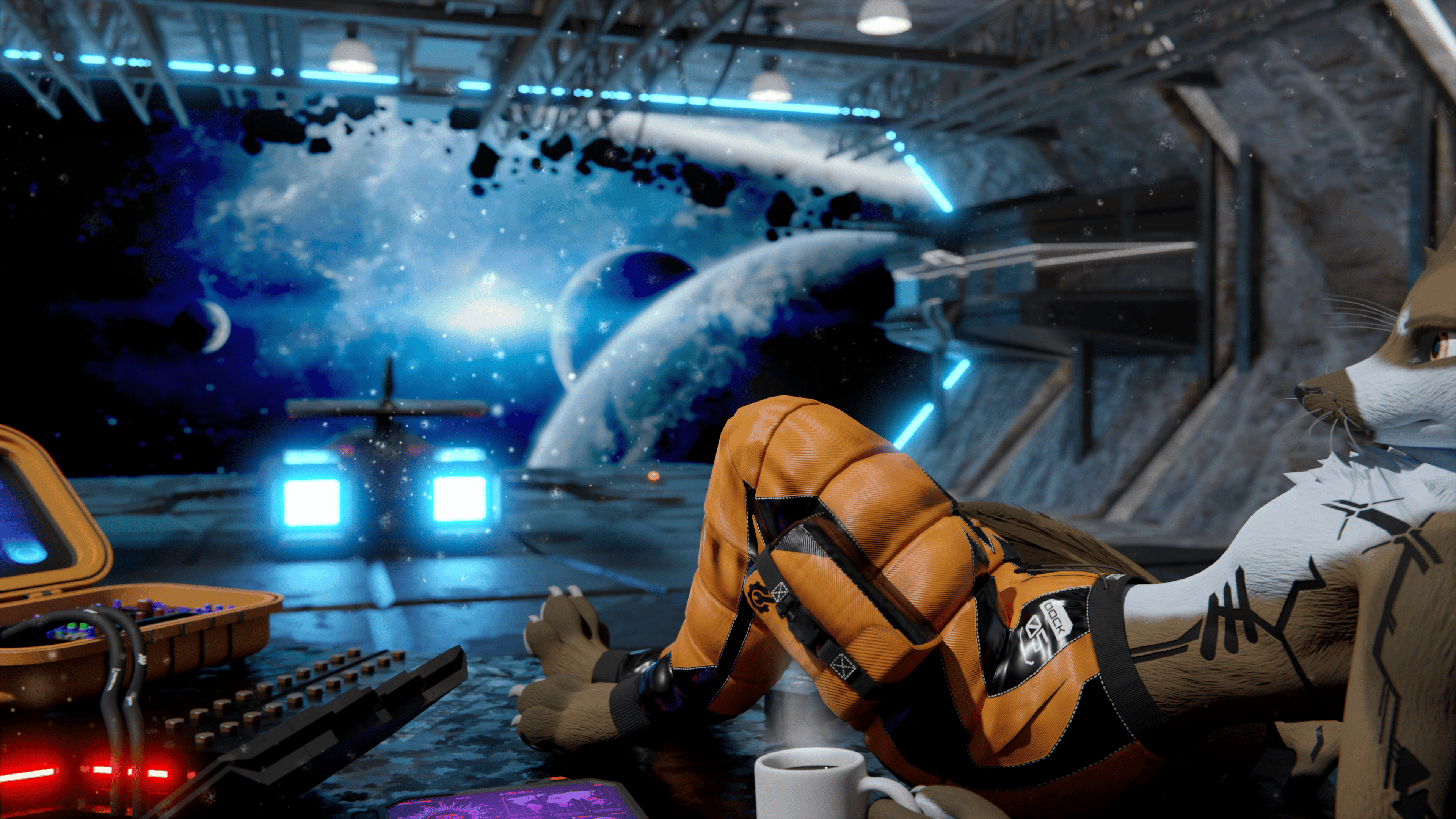
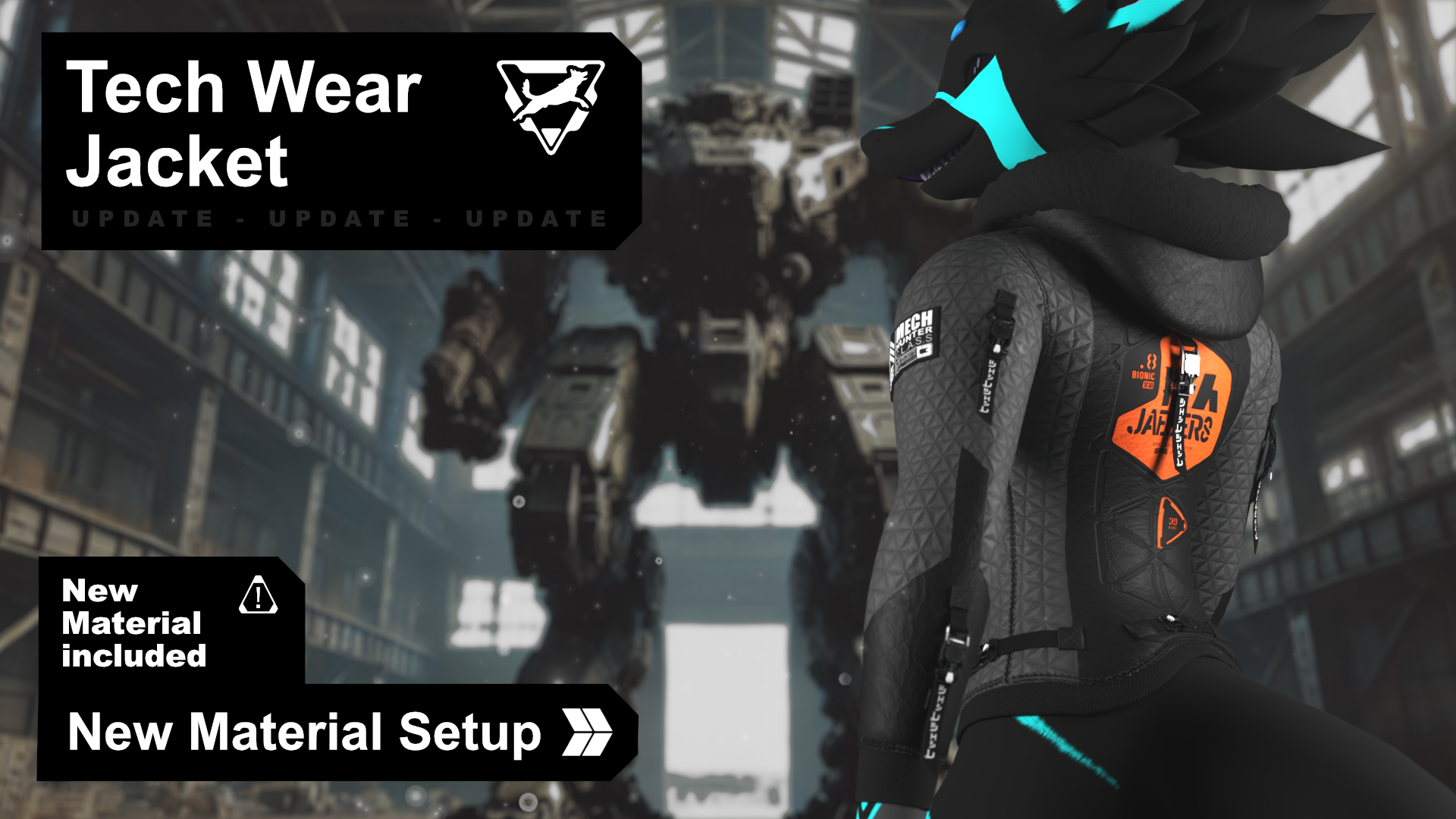
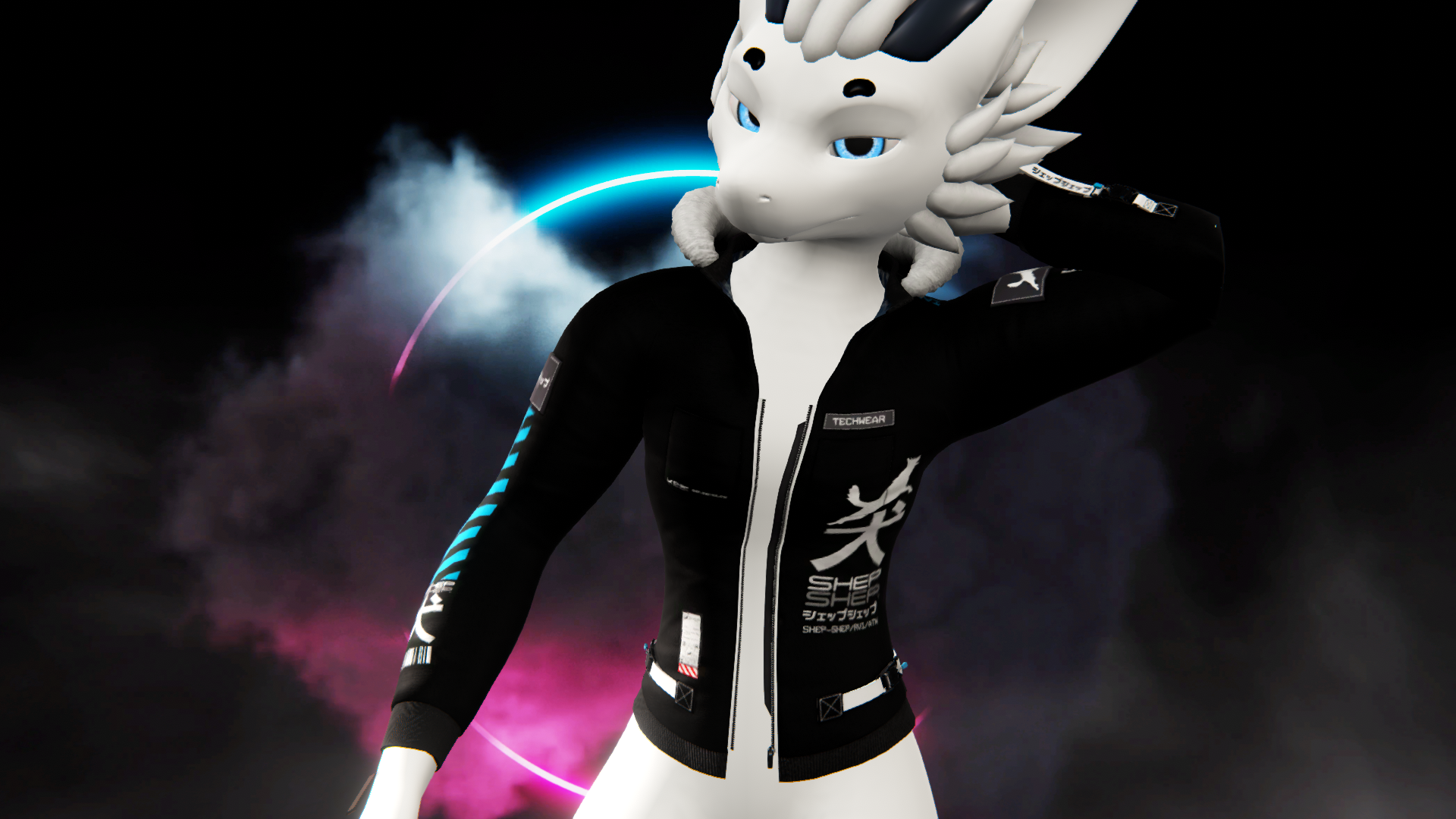
Tech Wear Jacket for Nardoragon
Produktbeschreibung
Like the Asset? ☆☆☆☆☆
It would mean a lot to me, if you could leave a review.
It's the best way to help a creator grow.
Something not right?
Please don't hesitate to reach out, If you're not happy. ♡

[Virtual Reality optimized Asset - Tech Wear Jacket for Nardoragon]
[Available Avatars]
🅯 - Nardoragon (v2.0 & v3.1)
Rigged for Nardoragon v2.0 & v3.1.
VRCFury is required for BlendShape support.

[Whats included?]
▦ - FBX file⁽ˢ⁾
❒ - Unity package
⌬ - Substance Painter File⁽ˢ⁾ [v7.8 ⇧]
🖹 - License Document
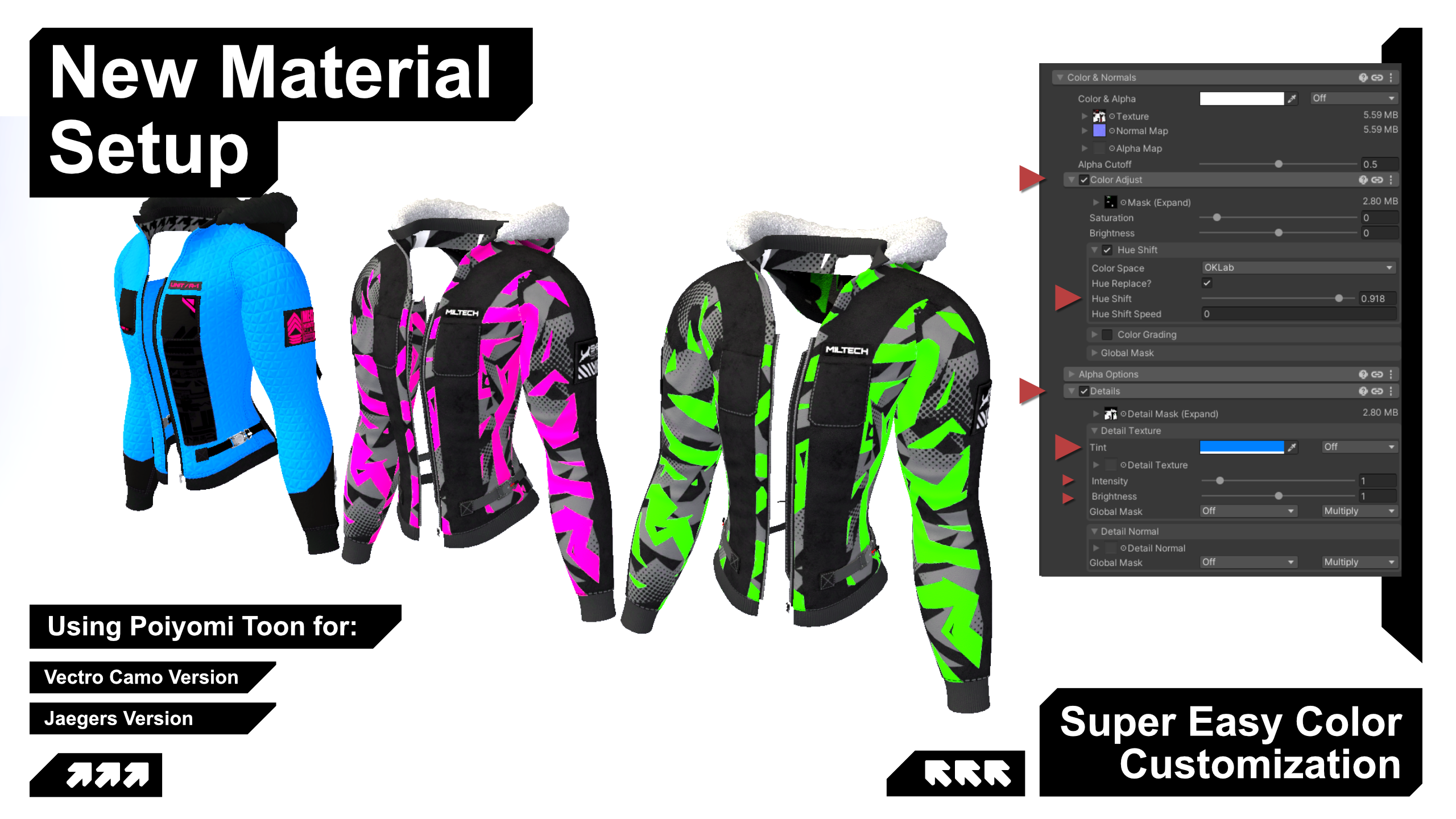
The jacket comes with 7 material variants.
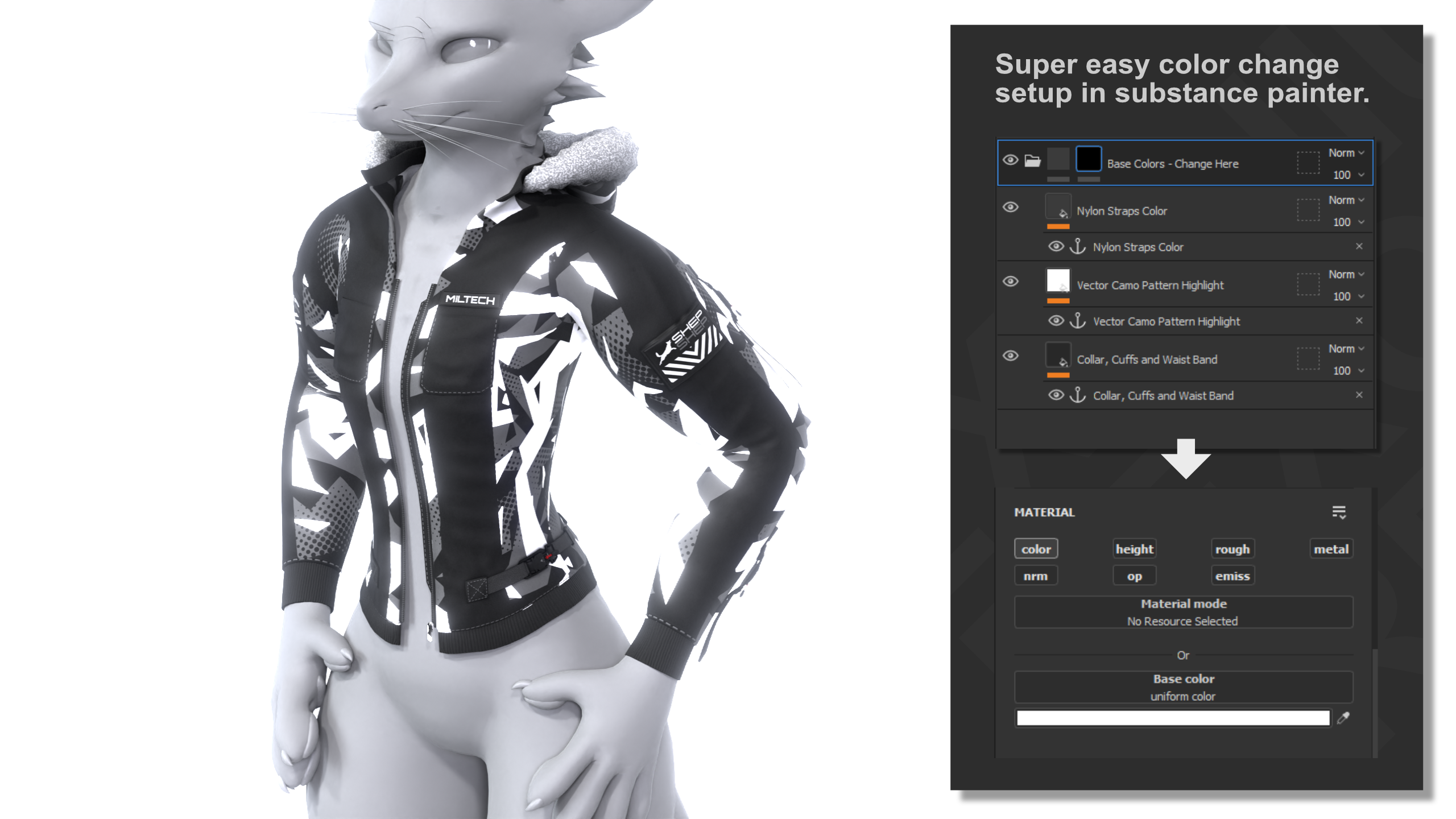
Jaegers and Vector Camo include a Poiyomi Color Change version.
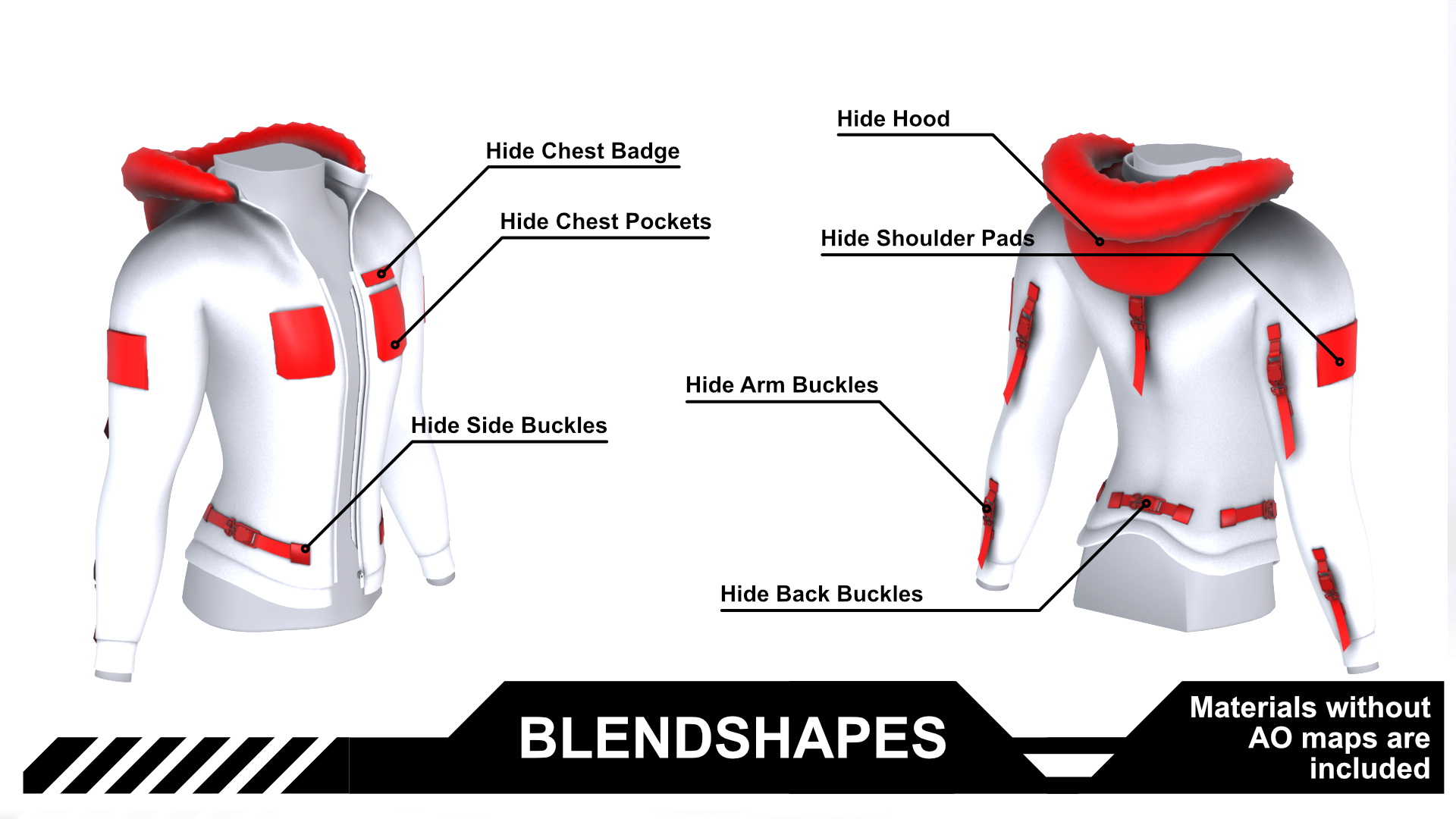
Use the No AO versions if you have any Hide BlendShapes active.
Texture versions PBS and Poiyomi:
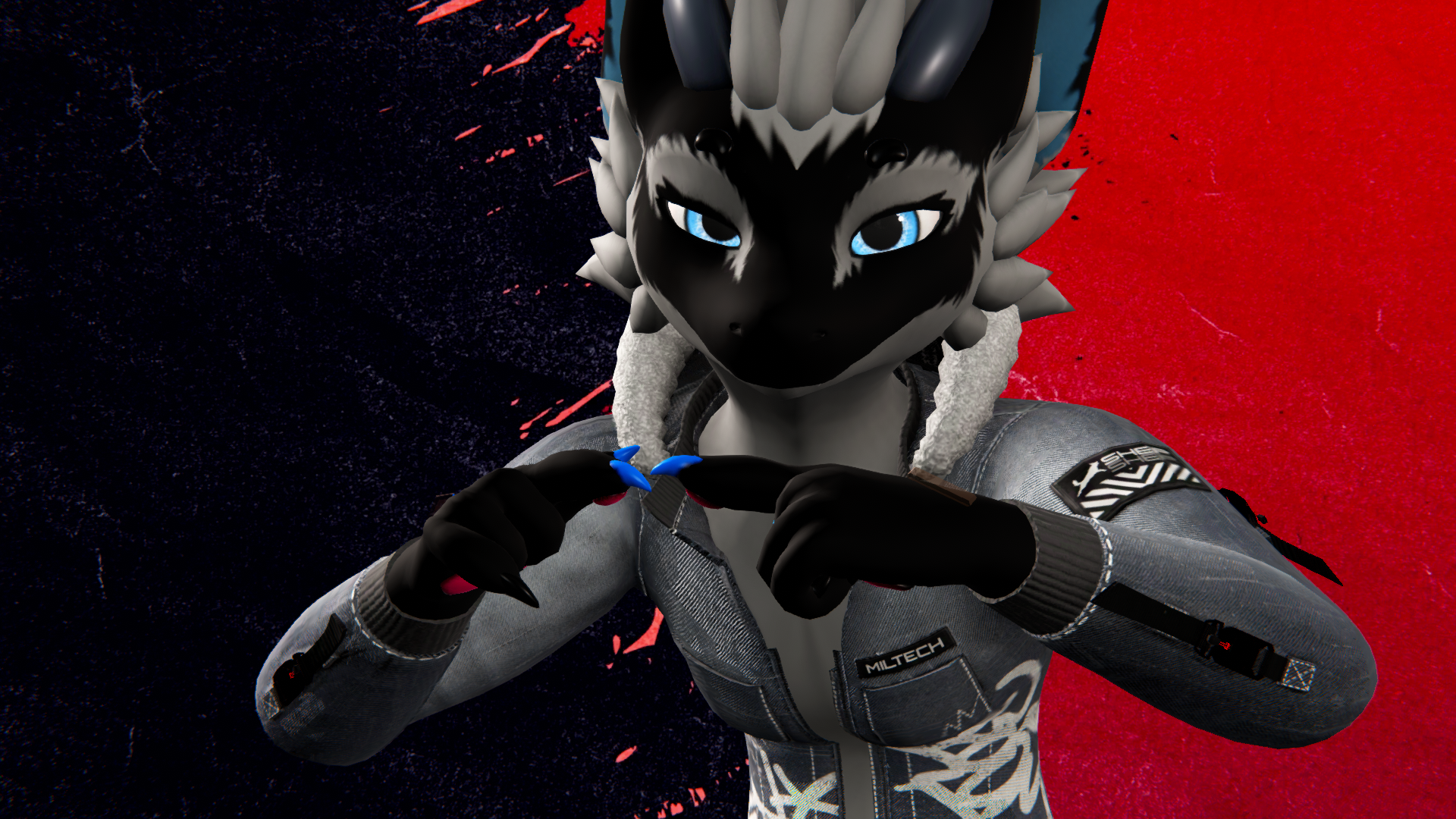
◐ - Denim Clean
◐ - Denim
◐ - Jaegers
◐ - Jaegers Brown
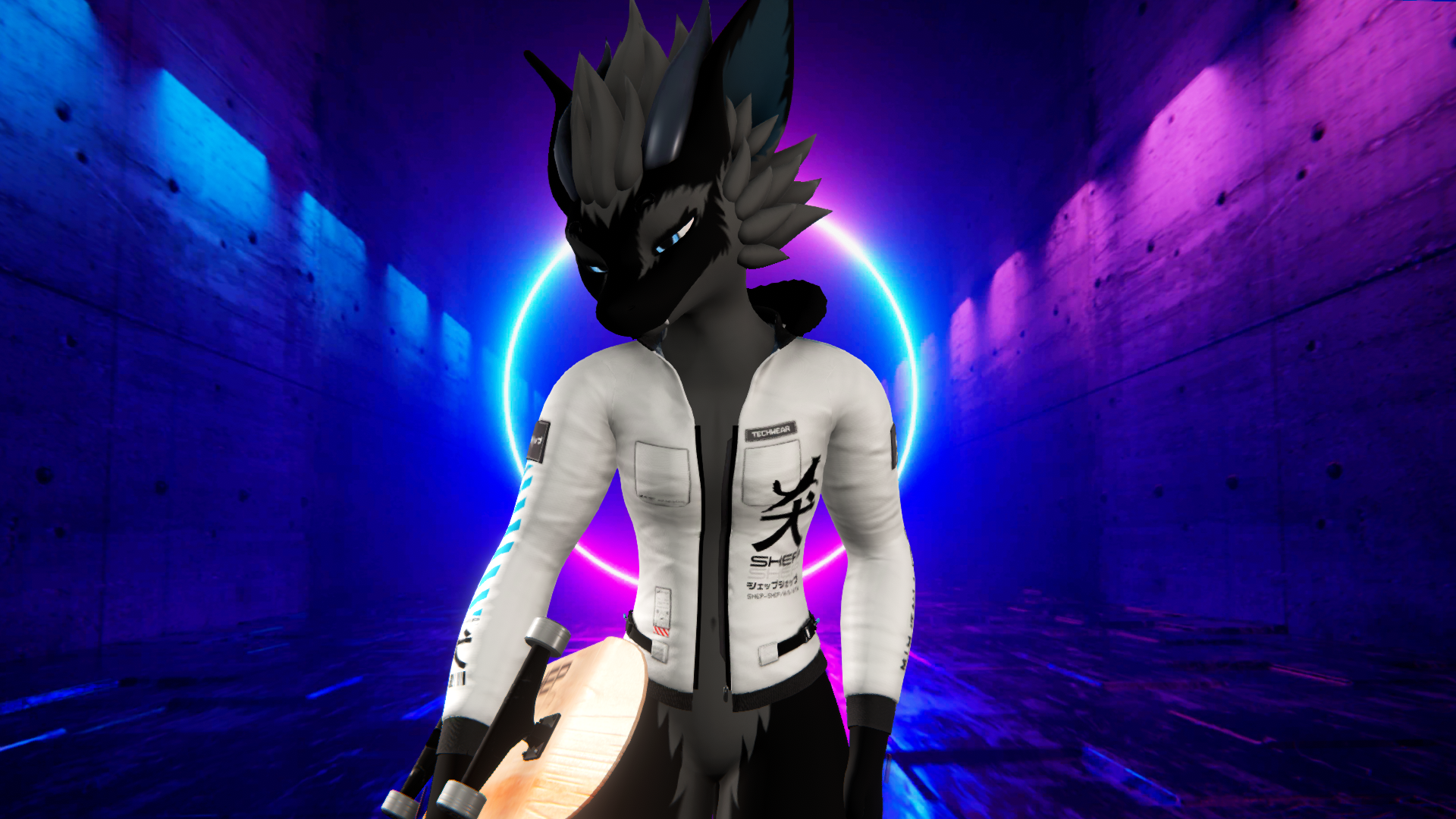
◐ - Shepu Shepu
◐ - Shepu Shepu Inverted
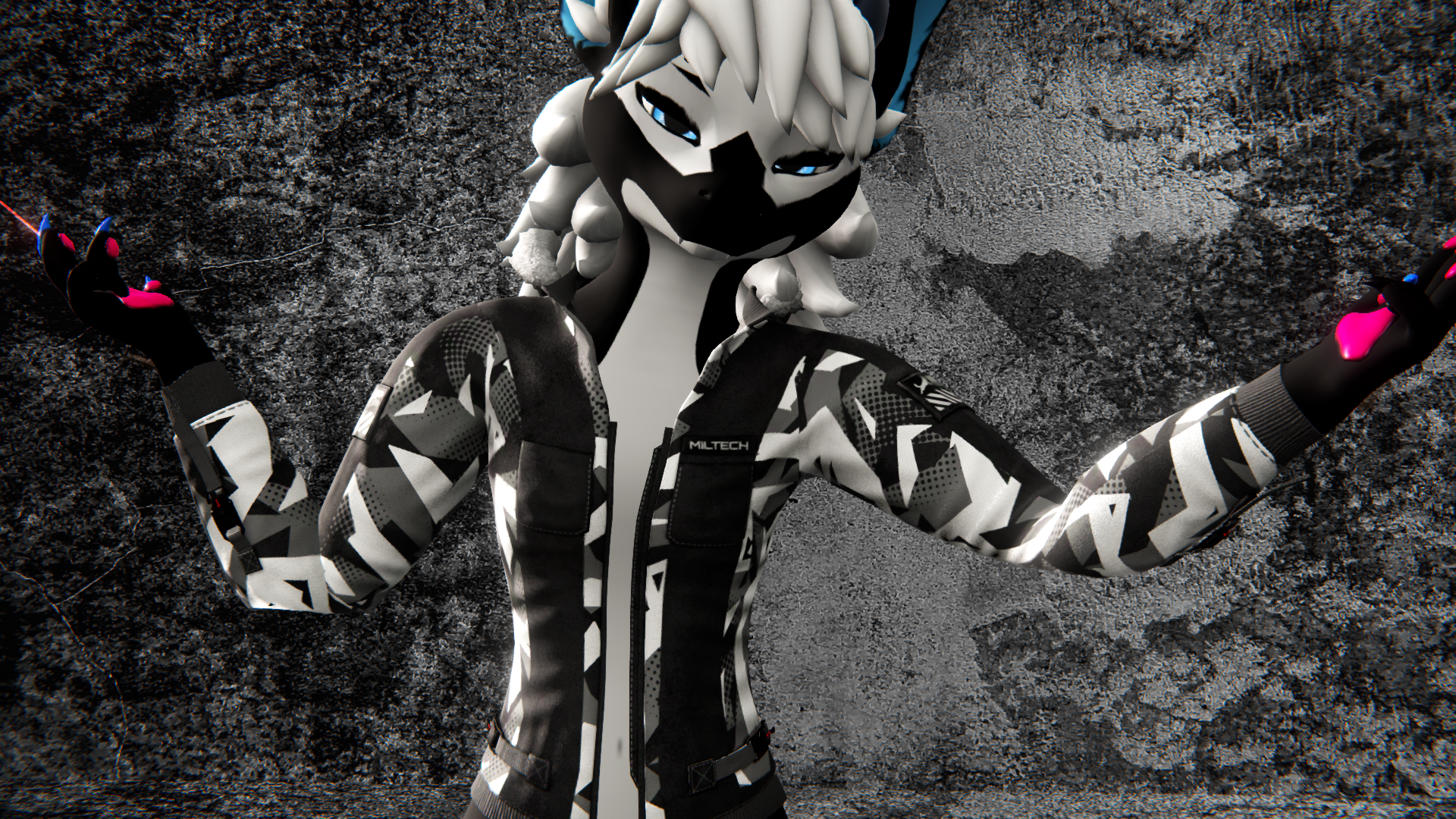
◐ - Vector Camo

[Specs]
△ - Triangle Count ~ 17k
⚯ - Bone Count 21
◩ - Texture Resolution — 2K
◐ - Texture Variants — 7
↦ - BlendShapes — All avatar deformations + 7 custom
ʜɪᴅᴇ ʜᴏᴏᴅ · ʜɪᴅᴇ ᴄʜᴇꜱᴛ ʙᴀᴅɢᴇ · ʜɪᴅᴇ ᴄʜᴇꜱᴛ ᴘᴏᴄᴋᴇᴛꜱ · ʜɪᴅᴇ ꜱʜᴏᴜʟᴅᴇʀ ᴘᴀᴅꜱ
ʜɪᴅᴇ ᴀʀᴍ ʙᴜᴄᴋʟᴇꜱ · ʜɪᴅᴇ ꜱɪᴅᴇ ʙᴜᴄᴋʟᴇꜱ · ʜɪᴅᴇ ʙᴀᴄᴋ ʙᴜᴄᴋʟᴇꜱ

[How to setup?]
🛠 Install VRCFury via the Creator Companions repository.
🛠 Just click the VRCFury Button below for a guide.
- Open Creator Companion — Add the latest VRCFury version to your project
- Import the Tech Wear Jacket Unity package into your project
- Install Poiyomi Toon Shader — available via the Poiyomi VPM or from the Poiyomi Discord
- Drag the prefab onto your avatar root
- Pick a material from the materials folder and drag it onto the model
Use the No AO versions if you have any Hide BlendShapes active - Adjust BlendShapes to taste. Can be found on the mesh itself.

[Support]
Please reach out if you experience any kind of Setup issues or clipping.
We want to continuously improve the products for everyone.
Also always happy to help!

[Licensing]
🖹 - Personal License PDF included with purchase.
✓ - Personal use — avatars, renders, prints, worlds
✓ - Modify freely — retexture, rerig, resize, combine
✓ - Commission work — client must hold the same license
✓ - Perpetual — does not expire
╳ - No resale or redistribution
╳ - No sharing as a kit, bundle, or stock
╳ - No commercial or on-demand use
╳ - Non-transferable
Content creator? Collabs welcome — Discord or [email protected]
Commercial use requires a separate inquiry.
[Disclaimer]
⚠ - Pictures might differ from the Product.