
Produktbeschreibung
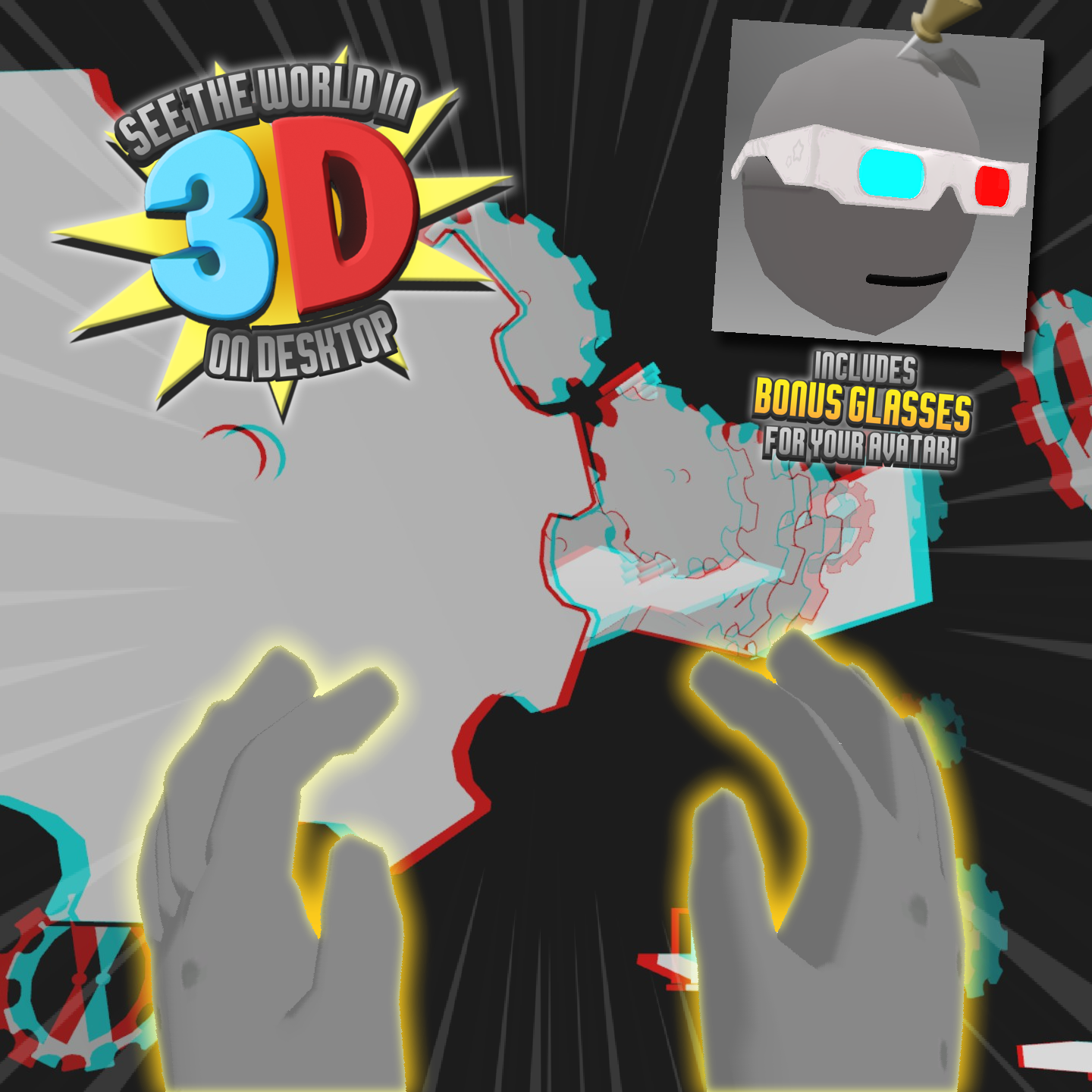
View the world in 3D on desktop!
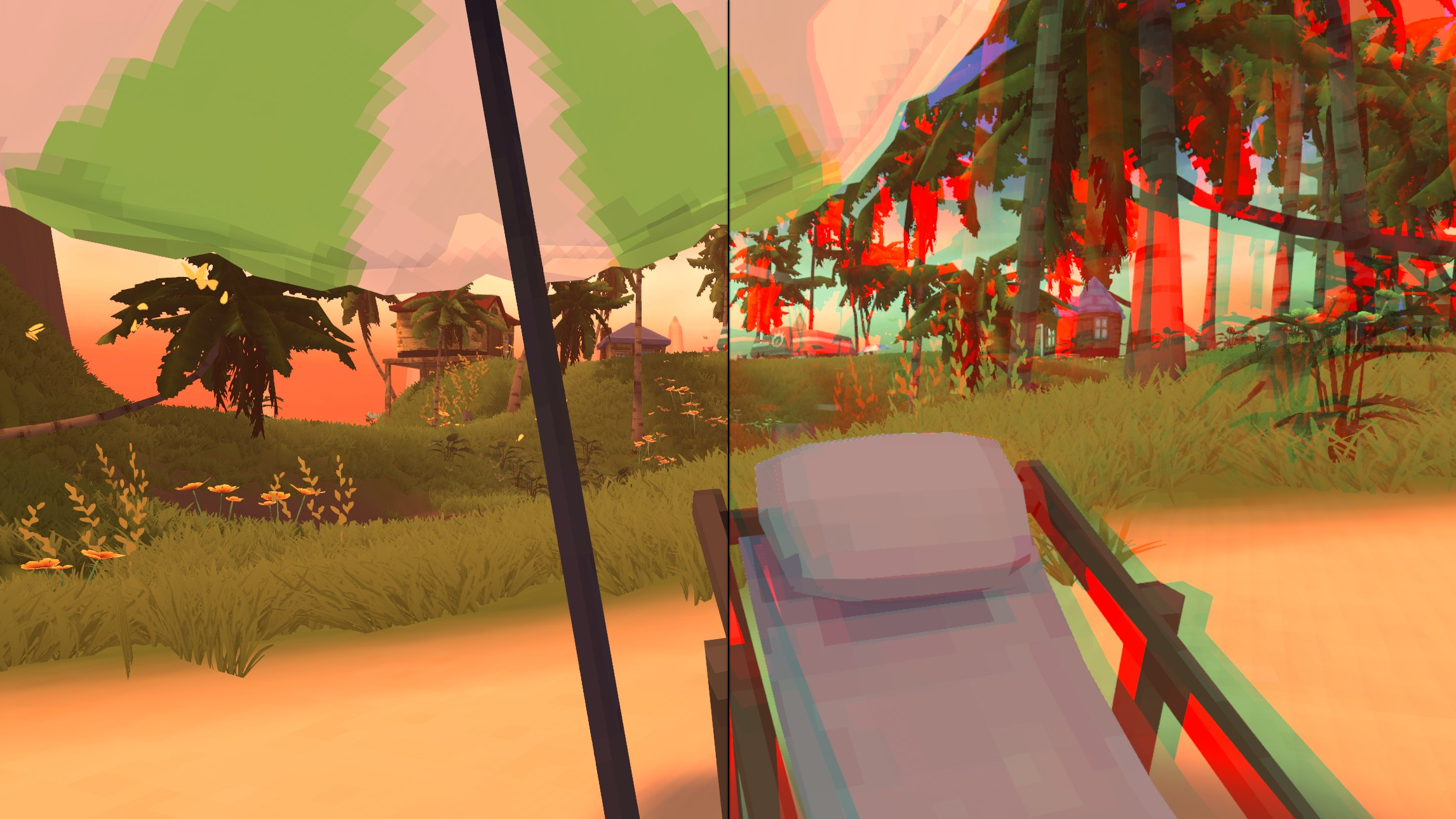
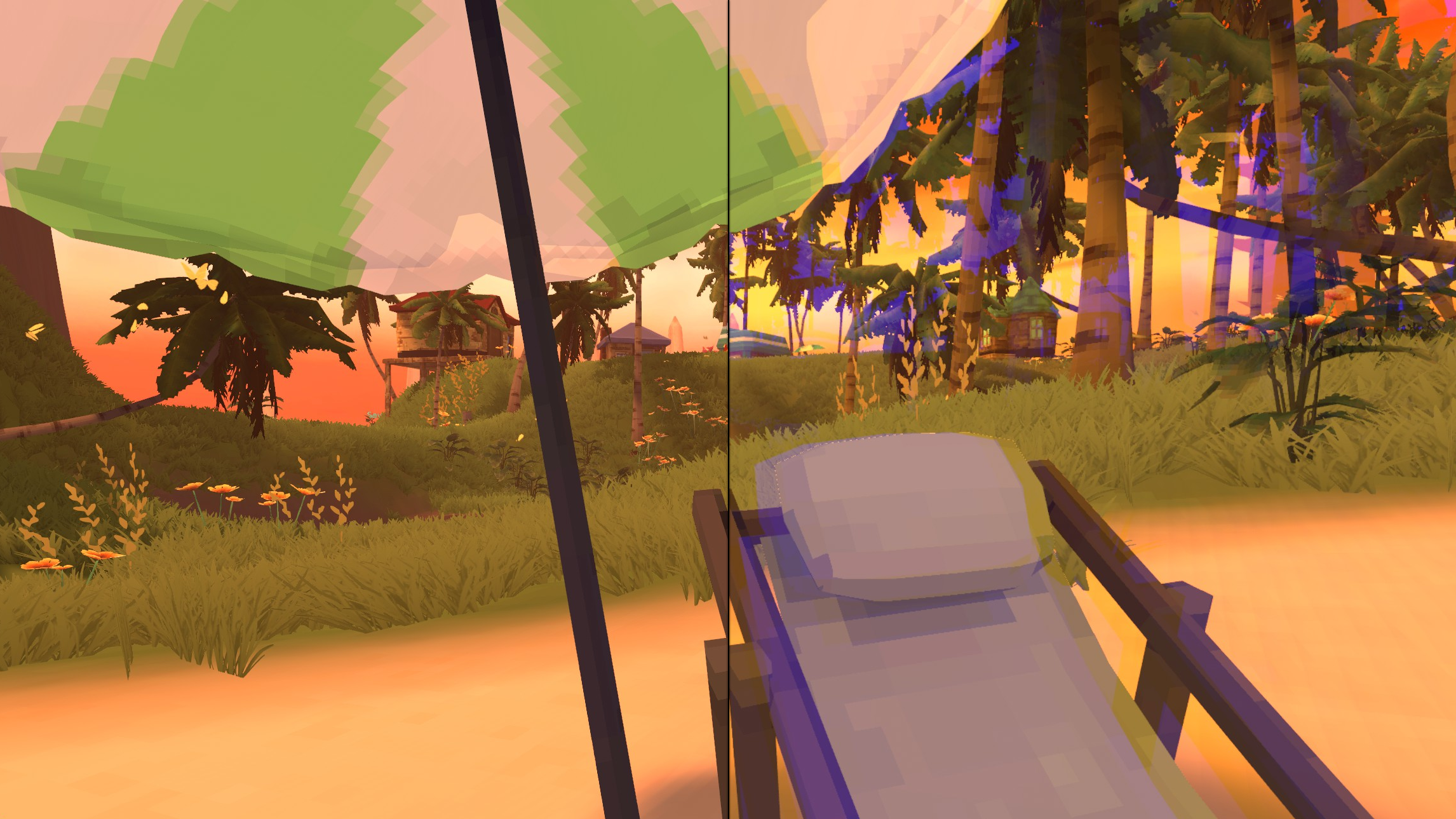
Place this overlay on your avatar, put on your 3D glasses, and basically play in VR on desktop, it's practically the same thing.
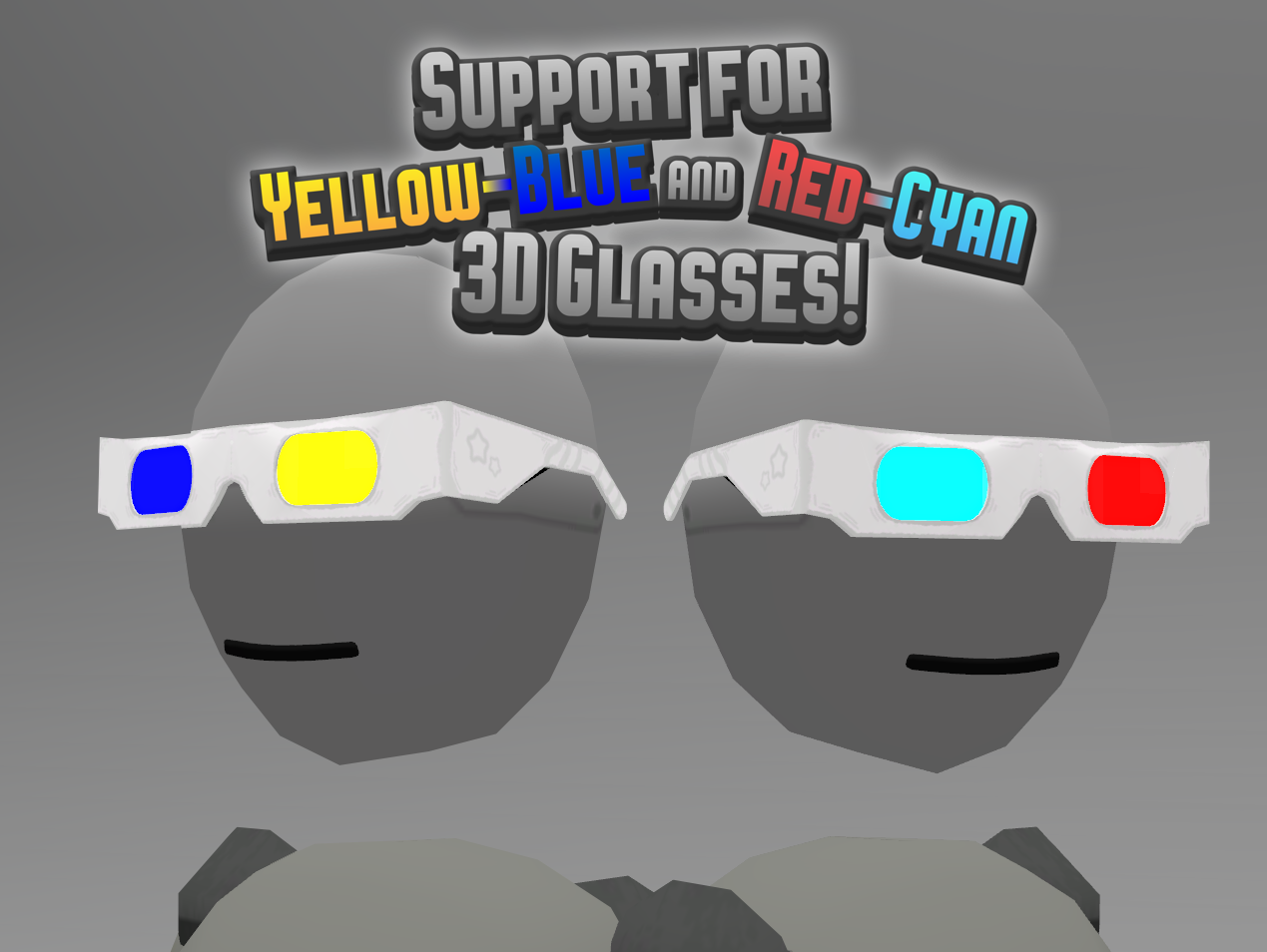
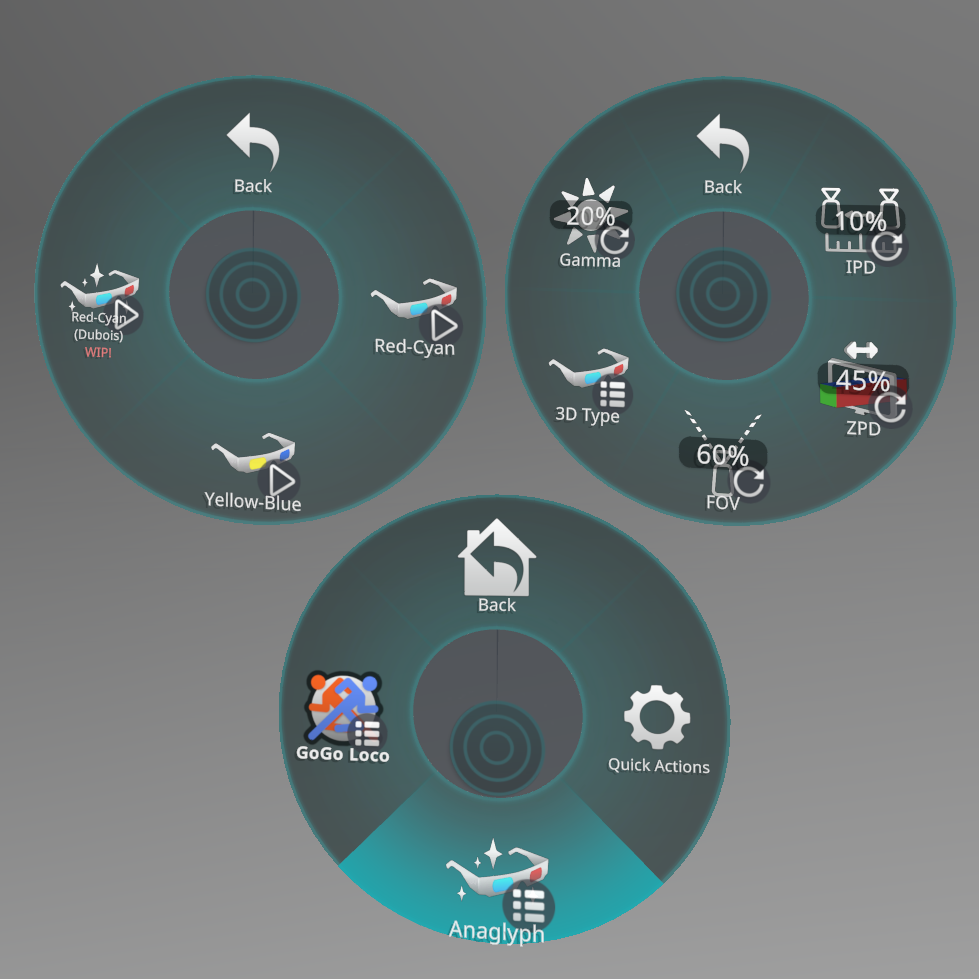
Adjust how much things pop and how close they have to be to come through the screen! Supports Red-Cyan and Yellow-Blue 3D glasses. Install instructions included. Don't worry, it's easy.
NOTE: 2 cameras are placed on your avatar for this to work, and as such may cause a significant performance hit for some users. To make sure you can handle it, check out the demo avatar here.
Please note!
At the time of writing, VRChat does not support attaching objects directly to the viewpoint! This means the overlay, and more importantly the cameras, are instead attached directly to your head bone, which will restrict how far you can look up or down, but more importantly means things like walking animations will cause your view to bob with your head, which may cause motion sickness in some players. This can be mitigated with, for example, Franada's GoGoLoco which lets you disable your movement animations. Please be advised!
Performance Details:
Glasses:
- 420 Triangles
- 1 Static Mesh Renderer
- 1 Material Slot
- ~0.17 MB Texture Memory
Overlay:
- 12 Triangles
- 2 Cameras
- 1 Static Mesh Renderer
- 1 Material Slot
- ~0.25 MB Texture Memory
Combined:
- 432 Triangles
- 2 Cameras
- 2 Static Mesh Renderers
- 2 Material Slots
- ~0.42 MB Texture Memory
Please don't:
- Share anything included in the product*
- Claim you created any part of the product
- Resell or advertise using the product
- Contact me for basic avatar/unity support. Please restrict any support requests to issues specifically with the product in particular, like if something isn't working or the installation instructions are unclear. You are expected to have basic VRChat avatar creation knowledge.
You may:
- Upload a public avatar containing any part of the product, as long as you include something like "3D Anaglyph prefab created by jinxxy.com/Sodiumitis"
- Share the product's contents, modified or otherwise, only to other legal owners of the product.
- Pretty much anything else. Use it outside of VRChat, customize it however you like, or brutally gut it to make something else entirely with its entrails! (You still can't share that though, no matter how different it is.)
Thank you to /Crazium for modeling the glasses and designing the icons! Check out his own page and his worlds!