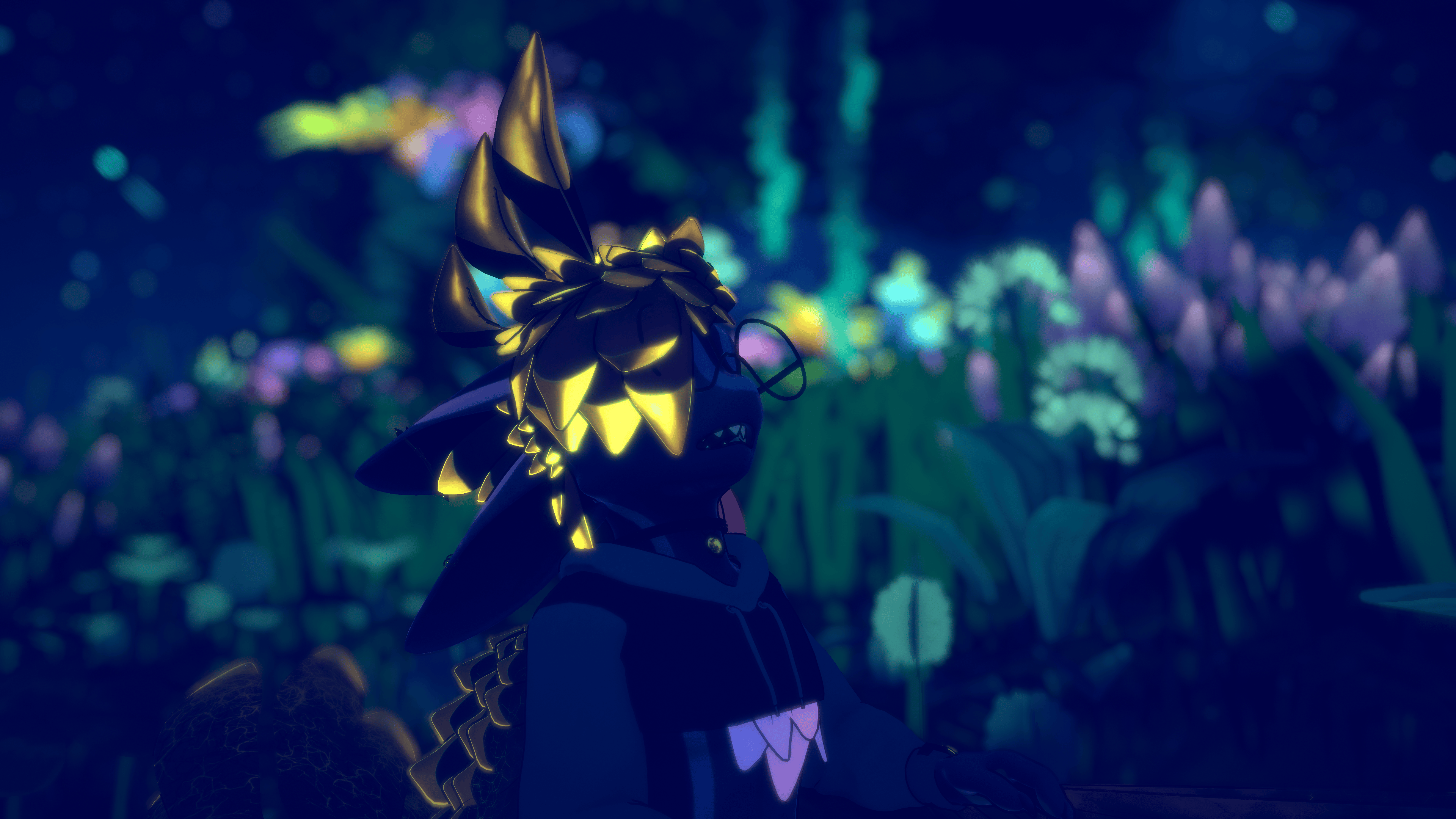
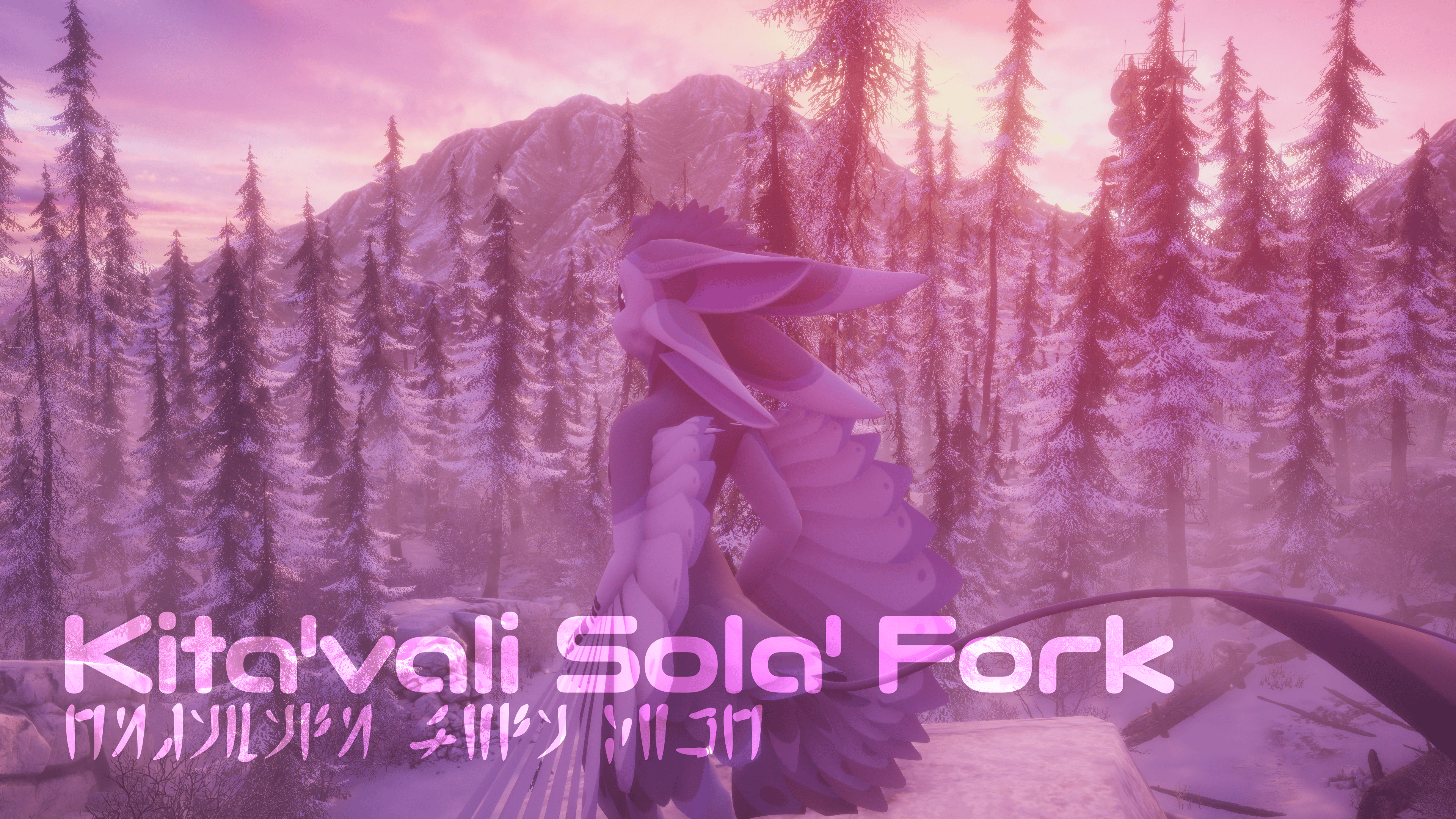
Kita'vali Sola' Fork
Produktbeschreibung
What is this avatar?
This avatar is nothing new in itself. What this avatar is is a so-called fork or a mod of the original Kita'vali avatar by Rai Kitamatsu. Although this is a derivative work based on the Jaco Fork and not just the base avatar, inheriting some of its features.
Why this over the base avatar?
This fork updates the avatar, adding new features, making it more expressive and making it more convenient to use.
Wanna try it out?
You can find the public test avatar here!
Standout features (over the base)
Inherited from JacoPH's Jaco Fork
- Rigged toes, hair, chest fluff, butt cheeks, nose and cheeks
- Optional rigged Davali side hair
- Cheese slap (send and receive, compatible with Mayu and avatars with similar systems)
- Boop effect
- Shape keys for hiding wings, chest fluff, skirt feathers, under fluffies and the tail feather
- Toggles for hiding aforementioned parts (on PC this uses UV tile discards for better optimization and hiding animations)
- VRCFury format for implementing toggles, physbones and the menu
- GoGoLoco
New features and changes specific to this fork
- Overhauled project structure with new prefabs for better usability
- Better optimization through application of optimizers and merging of skinned meshes as well as creating different avatar variants with merged-in hairstyles or none, for adding custom hair for example (by default the hair is a separate mesh)
- Fixed cheese slap on Quest by using the new Toon Standard shader's Detail Texture Feature
- Added a wing movie mode toggle that, instead of completely disabling the wings, fades them out as you get close enough to them. This makes them still visible at a distance, but prevents obstruction of other people's views on any video screens.
- Replaced the purr sound effect with a new, higher quality one. I am undecided on whether it's actually good, so feedback on it is appreciated
- Built-in normals and reflections for the pads on the hands and feet to make them look 3D
- Built-in hue shift and saturation slider. Easily removed if not needed. The saturation slider only works on PC.
- Raycast for the floor collider
- Texture import settings presets for convenience
Planned features for the future
- I am playing with the idea of finishing up JacoPH's fem mod that he has abandoned working on.
- Fix the digitigrade model - I am trying to figure out why it's marked as broken and will likely make updated prefabs for them later
- Replace wail sound (moo)
- Replace hostile sound (hiss)
- More custom menu icons
Performance
PC - Default
- 🔴 Overall Rating: Poor
- 🔴 PhysBone Transforms: Poor (187)
- 🟡 PhysBone Components: Medium (14)
- 🟡 Contact Count: Medium (23)
- 🟢 Polygons: Good (52316)
- 🟢 Material Slots: Good (6)
- 🟢 PhysBone Colliders: Good (8)
- 🟢 PhysBone Collision Check Count: Good (101)
- 🟢 Bones: Good (138)
- 🟢 Particle Systems: Good (1)
- 🟢 Total Max Particles: Good (40)
- 🟢 Audio Sources: Good (2)
- 🟢⭐ Skinned Meshes: Excellent (1)
- 🟢⭐ Other metrics: Excellent
PC - Lite (Default Hair)
- 🟡 Overall Rating: Medium
- 🟡 PhysBone Components: Medium (11)
- 🟡 Contact Count: Medium (23)
- 🟢 Polygons: Good (52316)
- 🟢 Material Slots: Good (6)
- 🟢 PhysBone Transforms: Good (58)
- 🟢 PhysBone Colliders: Good (6)
- 🟢 PhysBone Collision Check Count: Good (40)
- 🟢 Particle Systems: Good (1)
- 🟢 Total Max Particles: Good (40)
- 🟢 Audio Sources: Good (2)
- 🟢⭐ Bones: Excellent (75)
- 🟢⭐ Skinned Meshes: Excellent (1)
- 🟢⭐ Other metrics: Excellent
Mobile (Default Hair)
- ❗🔴 Overall Rating: Very Poor
- ❗🔴 Polygons: Very Poor (52316)
- ❗🔴 Material Slots: Very Poor (6)
- 🔴 PhysBone Components: Poor (8)
- 🔴 PhysBone Transforms: Poor (39)
- 🔴 Contact Count: Poor (14)
- 🔴 Particle Systems: Poor (1)
- 🔴 Total Max Particles: Poor (40)
- 🔴 Trail Renderers: Poor (1)
- 🟡 PhysBone Collision Check Count: Medium (22)
- 🟢 PhysBone Colliders: Good (2)
- 🟢⭐ Bones: Excellent (65)
- 🟢⭐ Skinned Meshes: Excellent (1)
- 🟢⭐ Other metrics: Excellent
Dependencies
- VRCFury
- Poiyomi (Toon) Shader
- Adjerry FT Template (updated to now work with version 7 of Adjerry's FT Template thanks to JacoPH!)
- GoGoLoco
- D4rk's Avatar Optimizer
- VRCQuestTools
- Anatawa12's Avatar Optimizer
If you're downloading the avatar from Jinxxy
Recommended extra packages for convenience and QOL
- BluWizard LABS - Enhanced Hierarchy System (potentially better alternative to Hierarchy+)
- Thry's Avatar Performance Tools (recommended for VRAM and texture memory usage evaluation and tips)
Optional for auto-adjustment of quality of custom textures
Credits
- Rai Kitamatsu - the Kita'vali base avatar
- JacoPH - for his fork
- Adjerry91 - for the Facetracking Blendshapes and Facetracking Stuffs
- Azuki - for the adopted Mayu FX layers for Gestures, Expressions and Cheese. (The Mayu is a great avatar! - Get it here!)
- Lumitheavali - for providing some sounds and audio
- Emil1326 – for his Unity Tool Suite and patching tools that made the Jinxxy release possible
Disclaimer
This fork is not compatible with the Jaco Fork! It does not serve as an update or drop-in replacement. It might work just fine and you could port your existing resources to this new fork, but an import over the Jaco Fork is an untested use case and should be done at your own discretion. Make sure to make backups if you want to try it anyway! I will likely not be able to provide assistance if you break your project!
License terms & TOS
- This avatar edit is FREE, and it will always remain FREE to use, modify, upload and reuse in your own derivative work.
- If you do create your own publicly available edit, make sure to include credit to all the people that have worked on this fork directly and indirectly, as mentioned in my own credits as well.
- If you upload this as a public avatar, while not mandatory, it would be highly appreciated if you keep the credits menu on the avatar, so others can tell who worked on the base.
(Note: Credits prefab located under Assets -> Kita'vali 2026 -> Prefabs -> Credits; it's included with the default full-featured avatar out of the box) - The TOS of the original Kita'vali still apply, and you are required to read and accept them before you can make use of the files provided for this fork or alternatively gain a direct download of the full package.
- The original avatar's TOS can be downloaded as a PDF document in this fork's Jinxxy distribution if you need to read them again, but are not a member of Kita's Gremlinhouse and either can't or don't wish to join it to read them in their original form.
Donations
If you like my work on this base, feel free to give me a donation using Jinxxy's "pay what you want" system. While highly appreciated, it's not mandatory and up to you to decide. You'll receive the same features and same amount of support regardless of whether you donate or not.
Compatibility notice
You can import this project (from the Discord or the patch) over an old project made with the original Kita’vali, but will have to manually port your changes to the new prefabs.
Assets and clothes made for the Jaco Fork (or base Kita) should also be compatible with this fork.
The armature didn't change in any meaningful ways.
How do I use this?
The instructions can be downloaded from thix Jinxxy page PDF document is named Kita'vali Sola' Fork - Full Guide vX.X.X.pdf. You can download it after "purchasing" the avatar. Alternatively, the old instructions can be read in the original Discord post, but they might be outdated and harder to read and navigate through. (They are also harder to update)
TheyThe Discord instructions also do not include any details on how to use the Jinxxy release of this avatar.
Why does the UnityPackage I downloaded not work?
This fork is built on Rai Kitamatsu's Kita'vali, whose license prohibits public distribution of any of the base resource files outside of the Discord server where the original avatar can be accessed and downloaded.
There are two ways you can use this avatar:
- Join Kita's Gremlinhouse and read the TOS and verify in the #kitavali-how-to-get channel. Then navigate to my post in the #kitavali-assets-sharing channel, where you can find the prepackaged avatar linked for download at the top of the initial message of the thread.
- Download the UnityPackage on this Jinxxy page, import it over a project (old or newly created) made with the Kitavali_4.8_-_PUBLIC_RELEASE_-_PHYSBONES_-_22.04.2022.unitypackage found in Kita's Gremlinhouse in the #kitavali-avatar-templates channel if you don't already happen to have it.
For instructions on how to actually use and upload the avatar, refer to Kita'vali Sola' Fork - Full Guide vX.X.X.pdf.