Bulk Material Texture Swapper
Tags
Produktbeschreibung
Bulk Material Texture Swapper
Duplicate a material × N textures = N new materials — then put them all on one radial menu.
Stop manually duplicating materials one by one. Stop building forty separate toggles by hand. This Unity Editor tool takes any source material, swaps a texture slot across a whole folder of textures, and — if you want — wires the entire result into a single VRCFury flipbook radial in one click.
What It Does
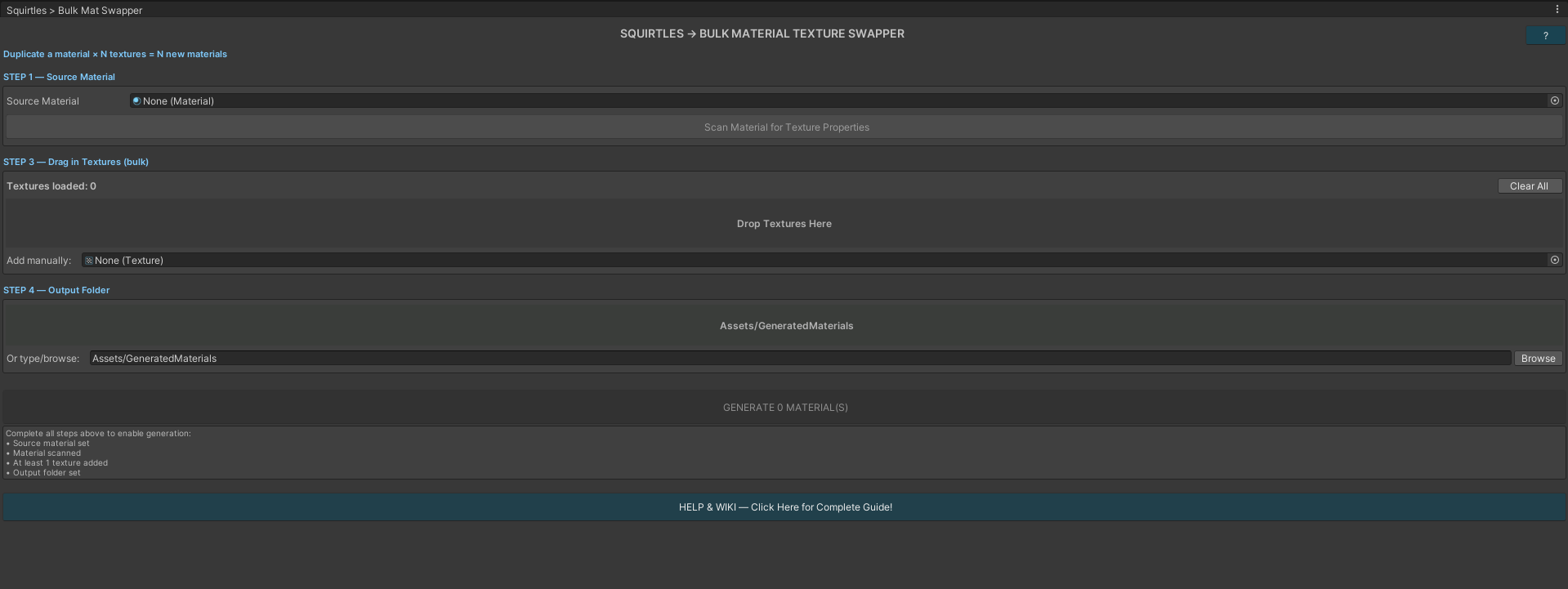
Select a source material, scan it to detect all its texture properties, choose which slot to swap (_MainTex, _BumpMap, _Metallic, etc.), drag in your textures (or an entire folder), set an output folder, and hit Generate. Every texture gets its own fully independent material — same shader, same settings, only the chosen slot swapped.
Then tick one box and it builds a VRCFury Toggle using the FlipBook Builder action, with every generated material as a page. One radial. Not one button per material.
Perfect for:
- VRChat avatar skin / outfit / pattern sets on a single radial
- Character skin and color variants
- Enemy or NPC material sets
- Armor, clothing, and prop texture libraries
- Rapid prototyping — generate 20 variants in seconds, delete what you don't need
Features
- ✅ VRCFury flipbook generation — one radial slider containing every generated material
- ✅ Auto-detect material slot — drop in the renderer, it finds which slot uses your source material
- ✅ Custom menu path —
Materials/Skinsstyle paths,/creates submenus - ✅ "Default" page — your original material is page one, so you can always go back
- ✅ Radial or classic — radial slider for scrubbing, or a normal toggle with page entries
- ✅ Build from existing materials — already generated them? Point it at the folder and it builds the flipbook anyway
- ✅ Saved parameter option — your pick sticks between worlds
- ✅ No hard VRCFury dependency — the script compiles fine with or without VRCFury installed; the flipbook section simply greys out if it's missing
- ✅ Works with Standard, PBR, and custom shaders (any shader with TexEnv slots)
- ✅ Bulk folder drag-and-drop — auto-detects every texture in a folder
- ✅ 142+ texture slots supported — scan once, switch slots freely without re-scanning
- ✅ Auto-named outputs —
SourceMat_TextureName.matnaming convention - ✅ Clean flipbook page names — page titles strip the source-material prefix (
Body_Neon.mat→ "Neon") - ✅ Nested output folders — type any path and it's created automatically
- ✅ Generated materials are fully independent — edit freely without touching the source
How It Works
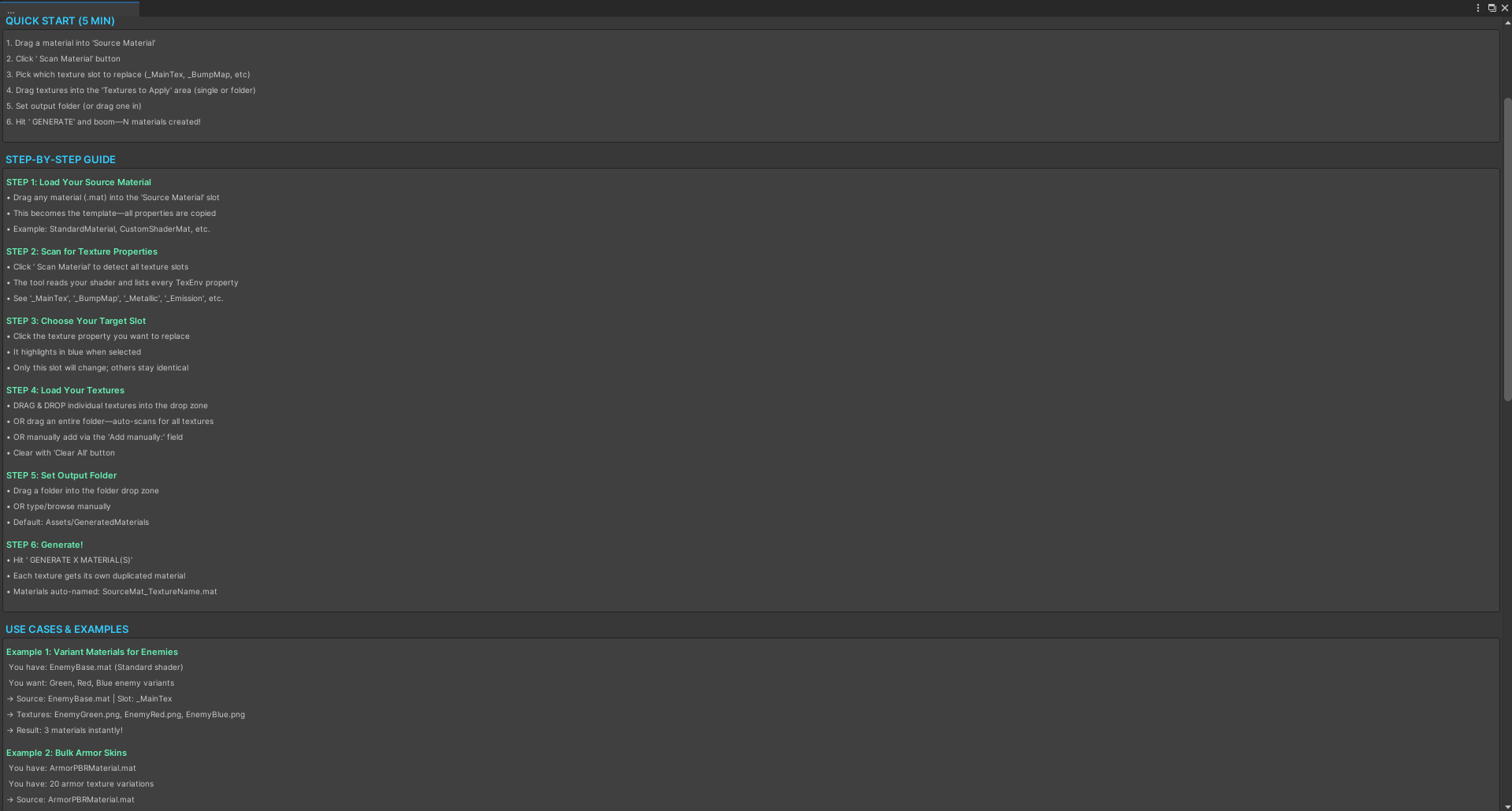
- Drag your source material into the Source Material slot
- Click Scan Material to detect all texture properties
- Pick a texture slot to replace (highlighted in blue when selected)
- Drag in textures — individual files or an entire folder
- Set your output folder (or browse to one)
- (Optional) Tick Build a VRCFury radial flipbook, drop in your Renderer, hit Auto-Detect, set a menu path
- Click GENERATE — materials created, radial built, done
The Flipbook, In Detail
Tick the box in Step 5 and the tool creates a VRCFury component on your renderer's GameObject containing a single Toggle backed by the FlipBook Builder action. Each generated material becomes one page, and each page is a Material Swap targeting the exact renderer and material slot you picked.
- Radial slider ON — one radial puppet you scrub through every material with
- Radial slider OFF — a normal toggle where pages become menu entries
- Saved — your selection persists between worlds
- Include original — your current material becomes the first page
Already generated your materials in a previous session? Use "Build Flipbook From Existing Materials In Output Folder" — it grabs every .mat in the folder and builds the radial without regenerating anything.
Use Cases
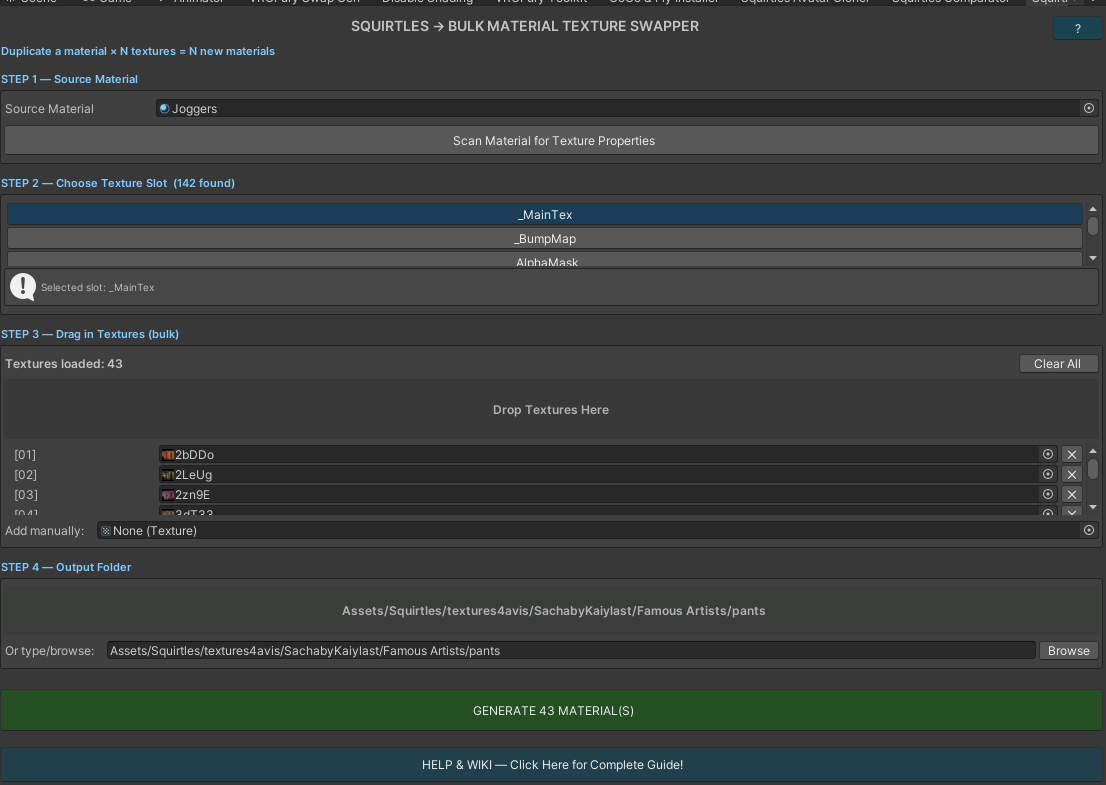
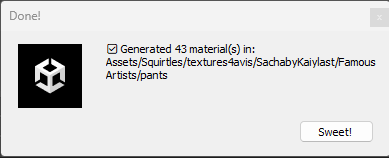
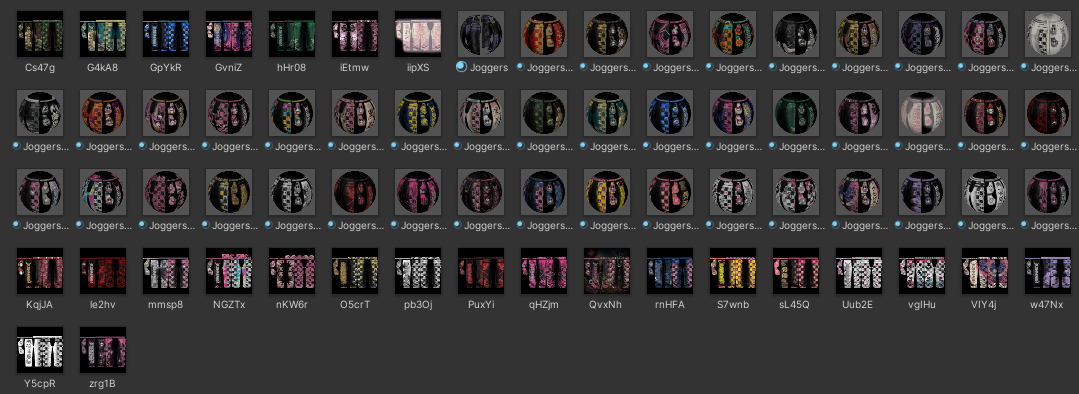
43 Pants, One Radial Source: Joggers.mat | Slot: _MainTex | 43 textures loaded → 43 unique pant materials and one radial menu to switch between them. Roughly twenty seconds of work.
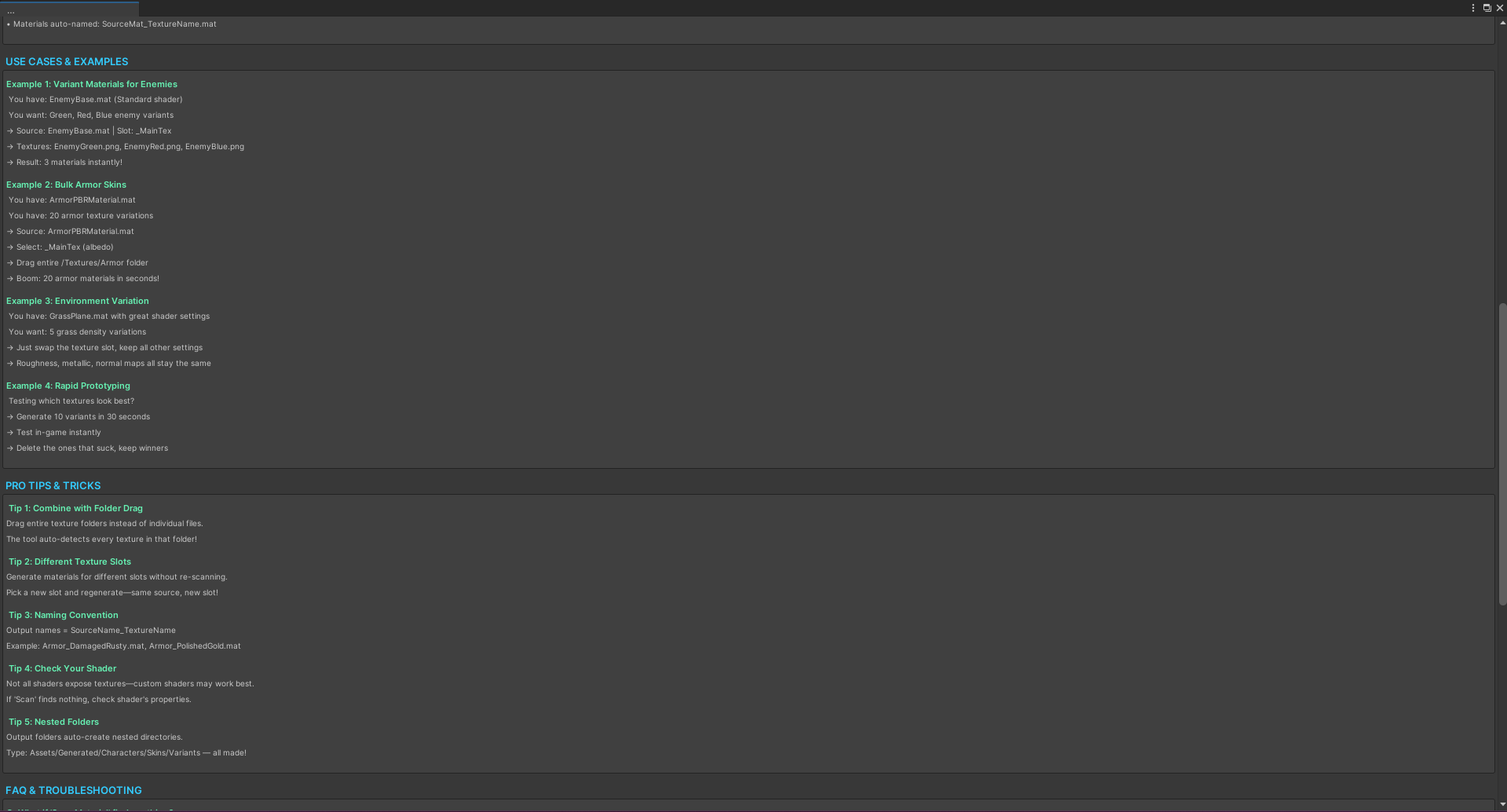
Variant Materials for Enemies Source: EnemyBase.mat | Slot: _MainTex | Textures: EnemyGreen.png, EnemyRed.png, EnemyBlue.png → 3 materials instantly
Bulk Armor Skins Source: ArmorPBRMaterial.mat | Slot: _MainTex (albedo) | Drag entire /Textures/Armor folder → 20 armor materials in seconds
Avatar Clothing Source: Hoodie.mat | 30 pattern textures → 30 materials on a single saved radial, no manual menu work
Pro Tips
- Drag whole folders — the tool auto-detects every texture inside
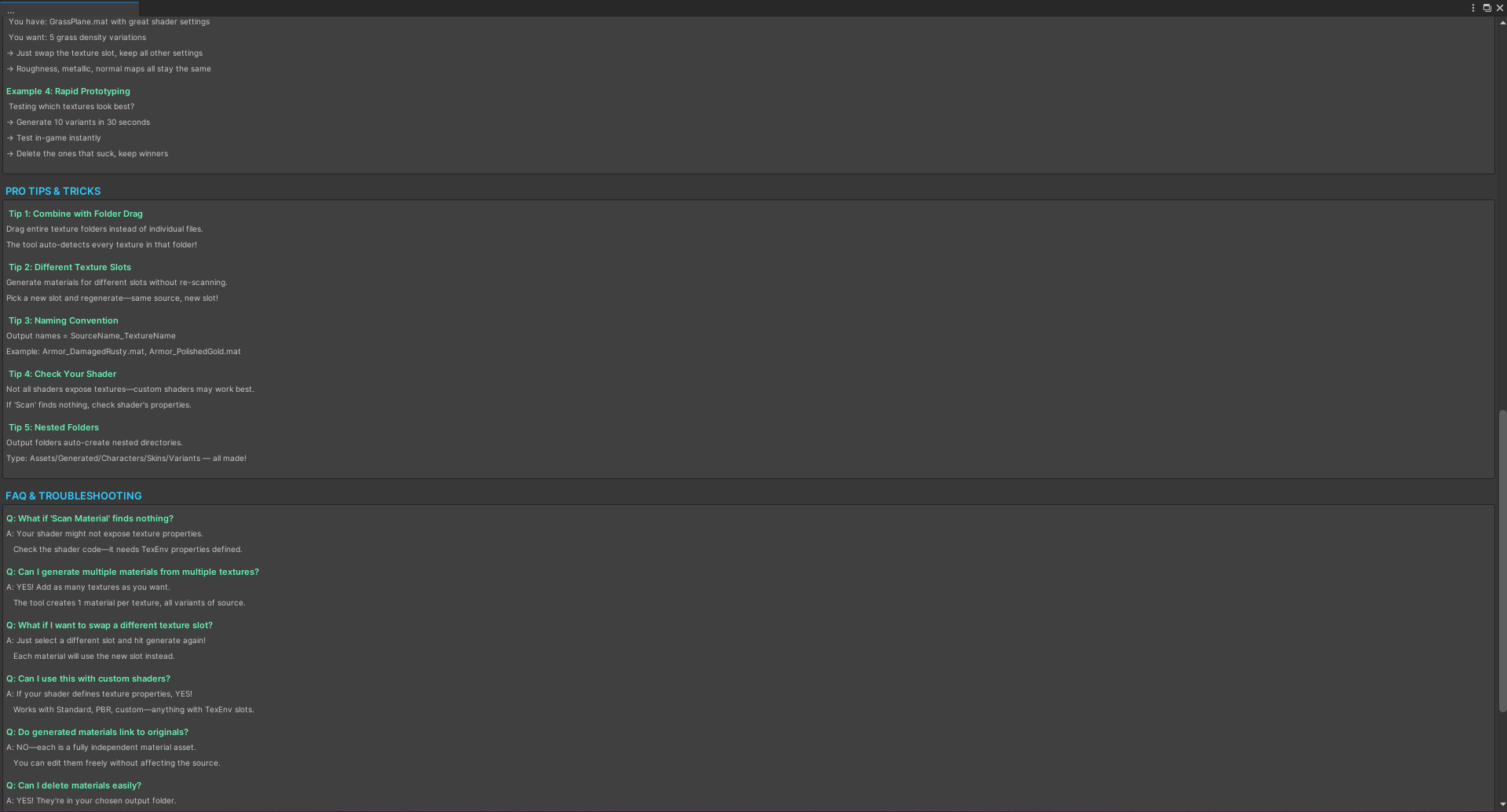
- Swap different slots without re-scanning — just pick a new slot and generate again
- Hit Auto-Detect rather than guessing your material slot index — it reads the renderer for you
- Name your textures well — texture names become material names, which become your radial's page labels
- Nested folders auto-create — type
Assets/Generated/Characters/Skins/Variantsand it's made for you - Custom shaders work as long as they define TexEnv properties
Requirements
- Unity Editor (any recent version)
- Shader must expose texture properties via TexEnv for Scan to detect them
- For flipbook generation only: VRCFury installed, with a version that includes the FlipBook Builder action. Without VRCFury the tool still works fully as a bulk material generator — the flipbook section simply greys out.