
Produktbeschreibung
Dieses Produkt enthält KI-generierte Inhalte.
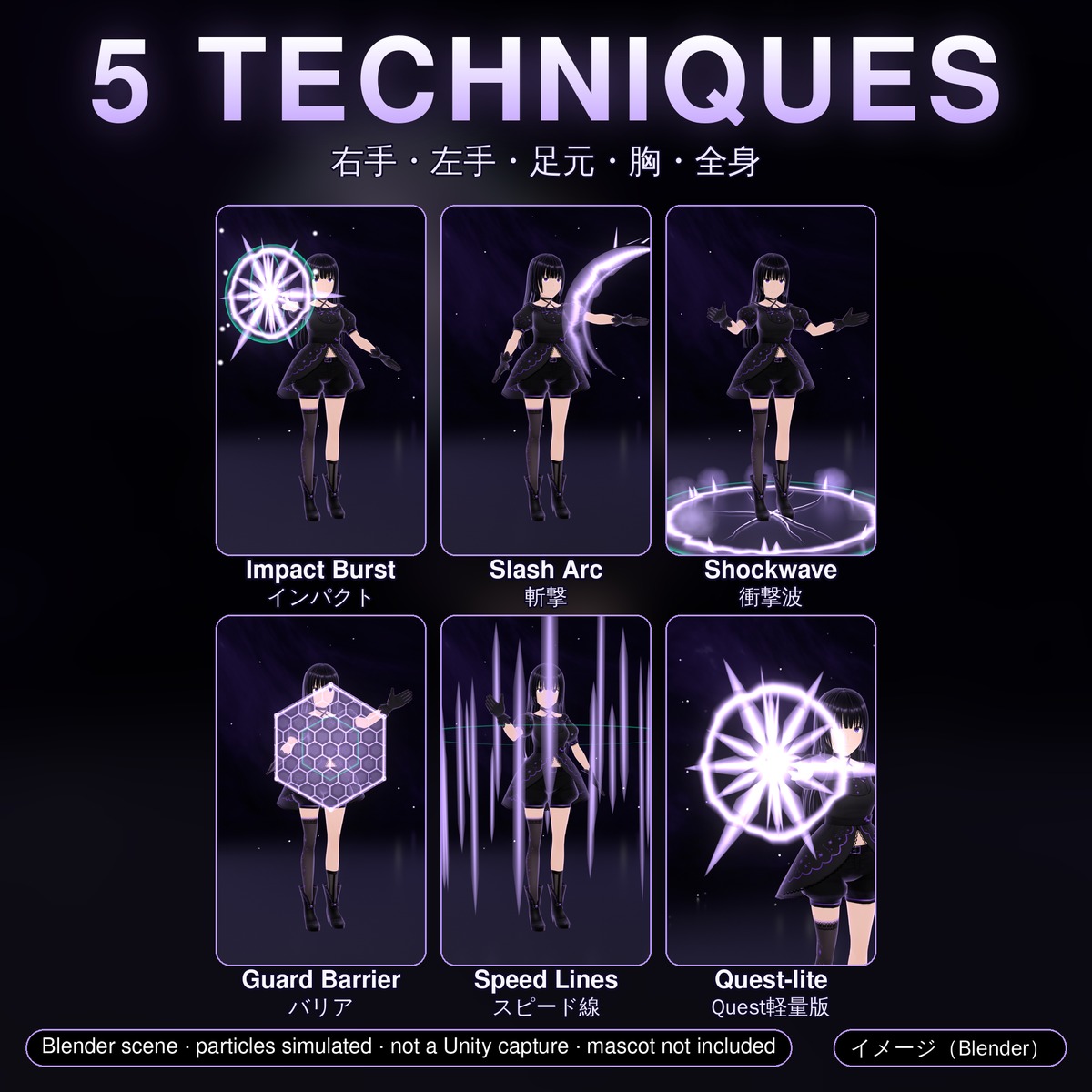
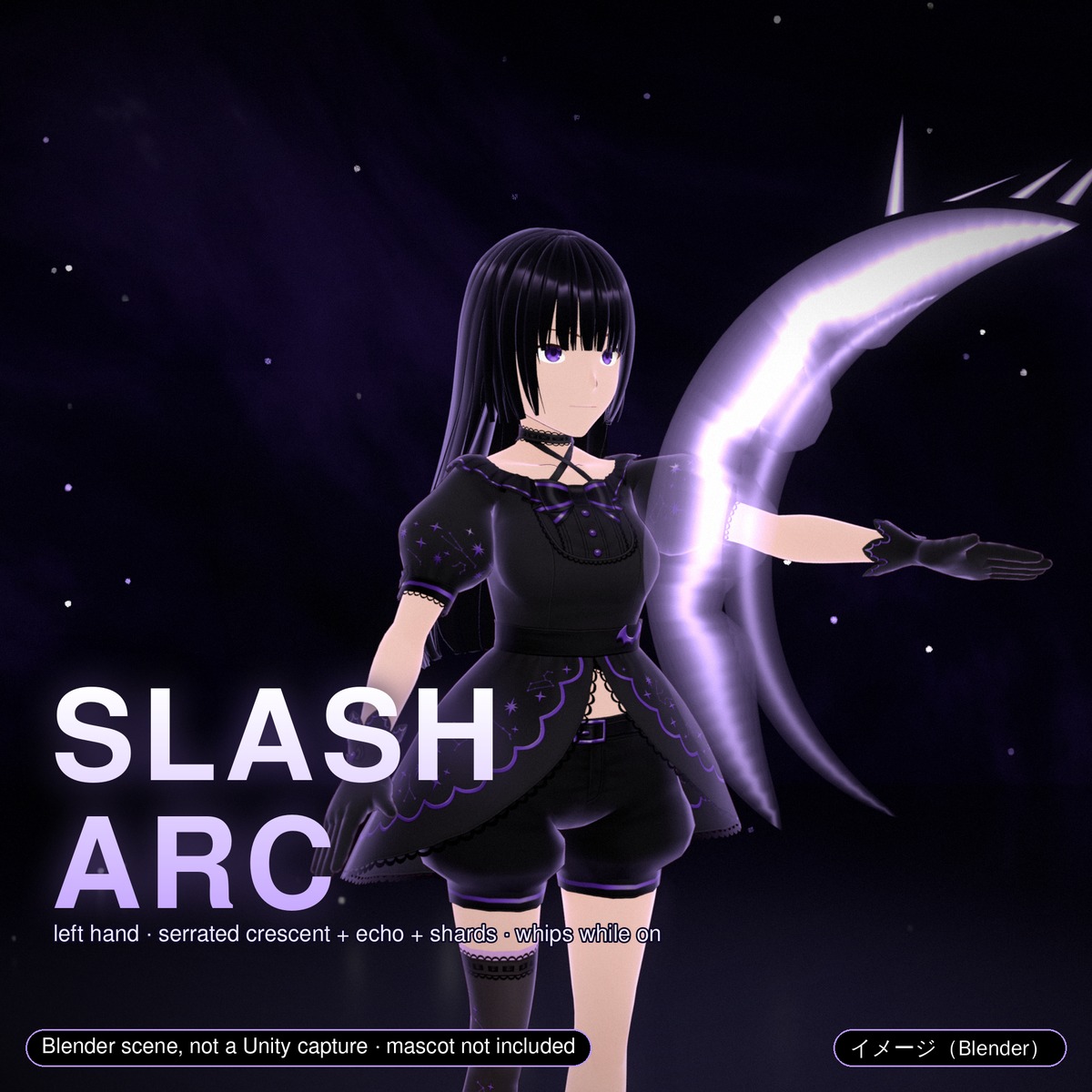
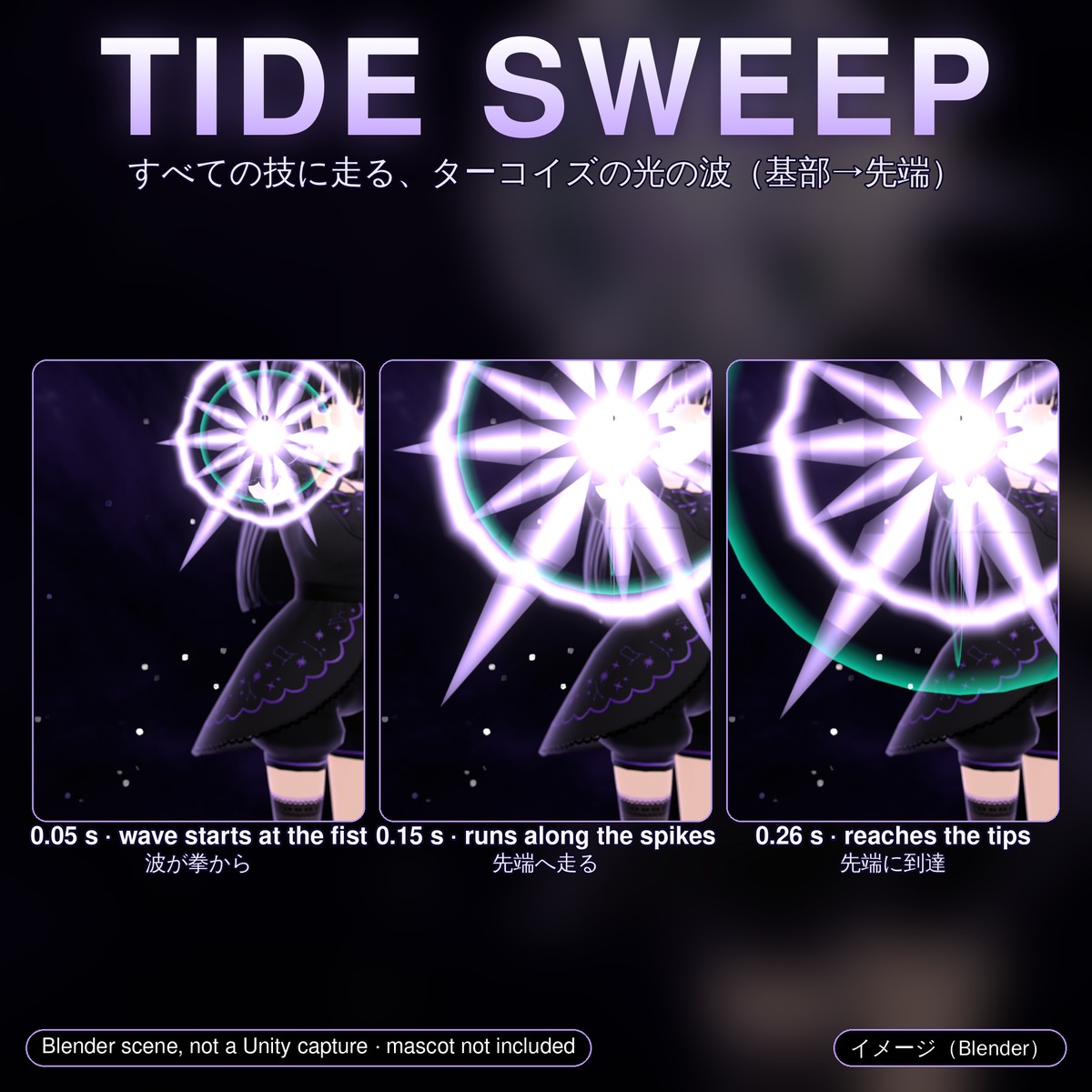
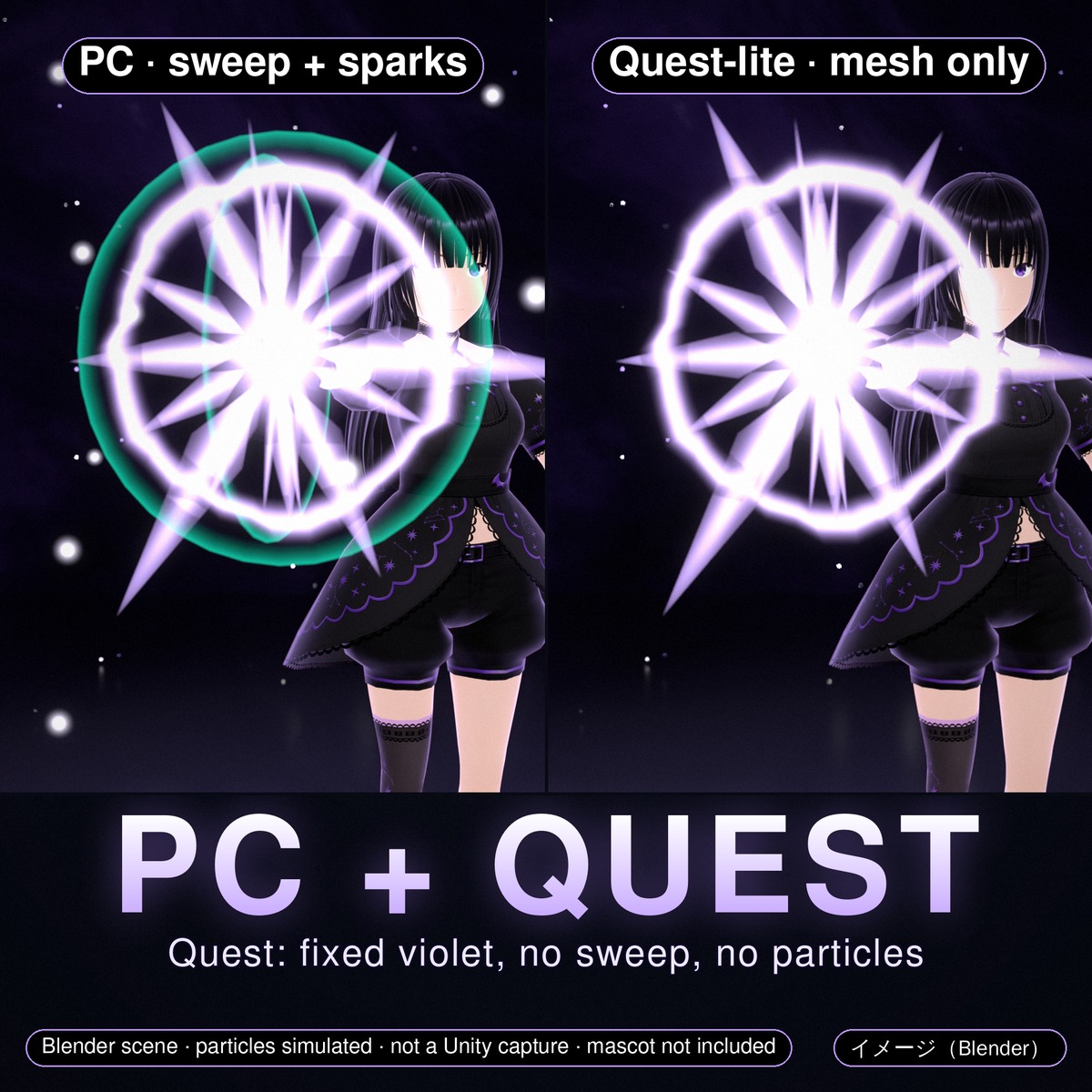
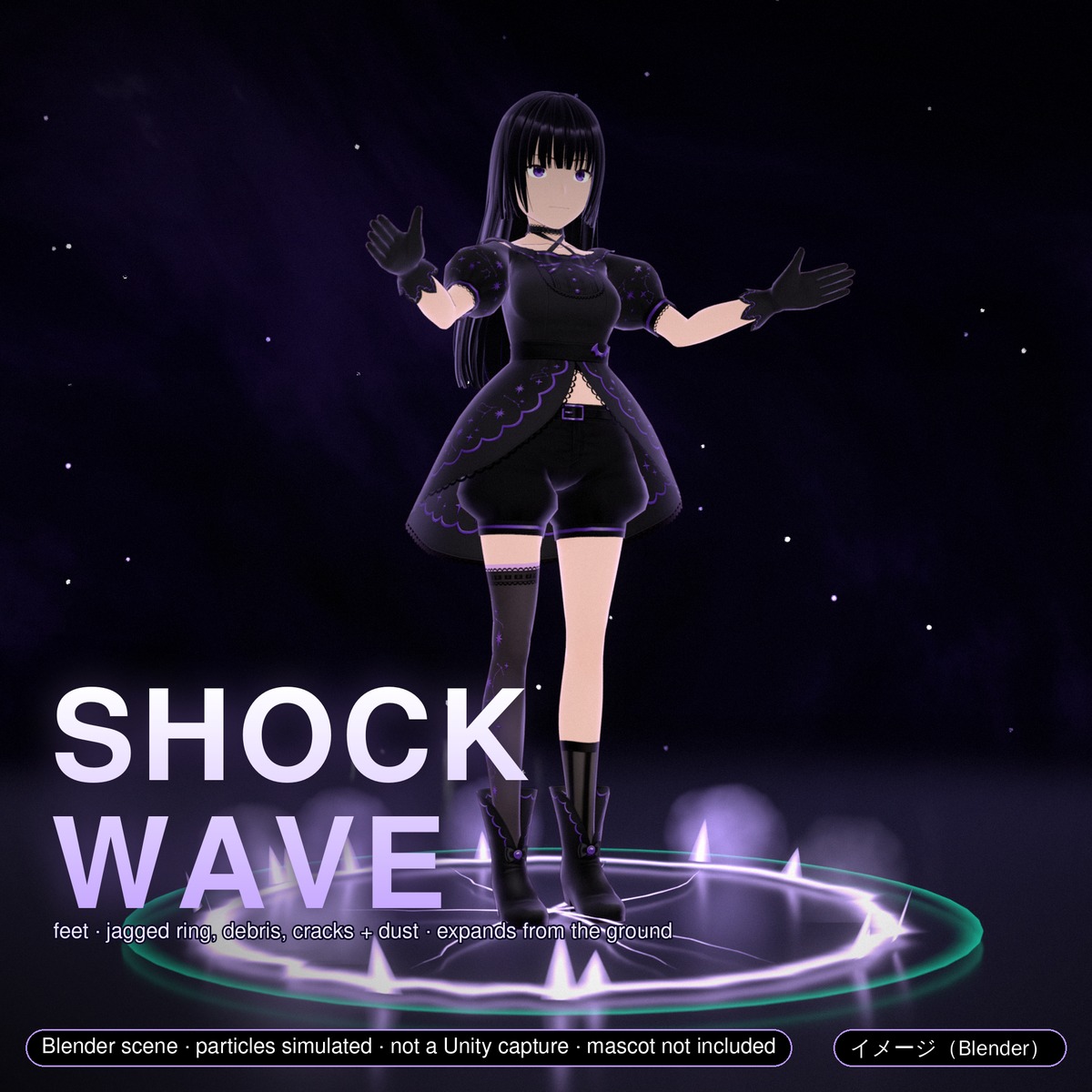
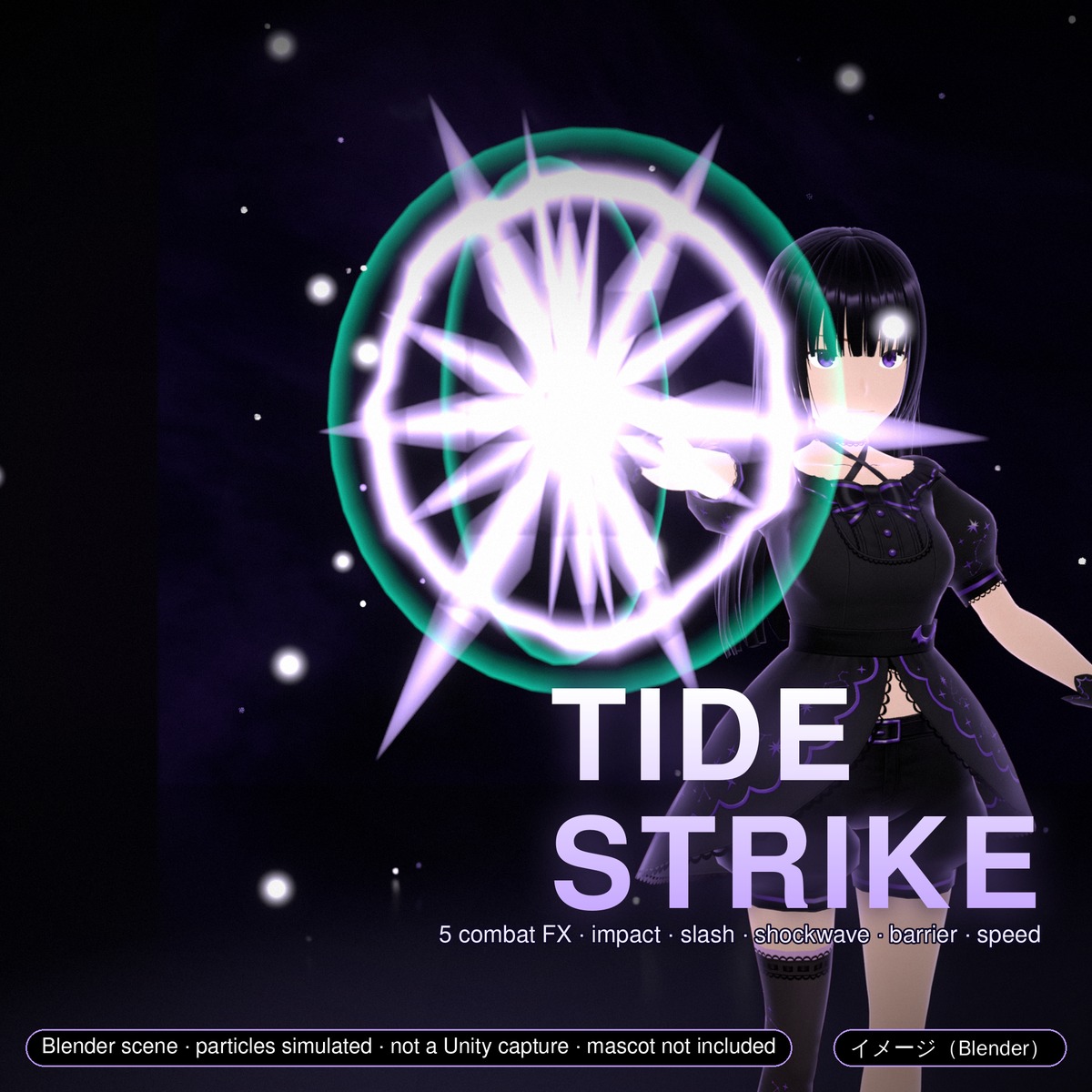
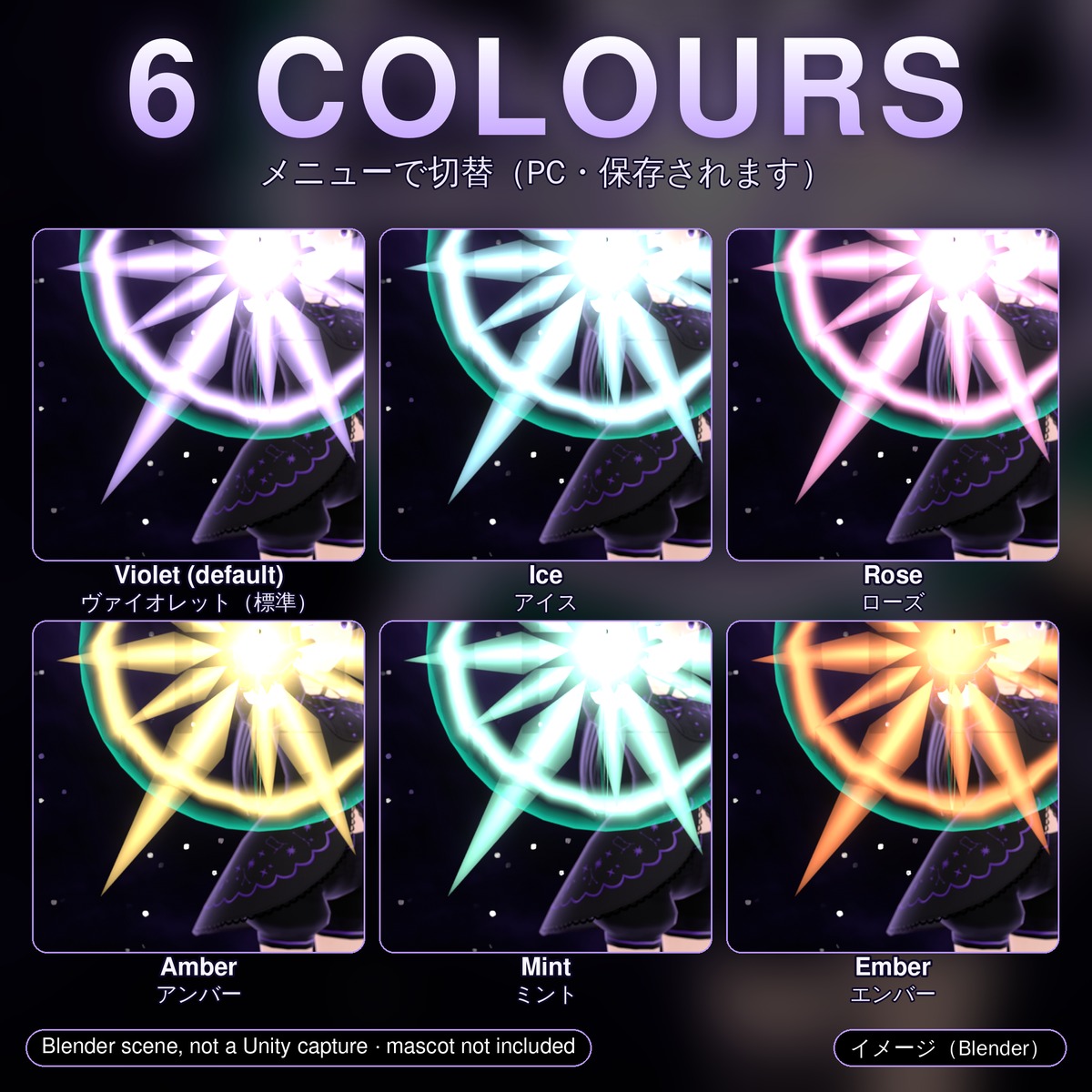
Five anime-fight effects for your VRChat avatar, built as light meshes instead of heavy particle clouds: a punch Impact Burst on the right fist, a serrated Slash Arc on the left hand, a ground Shockwave with cracks and debris, a hex Guard Barrier in front of the chest and Speed Lines around the body. Every effect carries the Tidebone Tide Sweep - a turquoise light wave that runs from the base to the tip each cycle - and all five take six colours from your Expression Menu. Because they are meshes, the Quest-lite version shows the same shapes (fixed colour, no sweep, no particles).
■ What you get
• Impact Burst (right hand, 0.9 s loop): crossed spike stars + ring pop open, swell and fade; 8-10 sparks (PC)
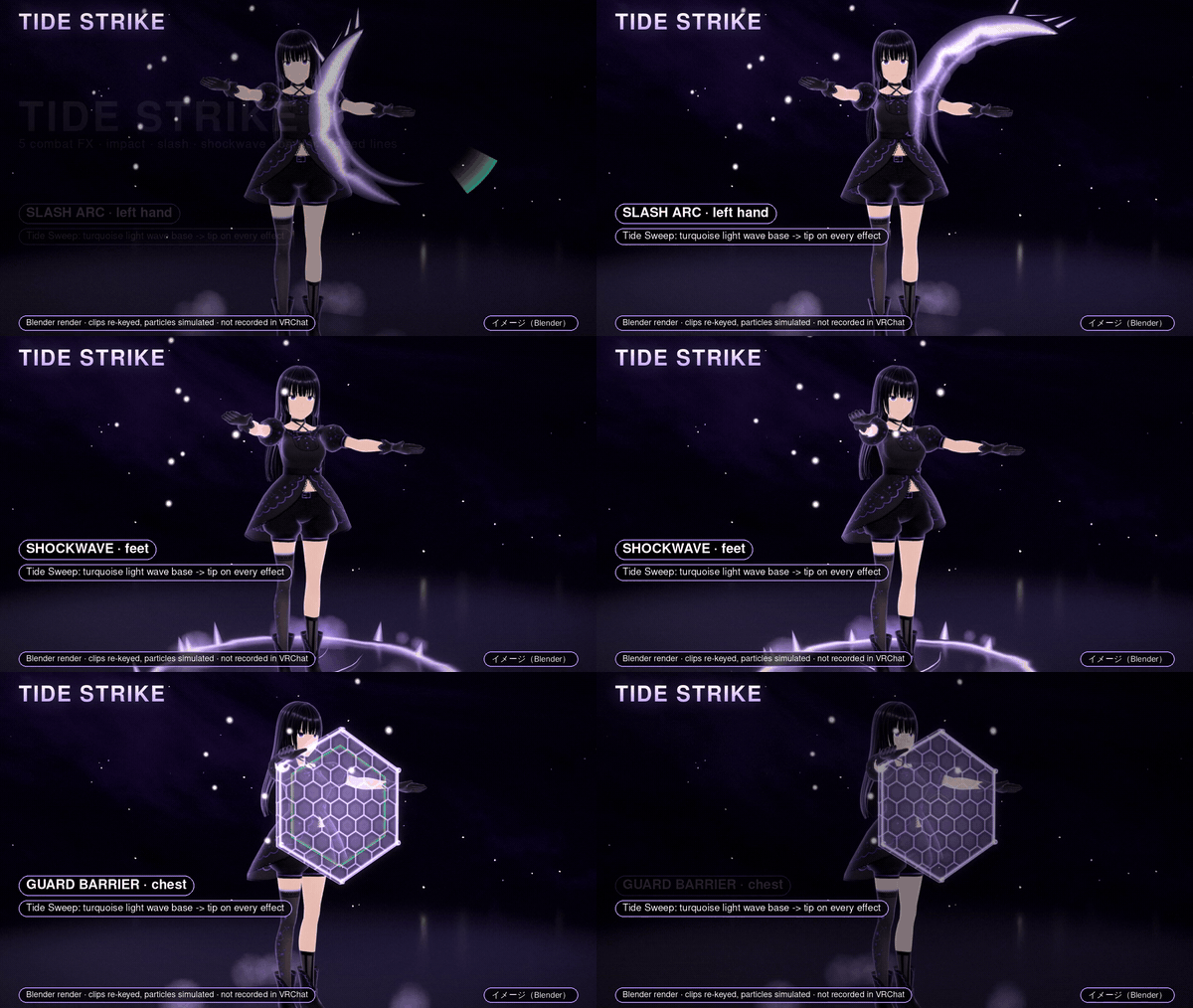
• Slash Arc (left hand, 1.1 s): serrated crescent + echo + shards, whips 100 degrees and fades
• Shockwave (feet, 1.4 s): jagged ring with debris expands to ~1.8 m, cracks stay a moment, dust puff (PC)
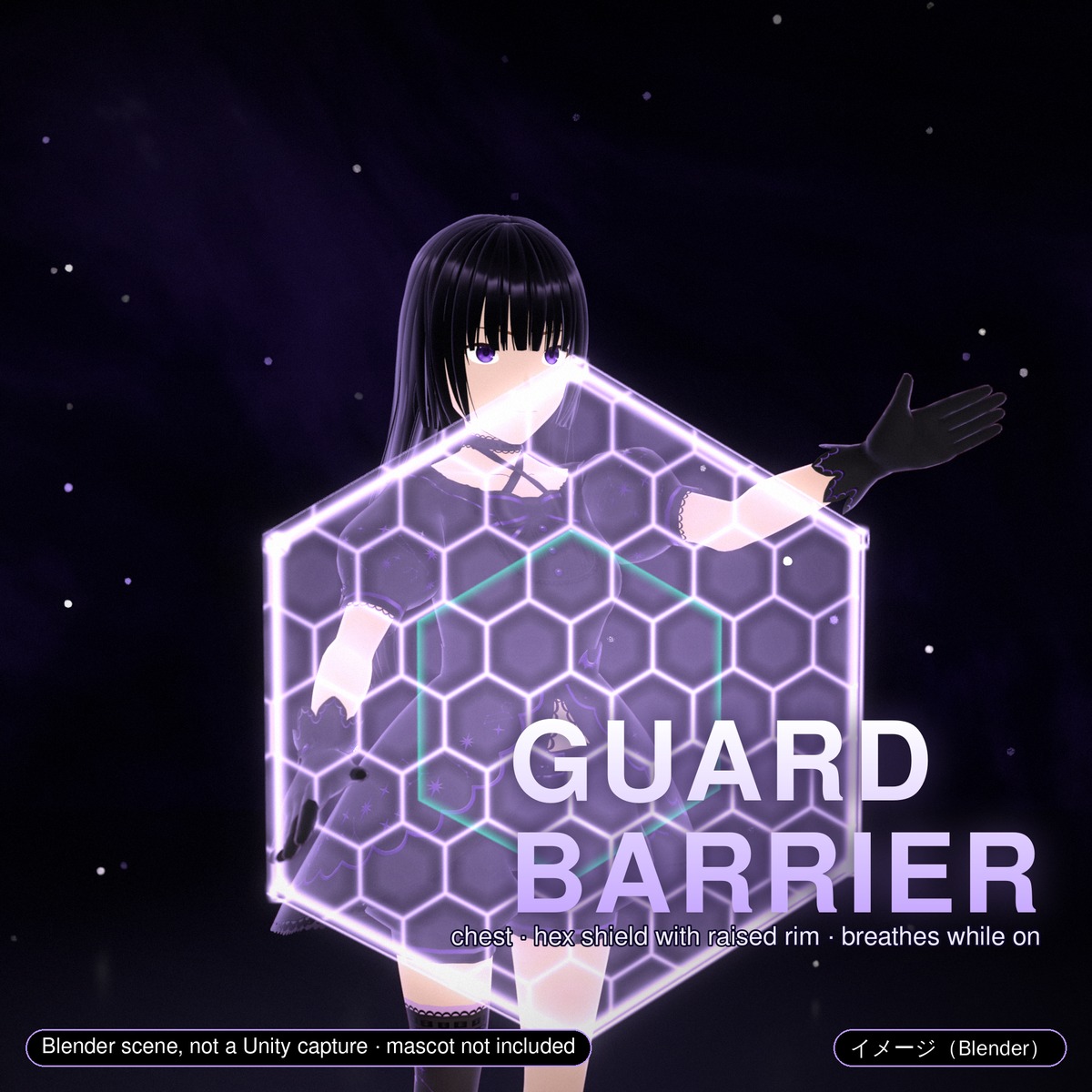
• Guard Barrier (chest, 2.0 s): hex shield with raised rim and studs, breathes while on
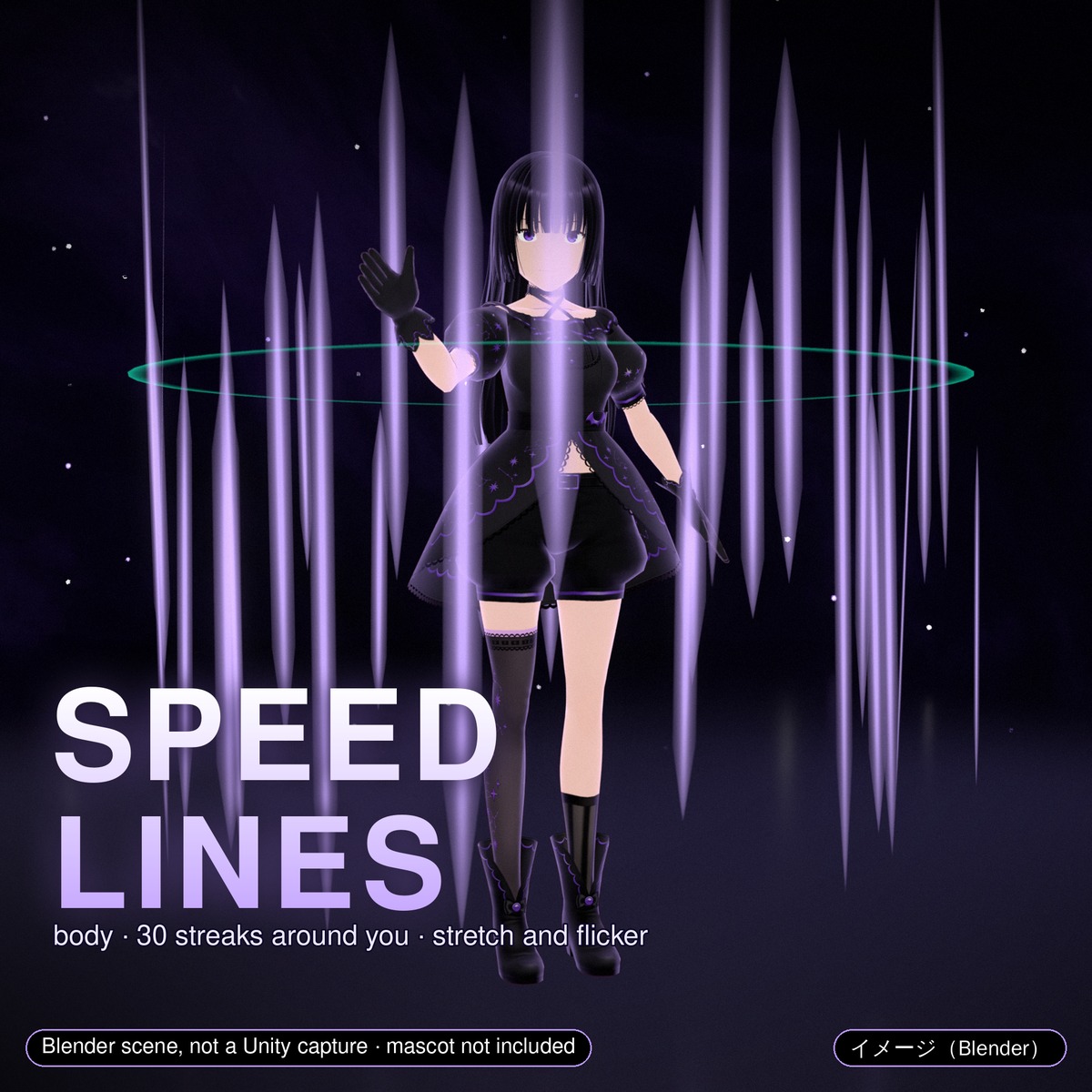
• Speed Lines (body, 0.8 s): 30 streaks stretch and flicker
• Tide Sweep on every effect (PC); colour menu Violet / Ice / Rose / Amber / Mint / Ember (PC, saved)
• PC prefab and Quest-lite prefab, VRCFury prefabs with menu "Tide Strike" (each effect on/off, loops while on)
■ How it works
Import, click Tidebone > Tide Strike > 1 - Build materials, clips and prefabs (and 2 - Build VRCFury prefabs if you use VRCFury), drag a prefab onto your avatar root. Hands and chest snap to your bones; Shockwave and Speed Lines use the avatar root as the ground. Sized for 1.5-1.7 m avatars; scale the mounts for others. Delete effect groups you do not use.
■ Performance (measured in Unity, 27.11.2026)
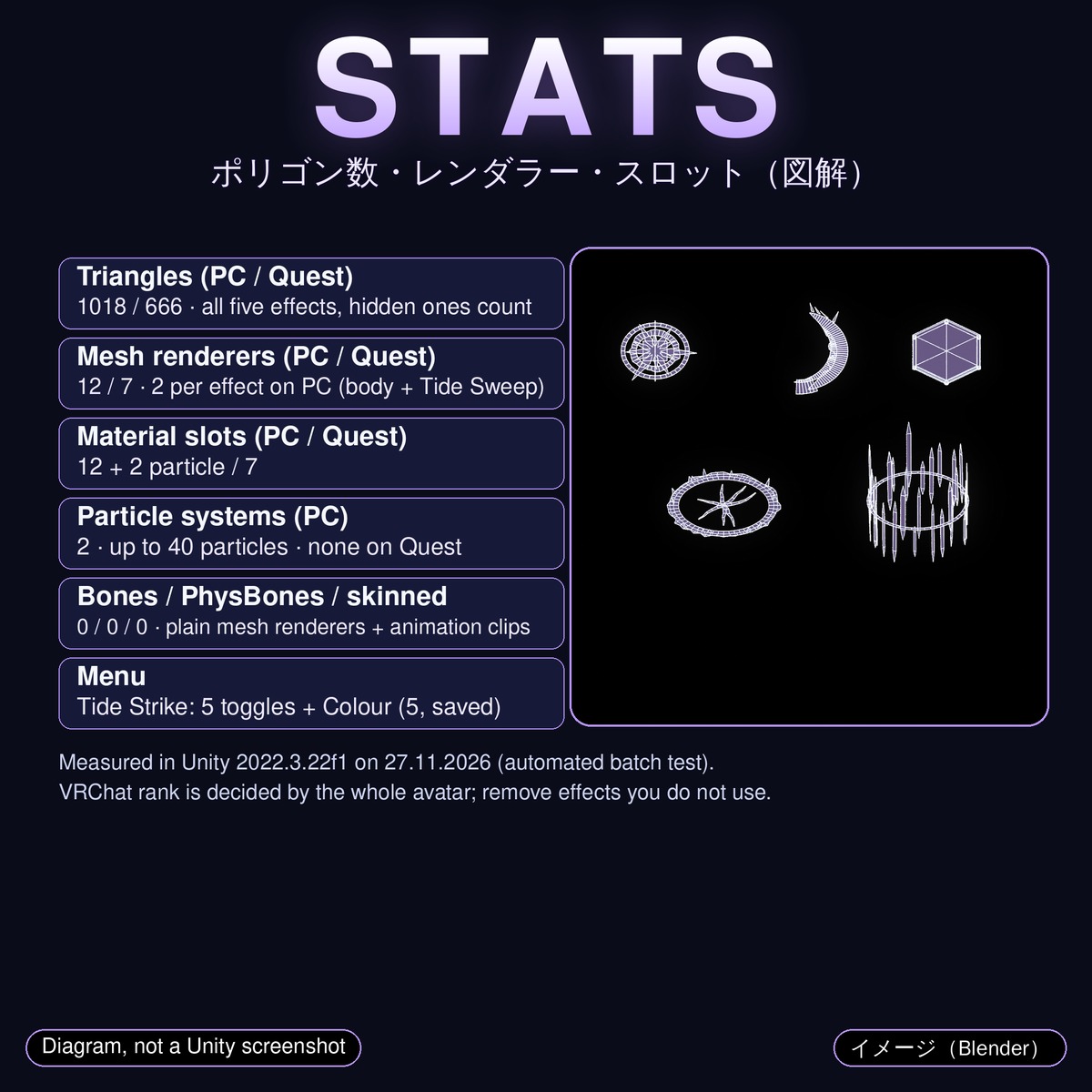
PC: 1018 triangles, 12 mesh renderers, 12 material slots + 2 particle systems (up to 40 particles), no bones, no skinned mesh. Quest-lite: 666 triangles, 7 renderers, 7 slots, no particles. Honest note: VRChat counts hidden objects; the full set adds 12 renderers / 14 slots on PC (a Good avatar may become Medium), and on Quest each effect costs one renderer and one slot - install only what you use.
■ Checked (automated Unity batch test, 27.11.2026; Unity 2022.3.22f1, VRChat SDK Avatars 3.10.5, VRCFury 1.1434.0, VRChat robot sample avatar)
0 compiler errors; prefabs, materials and clips built; mounts at Right Hand / Left Hand / Chest after the VRCFury build; menu entries and saved/unsaved parameters; each toggle activates exactly its effect with its looping clip; colour clips tint the body meshes only (never the turquoise sweep); deliberately broken copies are caught.
Not checked: inside the VRChat client (motion, look against bright worlds, what other players see), Quest devices, avatars other than the robot sample.
■ Notes
• Needs VRChat Avatars SDK 3.x; the VRCFury prefabs need VRCFury (free, vcc.vrcfury.com, not included), tested with 1.1434.0.
• Shaders are Unity/VRChat built-ins (Legacy Particles/Additive on PC, VRChat Mobile Particles/Additive for the sweep and on Quest). No lilToon needed.
• Product images are Blender renders on our own mascot (not included); sparks and dust in the images are Blender approximations of the particle settings, not Unity captures. The GIF is a Blender render with the clip timing re-keyed, not a VRChat recording.
• Try before you buy: "Tide Strike Lite" is free (Impact Burst + colour menu).
■ How it was made
Models and textures were generated by scripts written by the creator; an AI assistant helped write the scripts. Gallery images are Blender renders of the shipped meshes. No image or video generation AI. Original design.
■ Terms of use
VN3 License - see the included PDFs (Japanese is the official text). Use and edit in your own work (avatars, videos, streams, games) OK · redistribution / resale of the data NOT allowed.
■ Contact
Questions: message me via my Jinxxy store page. If the pack lands a hit, a short review helps a small studio a lot.
by Tidebone Studio