
Produktbeschreibung
Dieses Produkt enthält KI-generierte Inhalte.
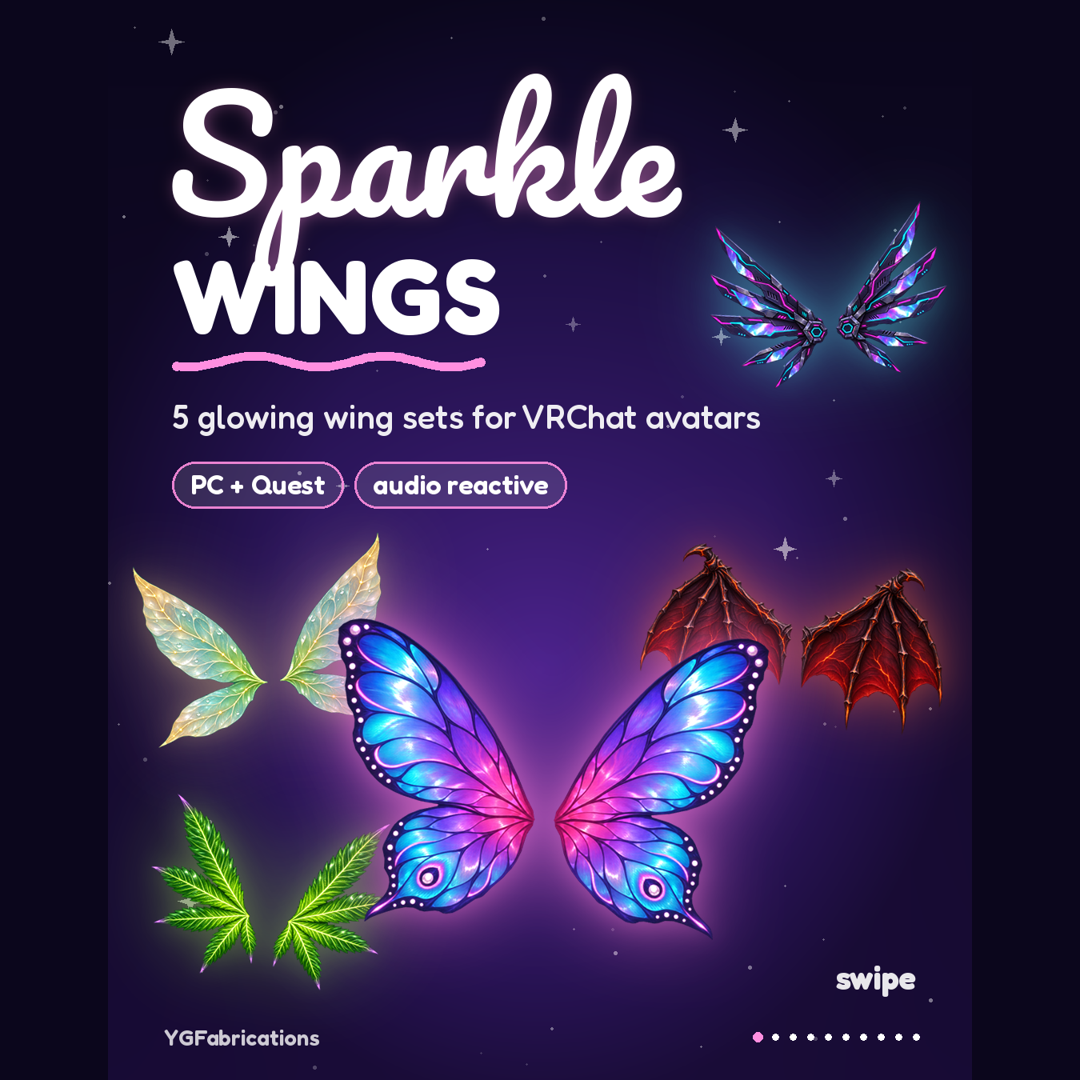
Five wing sets, one menu. Sparkle Wings are painterly, glowing wings for VRChat avatars. They rest, flutter, fly and glide, change color from your menu, and react when someone reaches for them.
THE FIVE SETS
- Rave Cyberpunk: holo blades wired with neon (692 tris, 12 bones)
- Pixie Elf: sheer leaf wings with glowing veins (556 tris, 14 bones)
- Neon Butterfly: stained-glass wings in pink and blue (720 tris, 20 bones)
- Demon Edgy: bat wings with lava in the veins (1,132 tris, 18 bones)
- Green Leaf: fresh-cut leaf wings (1,536 tris, 22 bones)
CHOOSE YOUR VERSION
The Wing Bundle ($45) holds all five sets plus an All-in-One prefab that swaps between them in game. Or pick a single set for $10.
FROM YOUR MENU
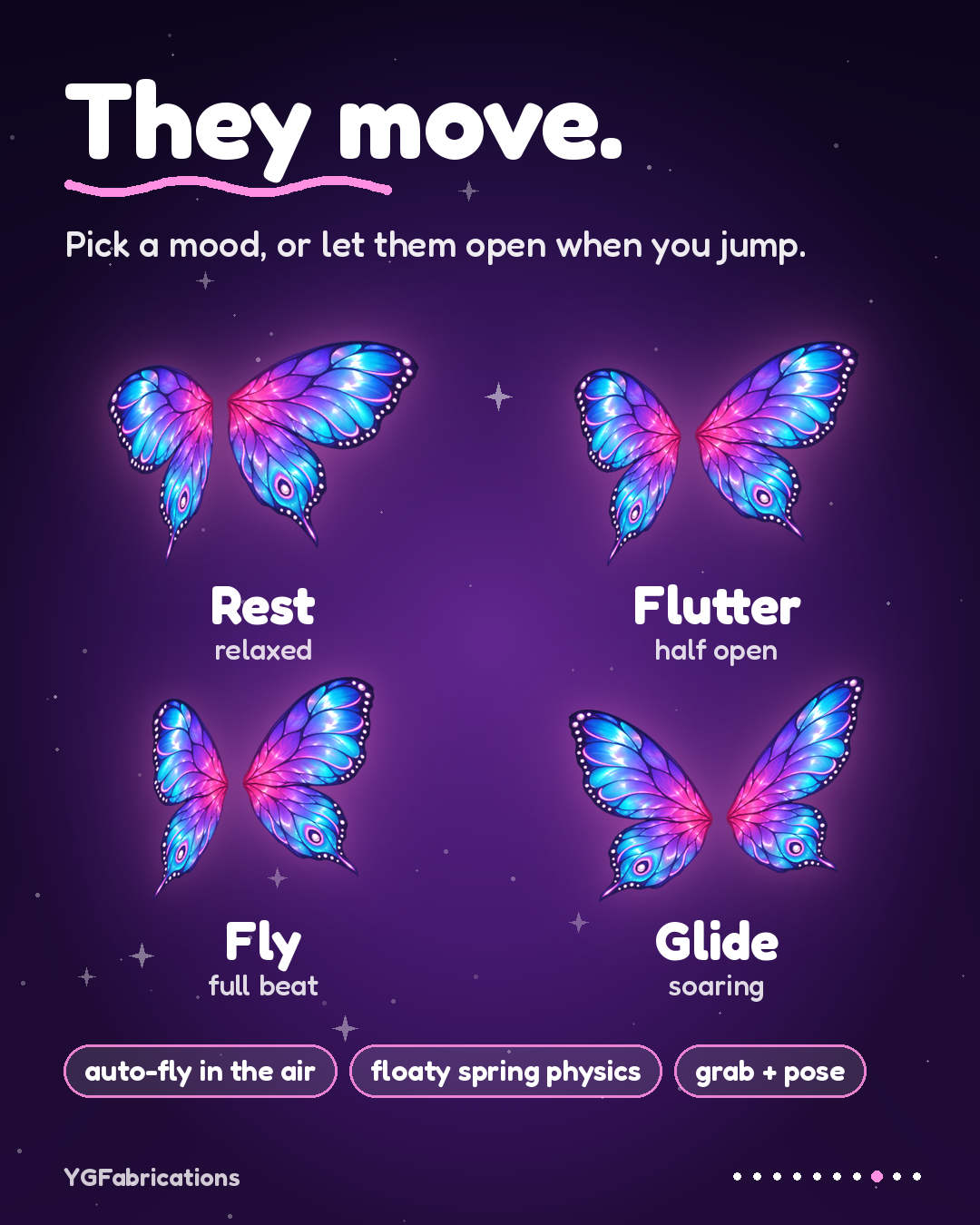
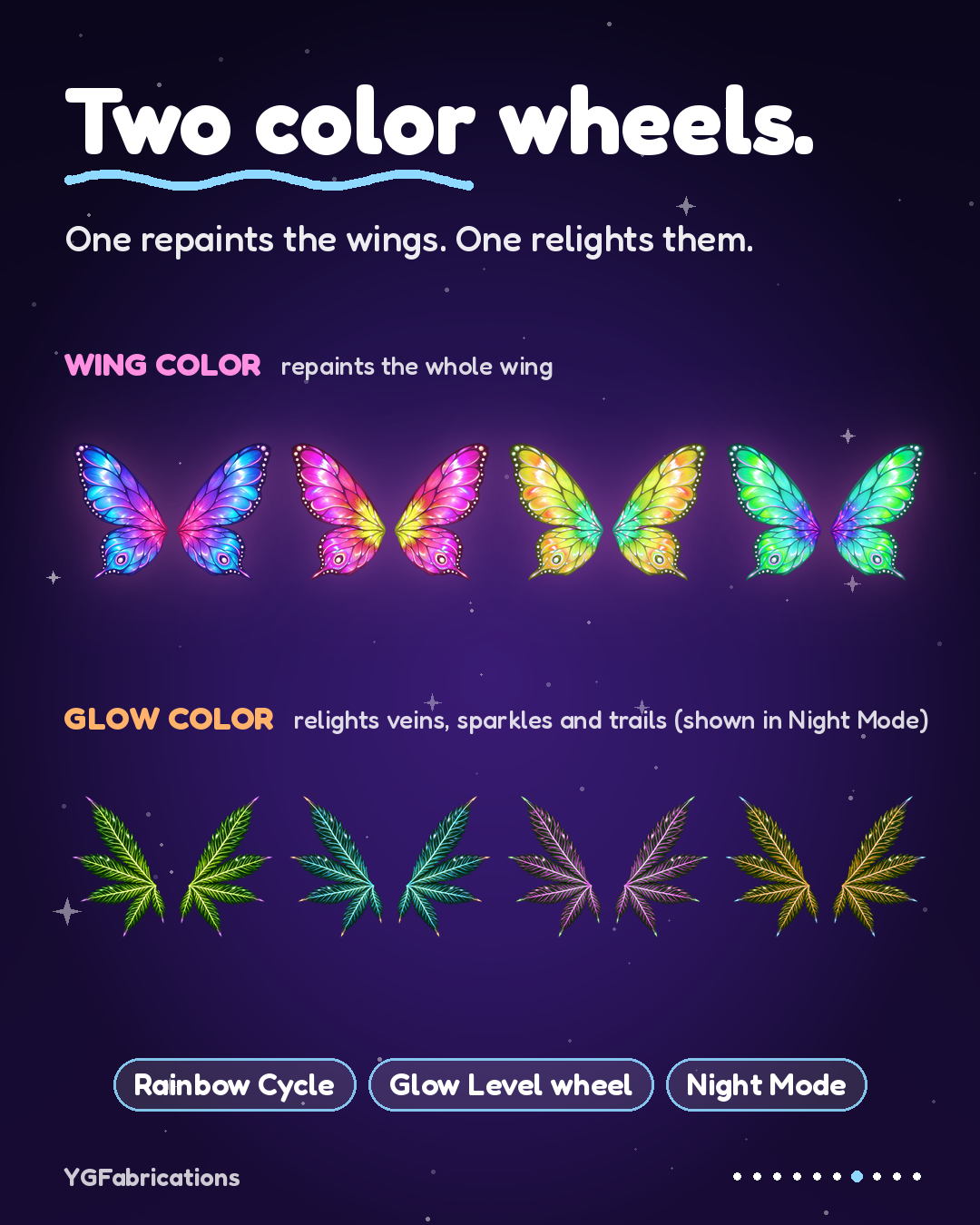
Wing Color wheel, Glow Color wheel, Rainbow Cycle, Night Mode, four motion modes (Rest, Flutter, Fly, Glide) plus Auto Fly, and Touch React. PC adds a Glow Level wheel, Sparkles, Tip Trails, Shimmer Sweep and Music React.
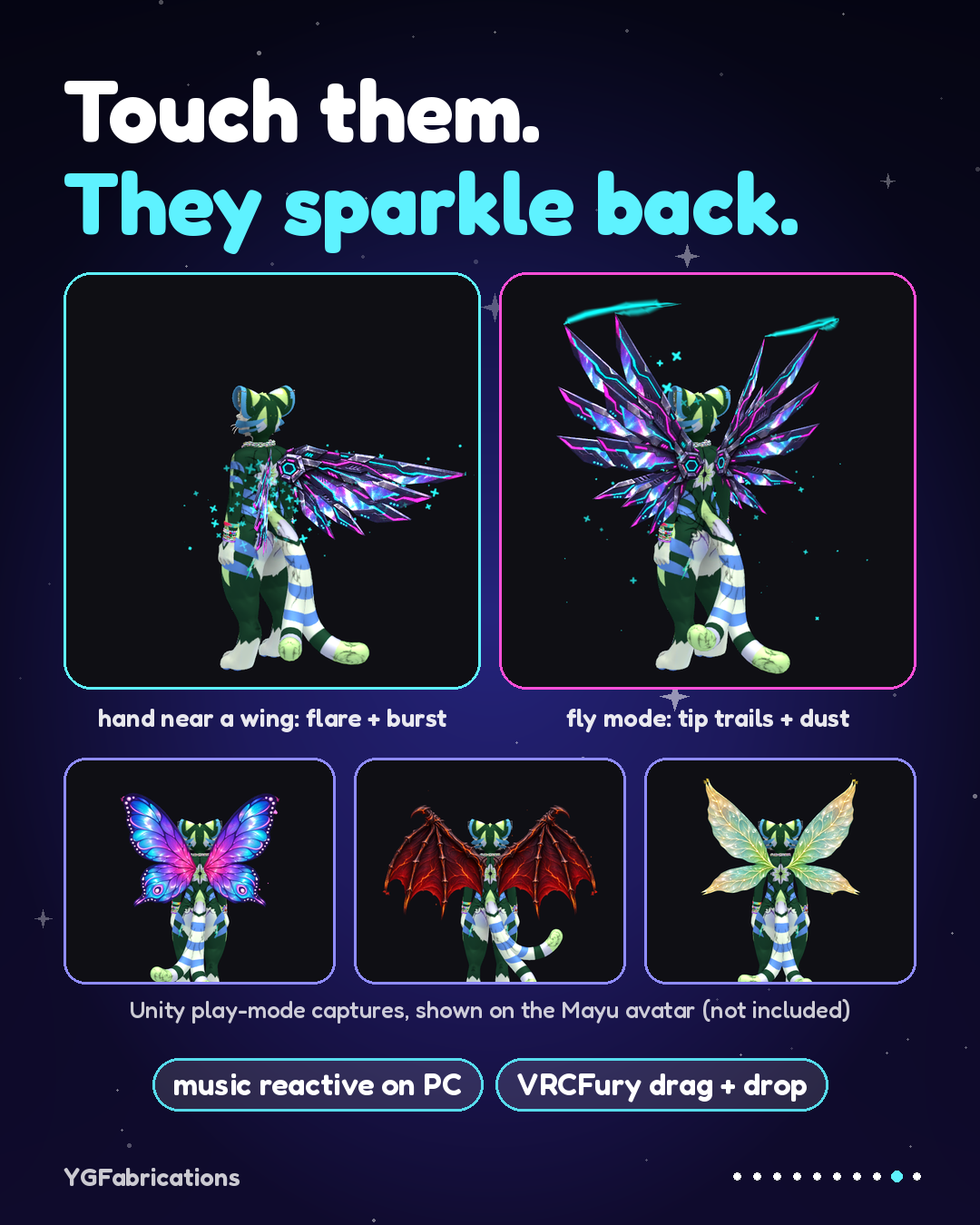
They move like wings: every blade, finger, leaflet and lobe has its own bone chain. Wings trail behind you, swing back with one soft bounce, and can be grabbed and posed. On PC a hand near a wing makes it flare and shed sparkles; on Quest the wing swells instead.
REQUIREMENTS
- VRChat Avatars SDK, through VRChat Creator Companion
- VRCFury (free)
- Poiyomi Toon is NOT needed: the PC wing materials ship with their shader built in
- A world with AudioLink for Music React
- Built with Unity 2022.3.22f1, VRChat SDK 3.10.4 and VRCFury 1.1348
INSTALL
1. Add VRCFury to your project, then import the package.
2. Drag a prefab from Assets/YGFabrications/SparkleWings/Prefabs onto your avatar root.
3. Nudge / scale it so the wings sit on the upper back.
4. Upload. VRCFury adds the menu, the parameters and the chest link for you.
For Quest, switch platform and use the matching Quest prefab in the same spot. Upload the PC version first; VRCFury then lines the Quest parameters up with it.
WHAT IT ADDS TO YOUR AVATAR
Single set, PC: 1 skinned mesh, about 6 material slots, 3 particle systems, 2 trail renderers, 2 PhysBones, 2 contacts
Single set, Quest: 1 skinned mesh, 1 material slot, 2 PhysBones, 2 contacts, no particles or trails
All-in-One, PC: 5 skinned meshes, about 30 material slots, 15 particle systems, 10 trail renderers, 10 PhysBones (reads Very Poor on PC; use a single set if rank matters)
All-in-One Quest fallback: same as a single set on Quest
Synced parameters: 48 bits for All-in-One, 41 for a single set.
IN THE DOWNLOAD
Prefabs for PC and Quest, models, textures, menu icons, a rebuild tool, README and license.
LICENSE (personal)
- Use the wings on your own avatars, public or private, edit them for your own use, and show them in streams, videos and photos.
- Do not resell, share or redistribute the files, include them in avatars, packs or worlds you sell or give away, claim them as your own work, or use them to train AI models.
- One purchase covers one person. All sales are final (digital download). For a commercial license message @YGMackillaVR.
HOW IT'S MADE
Wing art generated with AI image tools, then cut into meshes, rigged, animated and set up for VRChat by YGFabrications.
FAQ
Does it work on Quest? Yes. The Quest prefabs keep the art, the motion modes, both color wheels, Night Mode, sway physics and a touch reaction. Sparkles, trails, shimmer and Music React are PC only.
Will it fit my avatar? Any humanoid avatar. VRCFury links the wings to the chest; you place and scale them once.
Something looks wrong? Run Tools > YGFabrications > Build Sparkle Wings Prefabs. It rebuilds every prefab, material and menu in place.
Shown on the Mayu avatar, which is not included.
Support: Instagram @YGMackillaVR