
Produktbeschreibung
Please read the full description and Terms of Use before purchasing.
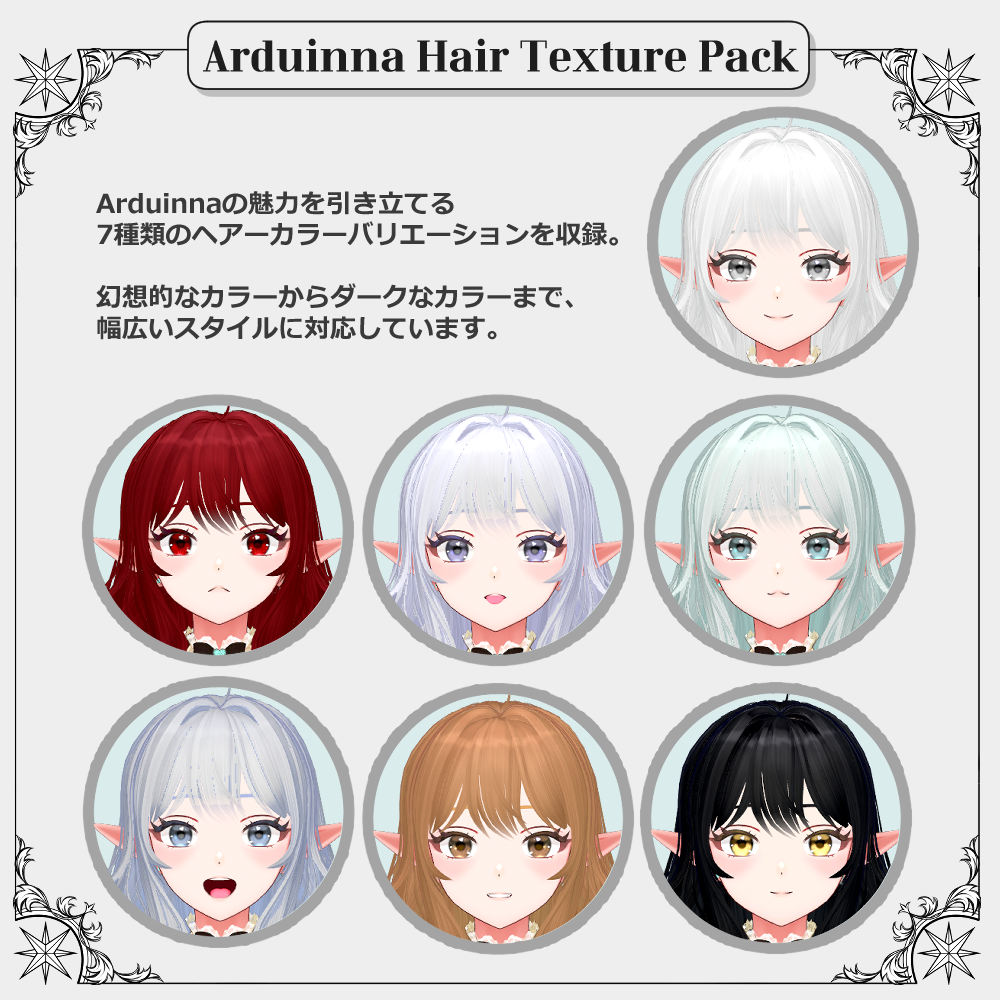
A premium hair texture pack made exclusively for the VRChat original 3D avatar “Arduinna.”
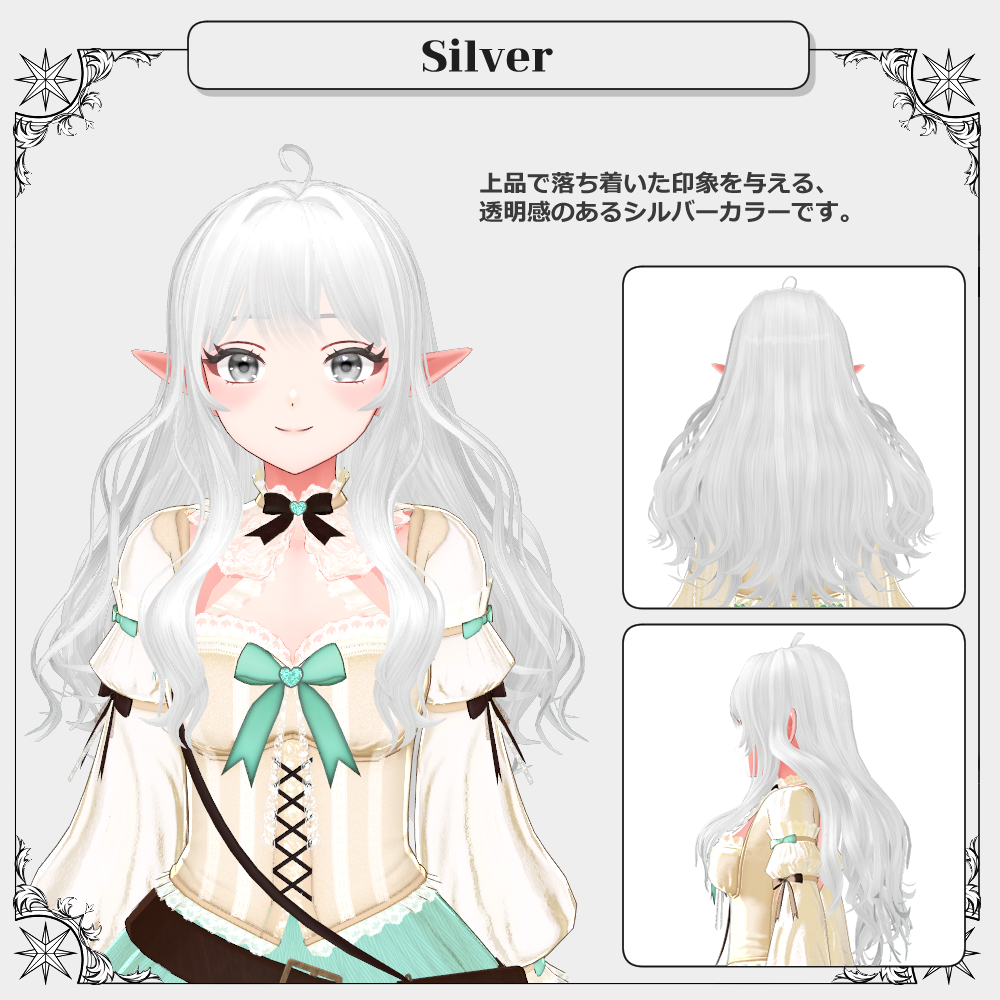
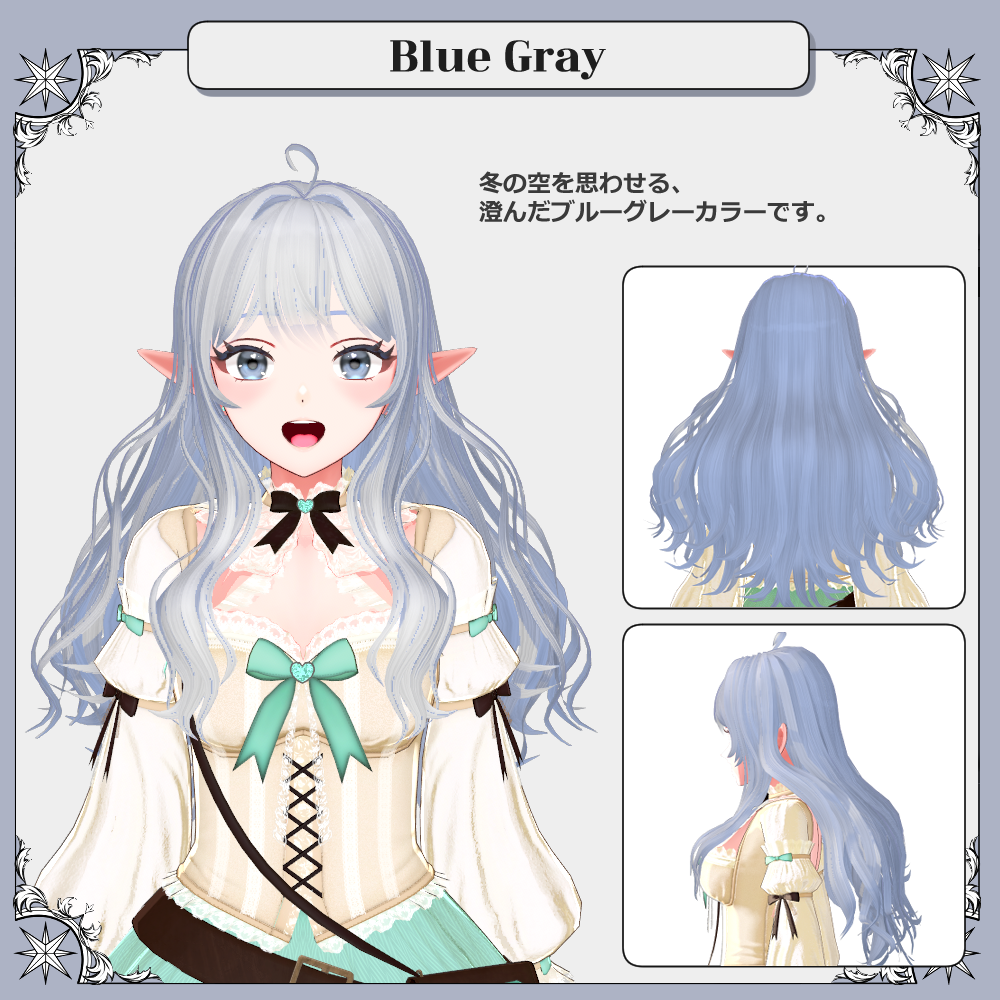
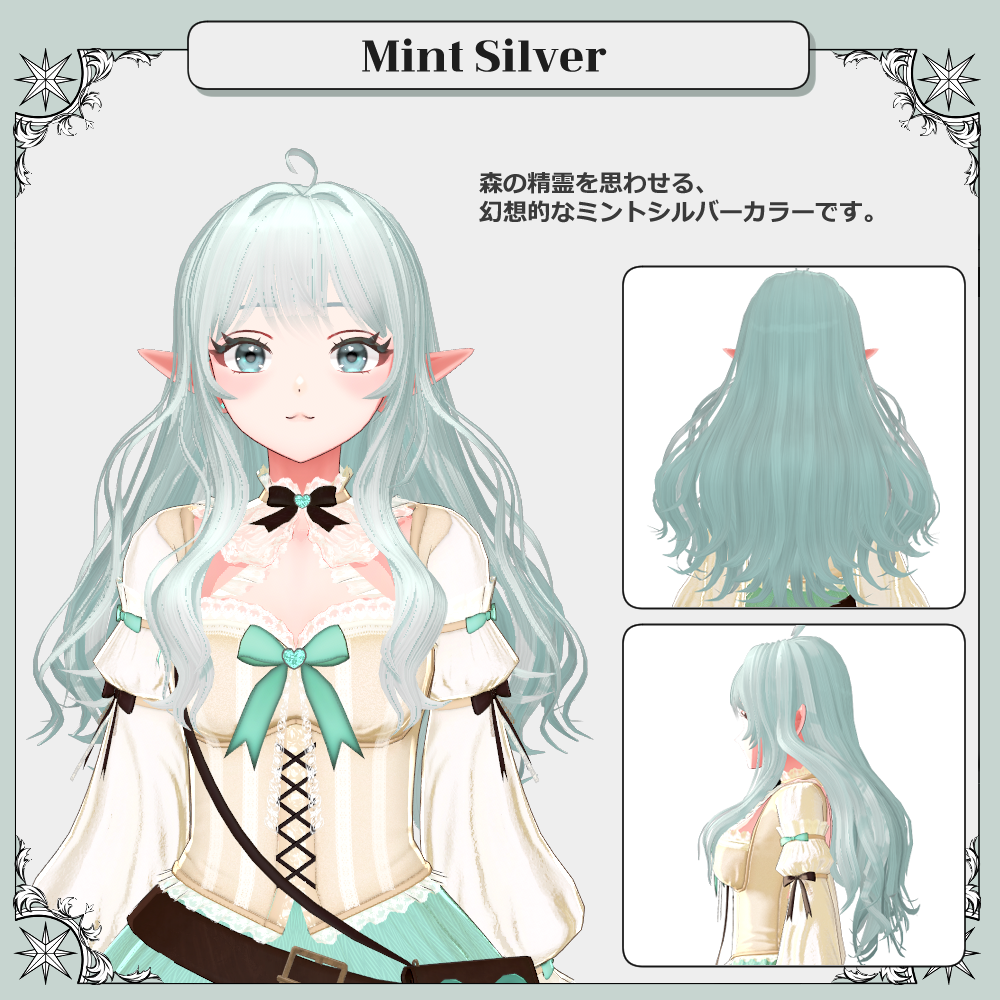
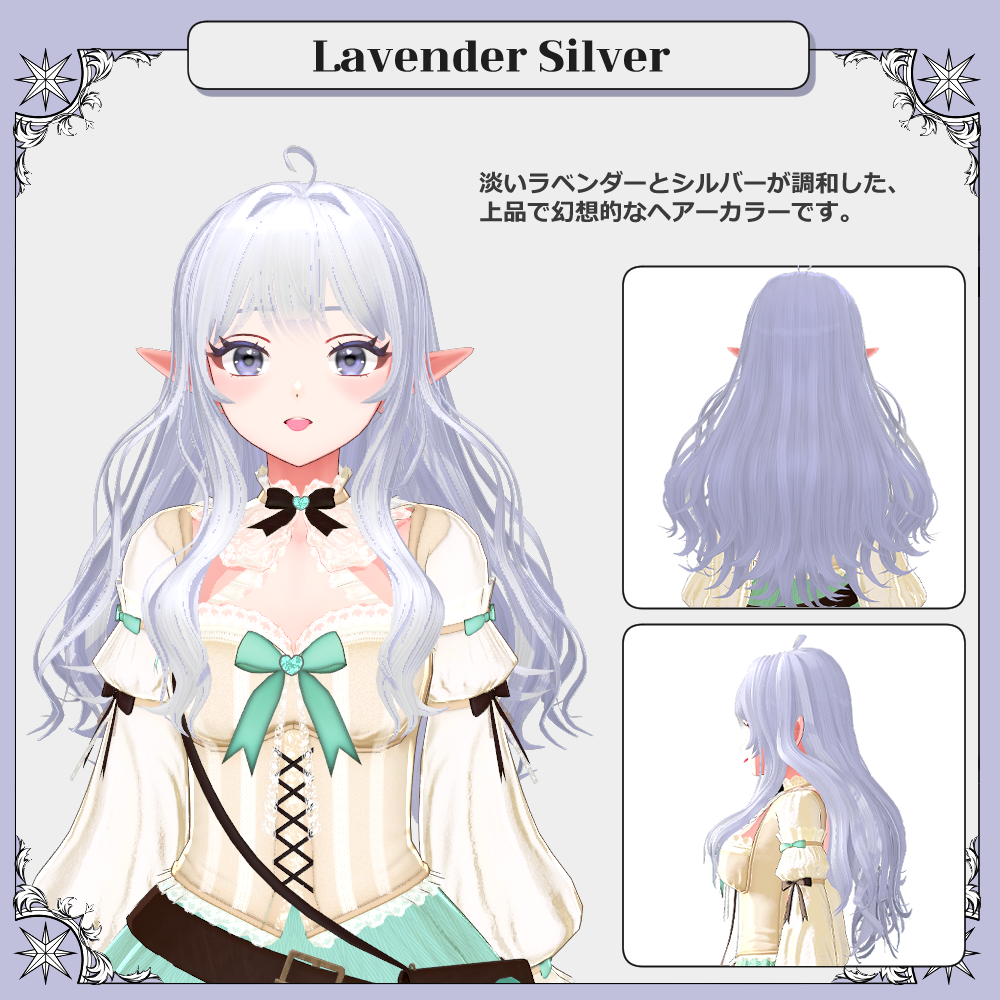
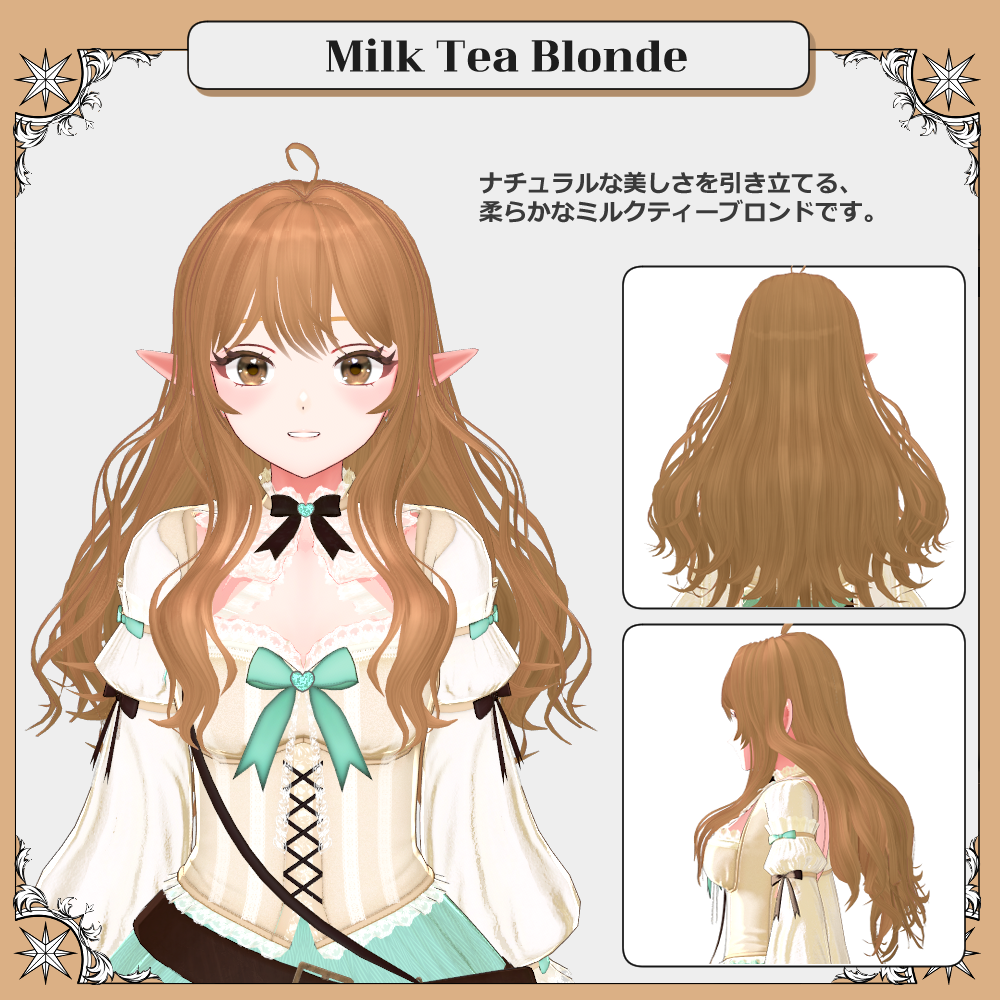
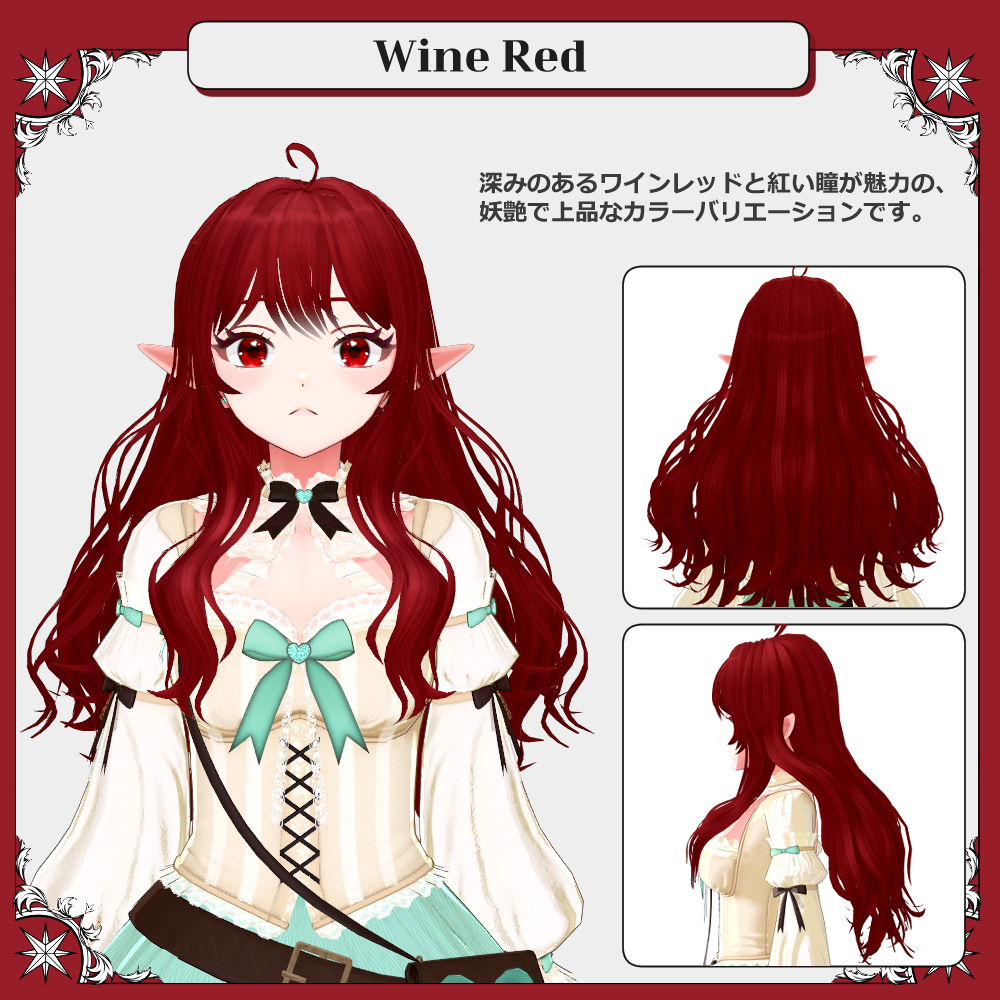
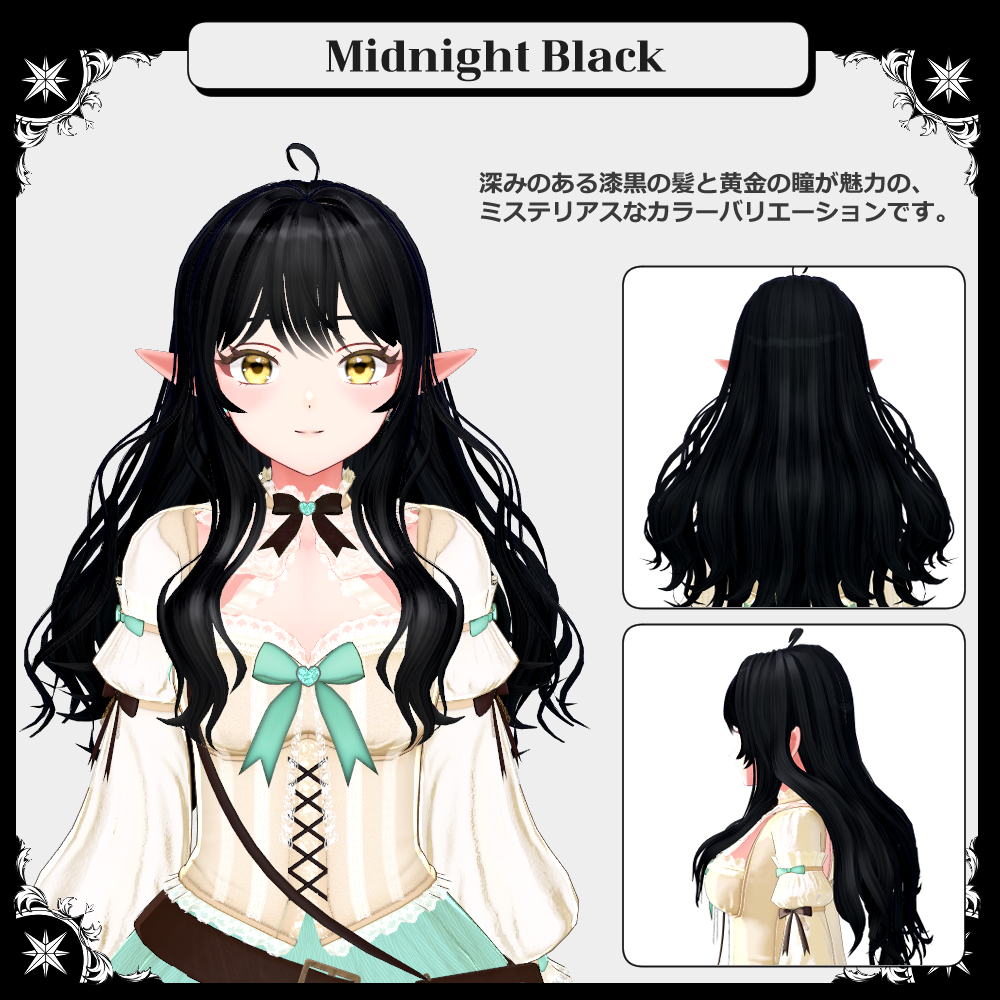
Give Arduinna a fresh new look with 7 beautiful hair color variations, ranging from dreamy and vibrant tones to elegant dark shades.
Mix and match different styles to create the perfect look for your Arduinna. ♡
⚠️ The Arduinna avatar is NOT included with this product.
⚠️ You must own the original Arduinna avatar to use this texture pack.
✦ Compatible Avatar
Original 3D Avatar “Arduinna” — Exclusive
Arduinna Avatar:
https://jinxxy.com/duchess_rh/Arduinna
✦ Package Contents
Arduinna_PremiumHairPack.zip
Arduinna_HairTexture.unitypackage
Arduinna_PremiumHairPackGuide_EN.pdf
Assets / Arduinna /
Materials
Free Hair Pack: 4
Premium Hair Pack: 28
Textures
Free Hair Pack: 4
Premium Hair Pack: 18
Technical Information
Shader: lilToon 2.3.4
Unity: 2022.3.22f1
⚠️ lilToon must be installed before importing the package.
✦ Installation
1. Create a VCC Project
Download VRChat Creator Companion (VCC) from the official VRChat website and create a new avatar project.
2. Install Required Package
From Manage Packages, install:
lilToon 2.3.4
3. Import the Unity Package
In Unity, go to:
Assets → Import Package → Custom Package
Then import:
Arduinna_HairTexture.unitypackage
4. Apply the Hair Texture
Apply your preferred hair texture/material to Arduinna.
For detailed instructions, please refer to the included:
Arduinna_PremiumHairPackGuide_JP.pdf
Installation is now complete.
Please refer to VRChat's documentation or other guides for instructions on uploading your avatar to VRChat.
✦ Required Shader
lilToon 2.3.4
https://booth.pm/en/items/3087170
✦ Terms of Use
By purchasing, downloading, or using this product, you agree to the following Terms of Use.
Allowed
✓ Modification — only for use with Arduinna
✓ Use in VRChat and similar platforms
✓ Personal use
✓ Streaming and video content
Prohibited
✕ Redistribution or resale of this data, whether modified or unmodified
✕ Claiming the assets, creator, or brand as your own
✕ Use that violates laws or public morals
✕ Use for political or religious activities
✕ Use intended to attack, harass, defame, or harm others
✕ Use as input, training data, or learning material for AI, machine learning, or generative AI
✕ Creating AI models, LoRA models, or similar systems using this data
✦ Important Notes
⚠️ The Arduinna avatar is NOT included with this product.
⚠️ This product is intended for the PC version of VRChat.
⚠️ Standalone Quest compatibility is not supported or guaranteed.
⚠️ Due to the nature of digital products, returns and refunds are not accepted after download.
✦ Contact
For questions regarding permitted usage, please review the Terms of Use above.
If you encounter any issues with the product or have other questions, please contact me through BOOTH messages or X (Twitter).
Please note that support for custom modifications may be limited.
X (Twitter)
https://x.com/DuchessRH,