
Produktbeschreibung
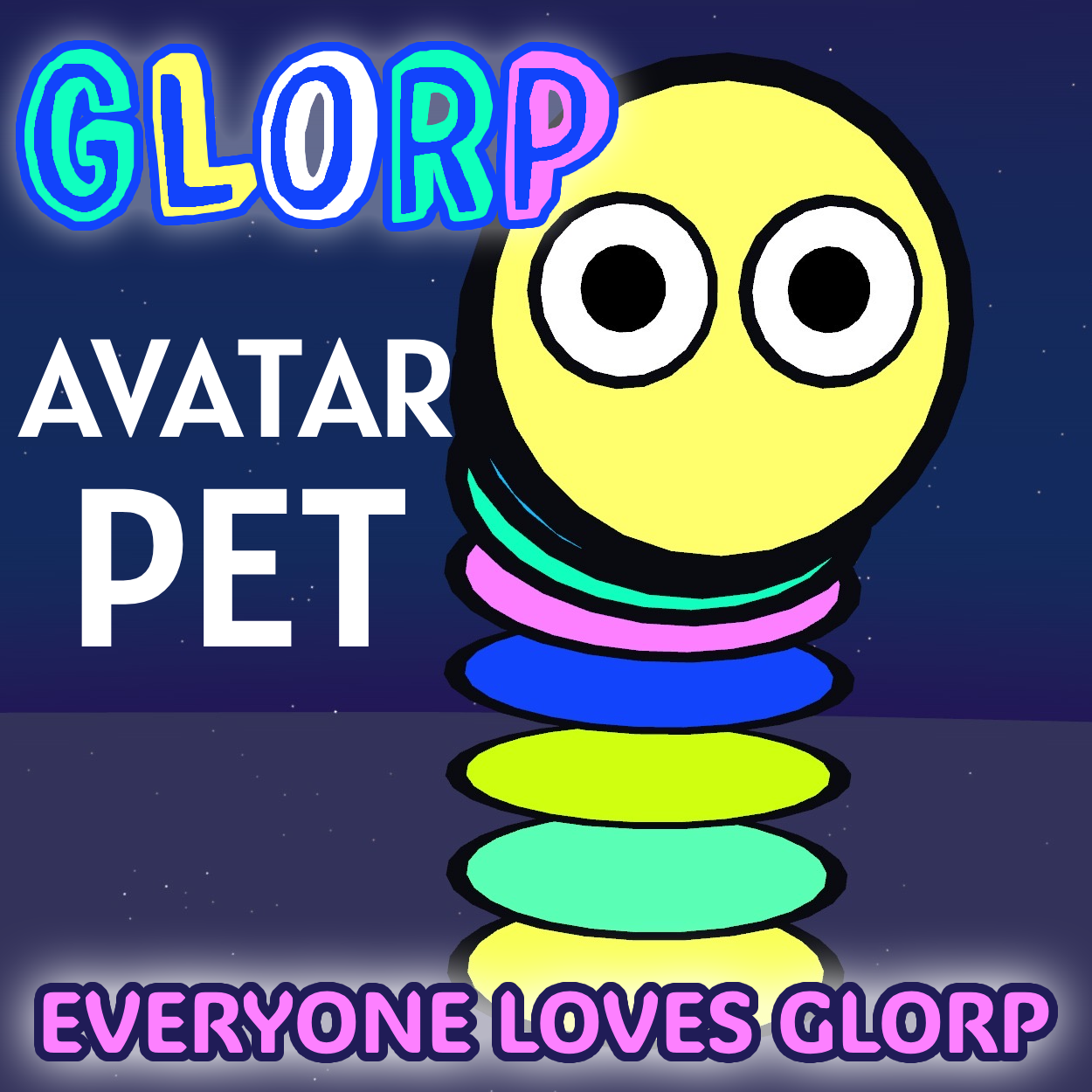
Meet Glorp! Glorp tumbles end over end after you wherever you go, stretches up to look you in the eyes, and every so often powers down, buzzes, flashes and launches into the sky trailing stars.
Drag one prefab onto your avatar and upload. No setup, no animator editing, no bone picking: Glorp finds your hips and head by itself.
Features
- Follows you by tumbling end over end, with footprints (PC)
- Stretches up and looks at you; tune it with the Gaze dial
- Boop it: touch its face while it's stretched up
- Charge: it powers down, buzzes, flashes and launches into the sky with a star trail
- Ride (PC): others can point at its head while it charges and sit on it
- 40 colour schemes (patterns, gradients, solids, pride flags) plus Reverse colors
- Adjust Size, Stretch height, Idle distance, Gaze and Charge height from radial dials
- Sounds for everyone on PC, with a mute toggle
- Stay here: park Glorp in place
- Settles at your chosen Idle distance; a ring on the floor shows it while you turn the dial
- Glides to your height when you move to a higher or lower floor (jumping doesn't move it)
- Works on PC and Quest from the same prefab
Requirements
- Unity 2022.3 VRChat avatar project (Creator Companion or ALCOM)
- VRChat Avatars SDK 3.10 or newer
- Modular Avatar 1.18 or newer (free)
Install (about 1 minute)
- Import the .unitypackage.
- Drag Assets > GlorpPet > GlorpPet_PC onto your avatar in the Hierarchy.
- Upload. Done.
Performance
73 synced parameter bits · 1 menu slot · ~3,450 triangles · 52 bones · 1 material · 14 VRChat constraints · no PhysBones. PC only: 2 audio sources, 1 particle system, 1 seat.
Quest: Quest avatars can't play sounds, show particles or have seats, so those are left out automatically. Everything else is the same.
Included: GlorpPet_PC and GlorpPet_Quest prefabs, all animations, materials, textures and sounds, README (English / Japanese), LICENSE.
Terms of use: Personal use on your own avatars. Don't share or resell the files, and don't upload Glorp on public clonable avatars. Full terms in LICENSE.txt.
Support: [email protected]