
Luck Games Together | Bomb Pass, Snack Roulette, Balloon Pop & Coin Chicken Race with CPU for VRChat
Produktbeschreibung
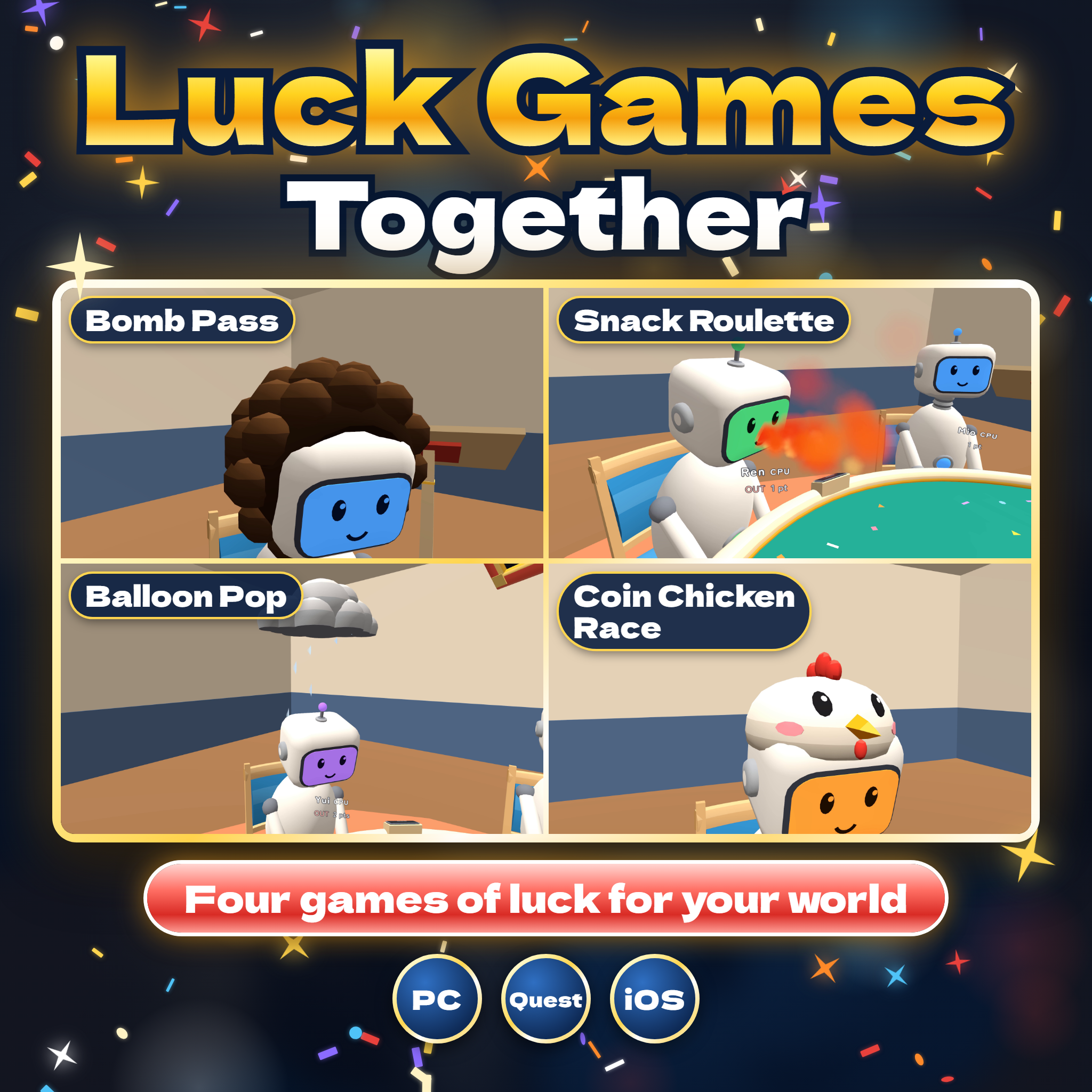
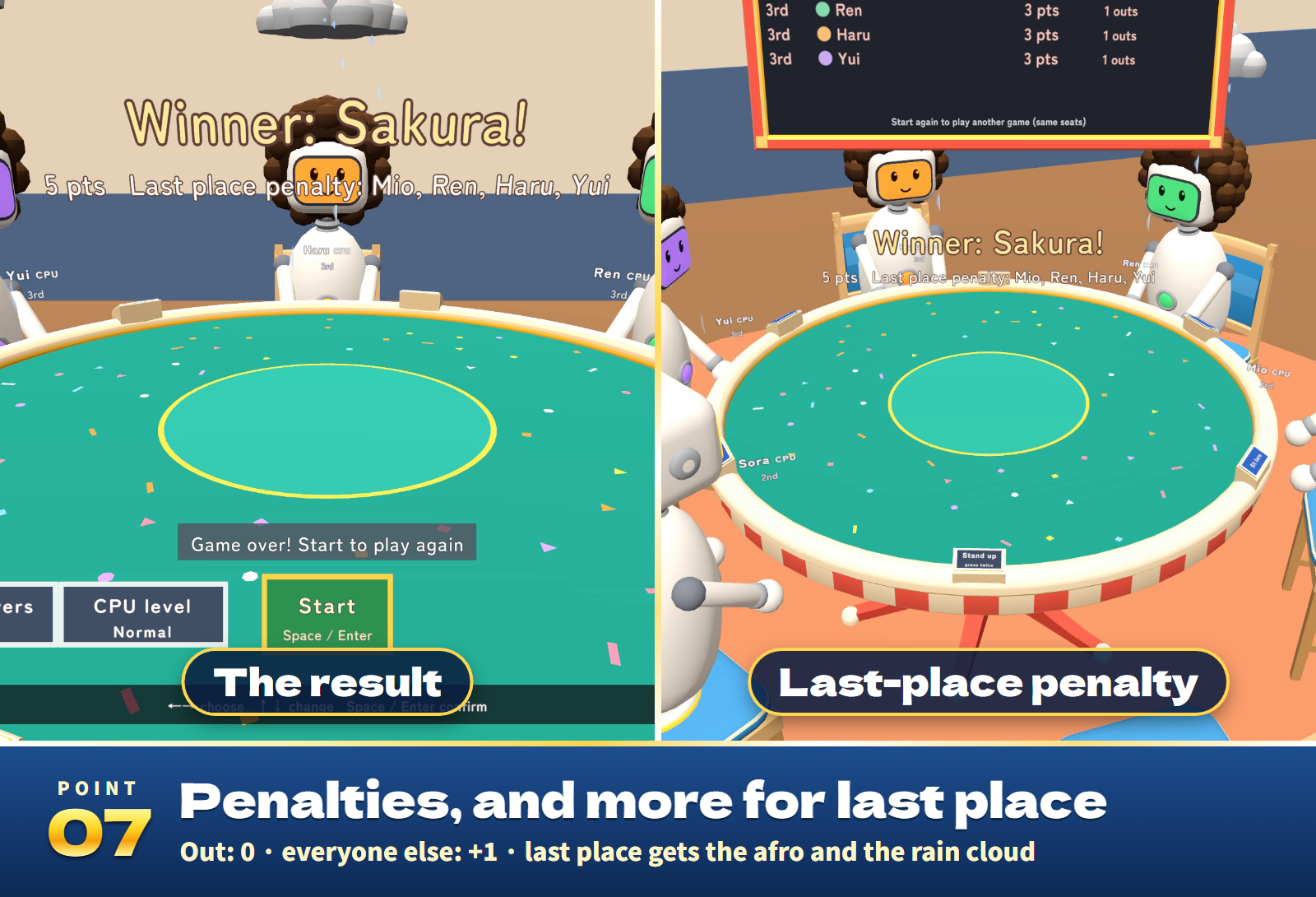
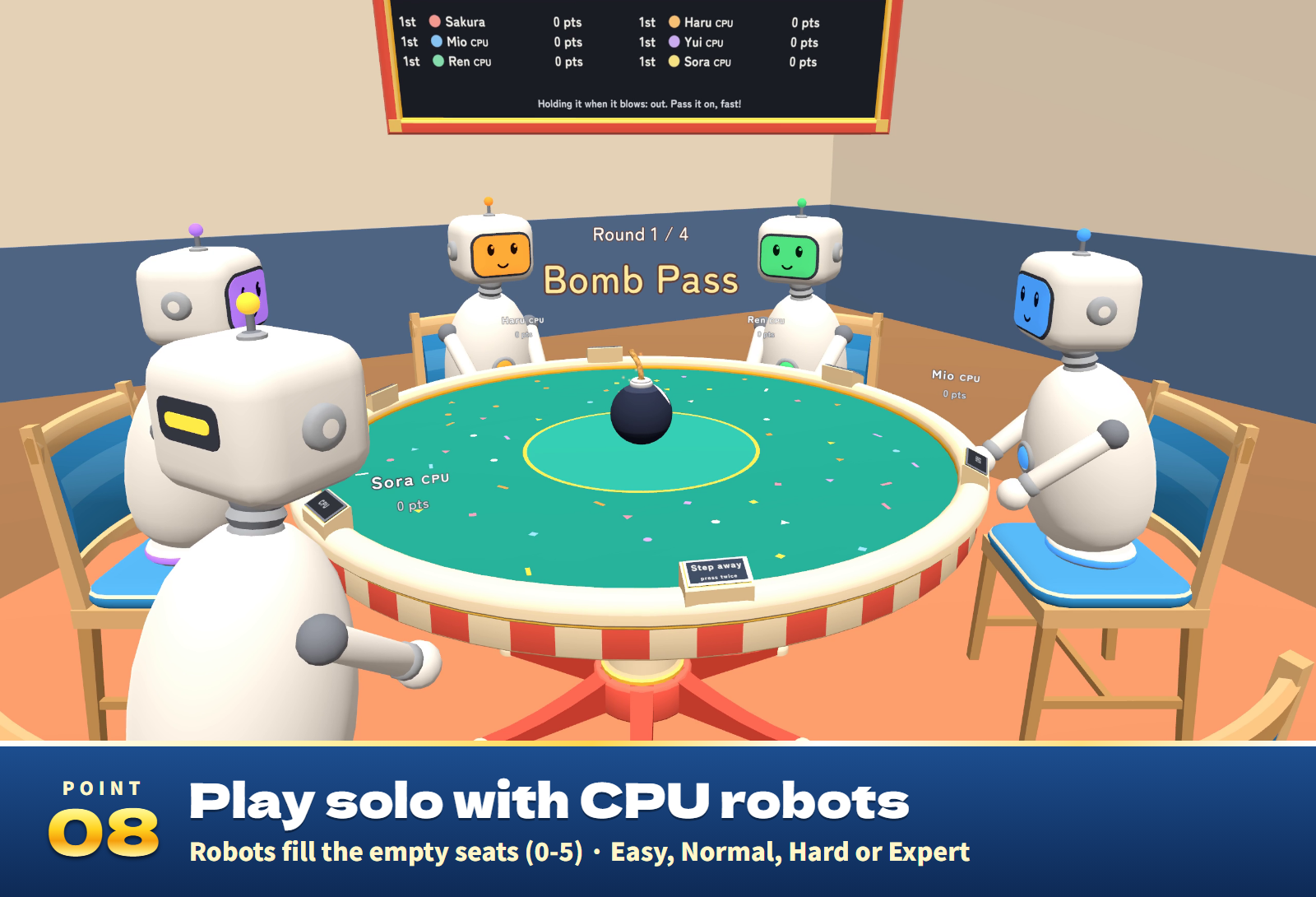
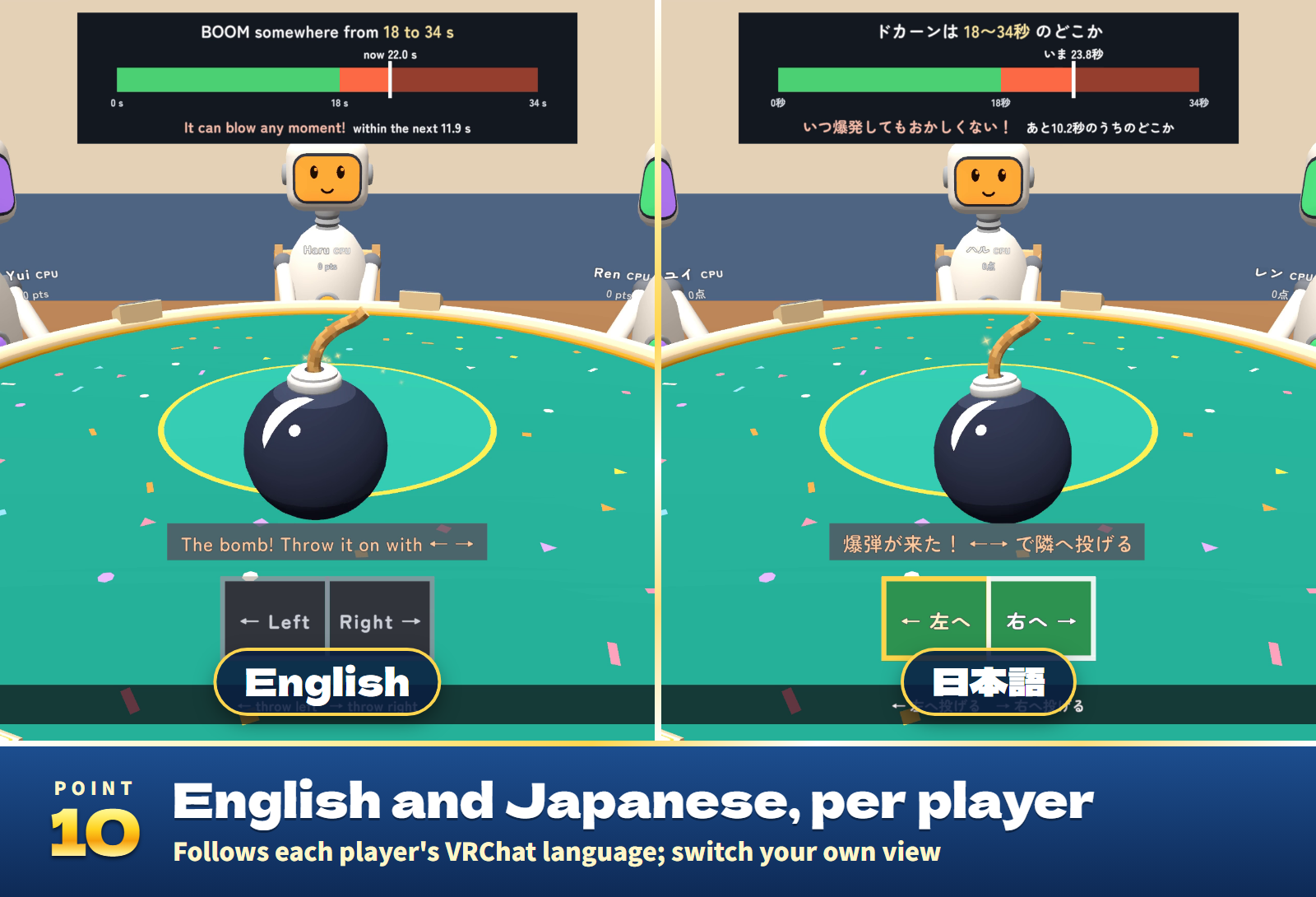
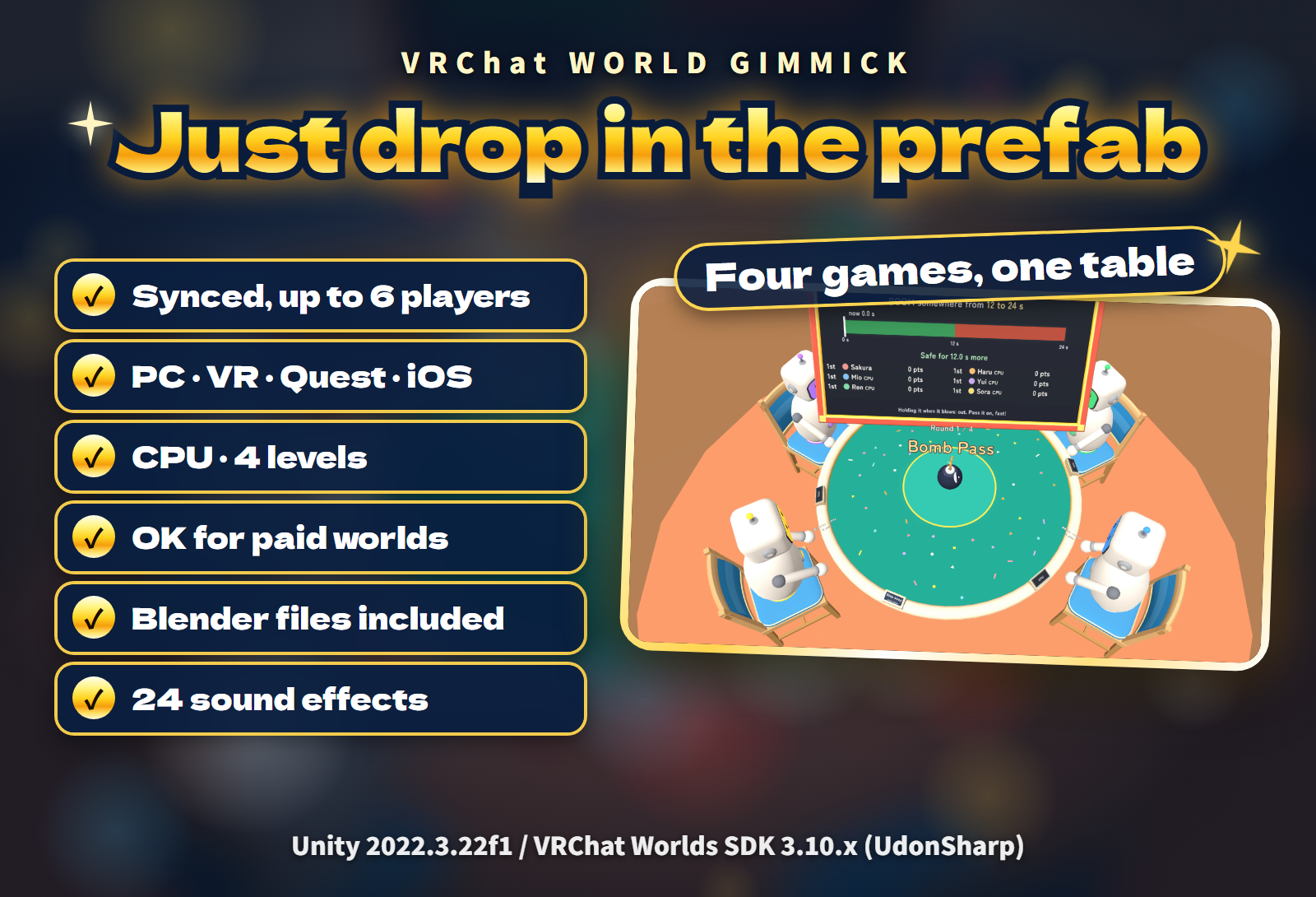
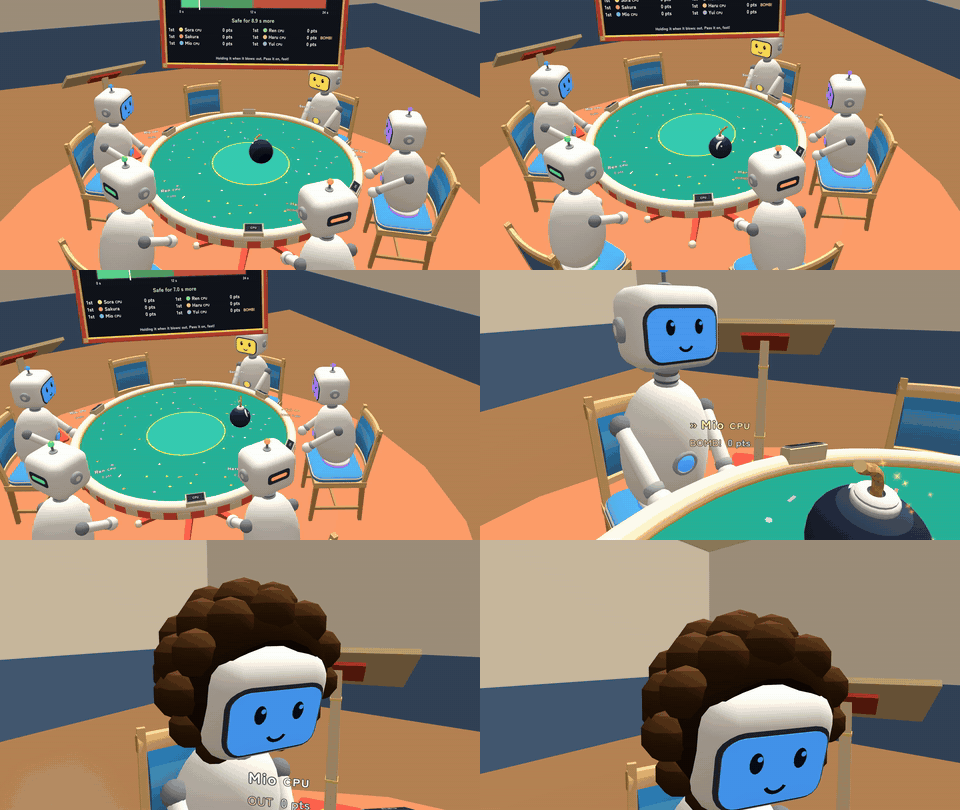
Four games of luck at one round table for your VRChat world: Bomb Pass, Snack Roulette, Balloon Pop and Coin Chicken Race. Whoever is out gets a penalty show (an afro, fire breath, a rain cloud or a chicken hat), and the last place overall gets one more. CPU robots fill the empty seats so one player can start right away, the bomb, snacks, balloon and coins look the same on everyone's screen, and every screen follows each player's language, English or Japanese.
Watch it in action
Watch the English v1.0.0 gameplay preview
Highlights
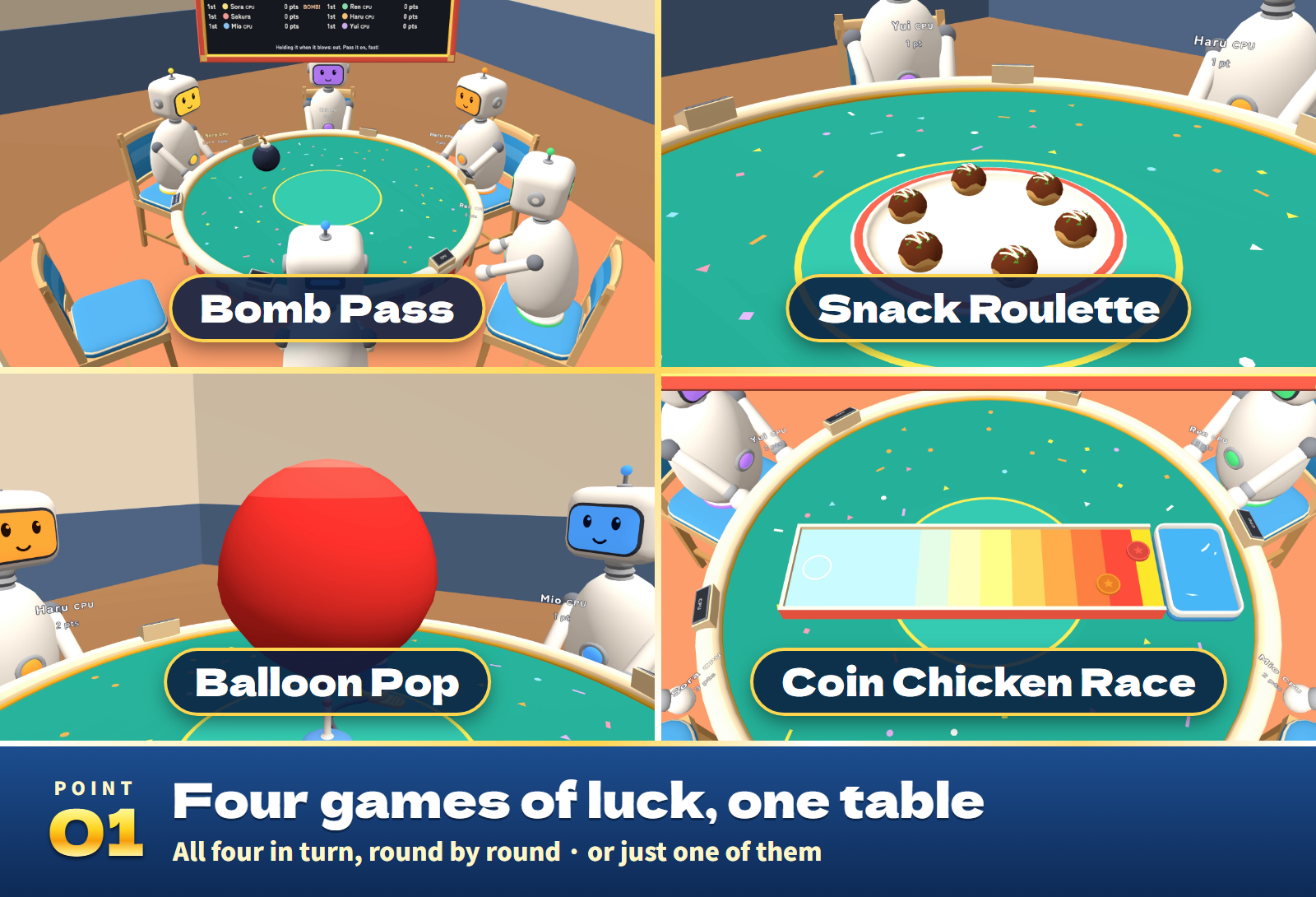
- Four games, one table. Play all four in turn, round by round, or one game only. 4, 8 or 12 rounds (3, 5 or 8 with one game).
- Play solo with CPUs. Up to 6 players. CPU robots take the free seats: 0 to 5 CPUs at four levels (Easy, Normal, Hard, Expert).
- Penalty shows. The bomb leaves an afro, the fiery snack makes you breathe fire, the balloon brings a rain cloud over your head and the coin a chicken hat. The last place overall gets one more show at the end.
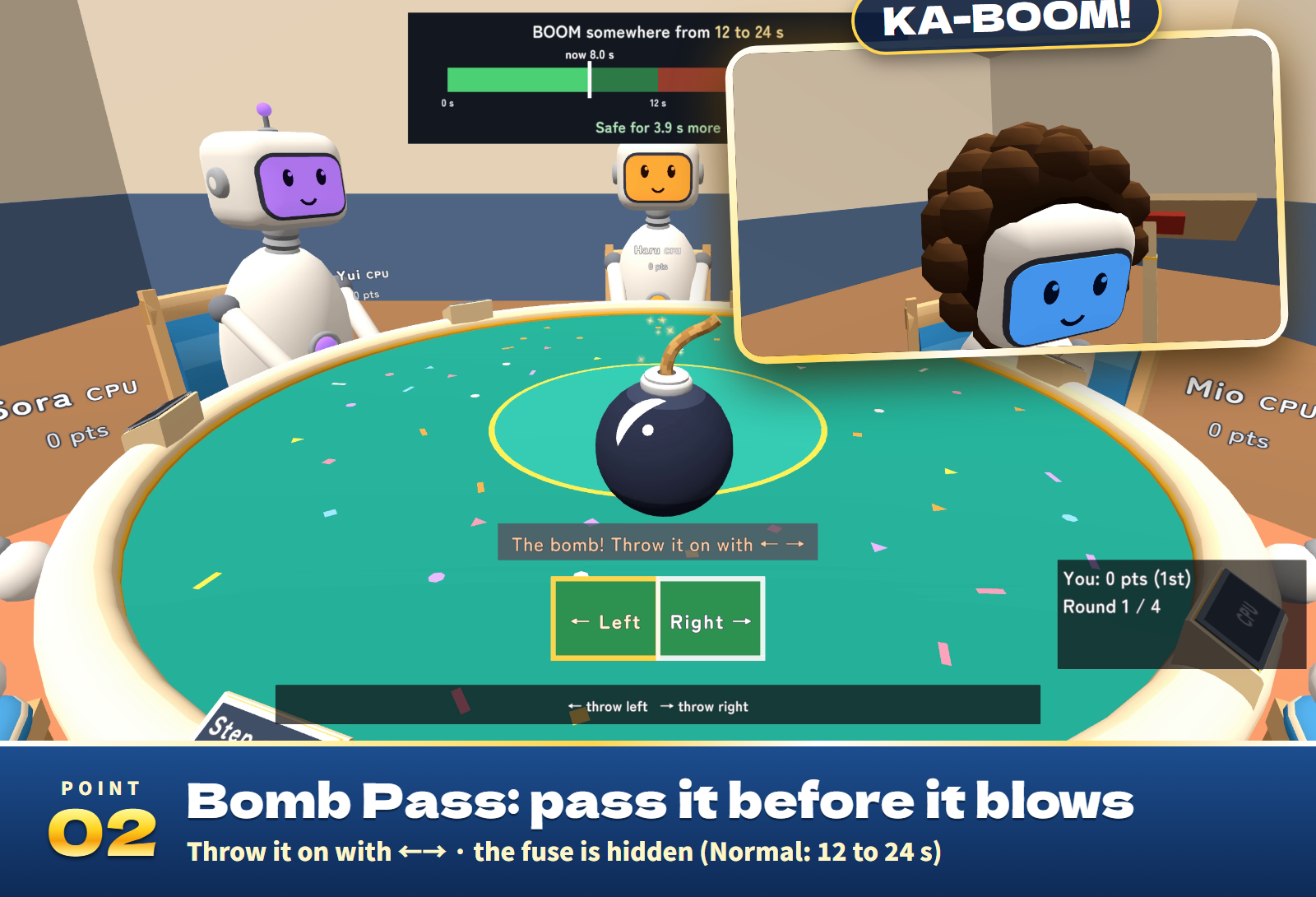
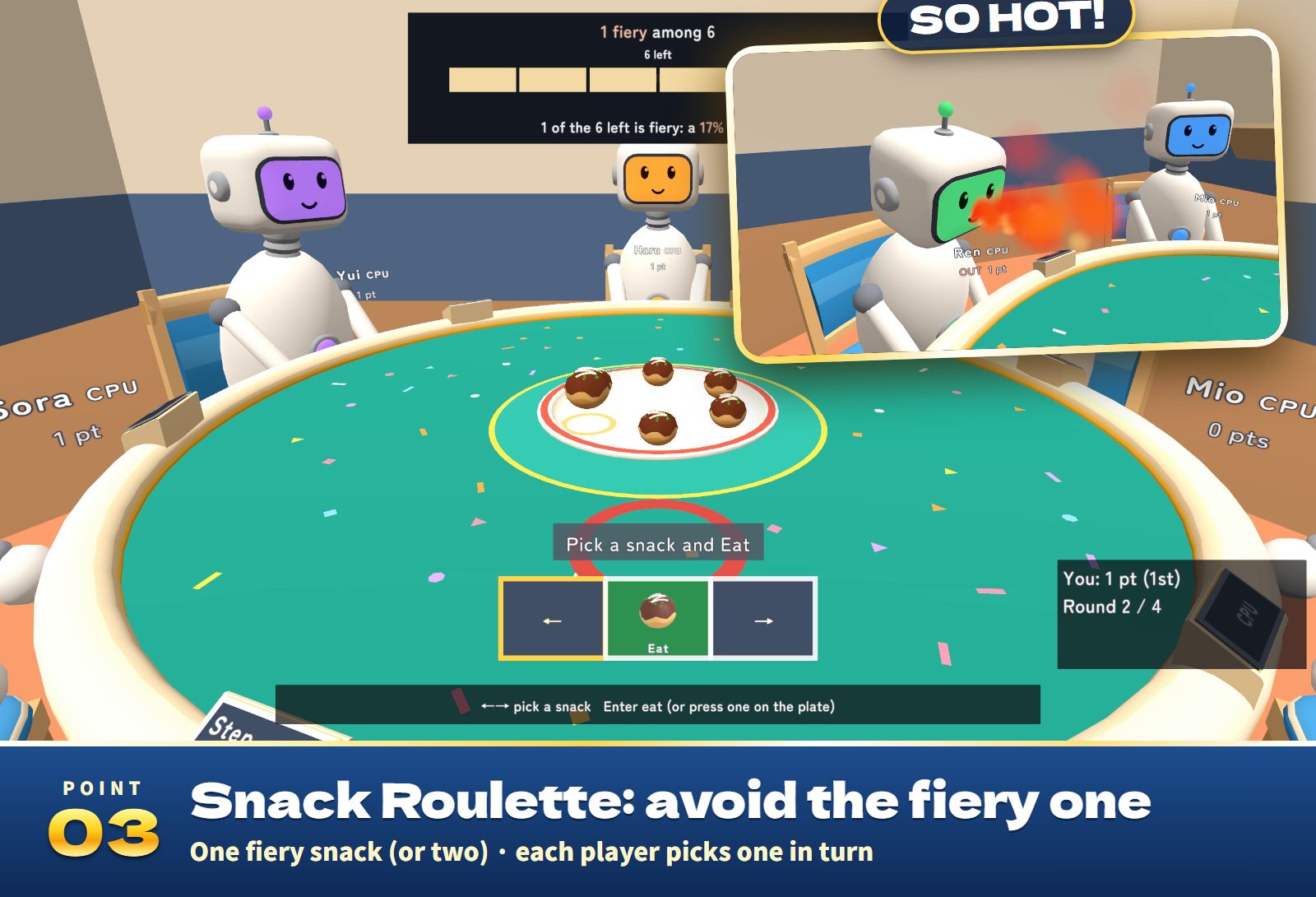
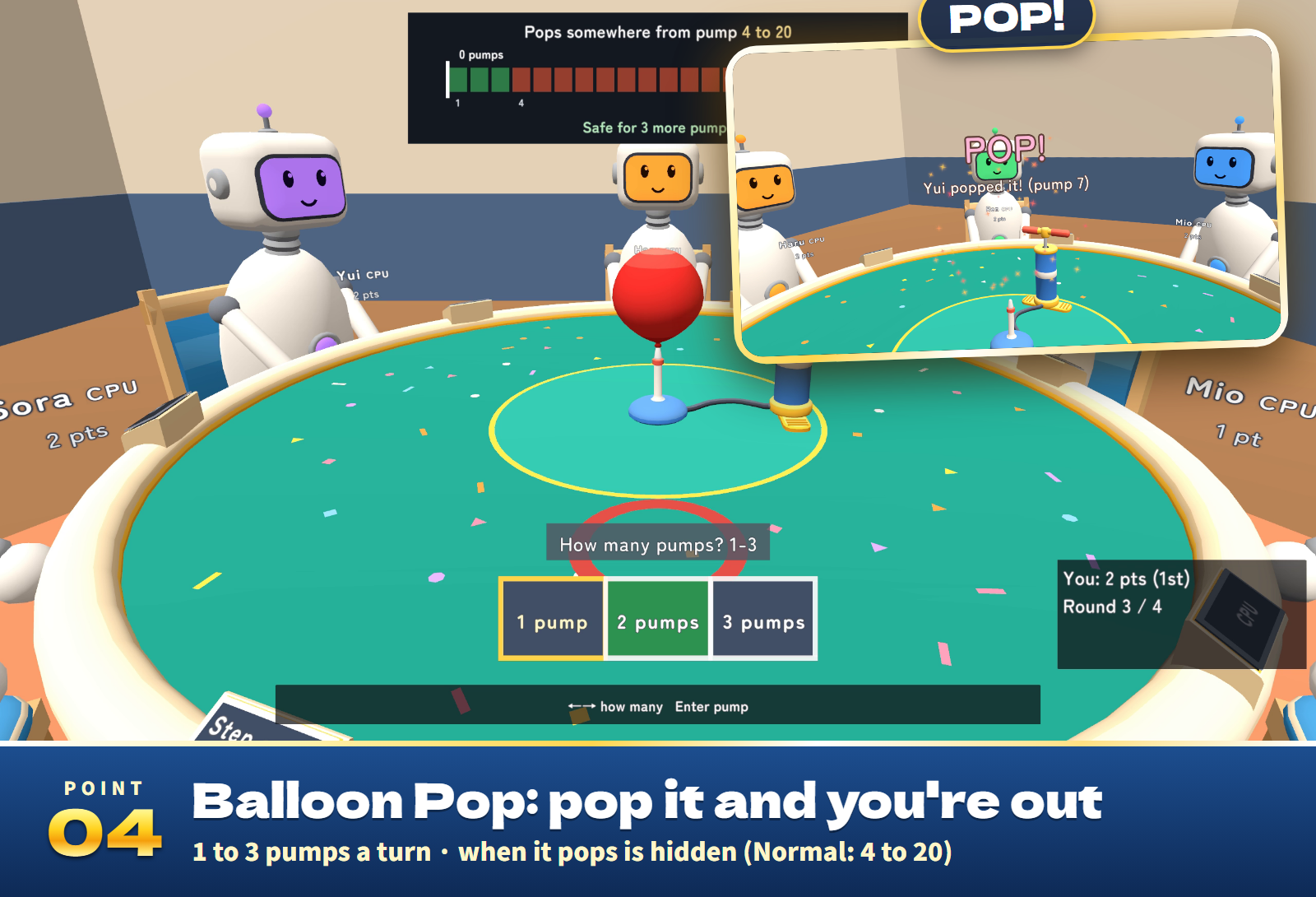
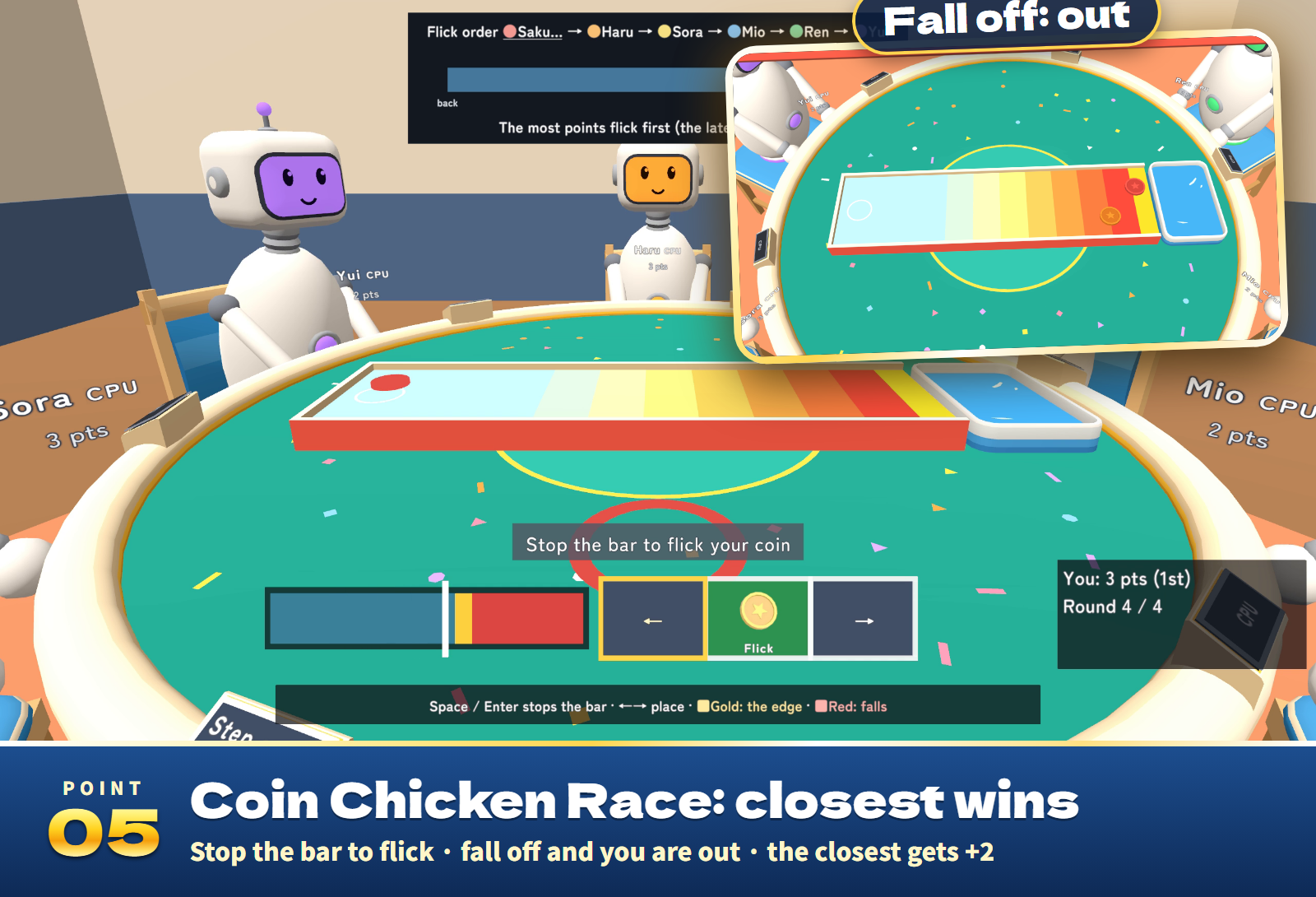
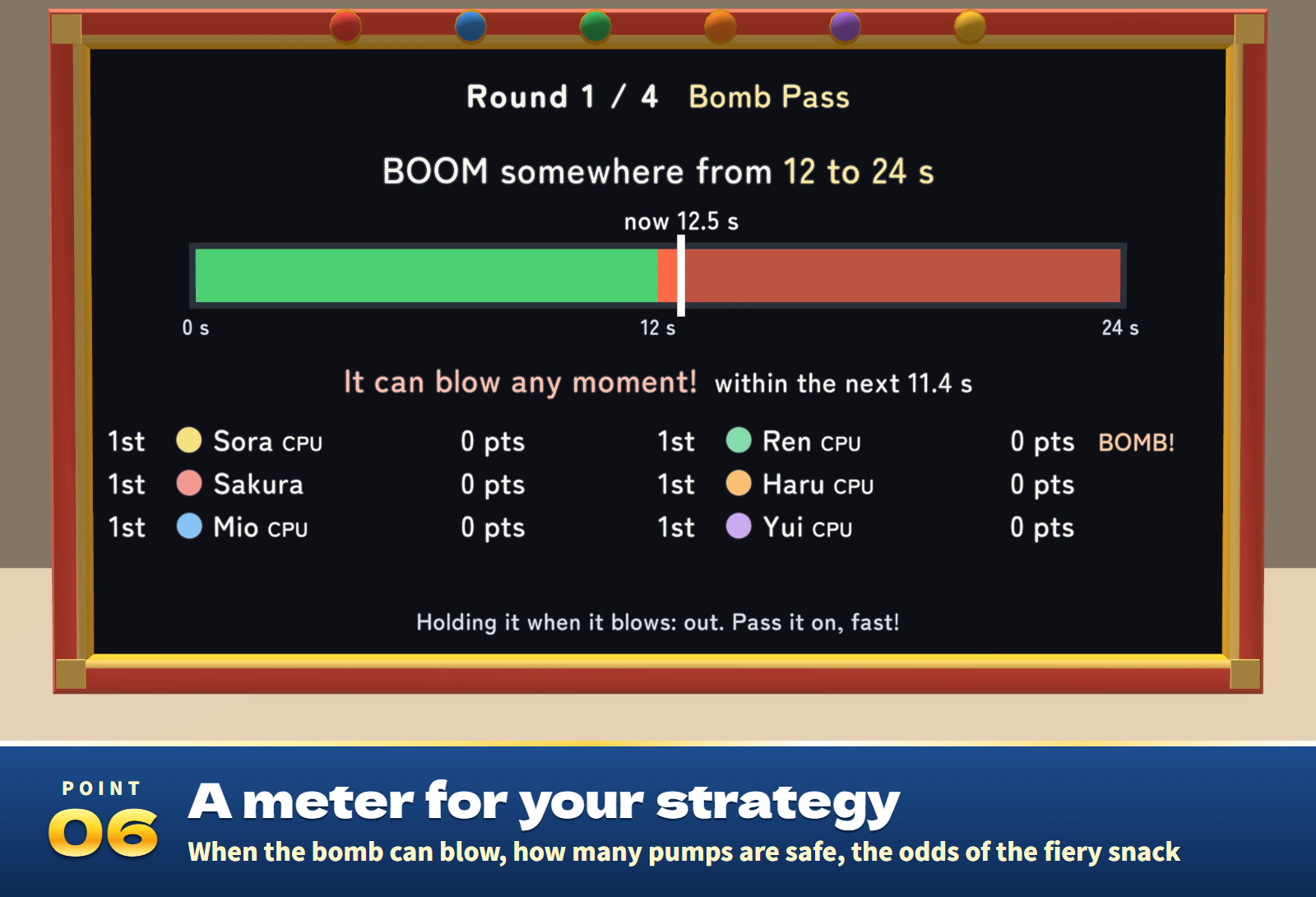
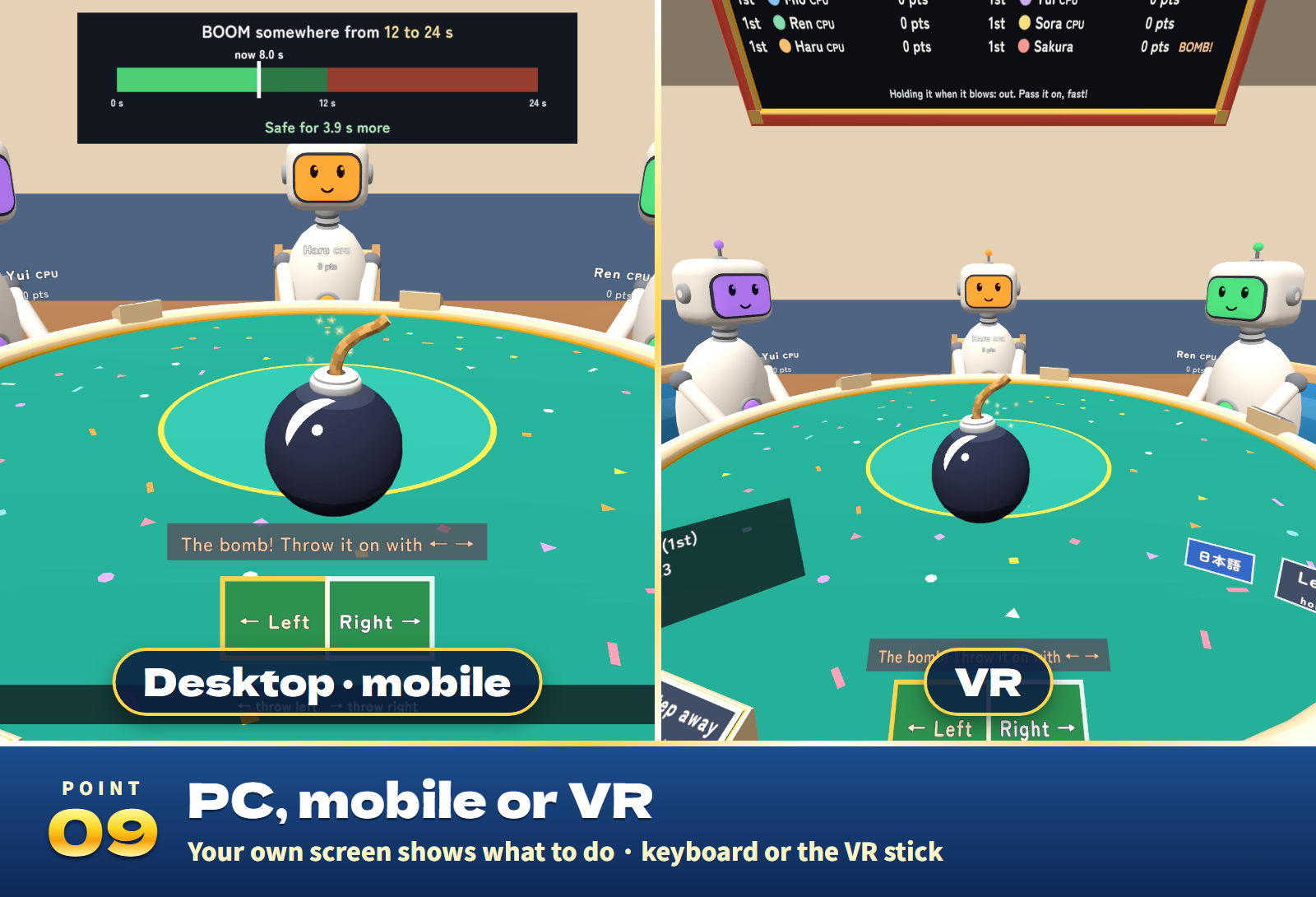
- A guide to play the odds. While a round is on, the score board and your own screen show the window the bomb blows in (e.g. 12-24 s) and the time so far, the pumps the balloon pops in, the chance of a fiery bite, and the flick order and where each coin lies. Hold on or pass at once: your call.
- Everyone sees the same table. Only the table's host knows the fuse, the fiery snacks and the pumps that pop the balloon; the others receive the results. The coins slide the same on every screen.
- Your own screen. Only the players see what to do now and their keys (desktop, mobile and VR). The arrow keys, Space / Enter and the VR stick work too.
- Late joiners watch and join from the next game. While a player steps away, the CPU plays for them.
- Records and sound. Games played, first places and rounds out are kept in each player's VRChat player data. 24 sound effects play throughout.
The four games
- Bomb Pass: throw the bomb to a neighbour with Left / Right. The fuse cannot be seen (short 8-15 s, normal 12-24 s, long 18-34 s); whoever holds the bomb when it blows is out.
- Snack Roulette: one snack on the plate (two in the settings) is fiery. In seat order, each picks one and eats it; whoever eats the fiery one is out. Takoyaki, cream puffs and rice balls.
- Balloon Pop: in seat order, pump 1 to 3 times. How many pumps pop it cannot be seen (normal 4-20, quick 3-12); whoever pops it is out.
- Coin Chicken Race: flick a coin toward the edge of the lane by stopping a sweeping power bar. A coin that falls off is out; if none falls, the one farthest from the edge is out. The coin nearest the edge scores +2.
Settings
- On the settings stand (changes during a game take effect from the next game): the game (all four or one), the rounds, the CPU players (0 to 5) and their level, the turn time (30 s, 60 s, 15 s or none), the fuse (short, normal, long), the fiery snacks (1 or 2), the balloon (normal or quick), the coin bar's speed, the table size (1, 1.25 or 1.5), Defaults, and End game (by a majority of the seated players).
- English / 日本語 switches your own view only.
- In the Inspector: the starting settings, the choices of rounds, turn time and table size, the language (automatic, Japanese or English) and saving records to player data.
Included files
- LuckGames_v1.0.0.unitypackage: the round table, six chairs, the CPU robots, the bomb, the snack plate, the balloon and its pump, the coin lane, the score board, the settings stand and each player's own screen in one prefab, a sample scene, 24 sound effects and materials for Quest.
- README.txt and README_EN.txt: Japanese and English setup, how to play, settings and terms.
- LuckGames_Blender: the editable .blend, an FBX for every part and the textures.
Requirements and setup
Unity 2022.3.22f1, VRChat Worlds SDK 3.10.x (tested with 3.10.5) including UdonSharp, and TextMesh Pro, in a Creator Companion world project. It runs on PC (desktop and VR), Quest/Android and iOS.
- Import TMP Essential Resources if the project has never used TextMesh Pro.
- Import LuckGames_v1.0.0.unitypackage.
- Place Assets/LuckGames/LuckGames.prefab on a flat floor. The sample scene is in Assets/LuckGames/Sample.
Setup takes about ten minutes. The table is about 3.0 m x 3.5 m and 2.3 m high (table size 1). Move and rotate it freely (do not scale it; use Table size on the settings stand).
Play, the CPU players, sync and late joining are covered by 47 automated tests. The sample scene built for Android is about 4.3 MB.
Terms of use
- You may include it in VRChat worlds and publish them, including paid, corporate, event and monetized worlds.
- Modification is allowed. Credit is optional.
- Redistributing or reselling the data itself (modified or not), or bundling it with other assets for sale, is not allowed.
- Please contact the creator before using it outside VRChat worlds, such as in other games or videos.
- The author is not responsible for any problems arising from using this data.
Credits and support
Font: Zen Maru Gothic, SIL Open Font License 1.1. The 3D models, textures, sound effects and scripts were made for this product.
For purchase questions, use the contact option on the store where you purchased this product. Include the product, Unity and SDK versions, steps and any error message.
Jinxxy support
For purchases on Jinxxy, use this product's Q&A on Jinxxy. Include the product name, Unity and SDK versions, the steps you took and any error text.