
STAR POP | 60-Second Quick-Draw Shooting Game for VRChat Worlds
Produktbeschreibung
Dieses Produkt enthält KI-generierte Inhalte.
Pass the blaster, keep the round going, and chase a shared high score.
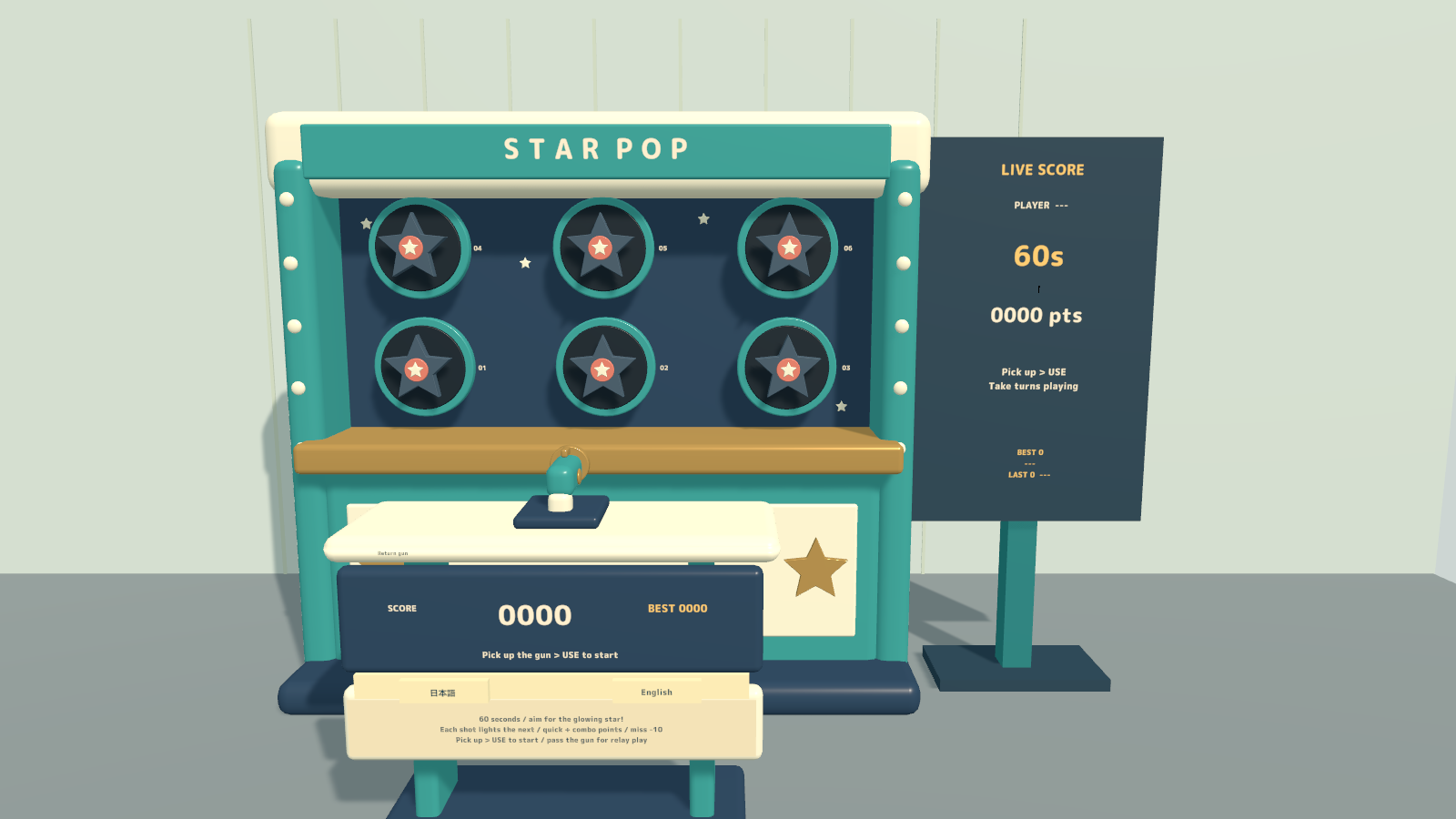
STAR POP is a quick-draw target game for VRChat worlds. One shot brings up the next target, so each round is a fast sequence of spotting, aiming and firing. Friends can pass the gun during a round and continue the same score as a relay.
60-second rounds · Shared relay play · Desktop and VR aiming · PC / Android
Watch it in action
Watch the English introduction on YouTube
Made for shared play
- One shot, next target. A shot immediately changes the target. Targets that are not shot disappear after a limited window, which gets shorter as the round progresses.
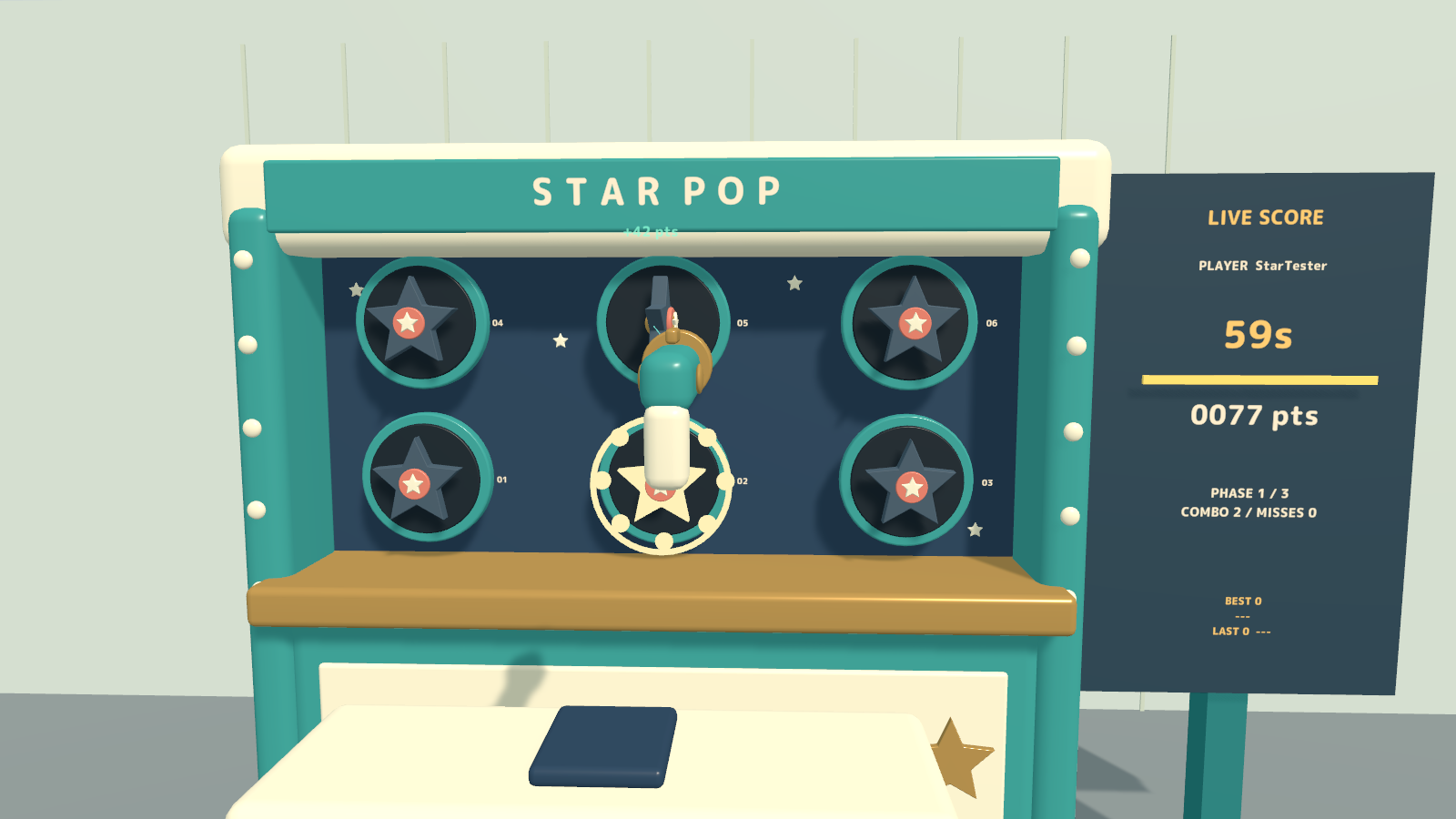
- Reward quick, accurate hits. Hits score 20–50 points based on speed, with a consecutive-hit bonus of up to 20. A missed shot costs 10 points; an expired target breaks the combo without subtracting points.
- Hand off mid-round. Pass the gun to another player to continue the same timer and score. After the round, take turns starting a new run.
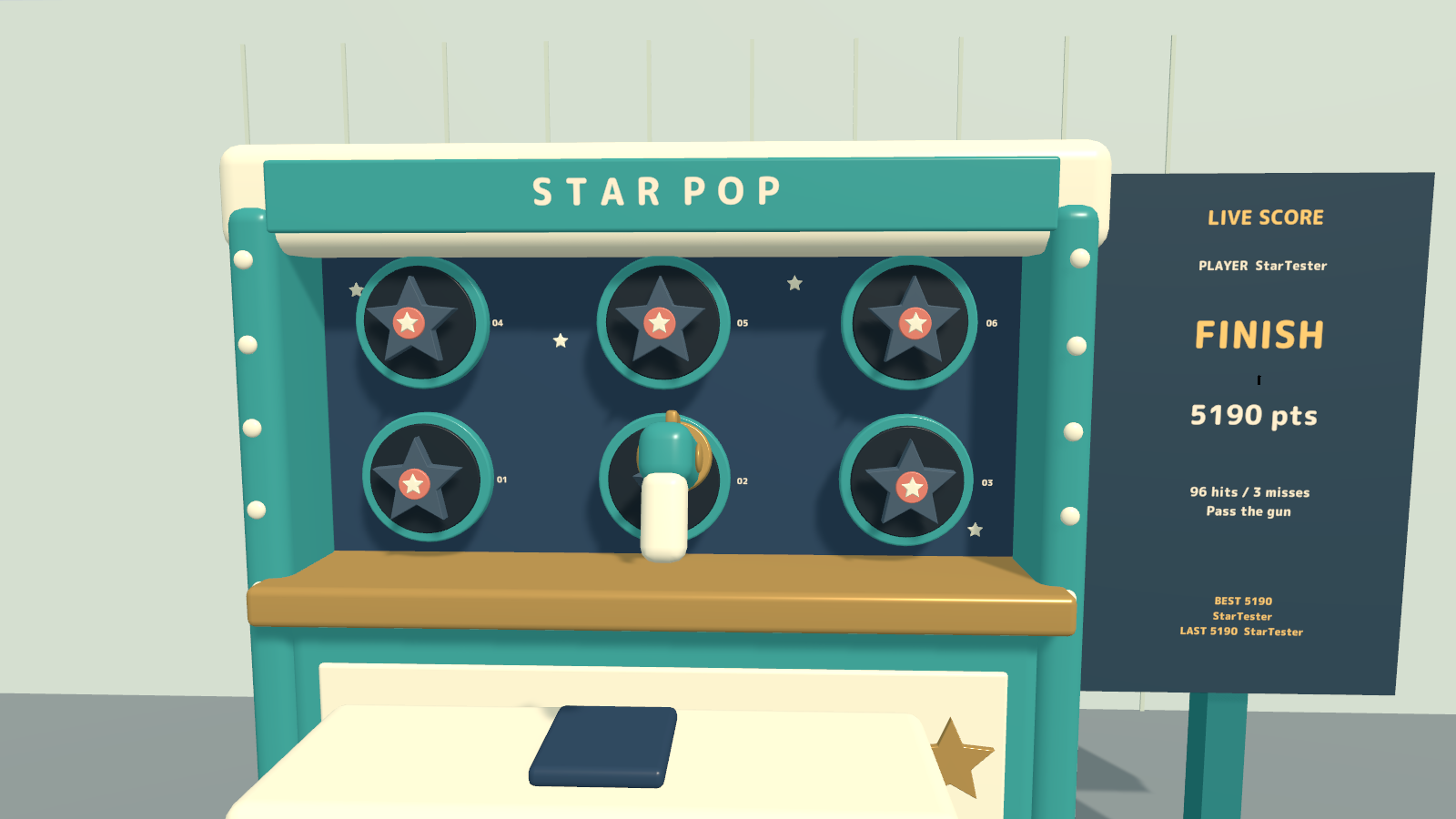
- Let the room follow along. The shared LIVE SCORE board shows the player, remaining time, score, combo, misses and instance best/previous results.
- A full arcade round. Music runs during play, with shooting, hit, miss and finish sounds always enabled. A dropped gun returns after 35 seconds while the round clock continues.
How to play
- Pick up the gun and Use it to start a round after a three-second lead-in.
- On desktop, aim with the center of your view. In VR, aim along the gun barrel. The holder has an aiming line.
- Shoot the current target before its time window closes. Stay within four meters of the cabinet.
- Pass the gun to a friend to relay the same round, or finish the 60 seconds and compare the result. The Return control is unavailable during a round.
Your own display language
Japanese and English instructions, pickup hints and score labels can be changed locally for each player. Put down the gun to use the language buttons. Regular variants follow the player’s VRChat language; EN variants start in English. Language selection does not change the timer or shared score.
What you get
- Four game prefabs and four sample scenes for PC/Android and regular/English startup.
- Cabinet and gun models, materials, UdonSharp scripts and the included game audio.
- Blender source, FBX models and generation scripts.
- Japanese/English guides, license terms and font notices.
Requirements & setup
Use a VCC Worlds project with Unity 2022.3.22f1, the Built-in Render Pipeline and VRChat SDK – Worlds 3.10.5 with UdonSharp.
- Import TMP Essential Resources from Window → TextMeshPro, then import StarPop_v2.0.0.unitypackage.
- For English at startup, place StarPop_Set_EN.prefab in a PC world or StarPop_Set_Android_EN.prefab in an Android world. Regular startup-language variants are included too.
- Adjust the placement using a uniform scale, then use the SDK’s Build & Test.
Commercial use & customization
Individuals and organizations may incorporate this product into VRChat worlds they create or manage for commercial or non-commercial use. Modification, events, videos and streams are permitted. Credit is optional.
The original assets are licensed for incorporation into your own work. Redistribution or resale as standalone assets or reusable source data is not included. Every collaborator who receives the source data must purchase the product. See LICENSE_EN.txt and the included third-party license texts for the full terms.
Version 2.0.0
One bilingual download contains Japanese/English display options and guides, with platform and startup-language variants.
Support
For purchases on Jinxxy, use this product's Q&A on Jinxxy. Include the product name, Unity and SDK versions, the steps you took and any error text. The included original guides may name earlier sales channels; Jinxxy purchases receive the same product support and use rights.