
Produktbeschreibung
Dieses Produkt enthält KI-generierte Inhalte.
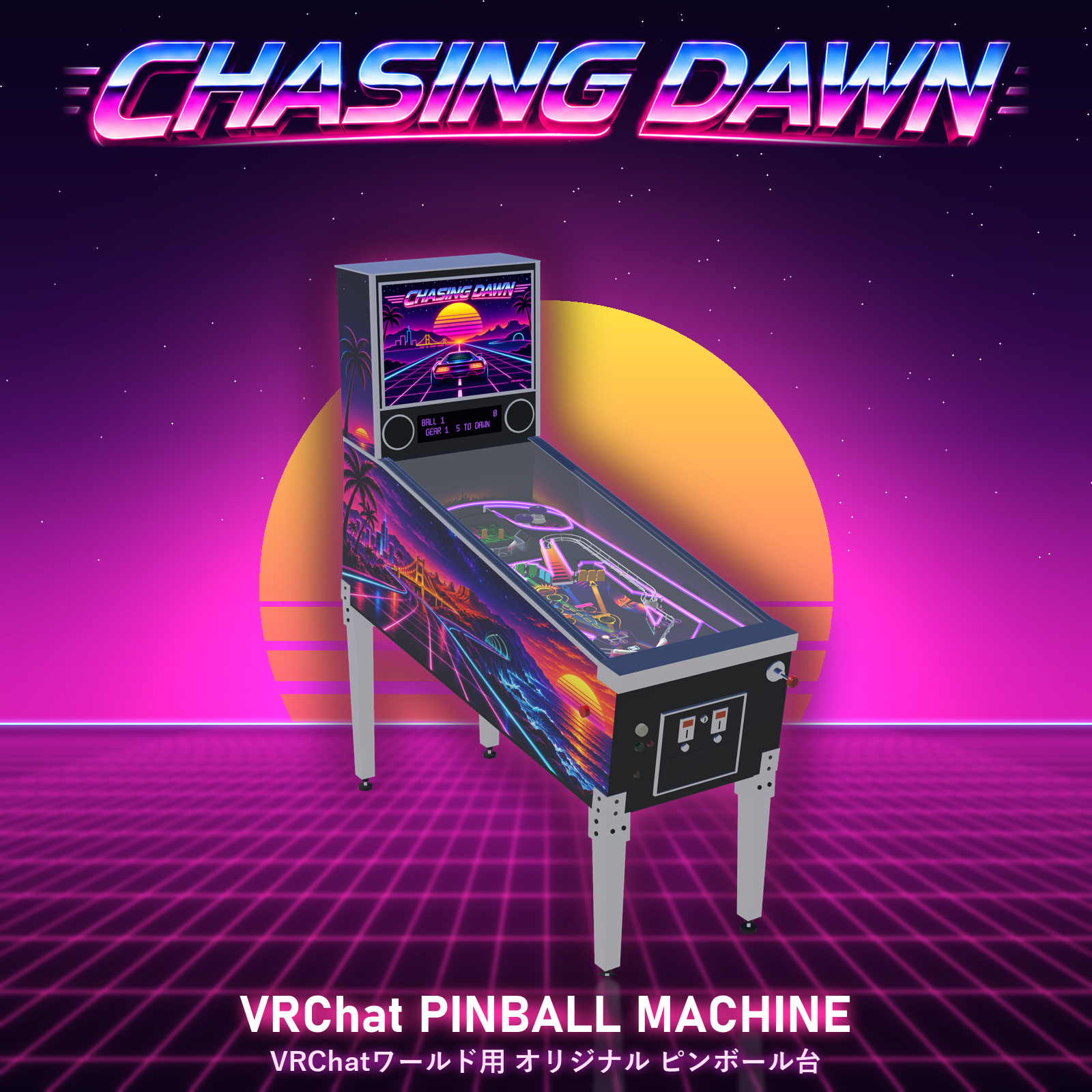
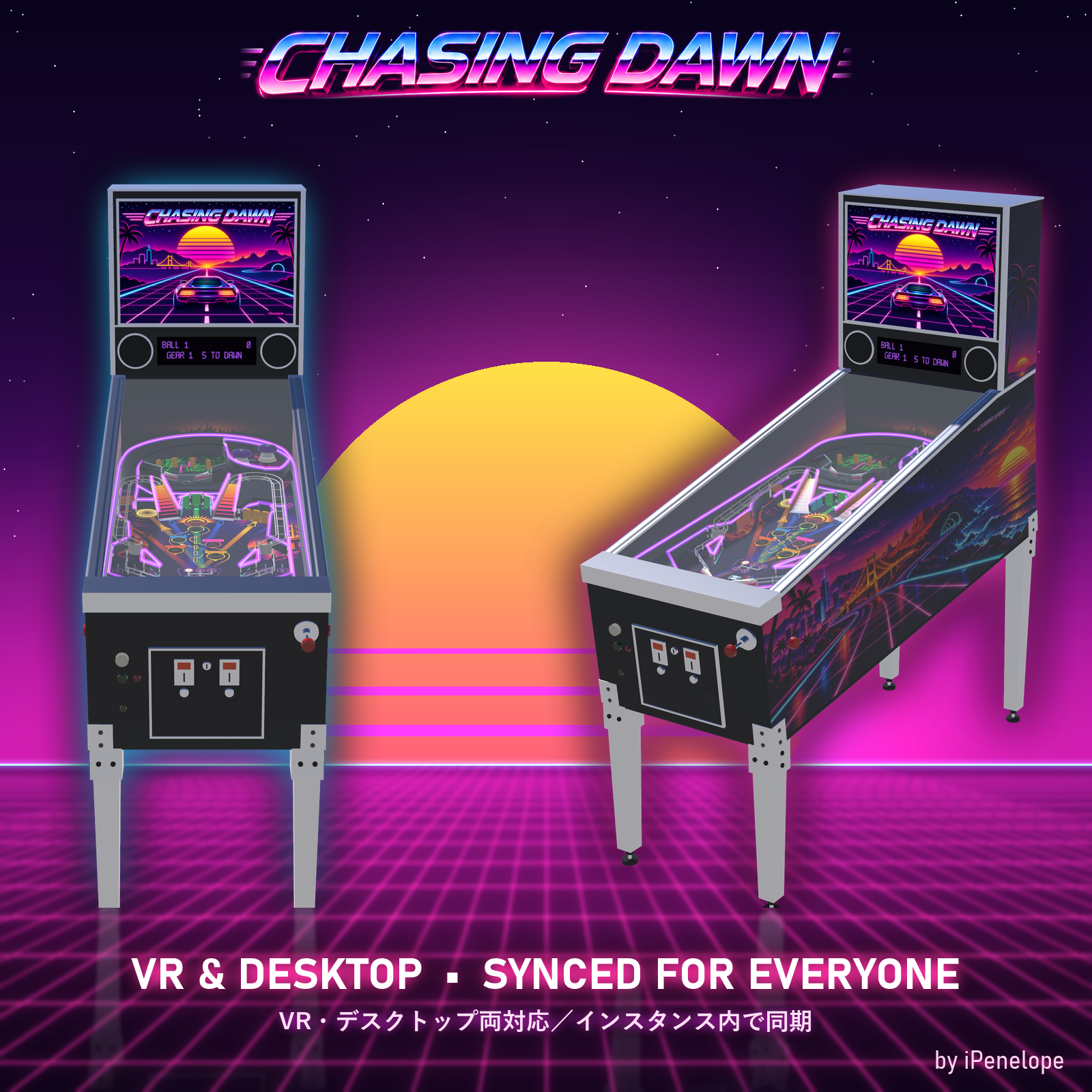
CHASING DAWN - An Original Synthwave Pinball Machine for VRChat Worlds by iPenelope One night's drive, coast to coast, chasing the sunrise. Chasing Dawn is a fully playable, original pinball machine for your VRChat world - neon, 80s synthwave and a real pinball game with deep rules, a dot-matrix display and its own soundtrack. Drop the prefab into your world and your visitors can play right away, in VR or on desktop.
[Try it before you buy!]
Playable in the iPenelope showcase world. https://vrchat.com/home/launch?worldId=wrld_98abe938-c441-44c2-b4c4-ae19d68a7dbf
【 FEATURES 】
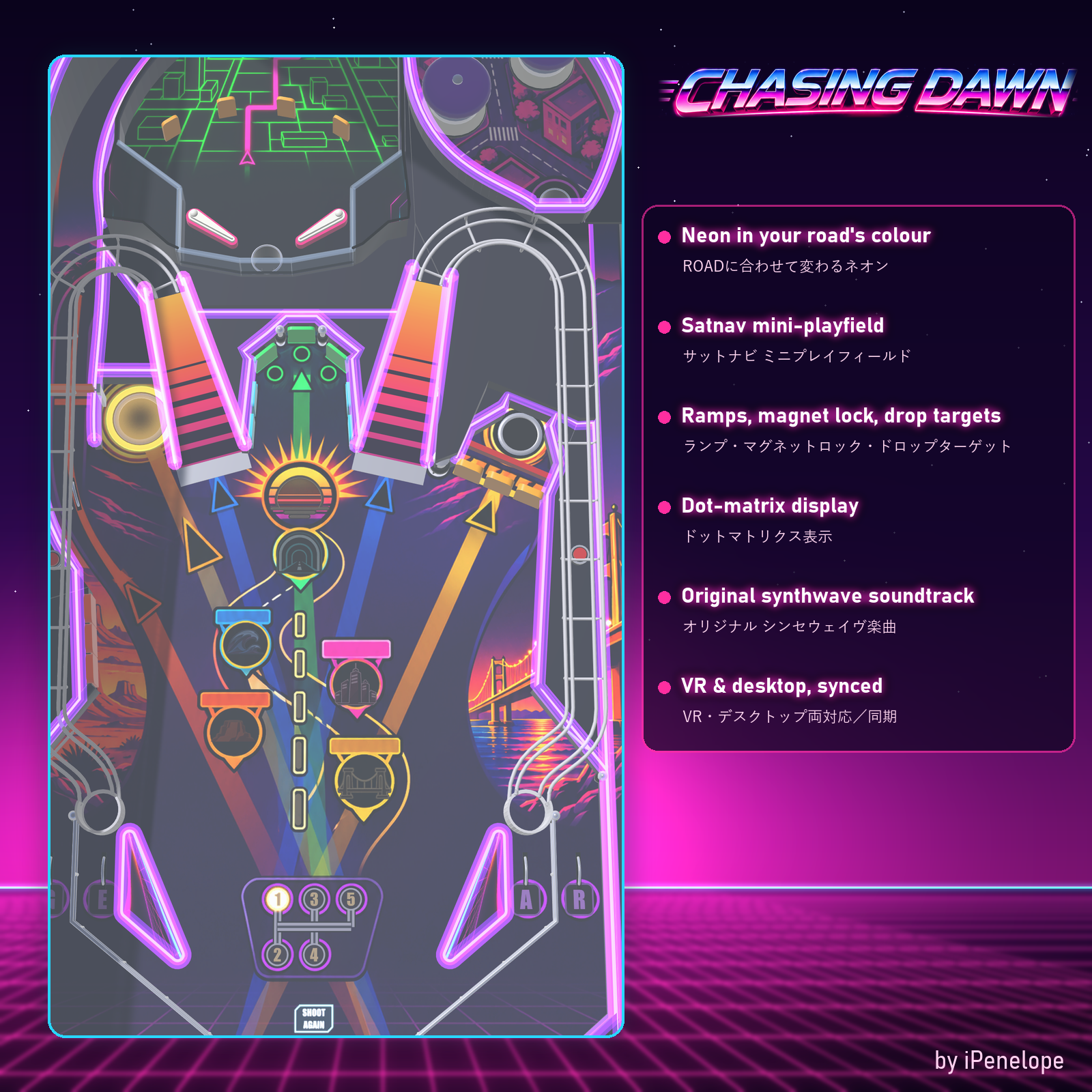
- Real pinball physics: flippers, slingshots, pop bumpers, spinner, ramps, wire ramps, drop targets, magnet lock and raised Downtown deck
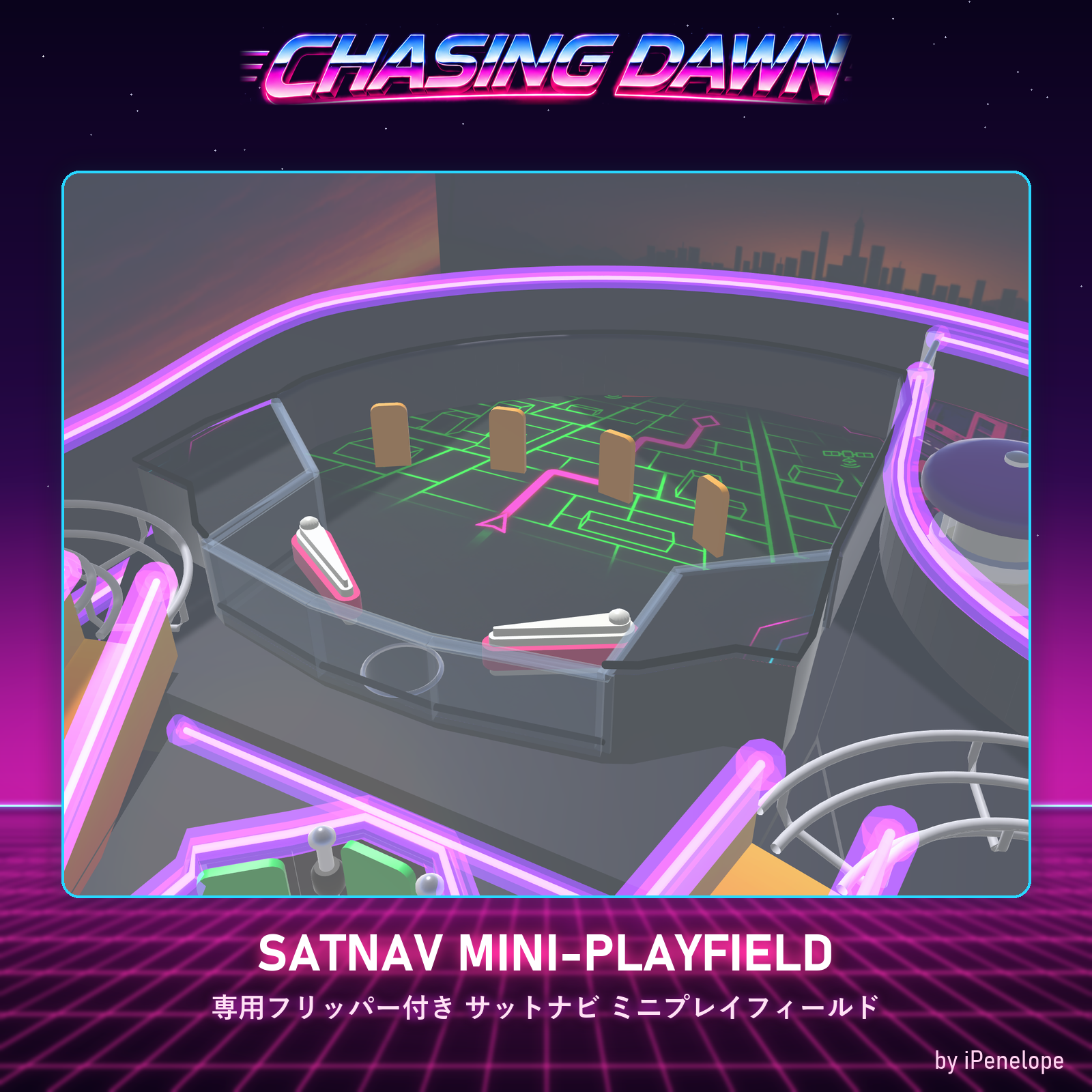
- Satnav mini-playfield with its own flippers on a raised level
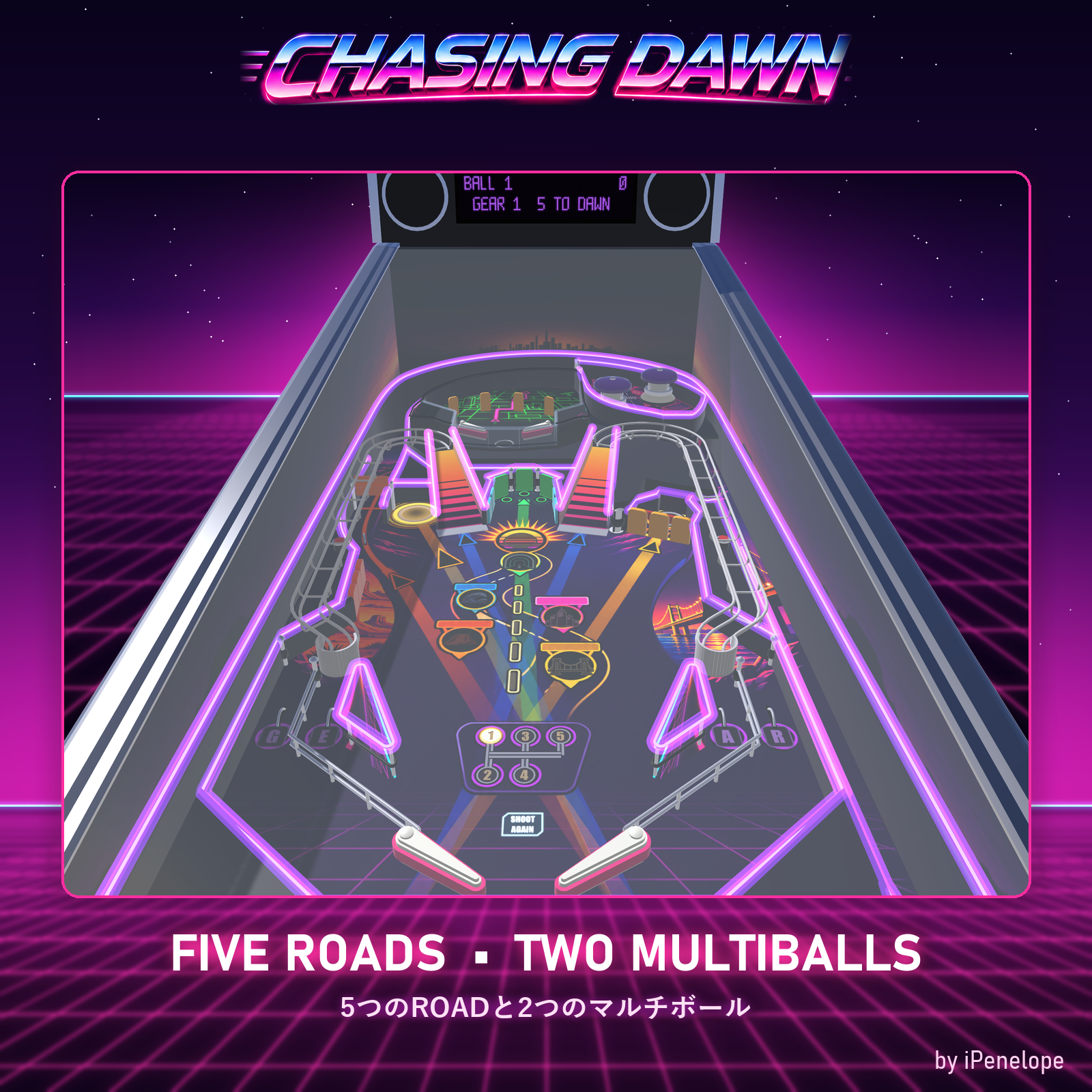
- Five ROADS, each with its own goal and neon colour: Downtown Strip / Toll Bridge / Desert Highway / Coastal Road / The Tunnel
- Wizard mode "Dawn at the Ocean" (4-ball multiball) and "Convoy" multiball
- Skill shot, GEAR multiplier, odometer, Overdrive, Spare Tire kickback, ball save
- Neon lighting that changes with the road you are driving
- Dot-matrix display with original font, scores and messages
- Jukebox: choose an original track before first launch (or turn music off)
- Original game and mechanical sounds
- High score board, rules card, Easy mode (5 balls, longer ball save
- VR and desktop support
- Synced for everyone in the instance: ball, display, lights and sounds
- Built for busy worlds: switches to a lightweight distance version and sleeps when nobody is close; can stand next to other machines
【 CONTENTS 】
- ChasingDawn_v1.0.unitypackage (about 59 MB)
- Ready-to-place prefab "Chasing Dawn Table"
- Pinball Core (shared pinball engine; also updates other iPenelope machines on import)
- README with setup, controls and world creator settings
【 REQUIREMENTS 】
- Unity 2022.3 (VRChat version)
- VRChat Worlds SDK 3.10 or newer (UdonSharp included)
- For VRChat WORLDS only (not an avatar product)
【 SETUP 】
- Import the unitypackage into your world project.
- Drag "Assets/Machines/ChasingDawn/Chasing Dawn Table.prefab" into your scene.
- Upload your world - done. See README for music and audio range settings.
【 TERMS OF USE 】
- Use in any number of your own worlds, including public and monetized worlds.
- You may modify it for use in your own worlds.
- Free to play: every visitor must be able to play it for free. Do not put it behind paid rooms, creator-economy products, Patreon/supporter roles, paid group access, fully paid worlds or paid gameplay perks. Private, friends, invite and free group instances are fine. Exception: it may be placed in a paid area if at least one fully working copy is freely accessible in the same world.
- Do not redistribute or resell the files, alone or as part of other packages or kits.
- Do not extract music, sounds, artwork or models.
【 AI DISCLOSURE 】
- Generative AI tools were used in the making of this product.
【 NOTES 】
- No refunds after purchase due to the nature of digital products.
- Back up your project before importing.
- Content may be updated; buyers receive updates through the store.
【 UPDATE HISTORY 】 v1.0 (2026-11-14) First release