
Produktbeschreibung
👓 Presentation
🤍 Please join my Discord to get updates about all my assets!
🤍 VisionSim is free and open source
🤍 Just want to test the asset without installing it? Use the public avatar
Ever wondering how your friend with glasses see?
Enter a glasses prescription and get an idea of the world looks, or explore how color blindness changes the colors around you
(I know VRChat already has color blindness simulation)
It features:
- Please consider this as a "fun" asset, it is not meant to be a perfect accurate representation and it cannot be anyway
- Easy install with VRCFury, drag and drop
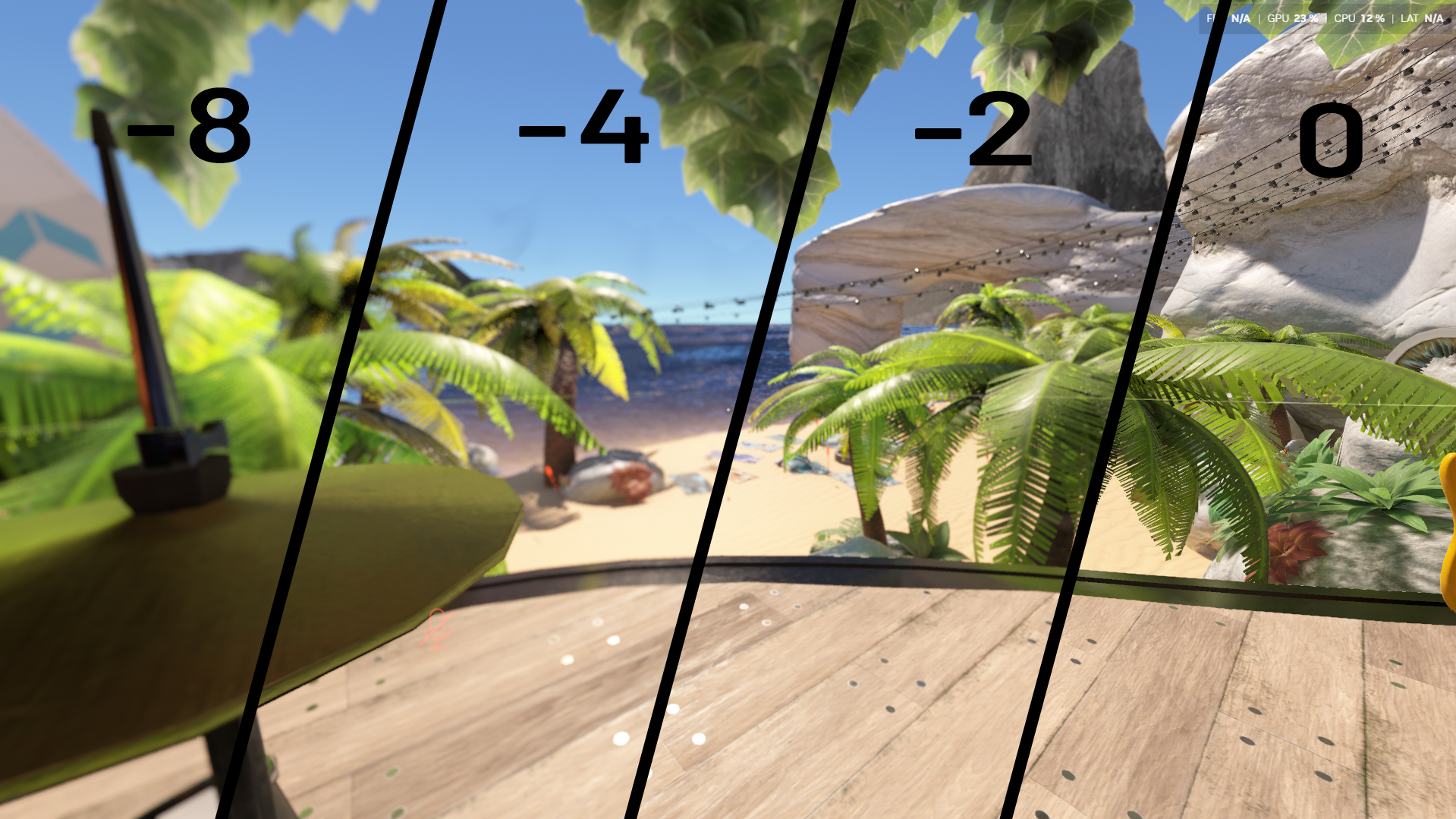
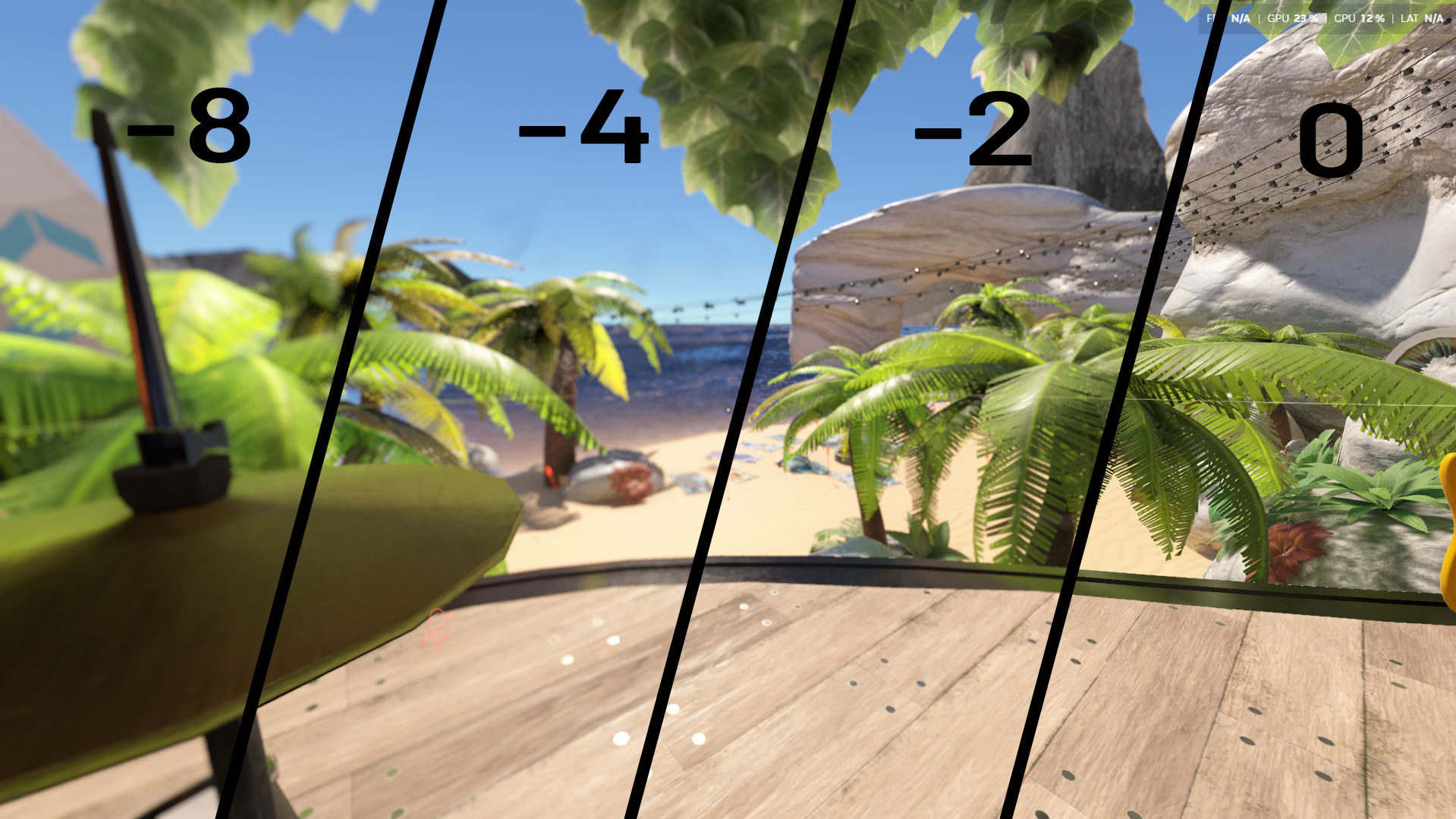
- Myopia and hyperopia, from -8 to +8 dioptres
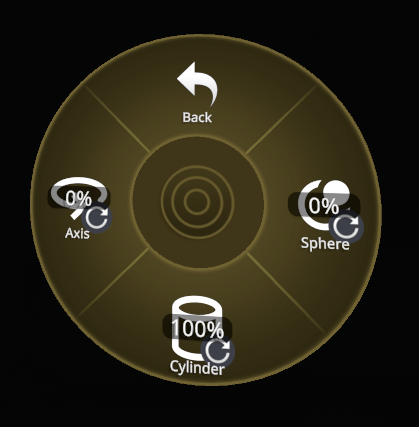
- Astigmatism, with cylinder and axis
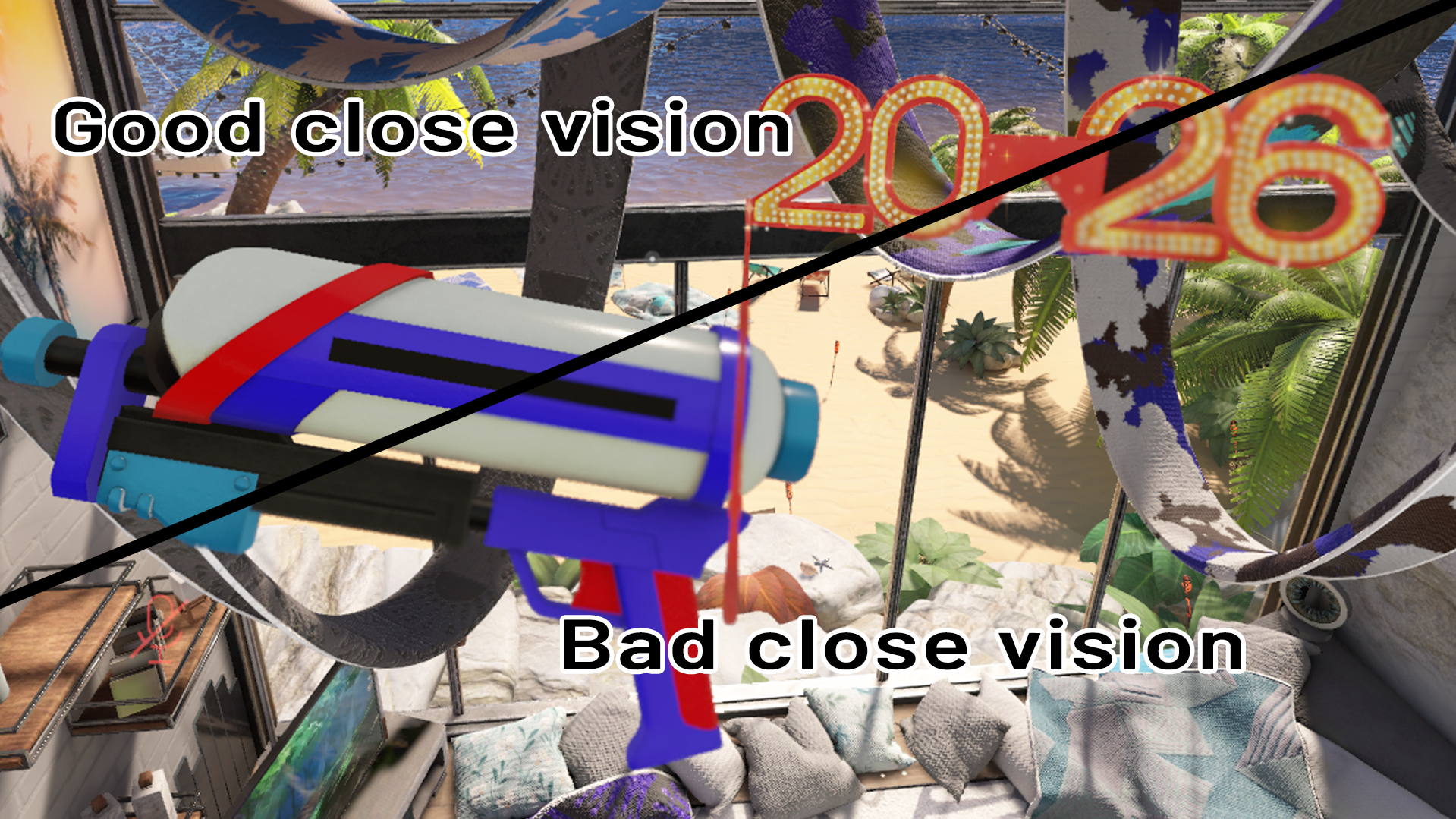
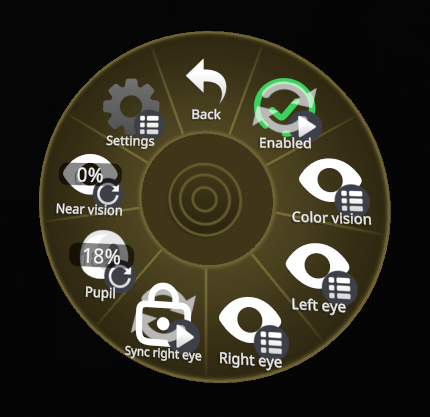
- Presbyopia, with a near vision slider from 12 cm to 1.5 m
- Separate settings for each eye, or both eyes synced
- Pupil size from 2 to 8 mm, to simulate daylight or night vision
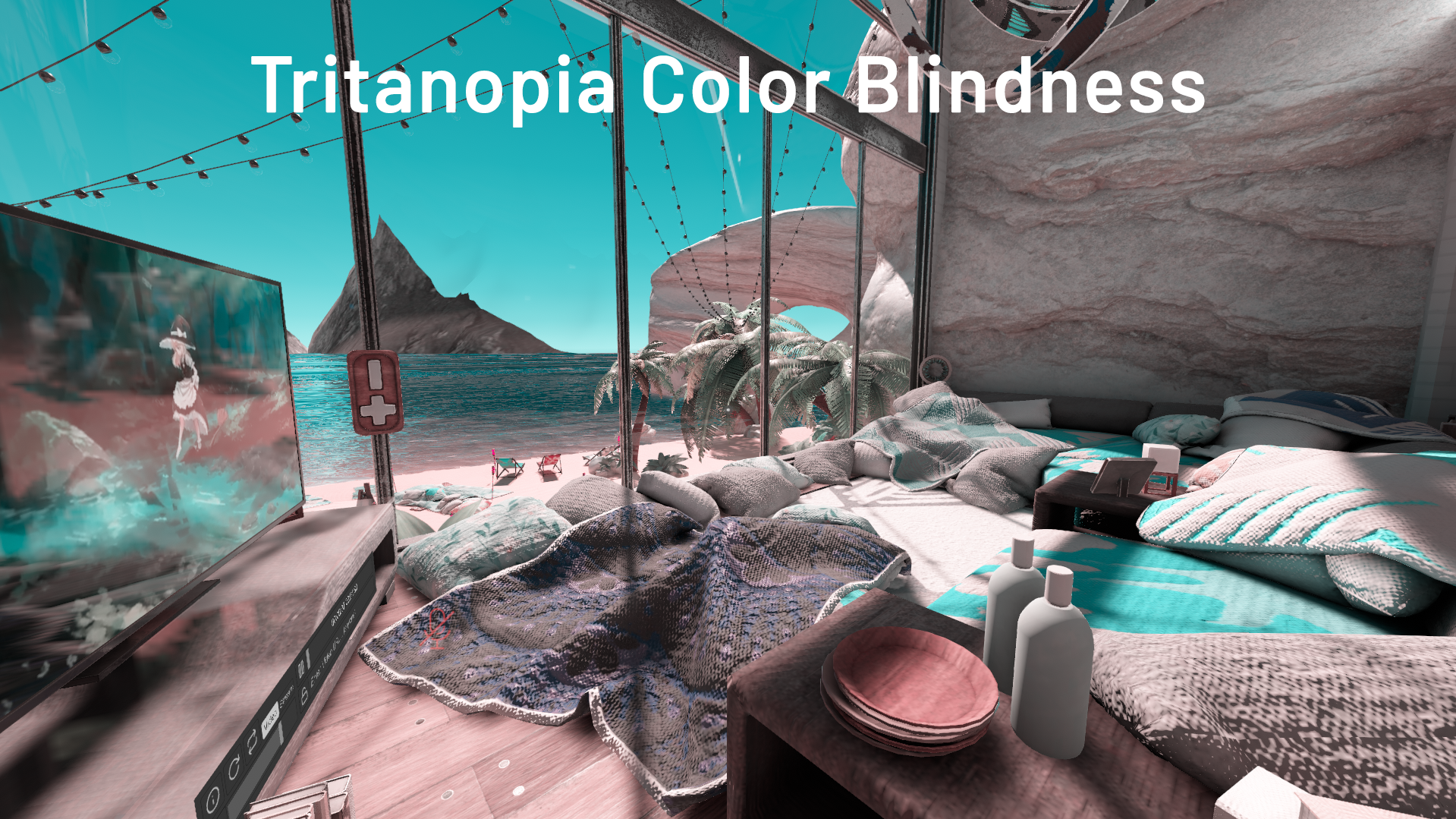
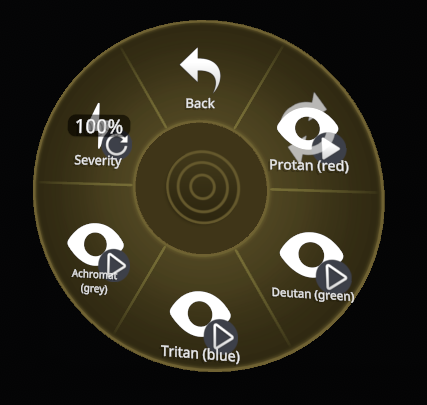
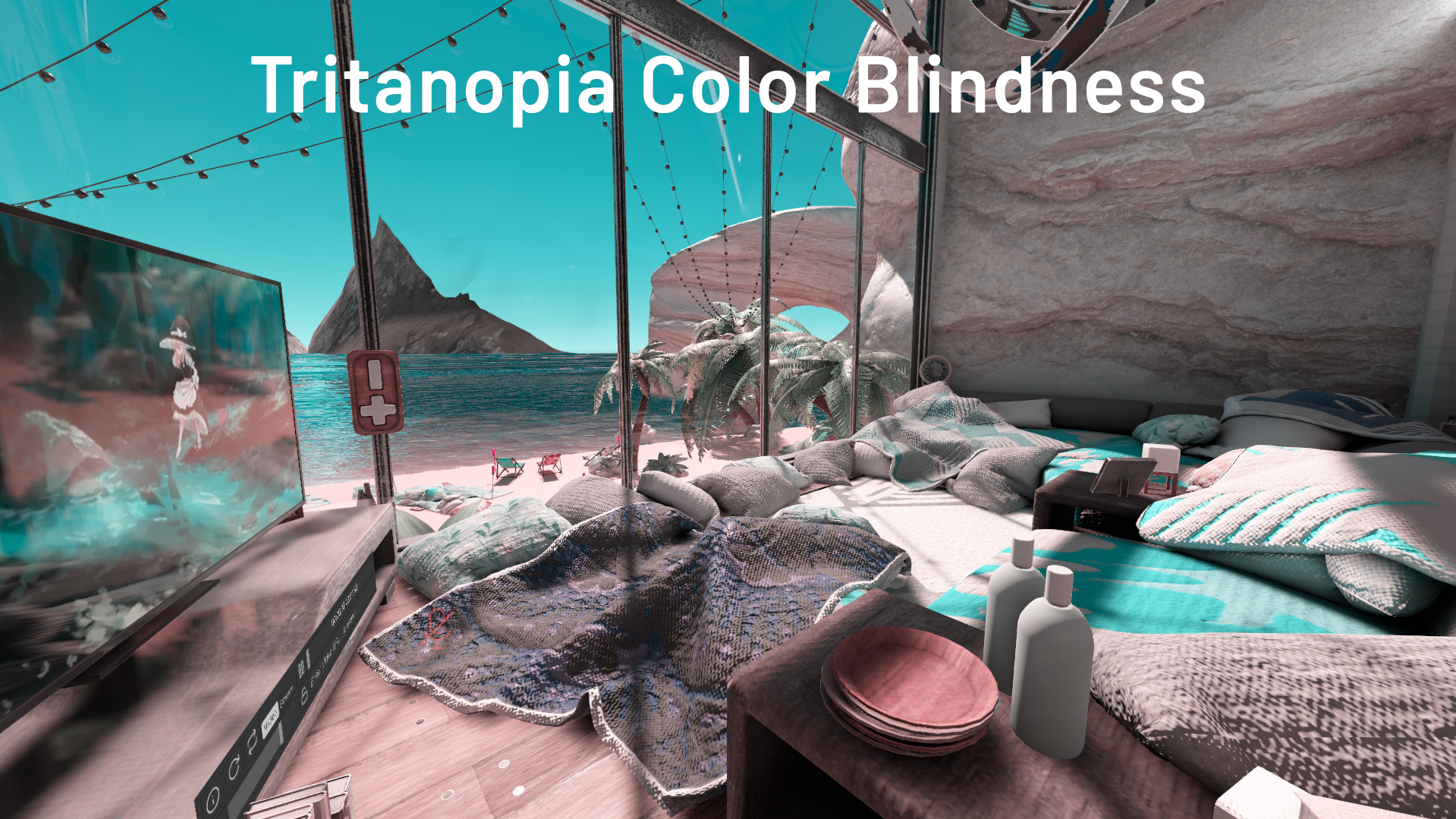
- Color blindness protan (red), deutan (green), tritan (blue) and achromat (grey), with a severity slider from mild to complete
- Only 1 material, 0 synced parameters, everything is local
This asset was made with the help of AIs (Claude)
Known limitations:
- Doesn't work on Quest due to VRChat limitations
- If you use the version without the DepthLight it will only work with worlds with a Depth Buffer (usually worlds with water)
- VR headsets have a limited resolution, so small prescriptions (below about 0.5 dioptres) can't be shown accurately, the Blur boost setting helps compensate
- The tritan simulation is less reliable than the other color blindness types
📸 Photos
✨ Getting started
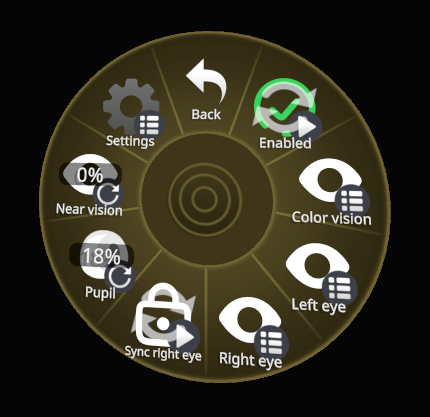
Simply drag and drop the prefab onto your avatar and a new icon will appear in your menu (or use the public avatar)
Enable it, then set your values in Left eye / Right eye or pick a type in Color vision
🔎 FAQ
Does this work in VR?
Yes of course, it is best used in VR and much more immersive
Is this Quest compatible?
Nope sorry, Quest compatibility won't happen, it is simply impossible due to VRChat limitations
Can other people see the effect?
Nope, it is local only and it is hidden from mirrors and the VRChat camera
Is it heavy on performances?
It can be quite heavy depending on your settings, you can try to disable depth rejection and reduce taps in the settings to improve performances
How do I enter a prescription?
Sphere:
- 0% = -8
- 50% = 0
- 100% = +8
- Example for -3: (-3 + 8 / 16) = 31%
- Example for +2: (2 + 8 / /16) = 63%
Cylinder:
- 0% = 0
- 100% = -4
- Example for -1: 1 / 4 = 25%
- Example for -2.5: 2.5 / 4 = 63%
Axis:
- 0% = 0°
- 100% = 180°
- 90° is 50%
What is Near vision?
The closest distance your eyes can still focus at
Around 12 cm for a young adult, it moves further away with age (presbyopia), past 1 m around 60 years old
0% = 12 cm, 100% = 1.5 m.
What pupil size should I use?
It depends on the lighting
- 0 - 17% (2-3 mm) in bright daylight
- 17 - 33% (3-4 mm )indoors
- 50 - 67% (5-6 mm) in dim places
- 67 - 100% (6-8 mm) at night
The bigger the pupil the stronger the blur
What is Blur boost?
Your real eyes see much finer details than a VR headset can display, so small blurs disappear in the headset's pixels
Blur boost enlarges small blurs so they stay visible, while leaving strong blurs untouched
0% is physically exact but it won't display properly on smaller resolution headsets
Why doesn't the blur work in some worlds?
First make sure you enabled VisionSim in the menu ("Enabled" toggle)
If you use the version without the DepthLight it will only work with worlds with a Depth Buffer (usually worlds with water)
⚠️ Disclaimer
VisionSim is NOT a medical tool. It only gives an idea of what a condition could look like, it is NOT an exact representation of what a person with that condition may see
Everyone's eyes and brain are different, and a VR headset can't reproduce real vision. Don't use it to diagnose, test or correct your vision
Don't use it for long periods of time. Looking at a blurry image can cause eye strain, headaches, dizziness or nausea. Take regular breaks and stop immediately if you feel any discomfort
This asset is provided as is, without any warranty. I am not responsible for any issue, damage or discomfort resulting from its use
💻 Updates
V1.1.0
- Added a variant with a Depth Buffer light so that it works on every worlds (but your avatar ranking will fall to poor)
- Inverted cylinder (0 is 0 and 100 is -4 now)
- Added reset buttons to each eye