
Produktbeschreibung
Dieses Produkt enthält KI-generierte Inhalte.
NOTICE: This product is scheduled for revision. Its structure is being re-checked, and an updated version will be released in due course. The current version remains fully usable as-is.
LATEST
Nov 28, 2026 Ver.1.0: First release.
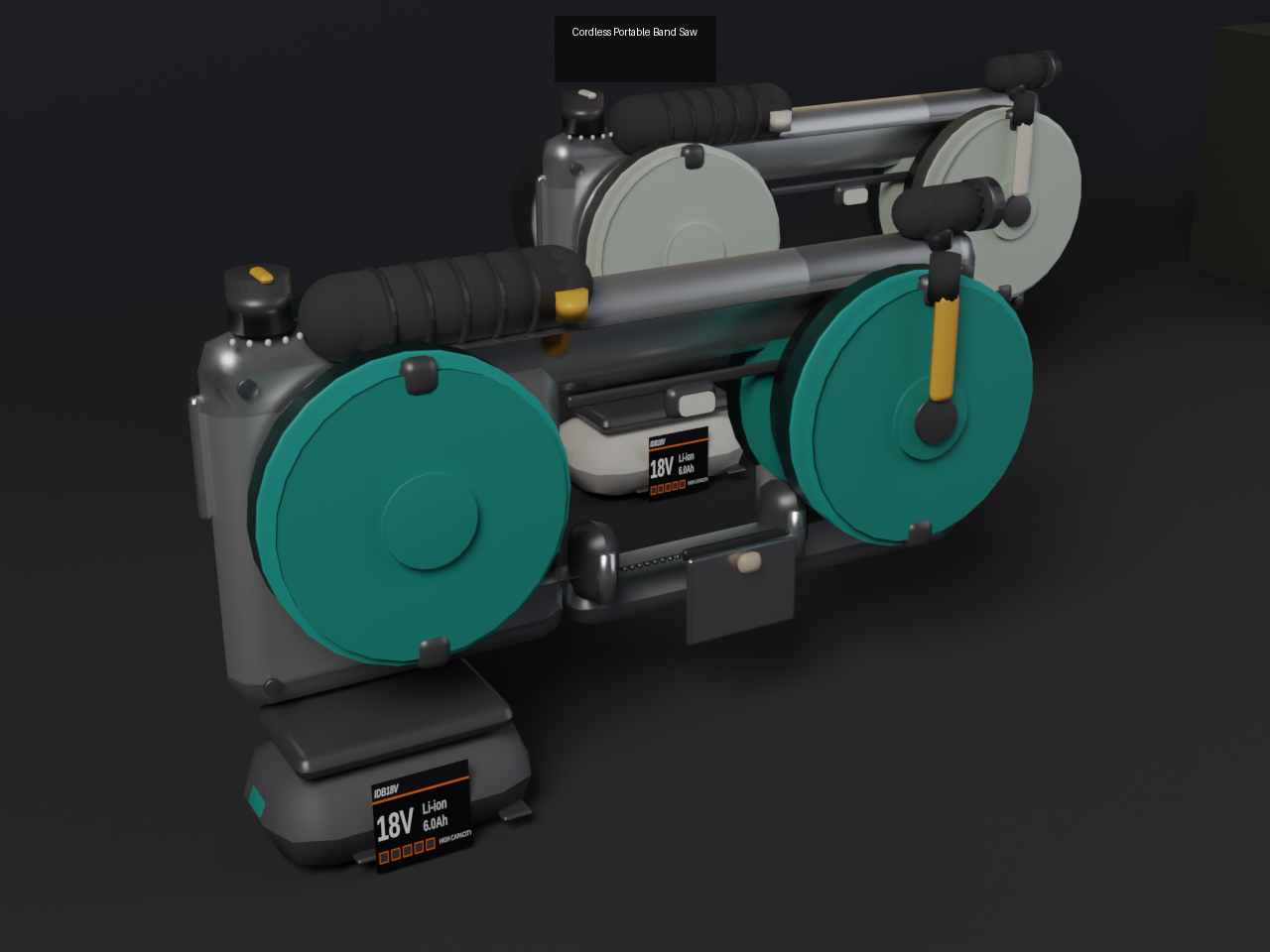
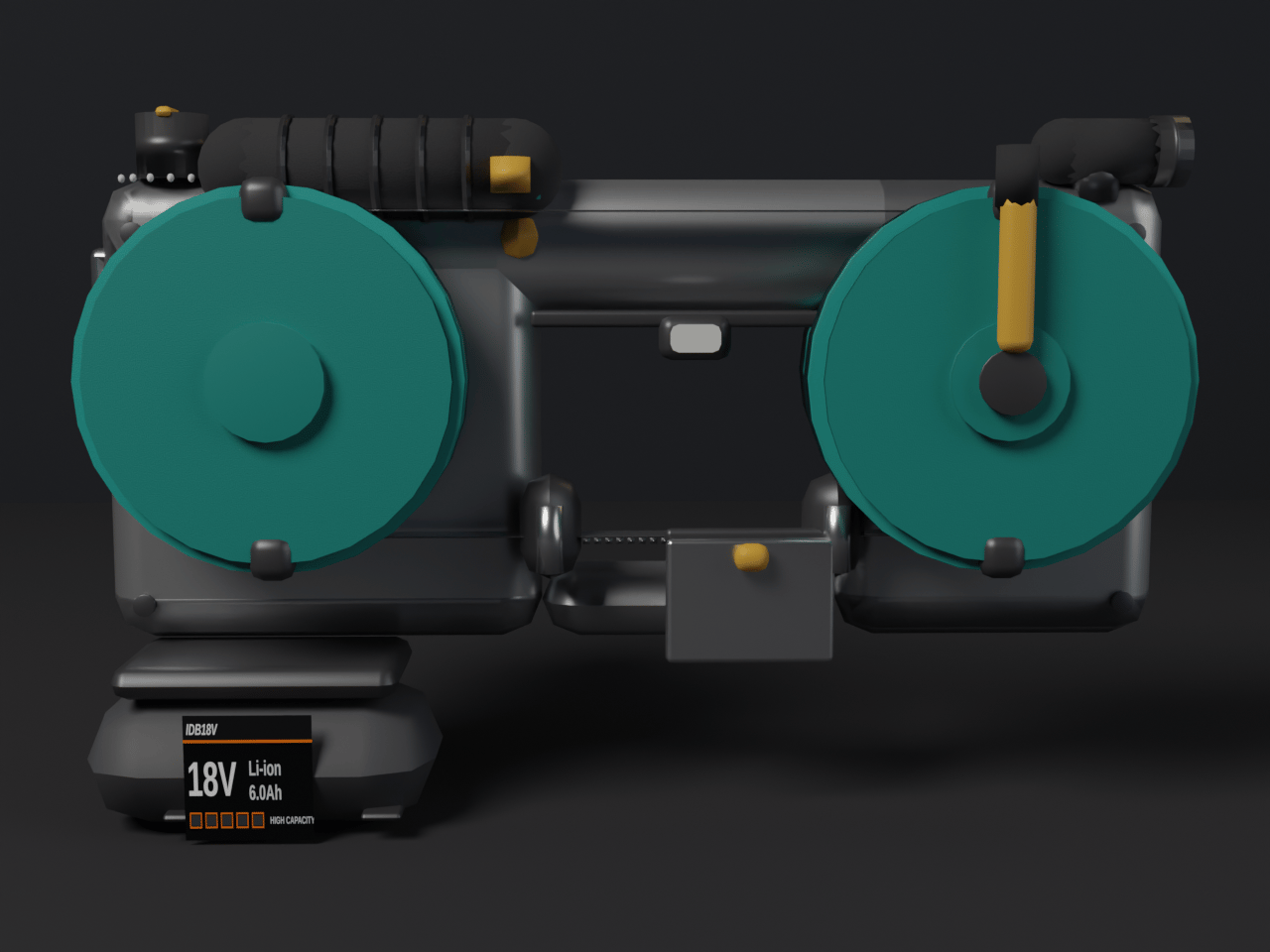
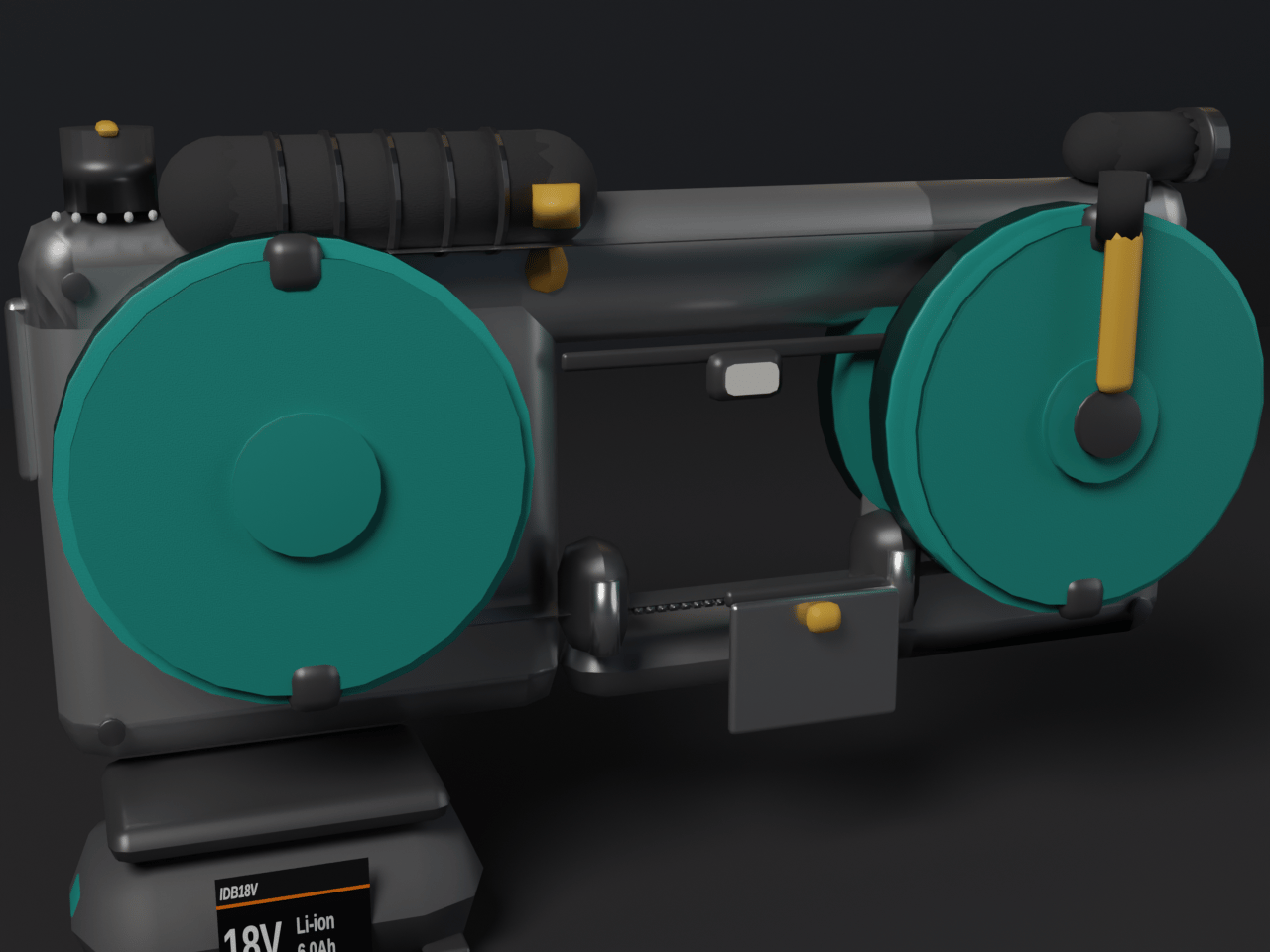
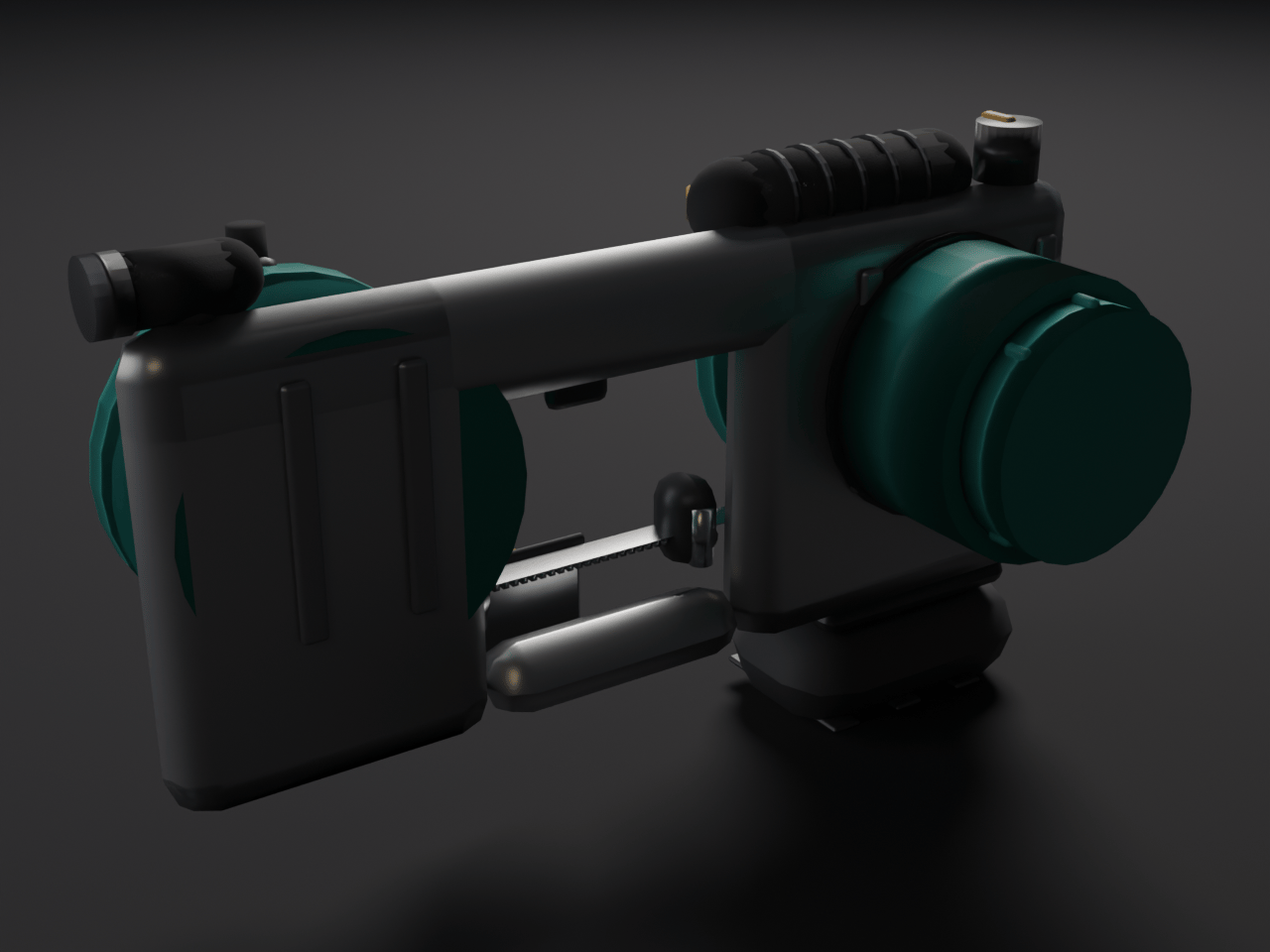
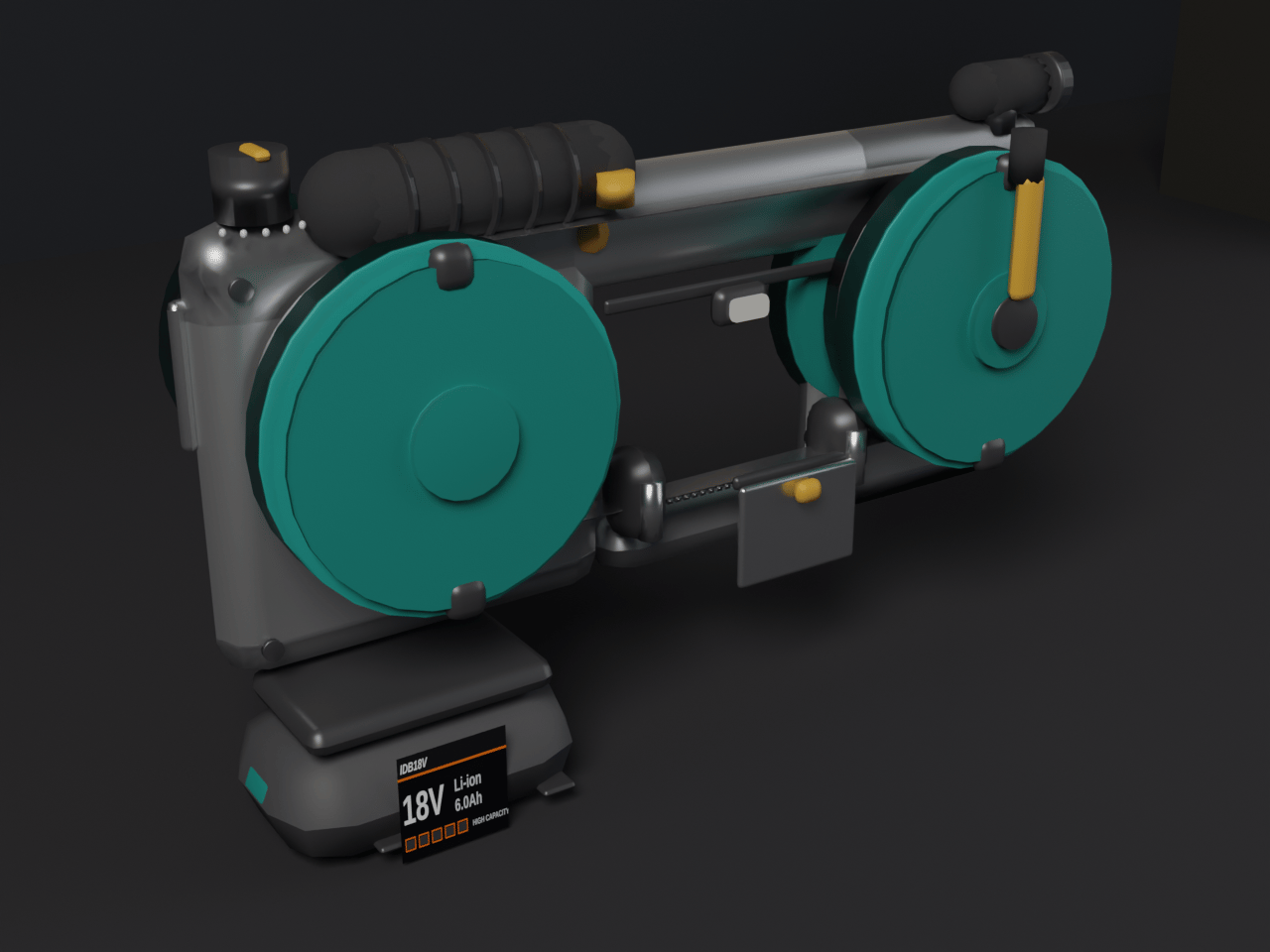
The Cordless Portable Band Saw is an original-design cordless portable band saw prop for VRChat worlds and avatars. A flat frame carries two wheels at either end with an endless band blade looped around them, exposed only at the cutting window on the lower edge of the frame. Six keyframed animations are baked into the FBX files, and two finished colors — Standard and Pastel — are included in both the full model and a lightweight Lite version, for a total of four FBX files.
The battery is the IDB18V pack, the fictional common battery shared across this product line, slide-mounted at the lower rear of the body. IDB18V is an original fictional name created for this product line; this product is not affiliated with any real tool manufacturer, and no real brand, series, model number or technology name is used.
AI disclosure: This product was created with AI assistance (procedural generation supervised, verified and finished by the seller).
WHAT'S INCLUDED
- Full model FBX in 2 colors: Standard / Pastel — 12,322 triangles each
- Lite (lightweight) model FBX in 2 colors: Standard / Pastel — 2,030 triangles each, low-poly and designed with Quest / smartphone limits in mind (not live-tested in a published Quest world)
- Source .blend file (Jinxxy edition only) — Standard color full model, see Source file section below
- README (English) and LICENSE.txt
- Preview images are also included inside the package: top_lineup.png, gallery_front34.png, gallery_side.png, gallery_back34.png, gallery_detail_window.png (all 1280 x 960)
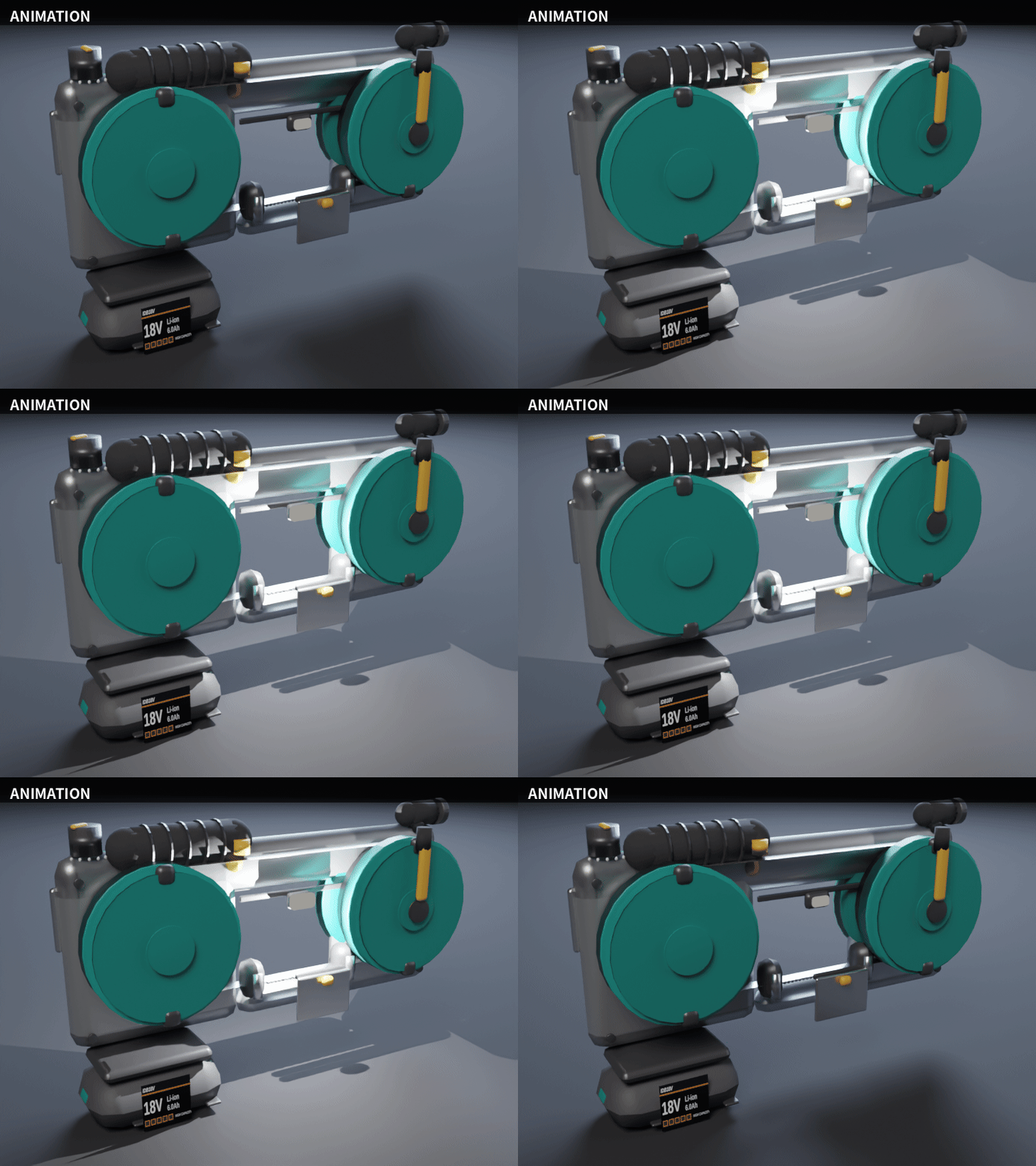
- Animation sample (sample_animation.gif): a demo GIF of the blade spin, speed dial and trigger / LED animations in operation (720 x 540, 75 frames at 15 fps)
SPECIFICATIONS
Full model: 12,322 triangles. Lite model: 2,030 triangles.
Dimensions (measured): assembled with the battery fitted, 400.0 x 175.0 x 255.0 mm. Real-world scale.
Blade: endless loop of 860 mm circumference equivalent, 13 mm wide, 0.5 mm thick equivalent. The cutting window opening is approx. 110 x 80 mm.
Wheels: 115 mm diameter. Wheel covers: 132 mm outer diameter.
Animation: 6 keyframed actions are baked into the FBX — (1) blade circulation with wheel spin: both wheels rotate while the teeth exposed in the window shift by one pitch at a time and loop (the blade does not travel around its path as a whole mesh; circulation is expressed by the looping teeth movement plus the wheel rotation), (2) trigger pull with the LED lighting in sync, (3) tension lever rotation, (4) both wheel covers opening and closing together on their top-edge hinges, (5) shoe slide (20 mm), (6) speed dial rotation with the index mark following the dial. In the source .blend the actions are named WheelSpin_Drive / WheelSpin_Idler / BladeTeethLoop / TriggerPress / LEDGlow / TensionLeverTurn / CoverOpen_Drive / CoverOpen_Idler / ShoeSlide / DialTurn.
Structure: guide bearings sit in front of and behind the cutting section, with the blade running between them. The shoe (stopper plate) that receives the workpiece slides to adjust its protrusion. Speed dial with plain ticks only (no numbers or letters) on the rear top, an LED light aimed at the cutting section, and a trigger in the main grip.
Battery: IDB18V fictional common pack, slide-mounted at the lower rear of the body.
Materials: colors are split into per-role materials, so recoloring only needs material color changes.
HOW TO USE (in Unity)
1. Import the FBX file into your Unity project.
2. Place it in your scene — it appears fully assembled. The colors are in the materials, so there is no texture setup to do.
3. To play the motion: put the animation clips baked into the FBX on an Animator and play them.
4. For Quest worlds, use the Lite FBX files.
Unity package: Not included. Please import the FBX files into your Unity / VRChat project directly.
HONEST NOTES
- No Unity package (.unitypackage) is included in this product. The FBX files, source .blend, README, LICENSE.txt, preview images and animation sample GIF listed above are the complete contents. The "Prefabs" category on this page describes the intended VRChat world use; you import the FBX files directly, there is no ready-made Unity prefab file.
- You may place multiple copies in your own world, and use it in more than one of your worlds, on a single purchase.
SOURCE FILE (.blend) — Jinxxy edition only
- bandsaw_standard.blend — Standard color full model production master.
- Requires Blender 4.2 LTS.
- Modifications are at your own risk. Modified files are outside the scope of support.
LICENSE
- Personal license: use in your own VRChat worlds/avatars, videos, streams and other personal projects. Monetized videos and streams are fine too — show it off!
A link back is appreciated, but not required.
- Commercial license: everything in the Personal license, plus use in paid commissions and client work, plus use in finished products you sell — provided the model data itself is not redistributed in a form where it can be extracted and used on its own.
- Not allowed (both licenses): Redistributing or reselling the model data itself is prohibited — modified or unmodified, free or paid. This includes the included source .blend file. Do not claim the model as your own creation.
FAQ
- Q: Is there a version for Quest? A: Yes — a Lite version (2,030 triangles, in both colors) is included and is designed with Quest / smartphone limits in mind. It has not been live-tested in a published Quest world by the seller. There is no Unity package, so please import the Lite FBX into your project as usual.
- Q: What moves? A: Six keyframed actions are baked into the FBX: the wheels spin while the exposed blade teeth loop by one pitch at a time, the trigger pulls in with the LED lighting in sync, the tension lever turns, both wheel covers open and close together, the shoe slides, and the speed dial turns.
- Q: How big is it? A: Real-world scale — assembled with the battery fitted, 400.0 x 175.0 x 255.0 mm.
- Q: Can I place more than one in my world? A: Yes — multiple copies in your own world, and use across your own worlds, are allowed on a single purchase. Redistribution is not.
- Q: Can I edit the model? A: Yes — the source .blend file (Blender 4.2 LTS) is included in this Jinxxy edition. Colors are split into per-role materials, so recoloring is easy. Modified files are outside the scope of support.
- Q: Can I use it in a paid commission / monetized video? A: Monetized videos and streams are covered by the Personal license; paid commissions, client work and use in finished products you sell need the Commercial license. Redistribution of the data itself is never allowed.
- Q: Is this a real brand product? A: No. All names and labels used in this product are fictional; IDB18V is an original fictional name created for this product line.
Purchase Note:Questions about the files? Message us here on Jinxxy with your order info and a screenshot — we reply within 2–3 days. No Unity package is included; please import the FBX directly. Modified .blend files are not supported.
VERSION HISTORY
Nov 28, 2026 Ver.1.0: First release.