Produktbeschreibung
Dieses Produkt enthält KI-generierte Inhalte.
Developed with AI assistance (modeling scripts and testing). The design sketches and the store cover frame were made with generative AI.
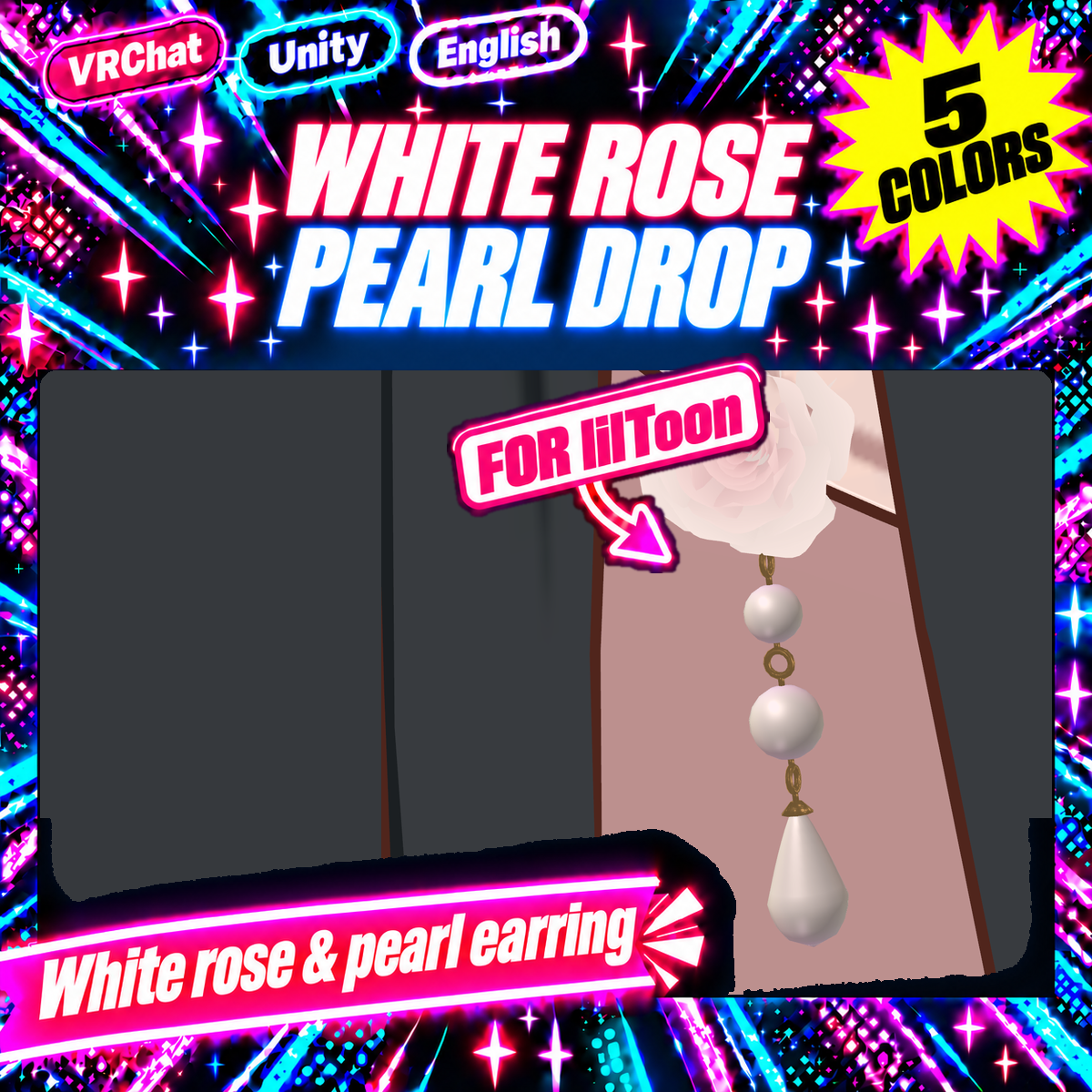
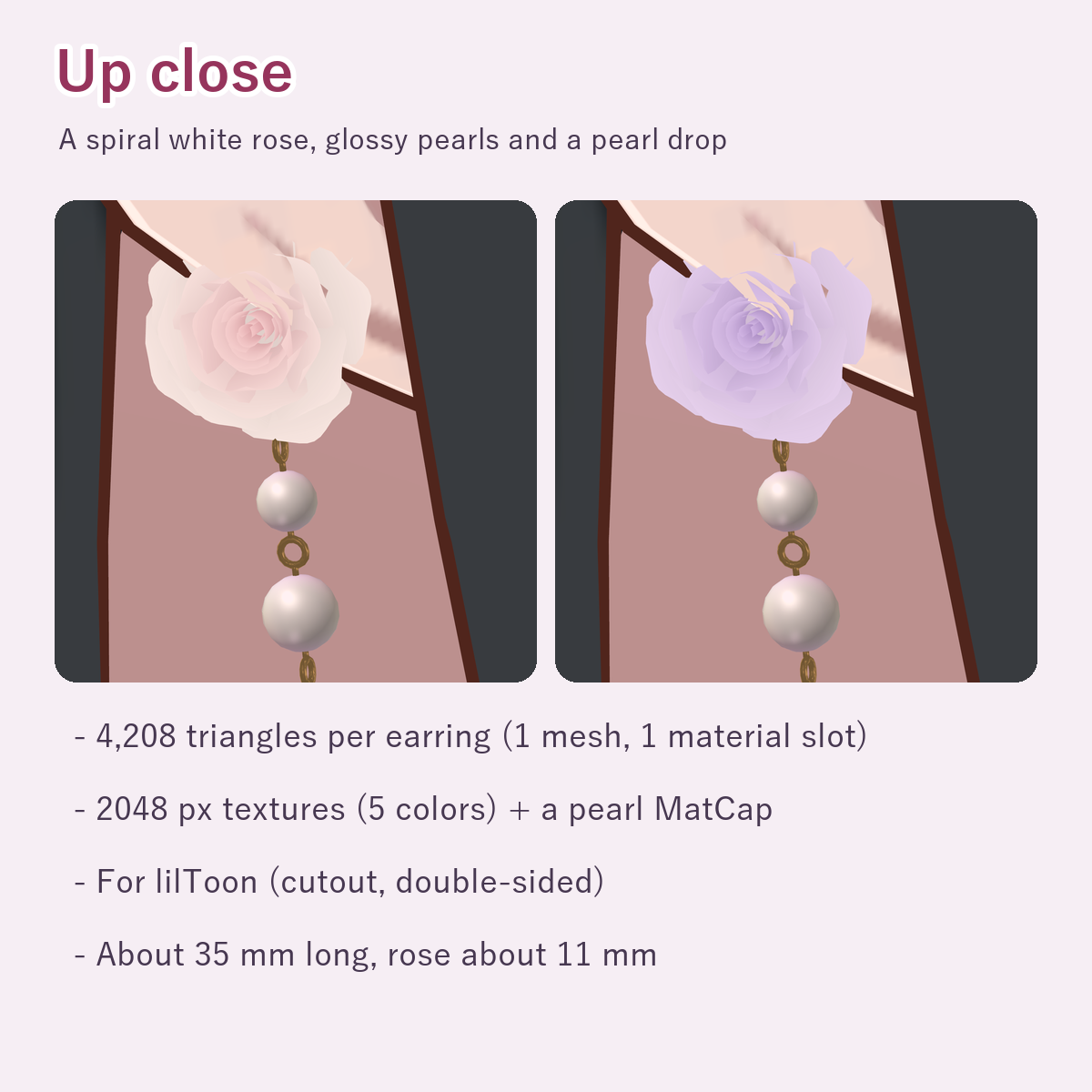
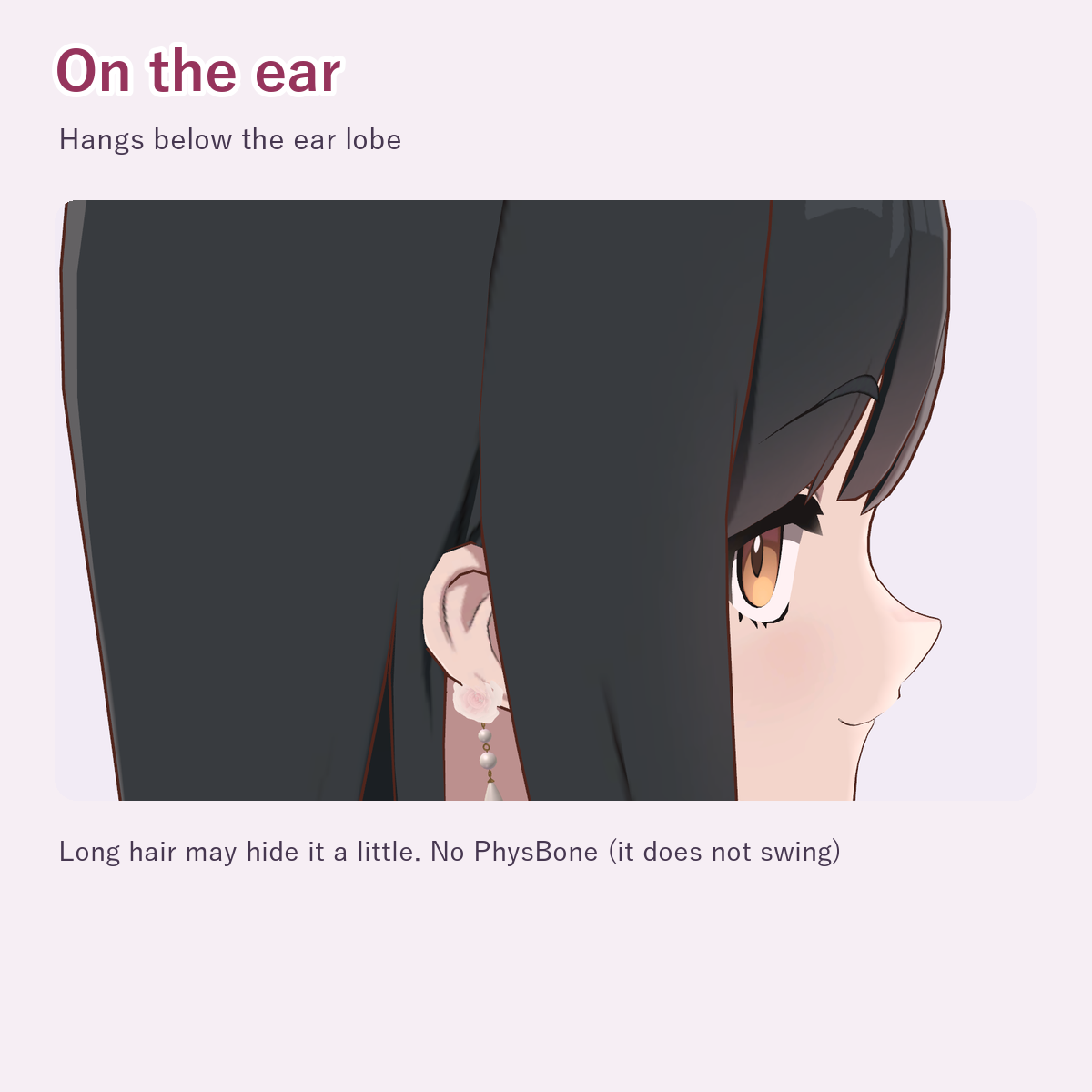
An earring with a spiral white rose and three pearls hanging below it: a small one, a medium one and a pearl drop.
What's included
- WhiteRosePearlDrop_v1.0.0.unitypackage
- 5 color prefabs (Prefabs/WhiteRosePearlDrop_White, Pink, Lavender, Sax, Mint)
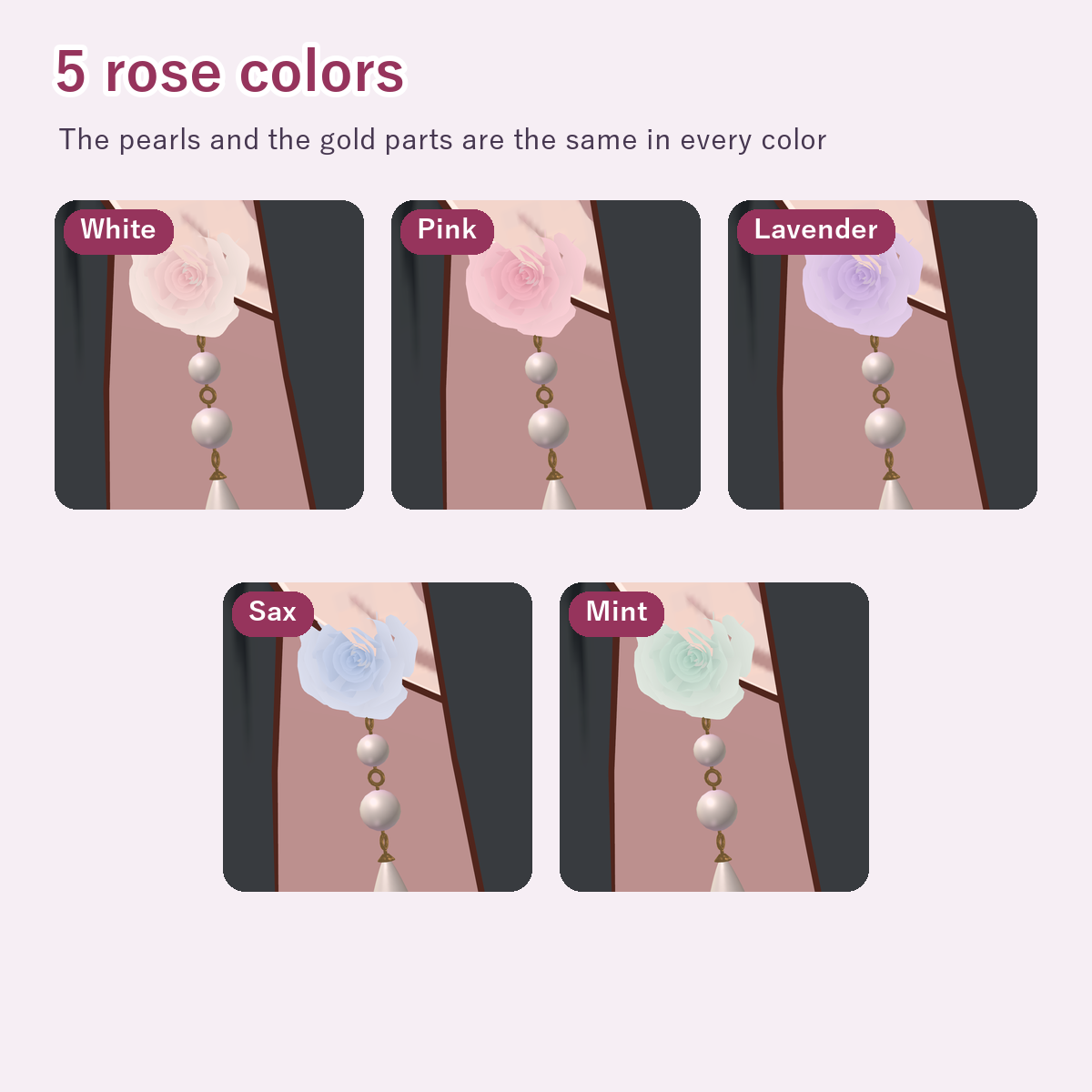
- 5 rose colors (White, Pink, Lavender, Sax, Mint). The pearls and gold parts are the same in every color
- 1 mesh (one ear, 4,208 triangles), 5 materials (one per color; lilToon cutout, double-sided), textures (2048 px: 5 colors, a pearl MatCap, 2 masks)
- README (English)
Requirements
- Unity 2022.3 (the version VRChat uses)
- lilToon (import it into the project first; tested with 2.3.4)
Install
- 1. Drag WhiteRosePearlDrop_v1.0.0.unitypackage into Unity's Project window and import it
- 2. The 5 color prefabs are in Assets/KotokotoLab/WhiteRosePearlDrop/Prefabs
How to put it on (either way)
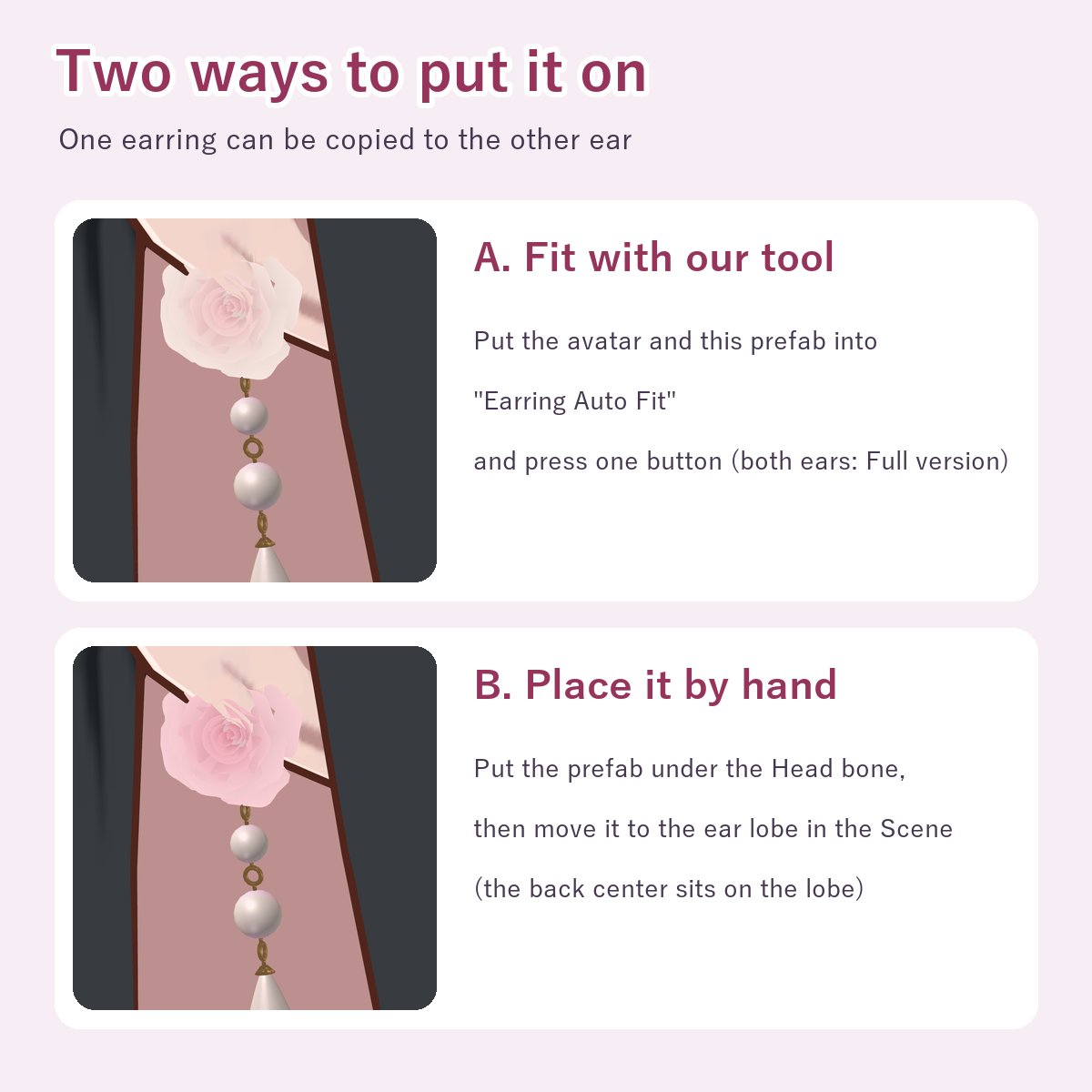
- A. Fit it with our "Earring Auto Fit" tool (sold separately)
- https://jinxxy.com/konabe/eAiRA
- Put the avatar and this prefab into the window and press the button; the earring goes on the earlobe
- (keeping the result and the copy for the other ear are in the tool's Full version; the free trial only previews the result for about 30 seconds)
- B. Place it by hand
- 1. Put the prefab in the scene, under the avatar's Head bone (inside the Armature)
- 2. In the Scene view, move it to the earlobe (front facing outward; the back center sits on the lobe)
- 3. For the other ear, duplicate the prefab, set Scale X to -1 and place it on the other earlobe
- It is about 35 mm long, rose about 11 mm
Notes
- For avatars with human ears. The tool cannot fit avatars without human ears (e.g. only animal ears)
- Under long hair it may be hidden by the hair
- No swinging parts (PhysBone). It follows the Head bone
- The petals are flat cards shaped by a cutout texture (double-sided). Changing the material's rendering mode changes how they look
- Tested with lilToon 2.3.4 only. How it looks depends on world lighting and shader settings
What we tested
- Passed the VRChat SDK Build & Test (the same processing as an upload)
- Fitted on 13 avatars with Earring Auto Fit in Unity; it goes on both earlobes on 11 of them (the tool found no human ears on the other 2)
Terms of use
- OK for personal and commercial use on your own avatars: uploading to VRChat for your own use, streams, photos, videos and screenshots
- You may edit it (color, shape, size, etc.)
- Do not distribute, sell or hand over this data (including edited versions) on its own or as a material, or avatars / outfits that include it in a form other people can use (including public or cloneable avatars)
- You may hand it to someone you ask to edit your avatar, only for that work (ask them to delete it afterwards)
- Use at your own risk
Updates
- 2026-11 v1.0.0 released
Questions or bug reports: please send a message through the shop.
Developed with AI assistance (modeling scripts and testing). The design sketches and the store cover frame were made with generative AI.